







How to show Elementor Templates inside a Device Mockup?

Key Takeaways

  • Dynamic Device widget from The Plus Addons for Elementor allows users to display Elementor Templates inside mockup devices.
  • Users can create a responsive layout template and showcase it within a mobile mockup for easier layout checking.
  • To use an Elementor template in a device mockup, users must first create and save the template in Elementor before adding the Dynamic Device widget.
Table Of Content

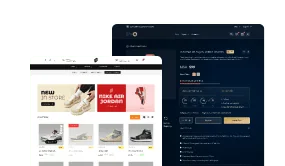
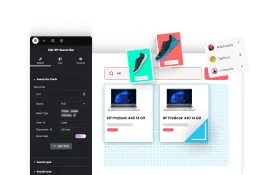
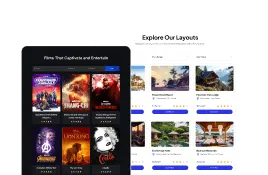
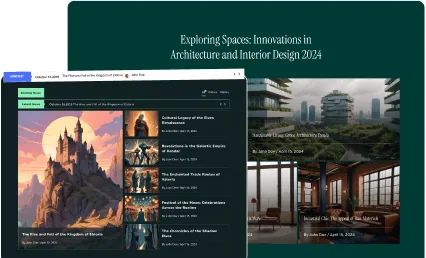
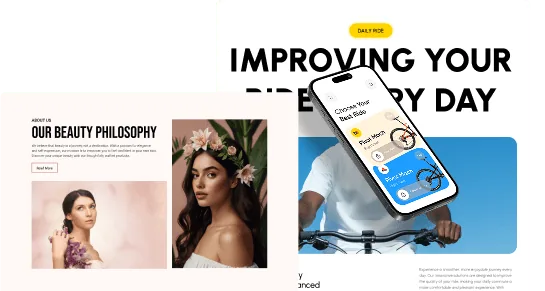
With the Dynamic Device widget from The Plus Addons for Elementor you can use Elementor Templates as the content inside your mockup device. With this method, you can show different types of content like video, products or even complex layouts and allow users to directly interact with your content within the mockup device.

For example, if you want to show your layout in a responsive mode, you can create a template accordingly and display it inside a mobile mockup making it easier for users to check the layout.

To check the complete feature overview documentation of The Plus Addons for Elementor Dynamic Device widget, click here.

Requirement  – This widget is a part of The Plus Addons for Elementor, make sure its installed & activated to enjoy all its powers.

So to use an Elementor template in your device mockup, first, you have to create and save the template in Elementor.

Then add the widget on the page, make sure to set the Layout to Normal and after choosing the appropriate device type and mockup, go to Content and choose Template from the dropdown.

After that, choose your Elementor template from the Elementor Templates dropdown.
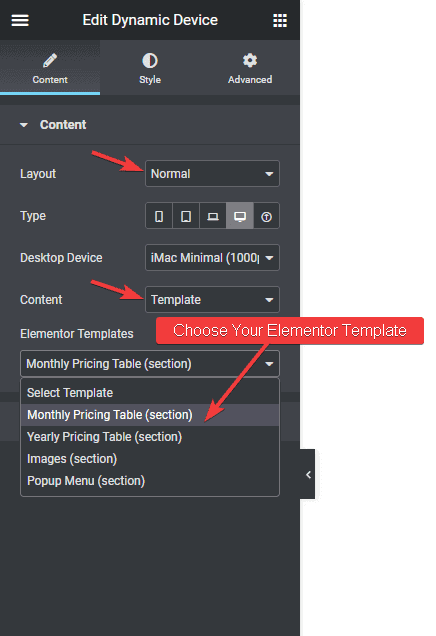
Dynamic device template

Now your Elementor template will show inside your device mockup and your users can interact with the content as well.  
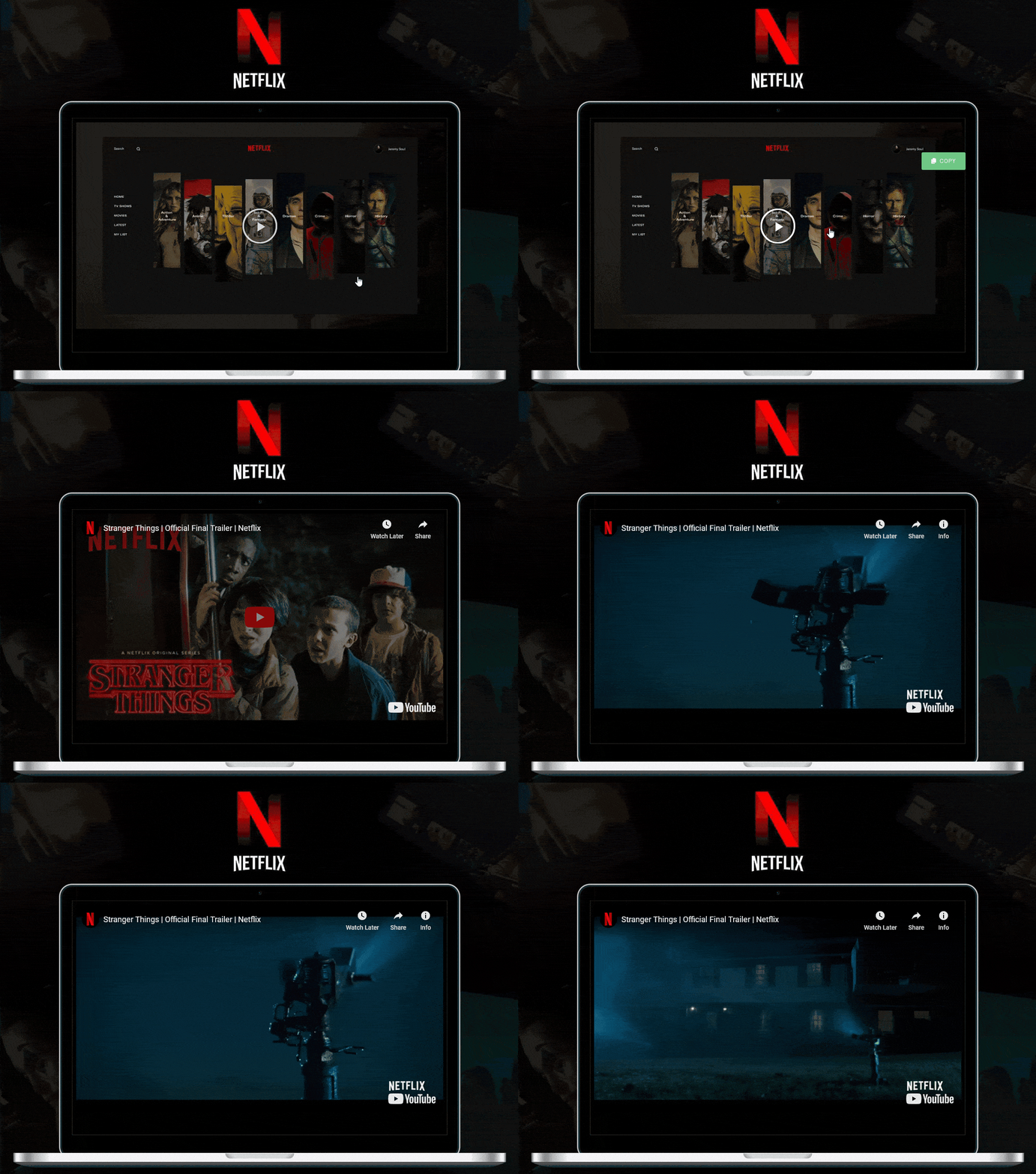
Dynamic device template demo

Also learn how to create a Device Slider in Elementor.

About the Author

Photo of Aditya Sharma CMO of The Plus Addons for Elementor
CMO · The Plus Addons for Elementor · 10 years experience

He has spent years in the WordPress ecosystem building, breaking, and optimizing sites until they actually perform. He works at the intersection of speed, growth, and usability, helping creators ship websites that load fast and convert. An active WordPress community contributor sharing through tools, tutorials, and direct collaboration. Tested practice, not theory.

WordPressElementorn8nAIClaudeAutomationServer
Get Instant Answers to all your questions about The Plus Addons for Elementor, trained on 1000+ Docs and Videos

Related Frequently Asked Questions

What should I do if my Elementor template isn't showing inside the device mockup?

If your Elementor template isn't displaying in the device mockup, first ensure that you have saved the template correctly in Elementor. Additionally, check that you have selected the correct device type and mockup in the Dynamic Device widget settings. If these settings are correct and the issue persists, it might be helpful to revisit the Dynamic Device widget settings overview for troubleshooting tips.

What is the best way to create a responsive layout for a mobile mockup?

To create a responsive layout for a mobile mockup, design your Elementor template specifically for mobile viewing. Once your template is ready, use the Dynamic Device widget to display it within a mobile mockup. This approach helps users visualize how the layout will appear on their devices, ensuring a better understanding of the design's responsiveness.

How can I create a device slider in Elementor?

To create a device slider in Elementor, you can refer to the guide on how to create a Device Slider in Elementor. This resource provides step-by-step instructions on setting up a slider that showcases multiple device mockups, enhancing the visual appeal and interactivity of your content.

Last reviewed: April 12, 2026