










How to use Elementor Templates in the Unfold widget?

Key Takeaways

  • The Plus Addons for Elementor allows users to use any layout design as collapsible content with the Unfold widget.
  • Users must create and save an Elementor template before adding it to the Unfold widget.
  • The Unfold widget requires The Plus Addons for Elementor to be installed and activated for full functionality.
Table Of Content

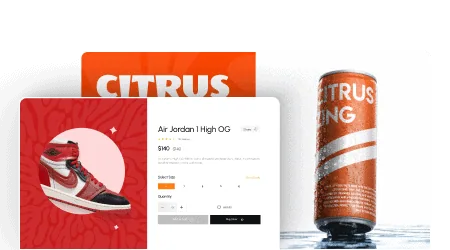
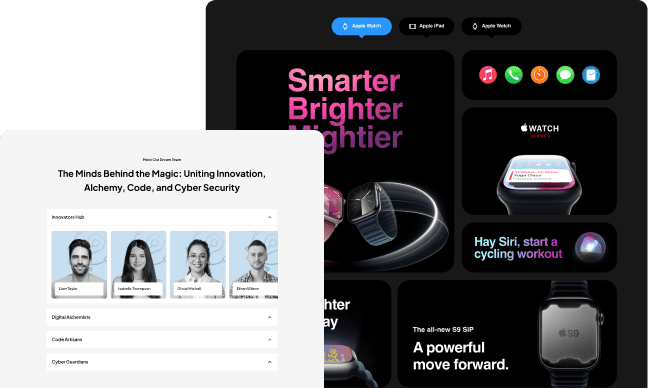
You can use any layout design as your collapsible content by using Elementor templates in the Unfold widget from The Plus Addons for Elementor. With this method, you can come up with unique collapsible sections.

To check the complete feature overview documentation of The Plus Addons for Elementor Unfold widget, click here.

Requirement  – This widget is a part of The Plus Addons for Elementor, make sure it’s installed & activated to enjoy all its powers.

To use an Elementor template as a collapsible panel, first, you have to create and save the template in Elementor.

Then add the widget on the page. If you want, you can add a title in the Title field, and after that, choose Template from the Select Source dropdown.

Then choose your Elementor template from the Elementor Templates dropdown.
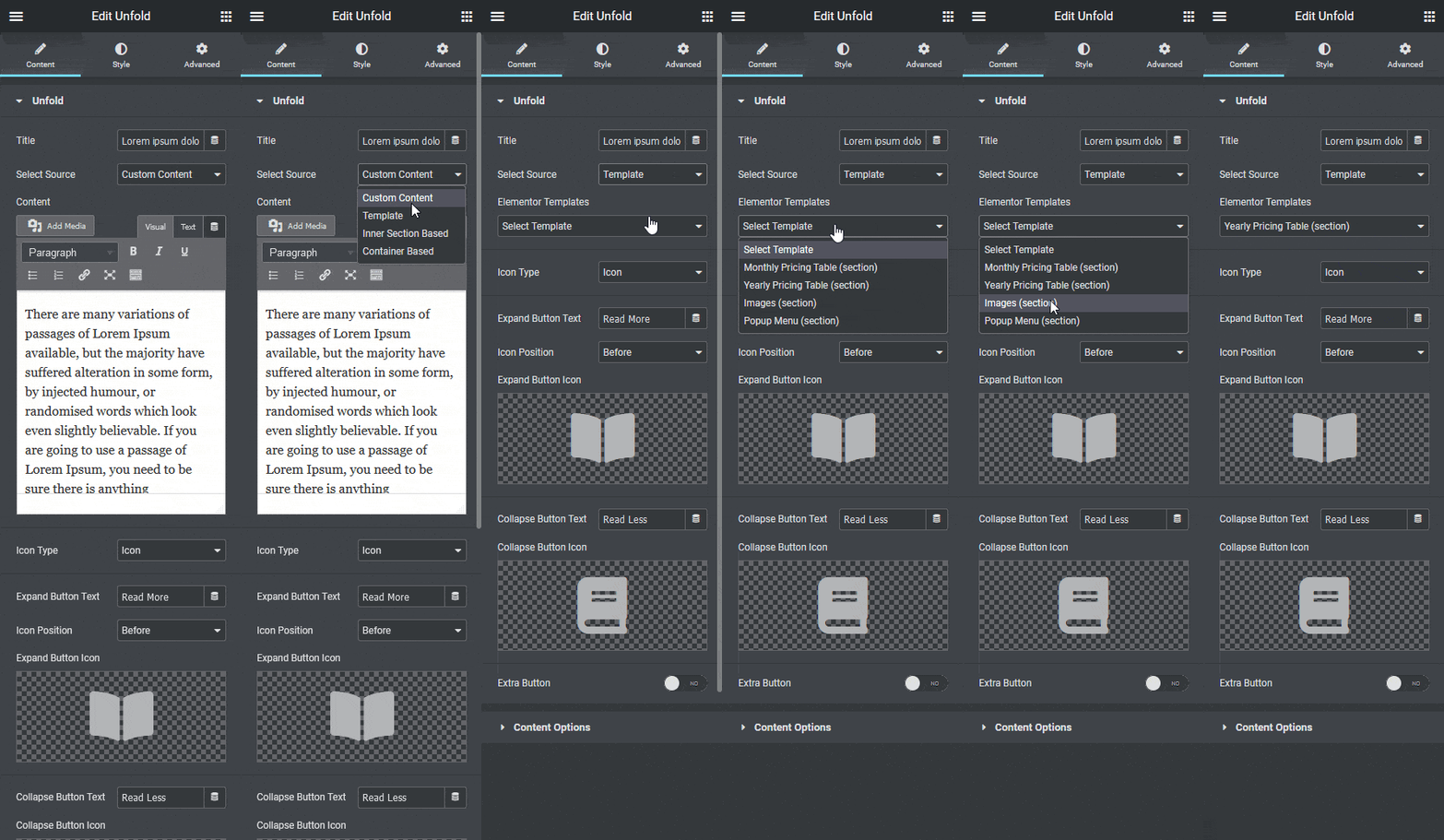
Unfold elementor template

This is how easily you can use any Elementor template as your collapsible section content.
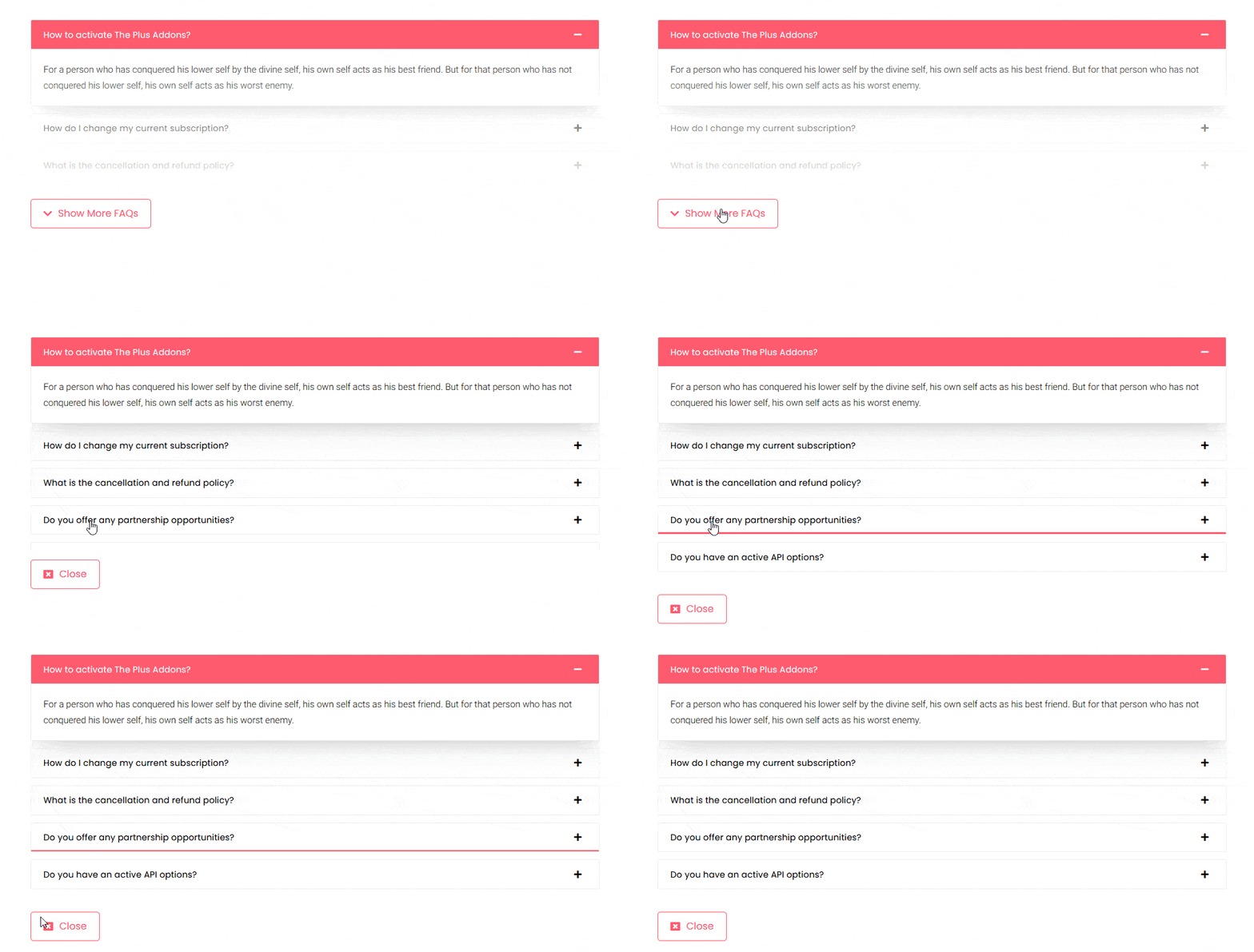
Unfold elementor template demo

Also, check How to add Read More Toggle Button to Text in Elementor.

About the Author

Photo of Aditya Sharma CMO of The Plus Addons for Elementor
CMO · The Plus Addons for Elementor · 10 years experience

He has spent years in the WordPress ecosystem building, breaking, and optimizing sites until they actually perform. He works at the intersection of speed, growth, and usability, helping creators ship websites that load fast and convert. An active WordPress community contributor sharing through tools, tutorials, and direct collaboration. Tested practice, not theory.

WordPressElementorn8nAIClaudeAutomationServer
Get Instant Answers to all your questions about The Plus Addons for Elementor, trained on 1000+ Docs and Videos

Related Frequently Asked Questions

What should I do if my Elementor template doesn't show up in the Unfold widget?

If your Elementor template isn't appearing in the Unfold widget, ensure that the template is properly created and saved in Elementor. The Unfold widget requires the template to be saved before it can be selected from the Elementor Templates dropdown. Double-check that you have the latest version of The Plus Addons for Elementor installed and activated, as this can also affect functionality.

What is the best way to structure content in the Unfold widget?

For optimal use of the Unfold widget, consider creating concise and engaging templates that clearly convey your message. Use the Title field to provide context for the collapsible content, making it easier for users to understand what to expect when they expand the section. This approach improves user engagement and helps maintain a clean layout.

Does the Unfold widget support mobile devices?

The Unfold widget is designed to be responsive, meaning it should work well on mobile devices. However, always test your collapsible sections on various screen sizes to ensure that the layout and functionality meet your design expectations. Responsive design is crucial for maintaining a good user experience across different devices.

What happens if I forget to save my Elementor template before using it in the Unfold widget?

If you forget to save your Elementor template before trying to use it in the Unfold widget, it will not appear in the Elementor Templates dropdown. This oversight can lead to frustration, so always ensure your template is saved. Saving your work is essential for the Unfold widget to function correctly with your desired content.

Are there any limitations when using the Unfold widget with Elementor templates?

While the Unfold widget allows for great flexibility with Elementor templates, it is limited to the features and capabilities of the templates you create. Complex layouts or unsupported elements may not function as intended. Always design your templates with the Unfold widget's capabilities in mind to avoid potential issues.

Last reviewed: April 12, 2026