


































Do you want to make your tabs open when someone hovers over the title instead of clicking on them?
This can be easily done with The Plus Addons for Elementor Tabs/Tours widget.
To check the complete feature overview documentation of The Plus Addons for Elementor Tabs and Tours widget, click here.
Requirement – This widget is a part of The Plus Addons for Elementor, make sure it’s installed & activated to enjoy all its powers.
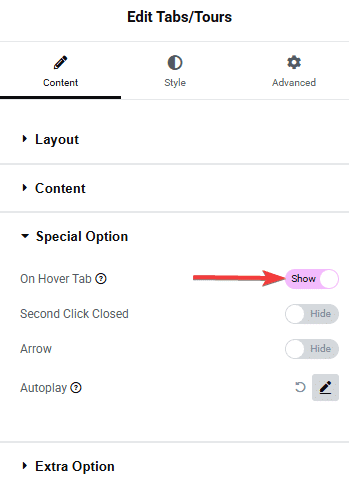
To make this happen, add the Tabs/Tours widget on the page and go to Special Option > On Hover Tab and turn on the toggle.
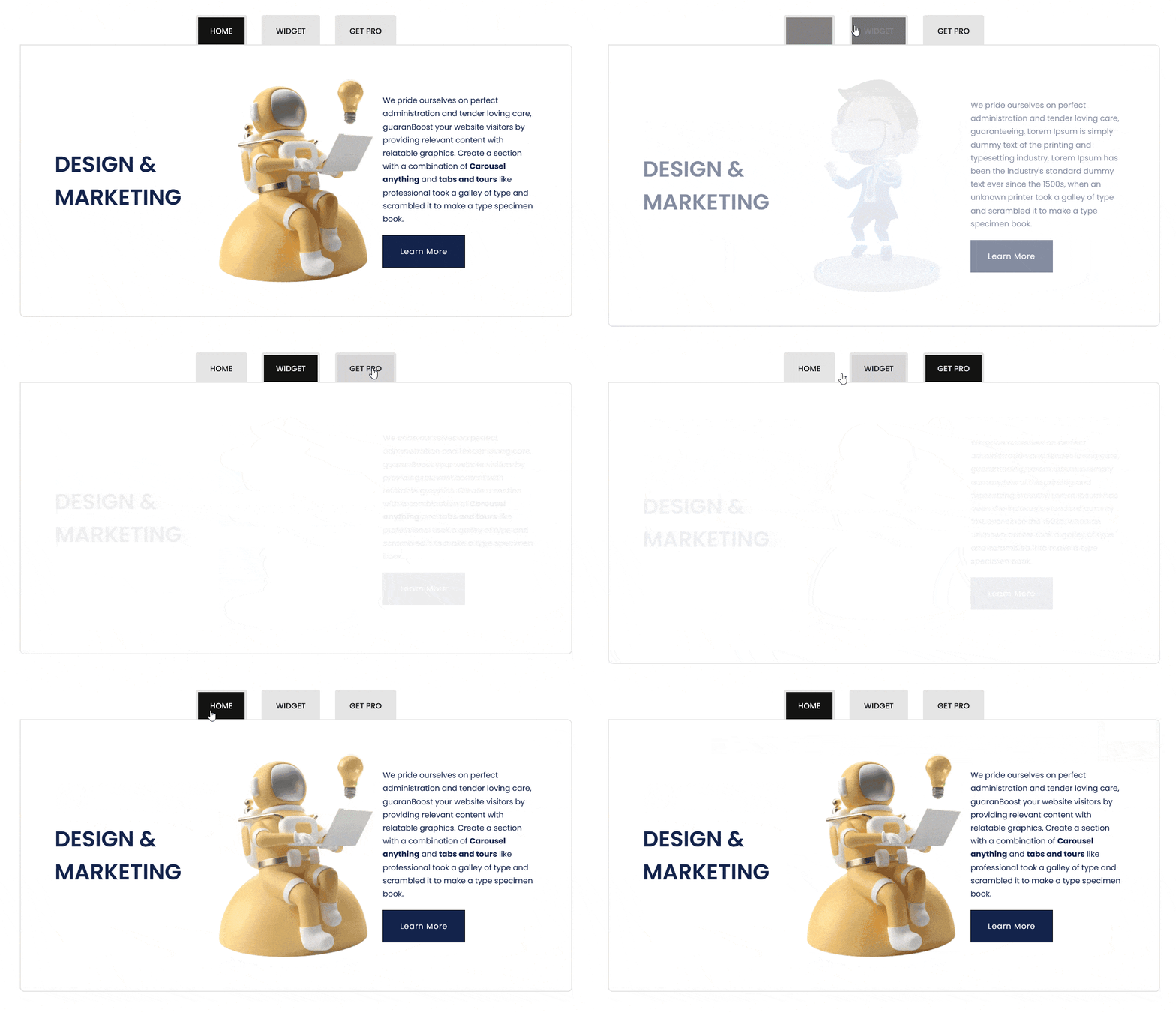
And that’s it! Now your tabs will open when someone hovers over the title like this.
Also, check How to automatically change Tabs with autoplay in Elementor.

