Qi Addons for Elementor turns up on most lists of free Elementor addons, usually with the same one-line summary: a large free widget library from the studio behind the Qi theme. That summary is accurate, but it does not help you decide. This review covers what the plugin includes, what separates the free and premium versions, what the paid licenses cost, where it fits well and where another addon may suit your project better.
We make The Plus Addons for Elementor, which is one of the alternatives covered below, so we have an interest in that section. We kept it separate from the facts. Every Qi Addons number and price in this article comes from the WordPress.org plugin listing and the Qode Interactive product page, both checked on 7 October 2026. Competitor figures come from their WordPress.org listings on the same date.
What Qi Addons For Elementor Is
Qi Addons for Elementor is a widget library for the free Elementor page builder, published by Qode Interactive. It adds widgets in categories such as typography, business, infographics, showcase, creative, WooCommerce, SEO, social and form styling. It does not replace Elementor. It needs Elementor installed, and Qode states on its FAQ that the plugin works with any theme built on Elementor, although it was developed primarily to work with the studio’s own Qi theme.
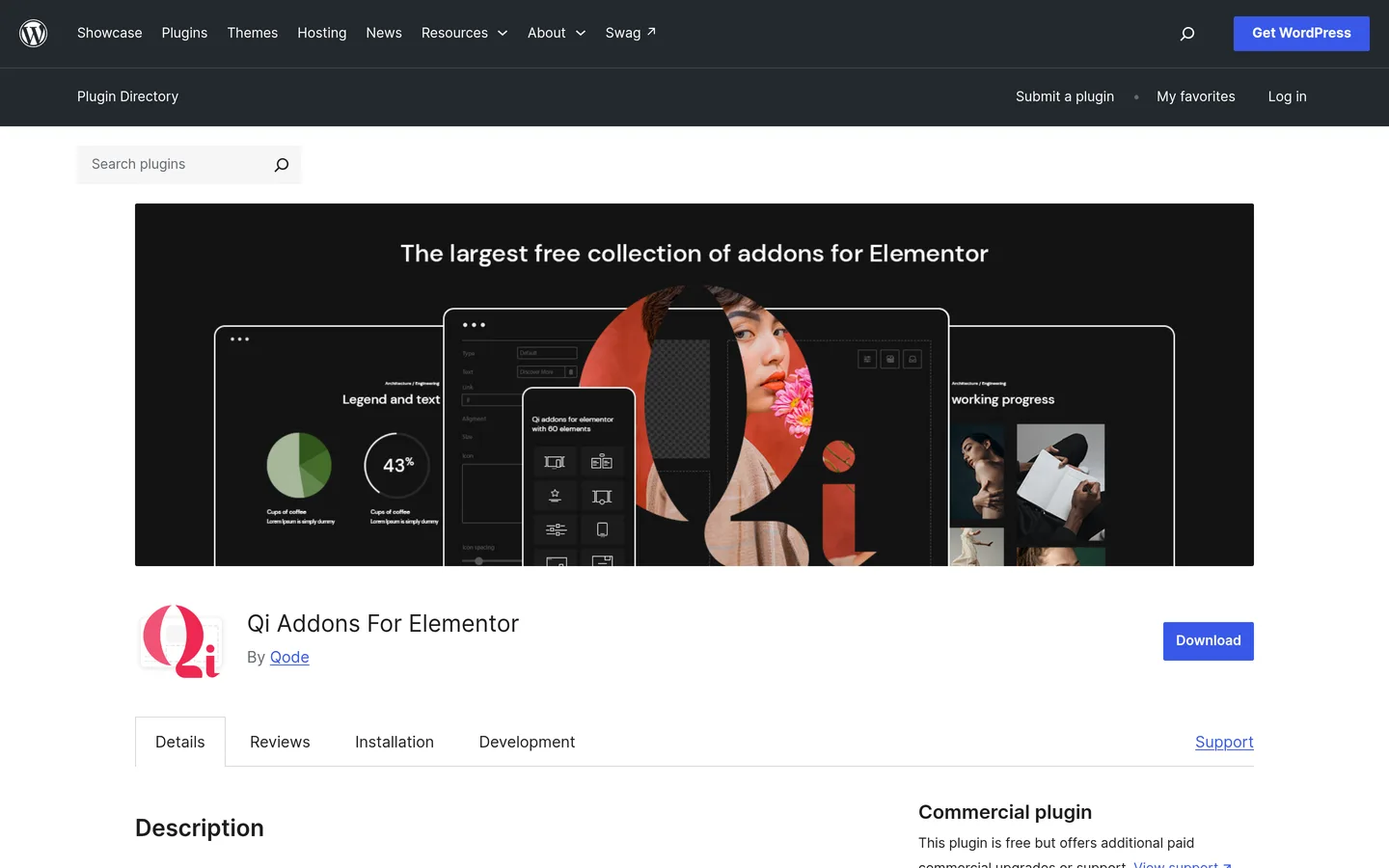
The WordPress.org listing shows version 1.11.1, last updated on 16 September 2026, with a rating of 4.8 out of 5 from 205 ratings. Qode’s own page lists 200,000+ active installations, and the directory reports the same figure. For a free addon library that is a large user base, and a recent update date is a useful sign that the plugin is still maintained.
Shortlisting addons partly on license cost? Our pricing page shows what each plan of The Plus Addons for Elementor covers, so you can set the numbers in this review next to a second option before you buy anything.
The listing is also clear about the business model. Qi Addons is a free plugin with a paid Premium version. That is the same model most Elementor addon libraries use, so the useful question is not whether the free version is real. It is how much of what you need sits on each side of the line.
Qi Addons Free Vs Premium: What Changes
What The Free Version Includes
According to the plugin description, the free version includes 60+ widgets. Qode’s package comparison on its product page breaks that down by category, and the counts add up to 62 free widgets. The largest free groups are typography with 15 widgets, business with 13 and showcase with 10. The WordPress.org description also lists on-demand widget loading, which lets the plugin load assets only for the widgets a page actually uses.
The free plugin does not include predesigned page templates. Qode’s FAQ says so directly and points to the separate Qi theme, which ships 150 demo websites, as the place to get complete designs. If you want ready-made full pages from the plugin itself, that is a gap to plan around.
What Premium Adds
Premium raises the library to 100+ widgets. The same comparison table adds up to 111 premium widgets, and the FAQ describes the upgrade as another 40+ widgets. Most of the growth is in creative widgets, which go from 8 to 29, and in business widgets, which go from 13 to 22. Premium also adds a Theme Builder module for custom headers, footers, single templates, archives and 404 pages, along with 16 widgets built for those templates.
| Widget Category | Free | Premium |
|---|---|---|
| Typography | 15 | 17 |
| Infographics | 7 | 8 |
| Creative | 8 | 29 |
| Form Style | 2 | 5 |
| Business | 13 | 22 |
| WooCommerce | 4 | 6 |
| SEO | 3 | 7 |
| Showcase | 10 | 17 |
| Total | 62 | 111 |
Source: the Compare Packages table on Qode’s product page, 7 October 2026. The totals are our addition of the listed rows.
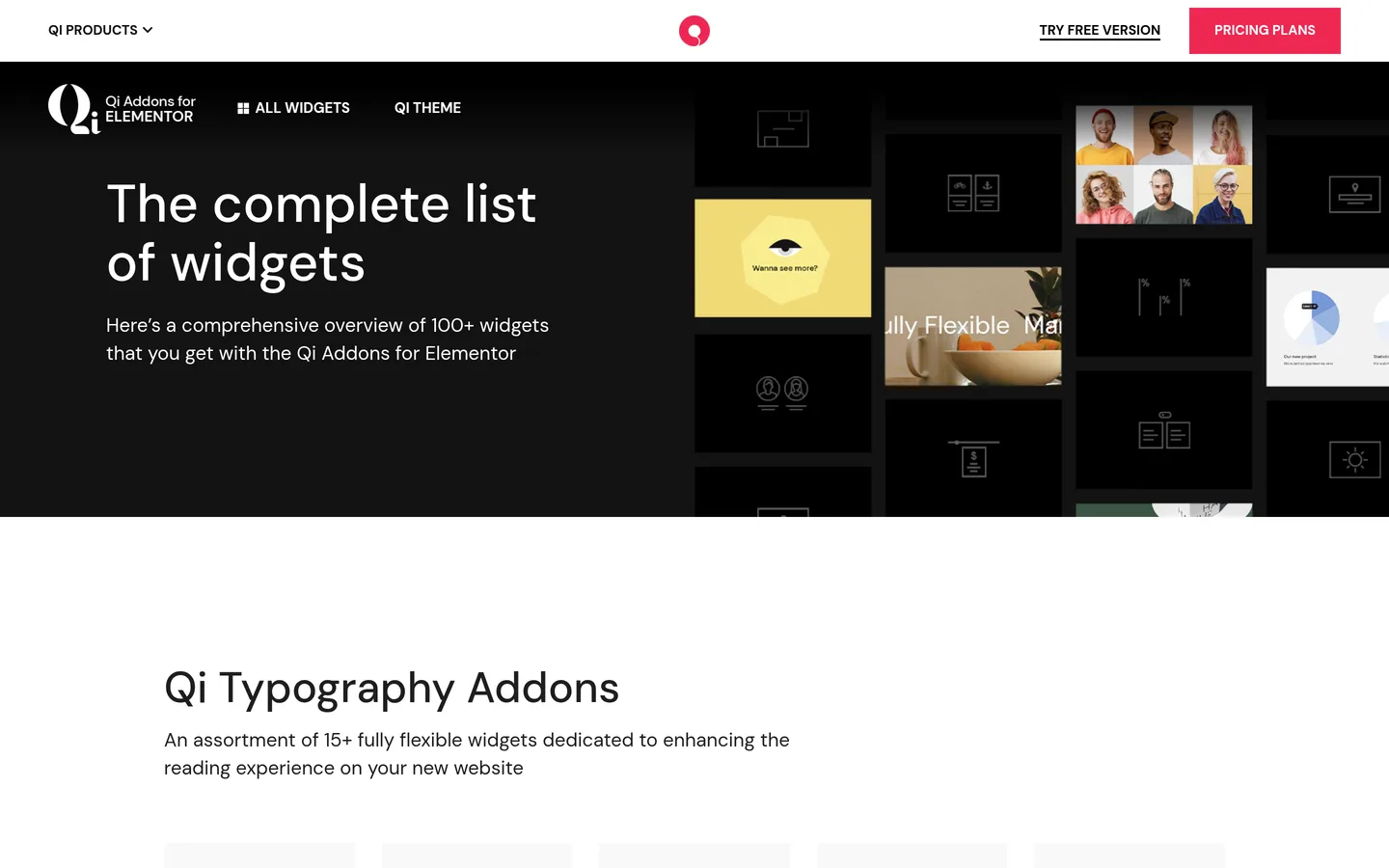
The widget names on that page are practical rather than exotic: tabs, accordions and toggles, a pricing table, pricing list and pricing slider, a data table, a comparative table, testimonials, a table of contents, WooCommerce product lists and sliders, and form styling for Contact Form 7, WPForms, Mailchimp, Typeform and Gravity Forms. Some premium widgets lean toward portfolio and agency work, such as device frame sliders, project showcases and intro effects.
Qi Addons Premium Pricing
Qode sells Qi Addons Premium as a single-site or unlimited-site license, and also as a bundle with the Qi theme. These are the prices on the product page when we checked.
| Package | Single Website | Unlimited Websites |
|---|---|---|
| Qi Addons for Elementor Premium | $49 | $99 |
| Qi Theme and Addons for Elementor bundle | $79 | $139 |
Qode lists a 14-day money-back guarantee and one year of premium support and updates on these packages. The product page does not spell out what happens when the first year ends, so check the renewal terms at checkout before you rely on a long-term cost estimate. The free version has no license at all, which makes it the obvious first step.
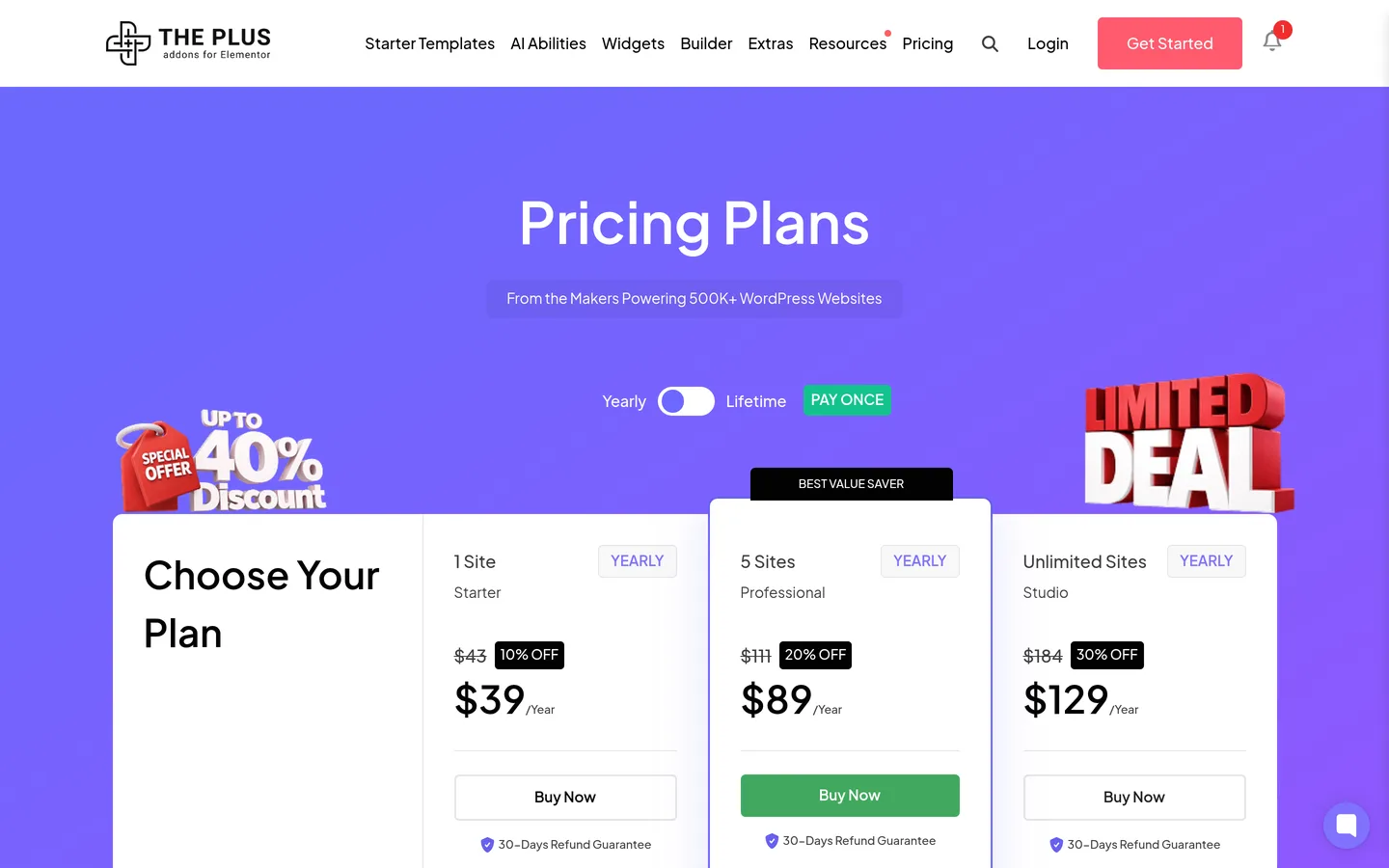
For comparison, the yearly plans of The Plus Addons for Elementor are listed at $43, $111 and $184 for one site, five sites and unlimited sites, with limited-time discounts shown on the page that bring them to $39, $89 and $129. That page also shows a lifetime option and a 30-day refund guarantee. Prices change often on both sides, so treat every number here as a snapshot and confirm it on the vendor’s page.
Where Qi Addons Works Well
A fair review should say what a plugin does well, and Qi Addons has several clear strengths.
- A large free library. With 60+ free widgets, you can build a complete marketing site without paying. Typography and business widgets are well covered.
- Scale and ratings. 200,000+ installs and a 4.8 average mean most common setups have already been tried by other people.
- On-demand loading. Loading assets only for the widgets used on a page is a sensible default for page weight.
- Form styling for popular form plugins. Contact Form 7, WPForms, Mailchimp, Typeform and Gravity Forms are covered, which helps when the forms already exist.
- Multilingual support. Qode states the plugin is compatible with WPML.
- A matching theme. If you like the Qi theme demos, the plugin and theme are designed to work together, and the bundle price reflects that.
If your site is a portfolio, a studio site or a small business site, and you want a polished set of showcase and typography widgets at no cost, Qi Addons is a reasonable first install.
Where Qi Addons May Not Fit
These are not flaws. They are fit questions, and each one is based on the pages we reviewed rather than on a hands-on test of every widget.
- Theme building is Premium only. The free version does not include the Theme Builder module, so headers, footers and archive templates need Premium or another solution.
- No page templates in the plugin. Complete designs come from the separate Qi theme, not from the addon.
- Site-level builders are not part of the widget list. The widget list we reviewed on 7 October 2026 does not include a popup builder or a mega menu builder. If either is on your must-have list, check that before you commit.
- It is Elementor-only. Qode says the plugin cannot be used without Elementor, which matters if you might move builders later.
- Updates need a cache purge. Qode’s FAQ advises purging all caches after a plugin update so the new CSS and JavaScript load. That is normal advice, but it is worth building into your update routine.
If you are weighing Elementor Pro features against addons more generally, our guide to the Elementor theme builder without Pro covers which add-on routes replace which parts of the Pro toolbox.
How To Test Any Elementor Addon Before You Pay
Reviews and listings only get you so far. The reliable way to compare Qi Addons with its alternatives is to install each on a staging copy of your own site and build one real section with it. This process takes about an hour per plugin.
- Clone your site to a staging environment, or create a fresh install with your theme and Elementor version.
- Install the free version of each addon you are comparing, one at a time.
- Build the same section with each: a pricing table, a testimonial slider and a tabbed feature block cover most use cases.
- Check the page in the editor and on the front end at desktop, tablet and mobile widths.
- Open your browser’s network tab and note how many CSS and JavaScript files each plugin adds to that page.
- Deactivate the plugin and see what happens to the page. This shows how much lock-in you are accepting.
If you have WP-CLI access, installing and checking a free addon on staging takes two commands:
wp plugin install qi-addons-for-elementor --activate
wp plugin list --name=qi-addons-for-elementor --fields=name,status,version
Step five is the one people skip. Two plugins with the same widget count can add very different amounts of front-end code, and the only way to know is to measure on your own pages.
Qi Addons Alternatives Compared
The table below uses data from each plugin’s WordPress.org listing on 7 October 2026. Widget counts are the figures each vendor states in its own description, and vendors count widgets, extensions and templates differently, so treat them as claims rather than a like-for-like measure.
| Plugin | Active Installs | Rating | Vendor’s Headline Claim |
|---|---|---|---|
| Qi Addons for Elementor | 200,000+ | 4.8 (205) | 60+ free widgets, 100+ with Premium; Theme Builder in Premium |
| The Plus Addons for Elementor | 100,000+ | 4.6 (387) | 120+ widgets and extensions, 1000+ templates, builders and MCP abilities |
| Essential Addons for Elementor | 1,000,000+ | 4.9 (4,126) | 120+ widgets and extensions, 6,500+ templates, WooCommerce builder |
| HappyAddons | 400,000+ | 4.8 (488) | 160 free and Pro widgets, free Theme Builder |
| Royal Elementor Addons | 600,000+ | 4.8 (612) | 100+ addons, 150+ template kits, theme builder |
| Premium Addons for Elementor | 600,000+ | 4.9 (1,679) | 90+ widgets, 600+ templates, mega menu, AJAX search |
| ElementsKit | 1,000,000+ | 4.9 (2,045) | 100+ widgets, 20+ modules, header and footer and mega menu builders |
The Plus Addons For Elementor
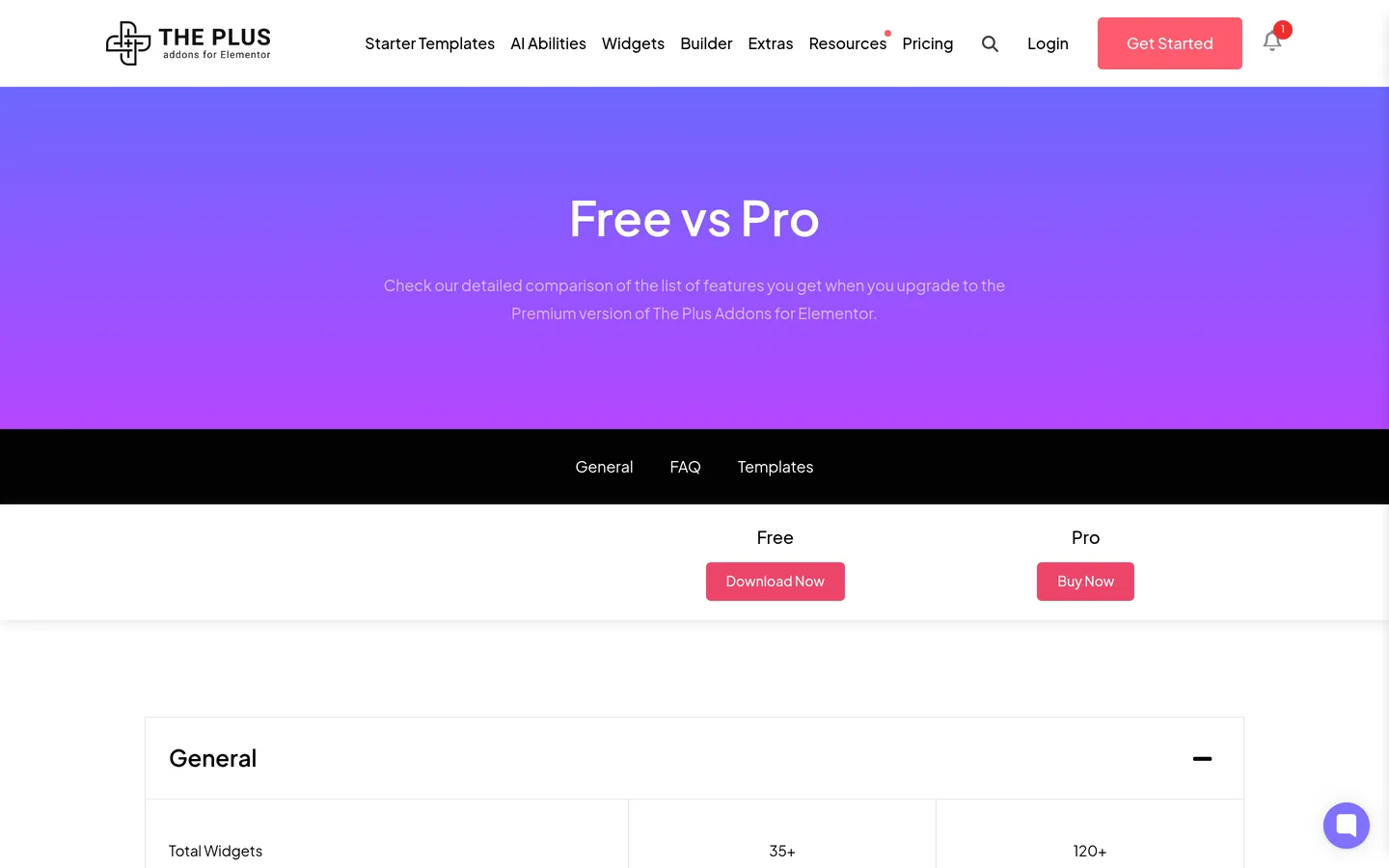
The Plus Addons for Elementor has 100,000+ active installs and a 4.6 rating from 387 ratings. Its free version includes 35+ widgets and the Pro version includes 120+, according to our Free vs Pro comparison. The WordPress.org description also lists a Blog Builder, WooCommerce Store Builder, Mega Menu, Header and Footer Builder, Popup Builder and Grid Builder, plus 1000+ templates and an AI layer that lets assistants such as ChatGPT and Claude edit a live Elementor site.
The practical difference from Qi Addons is scope. Qi Addons concentrates on a wide library of design widgets, with theme building as a Premium module. The Plus Addons for Elementor puts more site-level builders and dynamic content tools in one plugin. Browse the full widget library to see whether the specific widgets you need are there, including the Pricing Table, Accordion and testimonial widgets that overlap with Qi’s own.
We have also compared this plugin directly with another popular library in Essential Addons vs The Plus Addons for Elementor, and the same method applies if you are choosing between any two addon packs.
Essential Addons For Elementor
Essential Addons for Elementor has the largest review base in this list, with 4,126 ratings averaging 4.9, and 1,000,000+ active installs. Its description lists 120+ widgets and extensions, a WooCommerce builder and 6,500+ templates. If you want a very large template library alongside the widgets, it is worth a test. We cover the family in more depth in Best Essential Addons Alternatives.
HappyAddons
HappyAddons lists 160 free and Pro widgets and says its Theme Builder is free, covering headers, footers, single posts and archives. That is a notable difference from Qi Addons, where the Theme Builder sits in Premium. It has 400,000+ installs and a 4.8 rating from 488 ratings. Our notes on this family are in Best Happy Addons Alternatives.
Royal Elementor Addons
Royal Elementor Addons has 600,000+ installs and a 4.8 rating from 612 ratings. Its description lists 100+ addons, 150+ template kits, a theme builder, WooCommerce builder, mega menu, popup builder, forms builder and an AJAX search. If you want many site-level builders in one plugin, it belongs on the shortlist.
Premium Addons For Elementor
Premium Addons for Elementor lists 90+ widgets and 600+ templates, and its description highlights the carousel, mega menu, blog posts list, WooCommerce widgets, display conditions and AJAX search. It has 600,000+ installs and a 4.9 rating from 1,679 ratings. Our Premium Addons review goes into detail.
Which Addon Fits Which Project
There is no universal winner, because the right choice depends on what you need to build. These are starting points, not rules.
- A portfolio or studio site with a strong visual style: Qi Addons is a good first test, particularly if you like the Qi theme demos.
- A content-heavy site that needs headers, footers and archives without paying for Elementor Pro: compare HappyAddons, Royal Elementor Addons and The Plus Addons for Elementor on how each handles theme building.
- A WooCommerce store: test the product widgets, filters and single product templates of each candidate on your real catalog.
- A site that needs many ready-made templates: check the template libraries of Essential Addons and Premium Addons.
- An agency building many client sites: compare unlimited-site license prices and refund terms, then test update behavior on a staging site.
Whichever you choose, avoid stacking several addon libraries unless you have a reason. Each one adds its own assets and its own update cycle, and the overlap between widget sets is large.
Frequently Asked Questions
Is Qi Addons For Elementor Free?
Yes, the core plugin is free on WordPress.org, with 60+ widgets. A Premium version adds more widgets and a Theme Builder module. Qode lists Premium at $49 for one website and $99 for unlimited websites.
Does Qi Addons Work Without Elementor?
No. Qode’s FAQ says the plugin was developed primarily to work with Elementor and cannot be used without it, so you need the Elementor plugin installed and active.
What Is A Good Alternative To Qi Addons For Elementor?
It depends on what you need. HappyAddons, Royal Elementor Addons, Essential Addons, Premium Addons and The Plus Addons for Elementor all publish free versions on WordPress.org. Install two or three on a staging site, build the same section with each and compare the results.