Elementor, the company behind the page builder, now has a second product aimed at a different job. Elementor announced Sticklight on March 26, 2026 as an AI platform for apps, dashboards and logic-driven systems. Six months later it has public pricing, a WordPress connector, GitHub export and its own MCP server.
This review explains what Sticklight is, who it suits, what it costs, and how it differs from building with Elementor and WordPress, with or without AI. It also covers the part most announcements skip: the jobs where you still want WordPress, Elementor and The Plus Addons for Elementor. One note on method: I did not build a project in Sticklight for this post. Everything below comes from Sticklight and Elementor pages I read on October 2, 2026, and I say so wherever a point is unverified.
What Sticklight Is According To Elementor And Sticklight
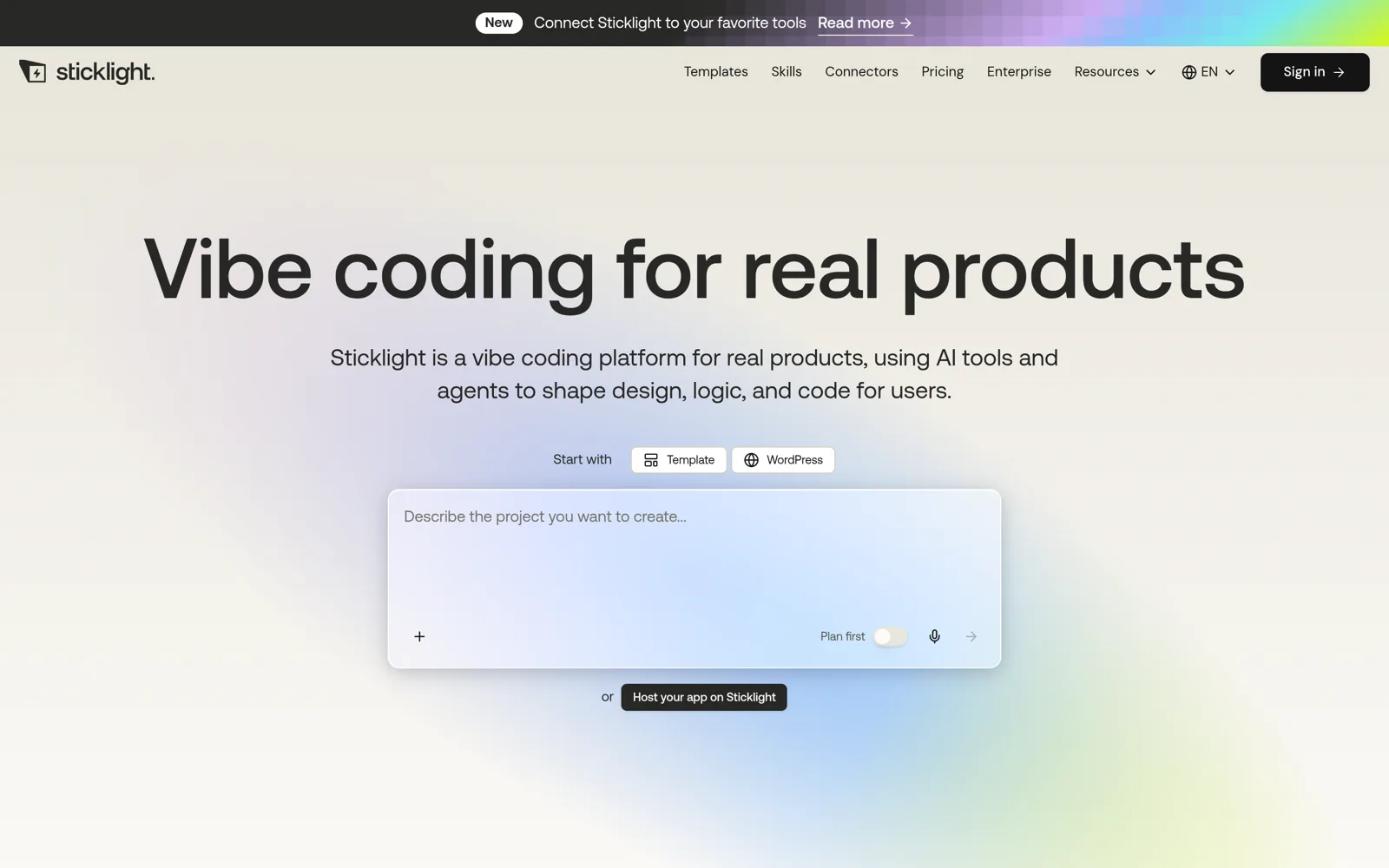
Elementor describes Sticklight as a new AI platform built to extend what web creators can make. In the announcement, the focus is on “apps, dashboards, and complex systems” created from natural language while you keep control of structure, logic and output. Sticklight’s own homepage uses blunter wording: it calls Sticklight a vibe coding platform for real products, where AI tools and agents shape design, logic and code.
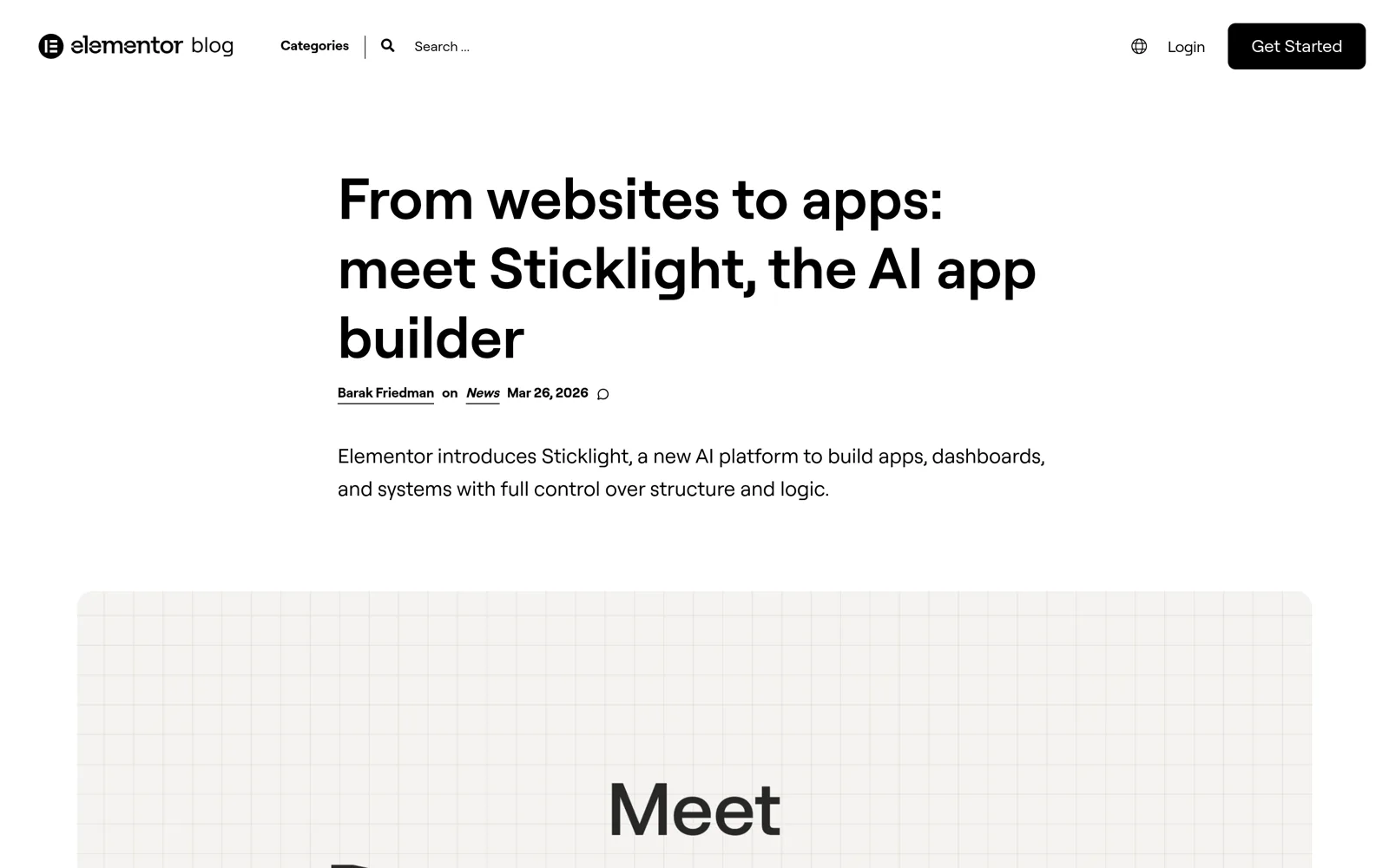
Three details from that post matter for everything else in this review:
- Two paths, not a replacement. Elementor frames the Editor (with its AI assistant Angie) as the way to build WordPress websites, and Sticklight as a separate path for applications, systems and logic. Its FAQ says plainly that Sticklight does not replace Elementor and instead extends it.
- Standalone by design. The post says Sticklight also works as a standalone tech stack. You do not need a WordPress site to use it.
- Examples of what to build. Internal tools for client work, custom dashboards, booking and workflow systems, functional MVPs and full application layers.
What Sticklight Builds
Sticklight’s homepage lists the kinds of projects it targets: apps, dashboards, portals, internal tools, landing pages and booking flows. The prompt box on the homepage offers three starting points, a template, WordPress, or a “Plan first” toggle, plus a link to host an app on Sticklight.
Prompting, Plan Mode And Templates
You describe the project in plain language, or switch on Plan Mode to map the architecture before anything is generated. Elementor’s post describes Plan Mode as a way to ask questions and brainstorm first, so what you build later is faster and more precise. Sticklight’s pricing notes add a practical detail: Plan mode uses fewer credits than Build mode, and shorter, focused prompts use fewer credits than broad ones.
Templates work as starting points. Sticklight says every template is already a working product that you remix with a prompt. There is also a Skills feature, described as custom instructions the AI follows while building, and a Connectors catalog for tools such as Stripe, Slack, Notion, Mailchimp, HubSpot and Google apps.
Visual Edits, Code Access And The Cloud Backend
Sticklight says you can select, drag, resize or edit text in the live preview, and that those edits turn into real code with no credit cost. For anything backend-shaped, its documentation describes a Cloud Backend, built on Supabase, with a database, authentication, file storage, edge functions, secrets and logs. It is listed as included on all plans, although AI generation that touches it still uses credits.
On code access, Elementor’s FAQ says you can edit the code itself and export it. Sticklight’s pricing is more specific: code view is read-only on Free, while full code editing and GitHub sync arrive on Pro. Its own explainer on code ownership says Sticklight is powered by Claude and gives you control of every line of code, but it points readers to the terms of service for the exact export and ownership details. I did not read those terms in full, so treat ownership as something to confirm before you build a client project on it.
Publishing And Hosting
Elementor’s FAQ says you can publish from Sticklight to a live Sticklight URL and connect your own domain. Sticklight’s documentation adds that publishing runs pre-publish security and accessibility scans, with critical issues flagged but never blocking the publish. There is also a separate Sticklight Cloud hosting product that deploys from GitHub for React, Vite, Vue, SvelteKit and plain HTML projects. Its page lists some features, such as custom domains and environment variables, as coming soon, so read it as an early product.
One conflict is worth knowing about. The help article on publishing, last updated September 27, 2026, says publishing requires a Pro plan and lands on a sticklight.app subdomain. The machine-readable pricing page says Free workspaces can go live on a Sticklight subdomain too. I could not reconcile the two without an account, so check the publish dialog on a free account before you promise a client anything.
Sticklight Pricing And Credits
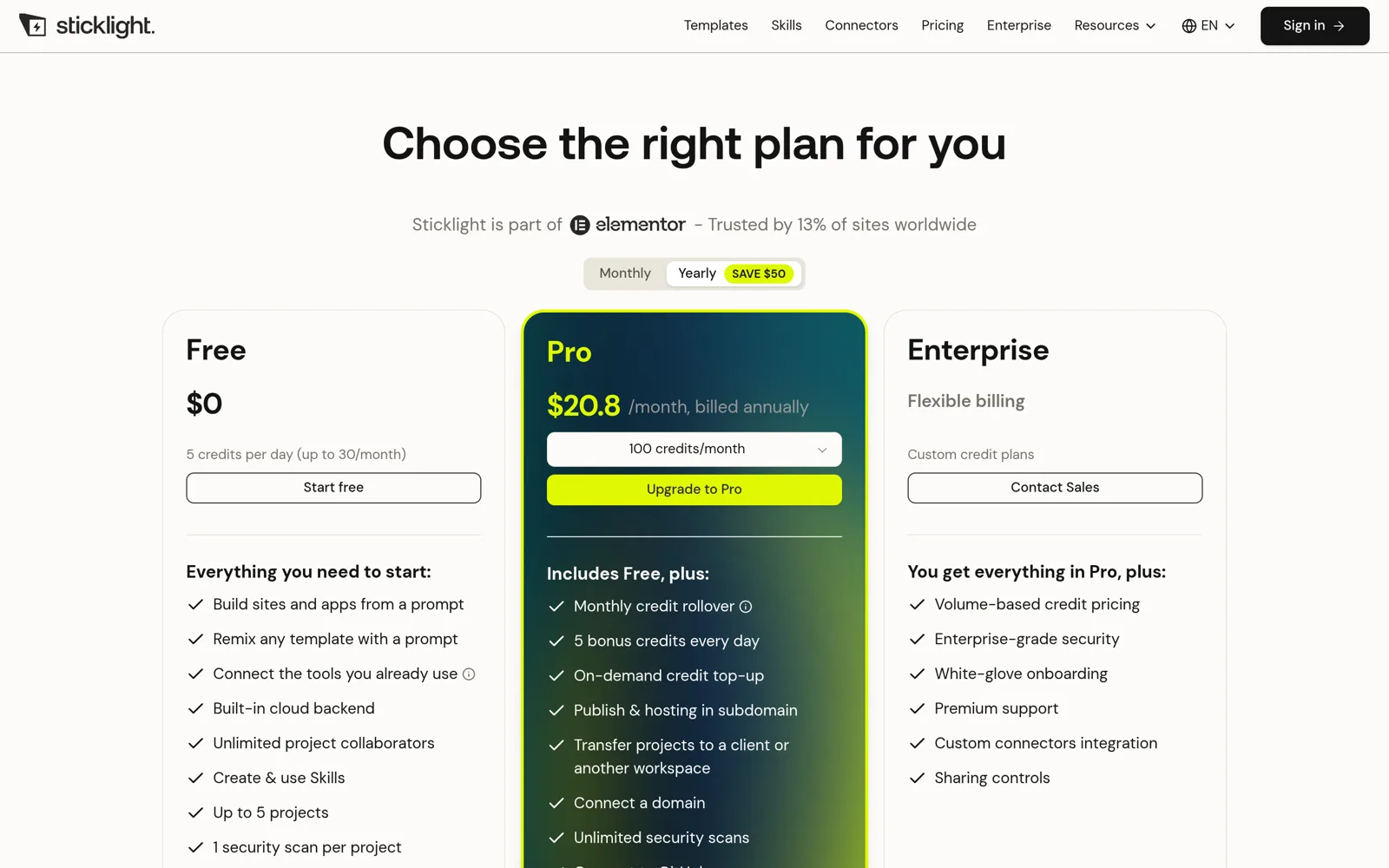
Sticklight charges by credits, which measure the AI work done on your project. Visual edits do not use credits. The table below combines the pricing page and the machine-readable pricing document, both read on October 2, 2026.
| Plan | Price | Credits | Notable Limits And Features |
|---|---|---|---|
| Free | $0 | 5 credits per day, capped at 30 per month | Up to 5 projects, 1 security scan per project, code view only, a “Built with Sticklight” badge |
| Pro | About $20.83 per month billed annually for 100 credits ($250 per year), or $25 per month billed monthly | 100 to 5,000 credits per month, plus 5 bonus credits per day | Custom domain, GitHub sync, full code editing, unlimited security scans, project transfer, one month of credit rollover |
| Enterprise | Custom | Custom | Volume-based credit pricing, enterprise-grade security, onboarding, premium support, custom connectors, sharing controls |
Two numbers help you judge the cost. First, the Pro tiers in the pricing document are all priced at $0.25 per credit on monthly billing, so a larger tier buys more credits rather than a lower rate. Second, the document says one-time credit top-ups cost about $0.30 per credit and expire after 12 months.
The honest takeaway is that the entry price is low but the running cost depends on how much you prompt. A project that needs many rounds of AI changes can burn through 100 credits quickly, and I have no measurement of how many credits a typical dashboard uses. That is the number to find out in your first week on the free plan.
How Sticklight Works With WordPress
This is the section that matters most if you run WordPress sites. Sticklight has a dedicated Connector for WordPress, announced on its blog on June 4, 2026, and a landing page titled “Build the ultimate tools for your WordPress site”.
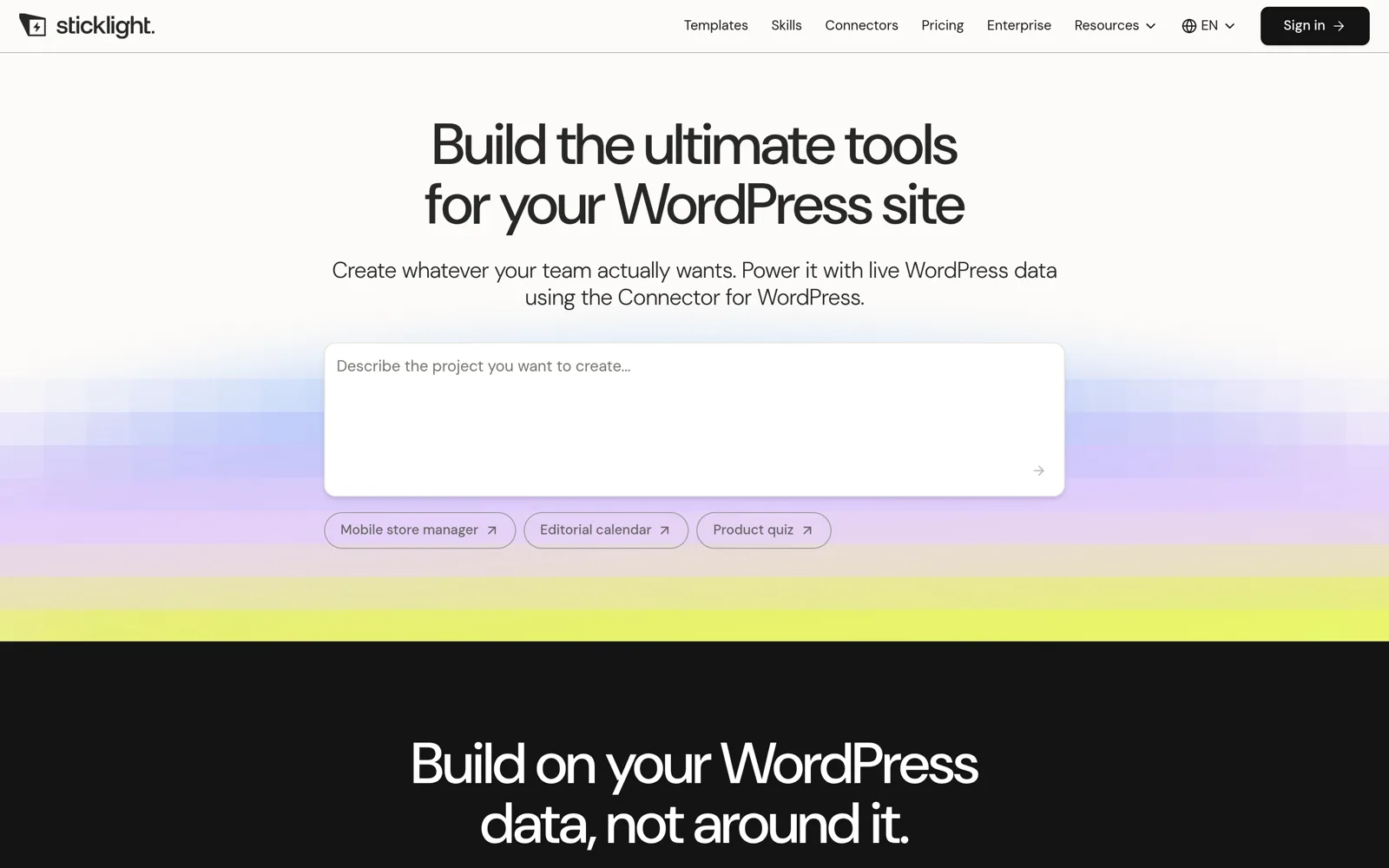
The idea is not to build your website in Sticklight. It is to build tools that sit outside the WordPress admin and read or write your WordPress data. Sticklight’s own post puts it as built on WordPress, not inside it. The starter ideas it lists are a mobile manager for a WooCommerce store, an editorial calendar built from posts and drafts, and a product recommendation quiz built from your catalog.
What The Connector Reads And Writes
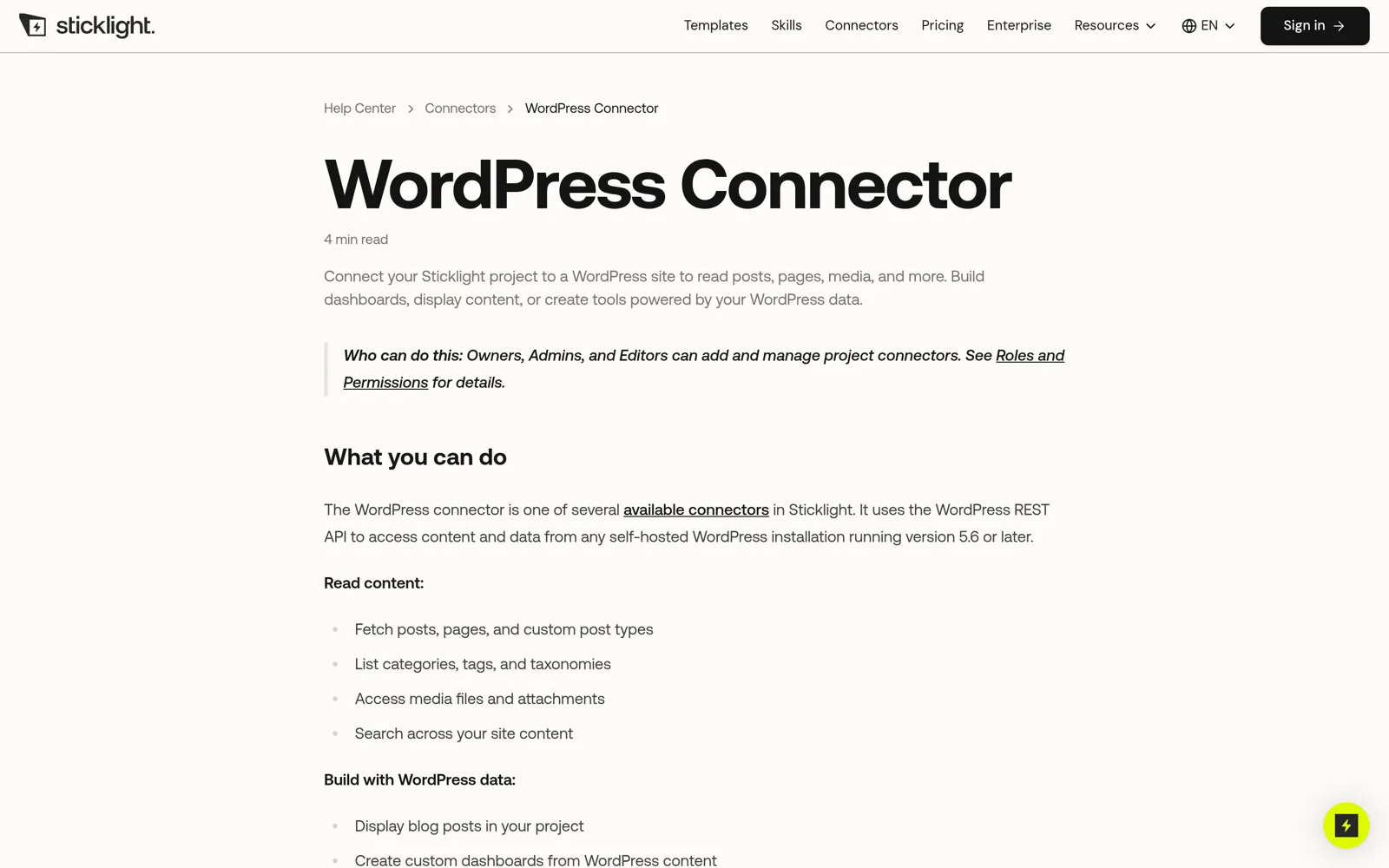
According to the help center, the connector uses the WordPress REST API and Application Passwords, so it needs a self-hosted WordPress site on version 5.6 or later. It can read posts, pages, custom post types, taxonomies, media and search results, and with authentication it can create or update posts and pages, upload media and manage comments. Plugins that extend the REST API, such as WooCommerce, are reachable too. The documentation lists these standard endpoints as examples:
/wp/v2/posts        Blog posts and custom post types
/wp/v2/pages        Static pages
/wp/v2/media        Images, videos and attachments
/wp/v2/categories   Post categories
/wp/v2/comments     Post and page comments
/wp/v2/taxonomies   Custom taxonomies
/wp/v2/search       Site-wide search

Source: Sticklight help center, WordPress Connector article (read October 2, 2026)
Permissions follow WordPress. If the Application Password belongs to an Editor, the project inherits Editor permissions. Published apps use your existing WordPress users and roles, so there is no second login system. The connector article lists the limits as well: each project connects to one WordPress site, some security plugins disable the REST API and will break the connection, and hosts may rate-limit requests.
Do You Need To Install Something On WordPress
Sticklight’s blog says it installs a small app inside your WordPress installation as part of the connection, which you approve through an authorization window. The help center also refers to a Sticklight plugin for end-user login.
Sticklight Vs Elementor And WordPress
The cleanest way to compare them is by output. Elementor on WordPress produces a public website that lives on your hosting, in your database, with the plugin ecosystem around it. Sticklight produces an application project that lives in Sticklight’s studio, publishes to its hosting, and can optionally read your WordPress data.
| Question | Sticklight | Elementor On WordPress |
|---|---|---|
| Main output | Apps, dashboards, portals, internal tools, landing pages | Websites, stores, landing pages and templates |
| How you build | Prompts, Plan Mode, templates and visual edits | Visual editor, plus Angie and the Elementor MCP for AI-assisted builds |
| Where it runs | Sticklight publishing, or GitHub deploys to Sticklight Cloud | Your own WordPress host |
| Backend | Cloud Backend with database, auth, files and edge functions | WordPress database and plugins |
| Code access | Read-only on Free, full editing and GitHub sync on Pro | Open-source WordPress, plus your own theme and plugin code |
| Pricing model | Free tier, then credits from about $20.83 per month billed annually | Elementor Pro plans from $5 per month billed annually for one site, plus hosting |
| Best at | Logic, data and tools behind a site | Public pages, SEO content, stores and design control |
Notice what the table does not say. It does not say Elementor cannot build app-like things. Elementor’s own Angie page lists visual apps and custom post types among the things Angie Code can create, and its MCP guide says Angie adds custom widget and app creation to the tools an AI client can call. The difference is where each product starts. Sticklight starts from an app and optionally attaches to WordPress. Elementor starts from a WordPress site and adds capabilities to it.
Sticklight Vs Building With AI And MCP
If you already build Elementor pages with AI, the comparison gets more interesting. There are now three AI routes, and they solve different problems.
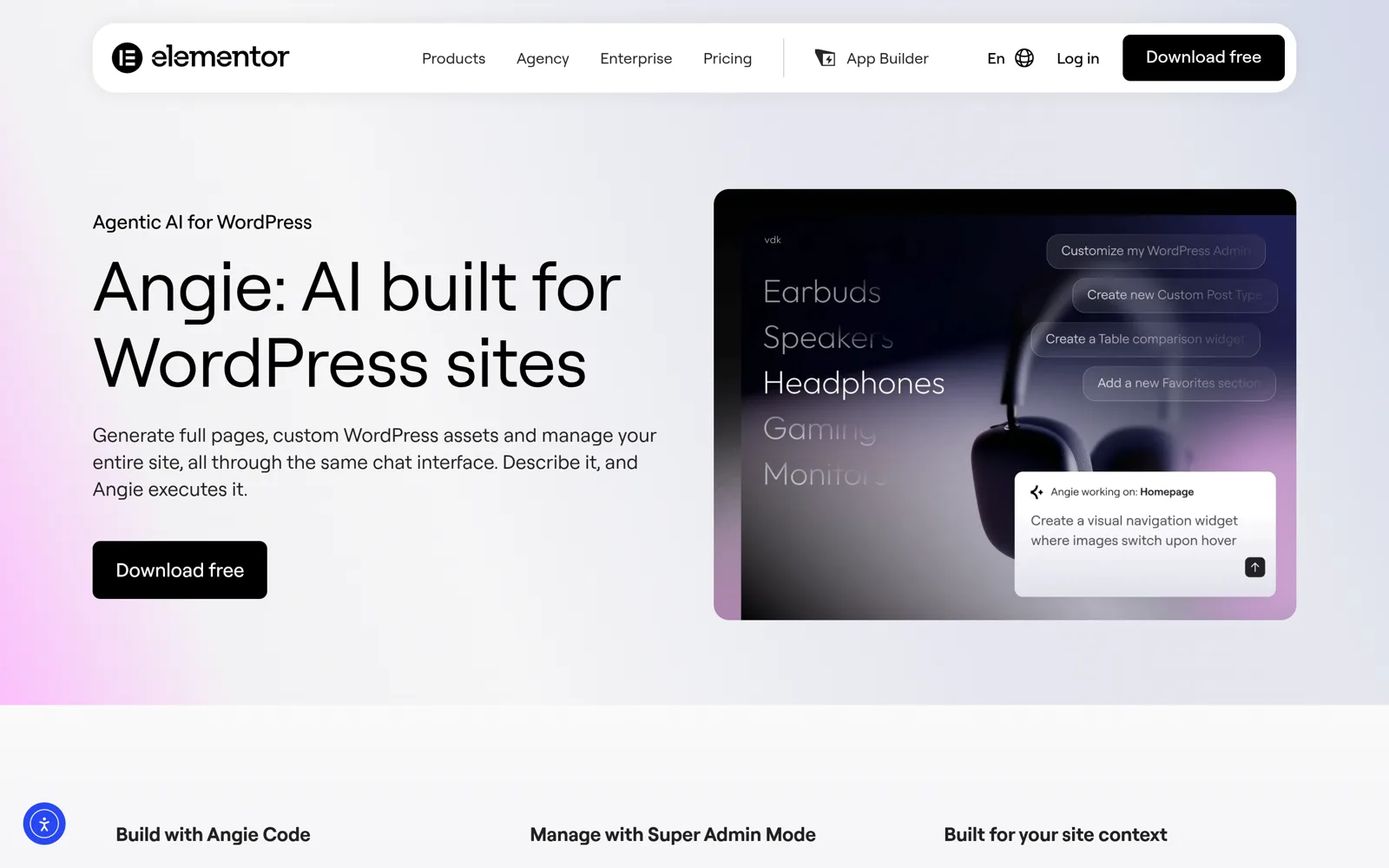
- Angie inside WordPress. Elementor’s product page describes Angie as agentic AI for WordPress that builds pages, custom widgets, snippets, visual apps and custom post types, and offers a free plan with limited daily credits.
- An outside AI client through the Elementor MCP. Elementor’s help articles say Claude, Cursor, Codex or another MCP client can build and edit pages on your site. It needs WordPress 6.8 or higher and Elementor Core and Elementor Pro 4.3.0 or higher.
- Sticklight. A separate studio with its own backend and hosting, which can also be driven from MCP clients. Its machine-readable documents list an MCP server for creating, editing and publishing projects.
Our earlier comparison of Elementor build with prompts versus MCP covers the first two routes in detail. The short version for this review: the first two routes change a WordPress site, and Sticklight creates something that is not a WordPress site unless you connect it to one.
That distinction decides most real choices. If the thing you need is a better homepage, a product page or a pricing section, an AI-built Elementor page is the shorter path, and the MCP abilities in The Plus Addons for Elementor let an AI client place our widgets inside those pages. If the thing you need is a tool that staff or clients log into, with its own data and rules, Sticklight is aimed at that job.
Who Sticklight Is For
Based on the documentation, Sticklight fits these groups best:
- Agencies and freelancers with WordPress clients. The WordPress connector pitch is a clean client interface, such as a simple order manager, without giving clients the full WordPress admin. That is a use case Sticklight’s own blog calls out.
- Store owners who want a custom back-office view. The WooCommerce landing page describes a mobile order manager and an inventory dashboard that update the store.
- Makers building an MVP. Elementor lists functional MVPs among the things people build, and the Cloud Backend means the project does not need a separate database service.
- Teams that already live in Elementor. They get a sibling product from the same company rather than a new vendor.
When You Still Need WordPress And Elementor
Here is the part the announcement skips. Sticklight is not a reason to move a content site off WordPress.
A Public Site That Has To Rank
Sticklight’s SEO guide says it generates titles, meta descriptions, Open Graph tags, a mobile-responsive layout and semantic HTML automatically, and that you can ask the AI for sitemaps and structured data. That is a solid baseline. A content site also needs an editorial workflow, categories, authors, an SEO plugin and a large plugin ecosystem that has been built over years. Those live in WordPress. Our own blog runs on that stack for the same reason.
A WooCommerce Storefront
Sticklight’s WooCommerce page is explicit about its role: it builds tools that read and update your store, beyond your storefront. The store itself, with checkout, payment gateways and shipping rules, stays in WooCommerce. If you are choosing between Sticklight and a store builder, you are comparing different layers.
Pixel-Level Design Control On Real Pages
A visual builder gives you direct control over responsive behavior, global styles and reusable templates. If your priority is designing marketing pages that stay editable by non-developers, Elementor remains the more natural tool. Is Elementor One worth it looks at what Elementor’s bundled subscription adds for that kind of work, including its AI credits.
Hosting And Ownership On Your Terms
With WordPress you choose the host and the database. With Sticklight, publishing and backend live on its platform unless you export to GitHub. The GitHub export is a Pro feature, it syncs one way from Sticklight to GitHub, it creates a new repository for each project, and you cannot attach an existing repository. That is useful as a backup and for handoff, but it is not the same as owning a self-hosted stack. Sticklight’s own post says two-way sync is coming, which means it is not here today.
Where The Plus Addons For Elementor Fits
This is the soft pitch, and it only applies when your site stays in Elementor. If you use Sticklight for an internal tool and keep your public site in WordPress, The Plus Addons for Elementor helps on the public side. Our Elementor widgets directory lists the full set. A few are relevant to the same dashboard-and-account territory that Sticklight targets:
- Advanced Charts, for showing line, bar and radar charts on a page when you want a simple data visual without building an app.
- Data Table, for responsive tables built without code.
- Login Form and Registration Form, for custom login, registration and password reset screens, with a popup login and a user panel.
- Protected Content, for restricting content by password or WordPress user role.
Check each widget page for whether it needs the Free or the Pro version before you plan around it. These widgets do not replace an app backend. They cover the cases where a chart, a table or a members-only section on an Elementor page is enough, and a separate application would be overkill.
There is also an AI angle. If you build pages by prompting, the MCP abilities page explains how an MCP client can place The Plus Addons for Elementor widgets into Elementor containers. That keeps AI-built pages from being limited to the native widget set, which is a separate question from whether you need an app builder at all.
Questions To Ask Before You Commit
Before you pay for Sticklight, or before you rule it out, run through these checks.
- Is the thing you are building a website page or a tool people log into? Pages point to Elementor. Tools point to Sticklight.
- Do you need your data in WordPress? If yes, test the connector on a staging site first, and confirm that no security plugin blocks the REST API.
- Can you live with usage-based credits? Track how many credits your first real project uses on the free plan.
- Do you need to own the code outside the platform? On Pro, GitHub export exists, but it is one-way and creates a new repository.
- Who is allowed to publish? Confirm the Free and Pro publishing behavior in a real account, because the two Sticklight pages I read disagree.
- What will your client expect to maintain? A WordPress admin is familiar to many clients. A custom app is something you now have to support.
Final Thoughts
Sticklight is a credible attempt to give Elementor users a way to build things that a page builder was never meant to be: dashboards, portals and internal tools with their own data. The WordPress connector is the most interesting piece, because it lets you build a better interface on top of a site you already run rather than starting over. The pricing is approachable, though the credit model means the real cost is unknown until you build something.
My verdict, based only on public documentation: use Sticklight for the tool layer, and keep WordPress and Elementor for the public site, the content and the store. If you are already comfortable building Elementor pages with AI, you do not need Sticklight to get faster pages. You may want it when a client asks for something that behaves like software. Test it on the free plan with one small, real tool before you commit client work to it.
If you stay on the Elementor side, The Plus Addons for Elementor adds the widgets for charts, tables, forms and protected content that fill the gap between a plain page and a full application.