






July’s update was about cleaning up how our widgets talk to AI tools. Since then, two releases landed: 6.5.0 retired three legacy widgets and made the front end noticeably lighter, and a 6.5.1 follow-up added a GDPR export tool for Plus Form and made our widgets visible to WordPress’s own built-in AI assistant, Angie.
The bigger release this month is not a version number. The Widget Recipe Library went live: 1,100 ready-made AI prompts across every Free and Pro widget, the payoff of AI groundwork we started back in April. WordPress 7.1 also shipped in August, and the plugin was already tested against the release candidate before it went final, so nothing broke on update day.
🎉 What’s New
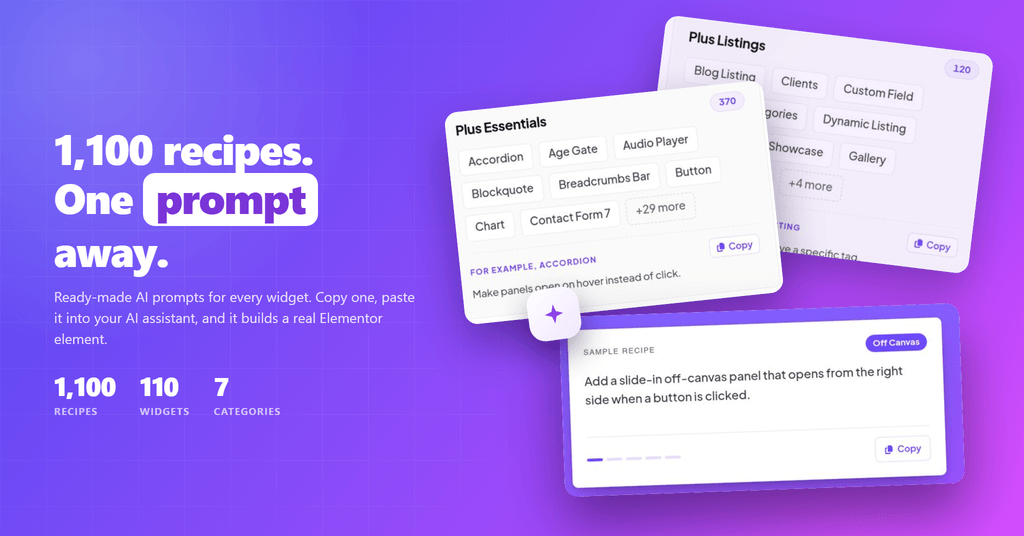
Copy a recipe, paste it into an AI tool like Claude or Cursor, and it builds a real, editable Elementor widget, not a block of raw code you have to clean up afterward. Ten recipes per widget, across 100+ Free and Pro widgets. Browse the Widget Recipe Library.
Six more things shipped alongside it:
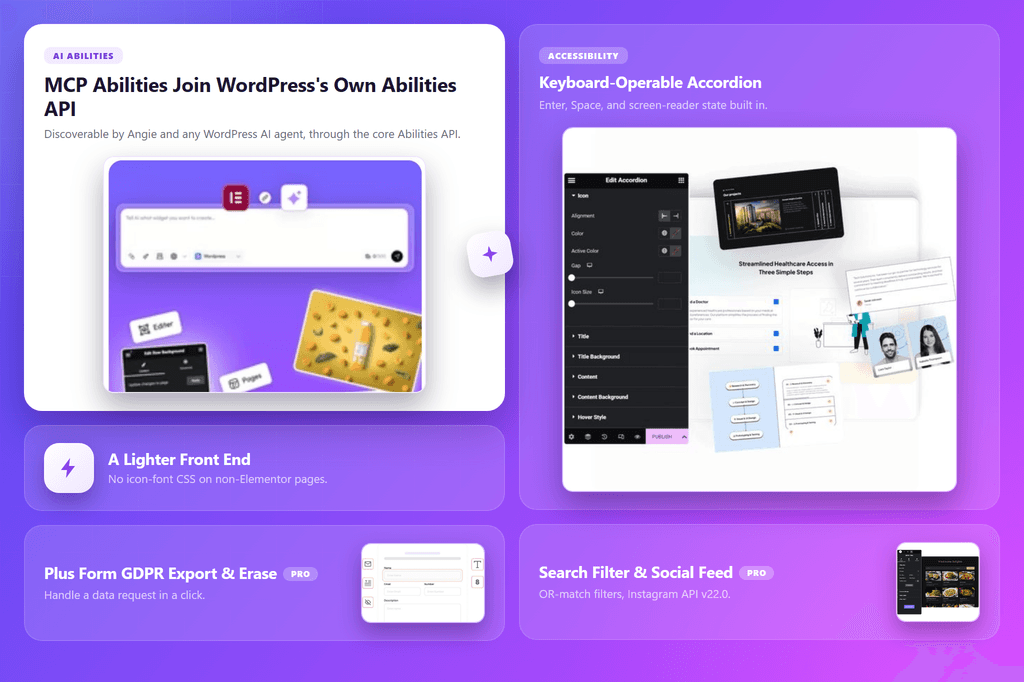
- Our Widgets Now Work with WordPress’s Built-In AI Tools: on Free, AI assistants inside WordPress, including Angie, can now see and control our widgets directly, not just through our own AI connector.
- Three Widgets Retired, Safely: Post Search, Caldera Forms, and Design Tool are gone from the widget list, but a hidden placeholder keeps every existing page editable so saved settings survive an update.
- A Lighter Front End: editor-only files no longer load on your live site, Pro now remembers repeated lookups instead of re-checking them on every page view, and icon fonts only load on pages actually built with Elementor.
- Keyboard-Friendly Accordion: Accordion headers can now be opened and closed with just a keyboard, and screen readers correctly announce whether each one is open or closed.
- Plus Form GDPR Export and Erase (Pro): form submissions can now be exported or erased to meet a GDPR request, instead of being handled manually.
- Search Filter and Social Feed Updates (Pro): Search Filter’s multi-select checkboxes can now match any selected option instead of requiring all of them, and Social Feed’s Instagram integration is updated to Instagram’s latest version.
For every change across both versions, check the complete changelog here.
📹 Video Tutorials




Watch the full Master The Plus Addons playlist →
🗞️ WordPress & Tech Bytes
- A serious file-upload security hole in Elementor Pro is being actively attacked. Wordfence has already blocked more than 190,000 attempts since it went public on August 19. It only affects a published page with an Elementor Pro Form that has an optional File Upload field, but if that describes any client site, update to version 4.2.2 or later immediately. Our take: this is exactly the kind of one-field, easy-to-miss exposure that a quick site audit catches and a “we’ll get to it” list does not.
- Elementor 4.2.3 (Pro) and 4.2.4 (Free) shipped August 31, formally updating WordPress compatibility to version 7.1 and tightening security in query and template handling. The Atomic Editor also picked up Grid layouts (Free) and Loop for dynamic content (Pro), plus improved AI layout and design help from prompts and images. Our take: pair this update with the Elementor Pro patch above and you are current on both fronts in one pass.
- WordPress 7.1 “Mary Lou” shipped August 19, timed to WordCamp US in Phoenix. It brings responsive styling controls in the Site Editor, a redesigned media editor, Notes with mentions and rich text, and image processing that now happens in the browser, plus two new blocks, Playlist and Tabs. Our take: the plugin was tested against the release candidate ahead of time, so this is a safe update to push now rather than wait out.
- WordPress shipped two security releases this month. 7.0.3 landed on August 6 with several security fixes, and 7.0.4 followed on August 12 with another. Both are flagged as immediate-update releases. Our take: if any client sites are still on 7.0.2 or earlier, they are two security releases behind and that gap is worth closing before it compounds.
- WooCommerce 11.0 shipped August 4, followed by 11.0.1 on August 10, both adding performance and security fixes. Our take: if you build stores with our WooCommerce Store Builder, these belong in your next maintenance pass alongside the Elementor updates above.
🔥 Tool of the Month
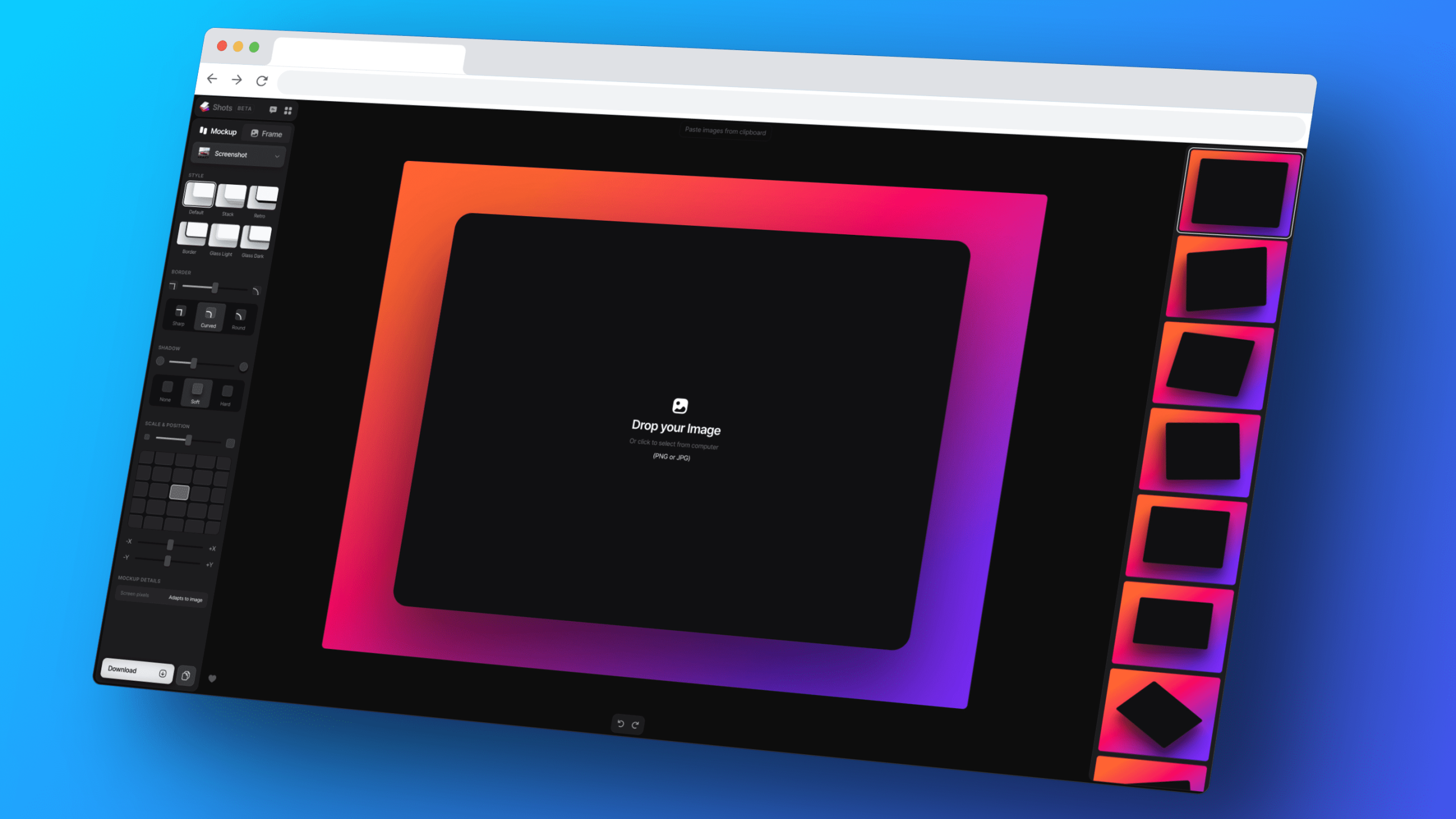
Shots.so turns a plain screenshot into a polished device mockup, iPhone, MacBook, iPad, Android, or browser frame, right in the browser. Pick a frame, pick a background, export. No account needed, no watermark on the free tier.
If you build client sites with The Plus Addons for Elementor, this is the fastest way to make a before/after, a portfolio piece, or a changelog screenshot look finished without opening Figma.
Suggested Reading
- The Plus Addons for Elementor 6.5.0: A Faster Front End and Three Widgets Retired
- WordPress 7.1 “Mary Lou” and Elementor: What Actually Changes for Your Site
- Essential Addons vs The Plus Addons for Elementor: Which Should You Actually Use in 2026?
- How to Build a WooCommerce Product Page with The Plus Addons’ Store Builder
Building client sites with The Plus Addons for Elementor? Update to the latest version to pick up the Widget Recipe Library, 6.5.1’s GDPR export, and full WordPress 7.1 compatibility.
— Sagar Patel, CEO, The Plus Addons for Elementor (Team POSIMYTH)



