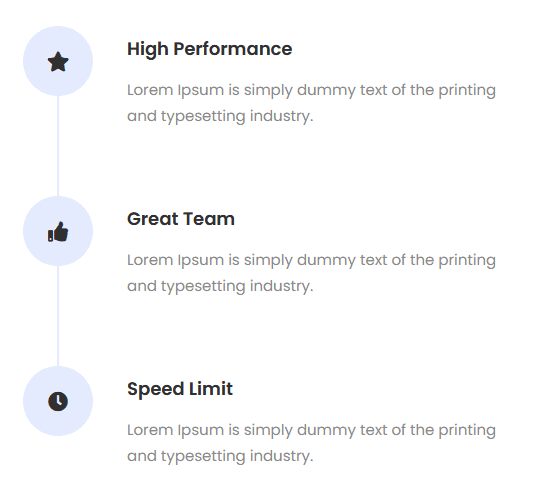



Do you want to create vertical process steps in Elementor? With the Process Steps widget from The Plus Addons for Elementor, you can easily create vertical process steps in Elementor.
To check the complete feature overview documentation of The Plus Addons for Elementor Process Steps widget, click here.
Requirement – This widget is a part of The Plus Addons for Elementor, make sure its installed & activated to enjoy all its powers.
To do this, add the Process/Steps widget to the page and follow the steps –
1. Select Vertical from the Style section.
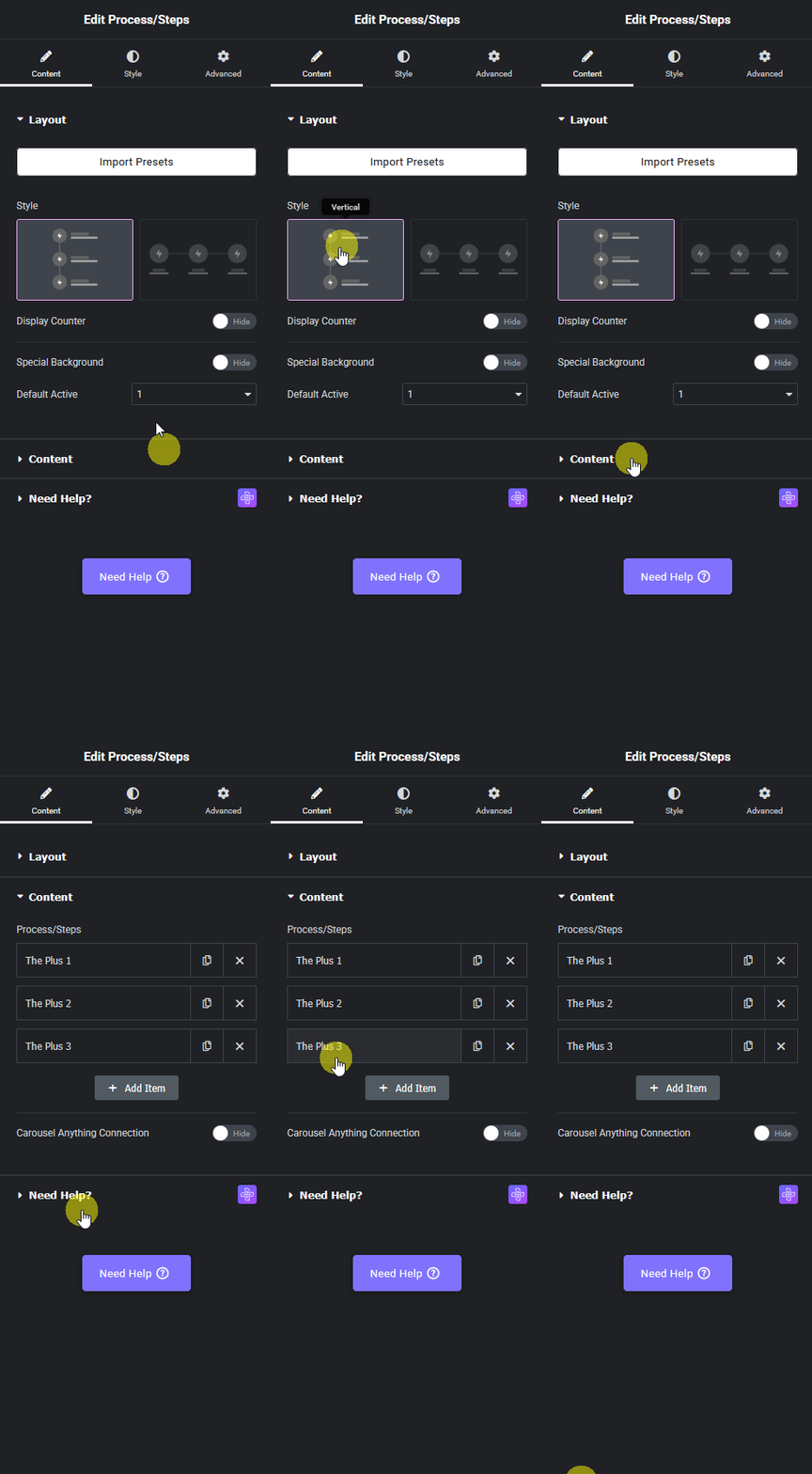
From the Display Counter toggle, you can add a step counter.
2. Then from the Process/Steps section under the Content tab, you have to add the required process steps and content.
Now you’ll see vertical process steps.