Looking for the best WordPress flipbox plugins to add interactive flip cards to your site in 2026? A flipbox flips on hover or click to reveal hidden content on the back face, which makes it a useful pattern for feature highlights, service tiles, and call-to-action cards.
Below are the five WordPress flipbox plugins worth installing this year, ranked by feature depth, builder compatibility, and animation control. Top of the list is the Flipbox widget from The Plus Addons for Elementor, followed by four solid alternatives across Elementor, Gutenberg, and Divi.
For each plugin you will see who it is built for, key features, the price floor for Free versus Pro, and a direct link to its WordPress.org listing so you can verify install counts and reviews yourself.
Install counts, ratings, and feature lists were last verified in May 2026 on WordPress 6.9.4. Where install counts are not displayed, they were not independently confirmable at verification time.
Suggested Reading: 5 Best Flipbox Plugins for WordPress Compared
Best WordPress Flipbox Plugins at a Glance
Each plugin on this list targets a different builder ecosystem. Use the table below to jump to the one that matches the editor you already use.
| Plugin | Best For | Editor | Pricing |
|---|---|---|---|
| Flipbox by The Plus Addons for Elementor | Elementor users who want 120+ widgets in one plugin | Elementor | Free; Pro starts at $39/year |
| Flipbox – Awesome Flip Boxes & Image Overlay | WPBakery / Visual Composer users | WPBakery | Free; Pro available |
| Flipbox (Gutenberg) | Native block editor users | Gutenberg | Free |
| Flip Cards Module For Divi | Divi Builder users | Divi | Free; 4,000+ active installs |
| Cool Flipbox – Shortcode & Gutenberg Block | Shortcode-driven sites or hybrid block setups | Shortcode + Gutenberg | Free; Pro available |
Bottom line: If you build sites in Elementor, Flipbox by The Plus Addons for Elementor is the easiest win because the same plugin gives you 120+ other Elementor widgets in one install. For Divi sites, Flip Cards Module For Divi is the simplest drop-in. For Gutenberg, the WPDevart Flipbox block covers the basics.
What Does a Flipbox WordPress Plugin Do?
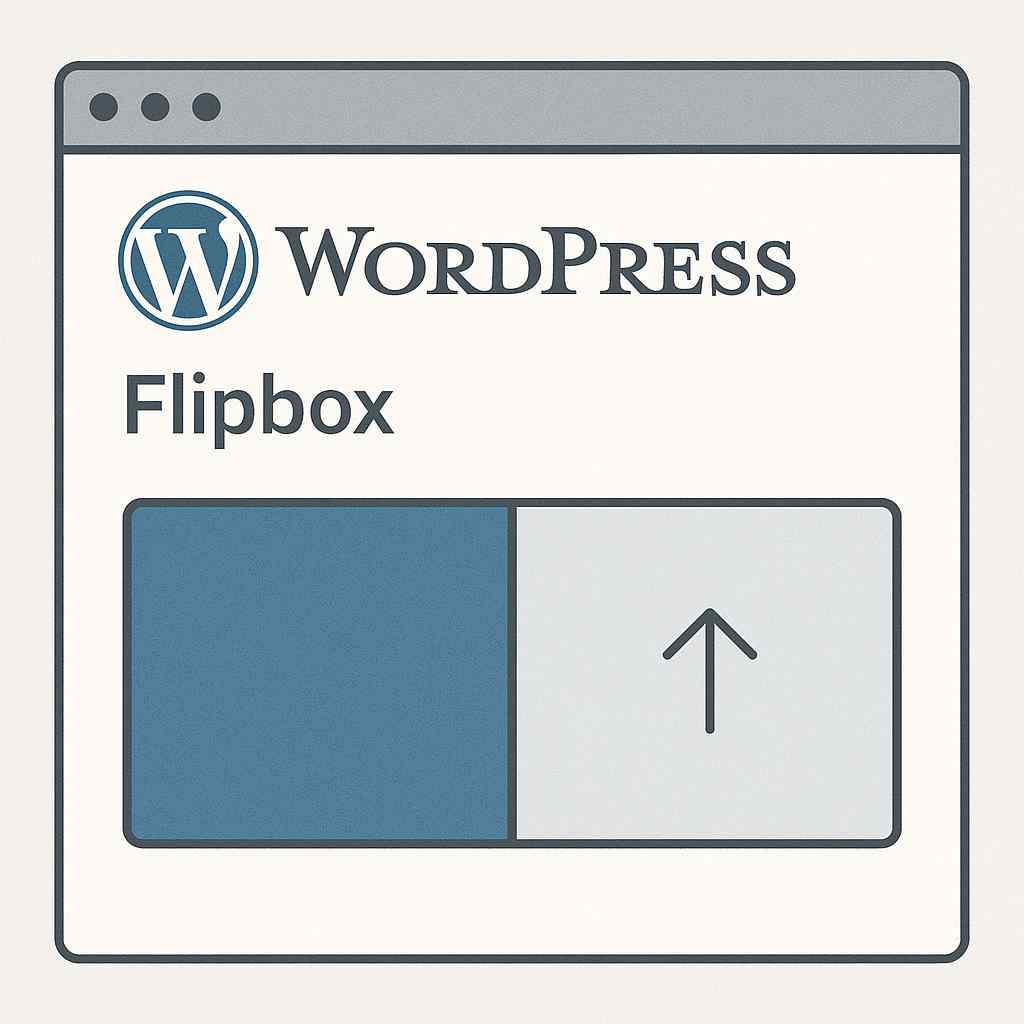
A flipbox is a card-shaped widget with a front face and a back face. On hover (desktop) or tap (mobile), the card rotates 180 degrees on a horizontal or vertical axis and reveals the back content.
Designers use flipboxes for four common patterns:
- Feature highlights. Icon and label on the front, longer description on the back.
- Service tiles. Service name on the front, pricing or CTA button on the back.
- Team or testimonial cards. Photo on the front, bio or quote on the back.
- Product cards. Image on the front, specifications or buy button on the back.
The benefit is screen-space efficiency: a flipbox holds two layers of content in the same footprint as a single static card. That makes it a good fit for grid layouts on landing pages where vertical scroll is already heavy.
What to Look for in a WordPress Flipbox Plugin
Not every flipbox plugin handles the same use cases. Before you install, check these five criteria against your build.
- Builder compatibility. Match the plugin to your editor. Elementor, Gutenberg, Divi, and WPBakery each have different plugin families.
- Flip direction control. Look for horizontal, vertical, and 3D options. Cards locked to one direction limit your layout choices.
- Back-face content flexibility. The best plugins accept text, icons, buttons, and links on the back face. Image-only back faces are a hard limit.
- Mobile behavior. Hover does not exist on touchscreens, so the plugin must support tap-to-flip on mobile. Confirm in the demo on a real device.
- Free vs Pro split. Some plugins put 3D effects, carousel mode, or accessibility settings behind a Pro license. Read the pricing page before committing.
If you already run Elementor or plan to, picking a flipbox plugin that also adds 100+ other widgets is more efficient than installing a single-purpose plugin.
5 Best WordPress Flipbox Plugins for 2026
1. Flipbox by The Plus Addons for Elementor
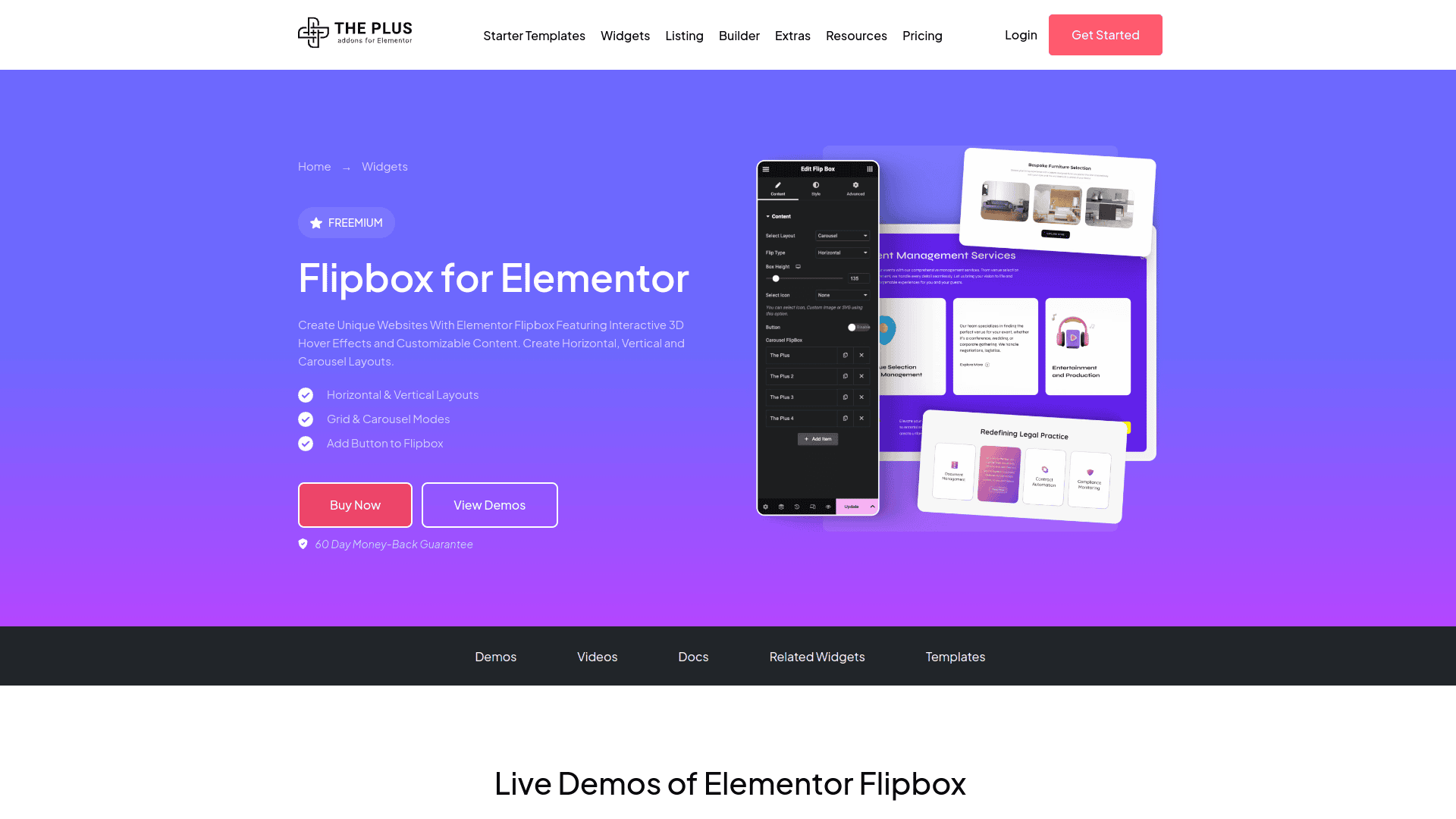
The Flipbox widget from The Plus Addons for Elementor by POSIMYTH is the most flexible flipbox option for Elementor sites. It ships with horizontal and vertical flip directions, a 3D rotation mode, hover and click triggers, and full back-face support for text, icons, buttons, and links.
The widget is part of the wider 120+ widget library, which means installing The Plus Addons gives you Flipbox plus carousel sliders, before/after sliders, dynamic device mockups, hotspots, and the rest of the design library in one plugin. For a single-purpose Flipbox install, this is more than you need. For a full site build, it is the most efficient stack.
Key Features of Flipbox by The Plus Addons for Elementor
- Horizontal, vertical, and 3D flip animations with adjustable speed and easing.
- Hover and click triggers with separate desktop and mobile behavior so touchscreens stay usable.
- Full back-face content control with headings, descriptions, icons, buttons, and link wrappers.
- Background image, gradient, or solid color on both front and back faces with separate hover states.
- Responsive controls for padding, font sizes, and alignment per breakpoint (desktop, tablet, mobile).
- Works with Elementor Free and Elementor Pro. Elementor Pro is not required for the Flipbox widget itself.
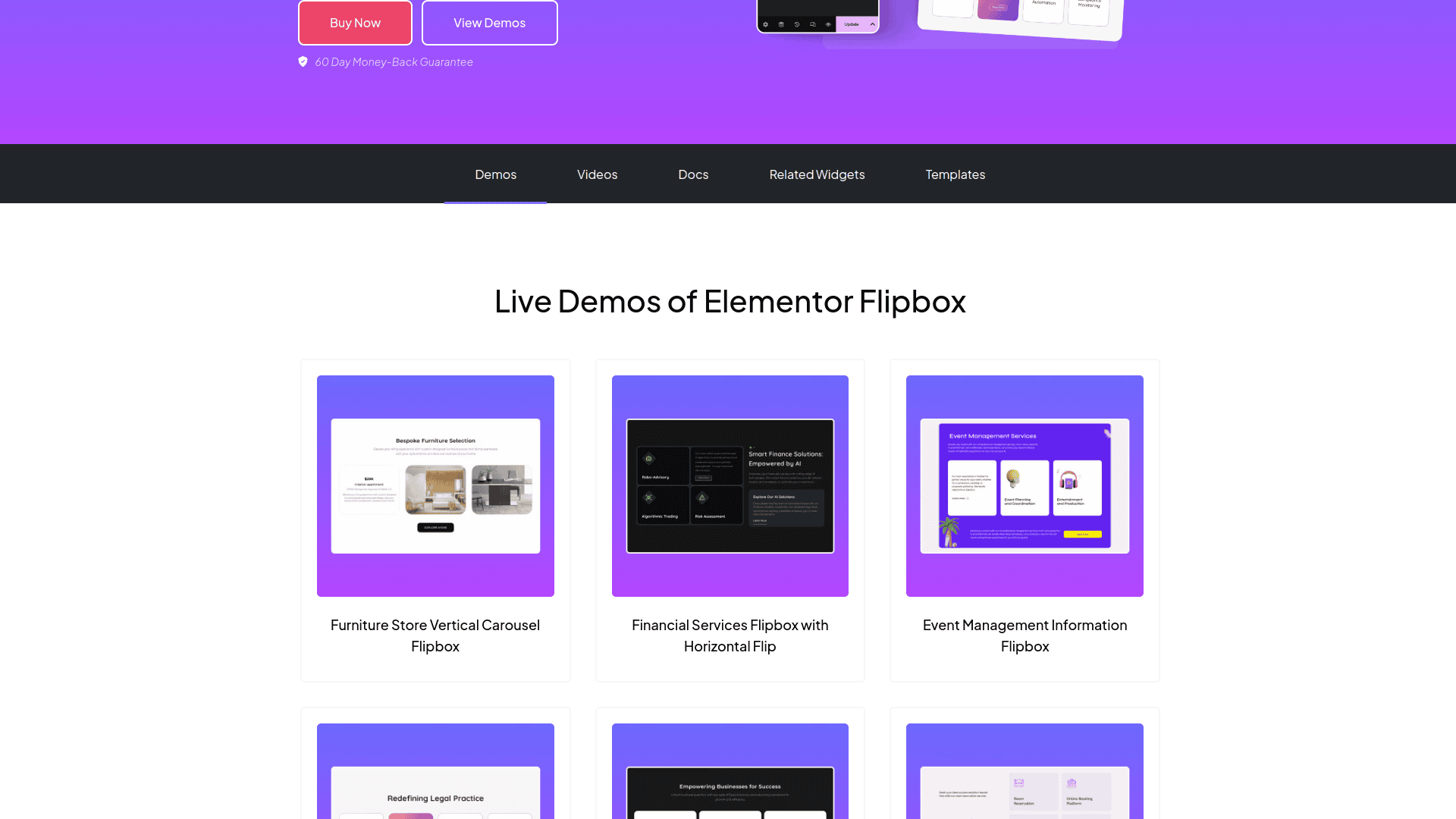
- Pricing: Free version includes core Flipbox functionality. Pro plans start at $39/year for a single site and unlock the full 120+ widget library, 1,000+ Starter Templates, and 8+ builders.
- Best for: Elementor users who want a flipbox plus a complete widget toolkit in one plugin install.
- Learn more: Flipbox widget page on theplusaddons.com or The Plus Addons on WordPress.org.
2. Flipbox – Awesome Flip Boxes & Image Overlay
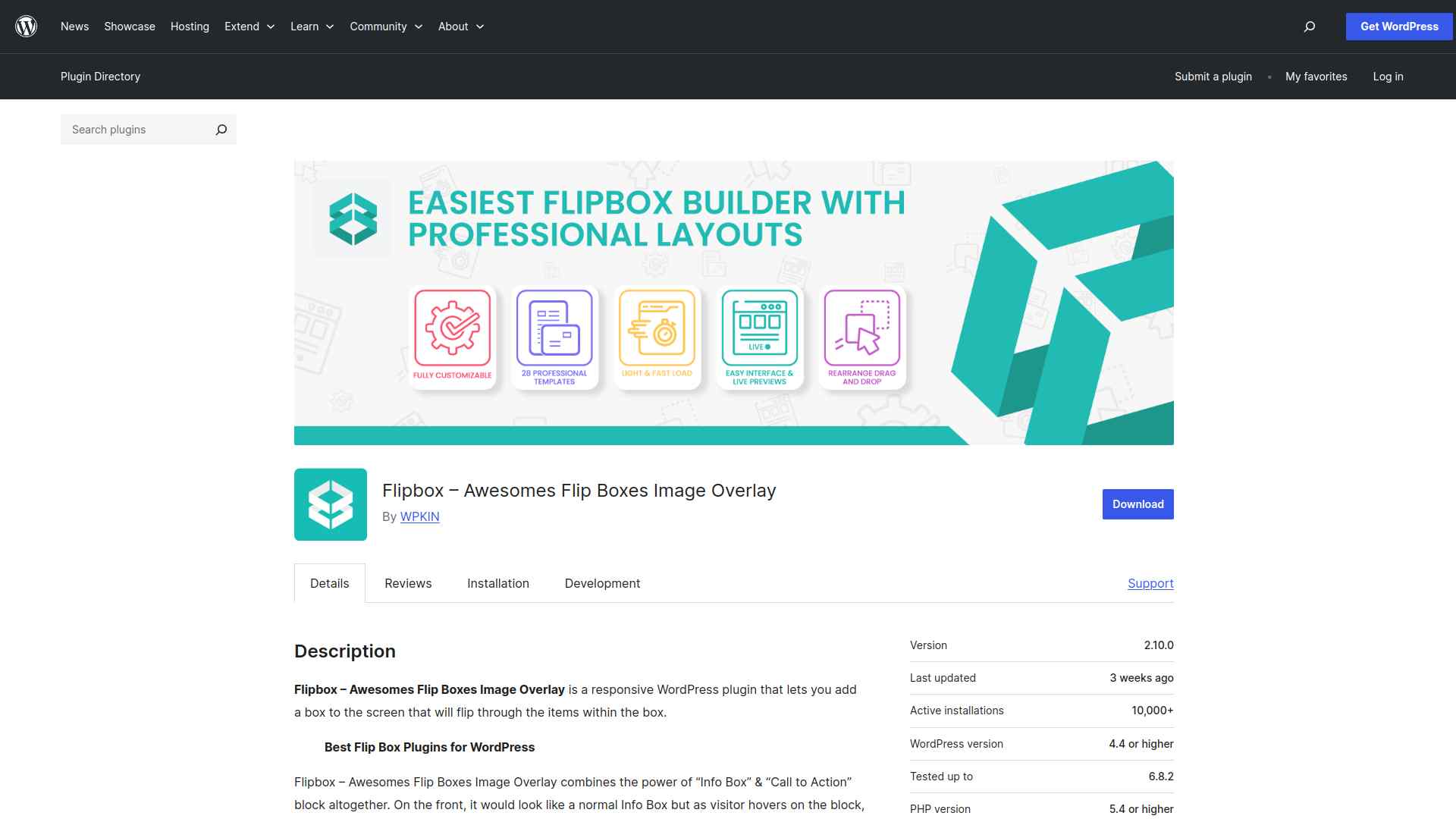
This Flipbox plugin (full name on WordPress.org: “Flipbox – Awesome Flip Boxes & Image Overlay”) is a long-standing free plugin built for WPBakery / Visual Composer users. It uses CSS3 animations rather than 3D transforms, which keeps file size light and rendering smooth on older devices.
The plugin focuses on a wide animation library: hover effects, image overlays, and flipbox templates that you drop into a Visual Composer column. It is not the right choice for Elementor or Gutenberg sites because the shortcode and builder integration target WPBakery first.
- Key Features: Pre-designed flipbox templates, CSS3 animation library, responsive layout, Visual Composer integration, color and font customization.
- Best for: WPBakery / Visual Composer sites that want a free flipbox option without switching builders.
- Pricing: Free version available. A Pro plan is also available with additional templates and effects.
- Learn more: Flipbox listing on WordPress.org.
3. Flipbox (Gutenberg Block)
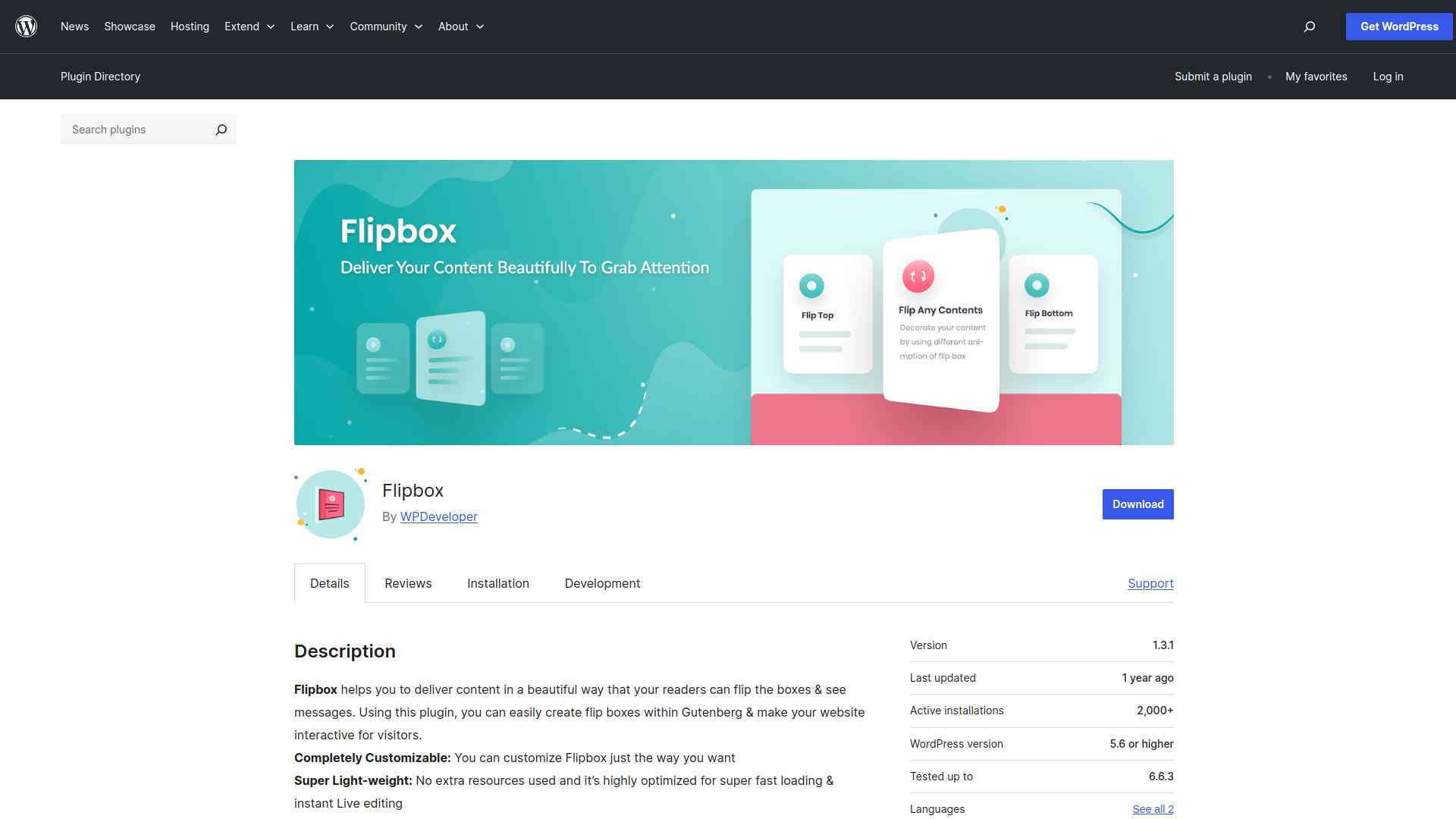
The WordPress.org plugin titled “Flipbox” registers a Gutenberg block that you insert from the block inserter under the Design category. It is the right pick if you build with the native block editor and do not want a page builder dependency.
Animation control is more limited than a builder-based widget. You get a horizontal or vertical flip with a few preset speeds, but no 3D mode and no carousel layout. For straightforward feature grids, that is enough.
- Key Features: Native Gutenberg block, horizontal and vertical flip directions, customizable colors and typography, responsive sizing, no builder dependency.
- Best for: Gutenberg-first sites that want a flipbox block without adding a full page builder.
- Pricing: Free.
- Learn more: Flipbox listing on WordPress.org.
4. Flip Cards Module For Divi
Flip Cards Module For Divi adds a Flip Cards module to the Divi Builder. Once activated, the module appears in your Divi module list, and you can drop it into any Divi section the same way you would use the native Image or Text module.
According to the plugin listing on WordPress.org, it has 4,000+ active installations and a 4.9-star rating as of May 2026. The Divi focus means it is not the right pick for non-Divi sites.
- Key Features: Four directional flips (Up, Down, Left, Right), 3D flip effect for floating text, full Visual Builder compatibility, button support on the back face.
- Best for: Divi Builder users who want a free flip card module that drops into the existing module library.
- Pricing: Free.
- Learn more: Flip Cards Module For Divi on WordPress.org.
5. Cool Flipbox – Shortcode & Gutenberg Block
Cool Flipbox from Cool Plugins works through both shortcodes and a Gutenberg block, which makes it a good fit for hybrid sites that still use classic editor shortcodes alongside block content. It supports four flip directions and ten built-in animation styles.
The free version is functional for basic flip cards. The Pro upgrade unlocks more icon libraries, additional layout templates, and bulk style options. For a Cool Plugins-focused site (the same vendor behind AutoPoly), Cool Flipbox is a familiar plugin family.
- Key Features: Shortcode and Gutenberg block support, four flip directions, ten built-in animation styles, customizable icons and colors, responsive sizing.
- Best for: Hybrid sites that use shortcodes alongside Gutenberg blocks or anyone already running other Cool Plugins addons.
- Pricing: Free version available. A Pro plan is also available with extra templates and animations.
- Learn more: Cool Flipbox listing on WordPress.org.

Which WordPress Flipbox Plugin Should You Choose?
Pick the flipbox plugin that matches the editor you already use. Mixing builders for a single widget rarely pays off, so let your existing stack drive the decision.
Pick Flipbox by The Plus Addons for Elementor if: you build with Elementor (Free or Pro). The Flipbox widget alone matches or beats every other plugin on this list for animation control, and you get 120+ other widgets in the same install. Best for designers building full sites, not single-component patches.
Pick Flipbox – Awesome Flip Boxes if: you run a WPBakery / Visual Composer site. The plugin slots into the Visual Composer column system without a separate widget framework.
Pick the Gutenberg Flipbox block if: you build with the native block editor and want a single-purpose plugin with no builder dependency. Skip it if you need 3D rotation or carousel layouts.
Pick Flip Cards Module For Divi if: you build with Divi Builder. The module drops into the existing module list and supports four flip directions plus a 3D effect, all for free. The 4,000+ active install base is the most validated of the Divi-specific options.
Pick Cool Flipbox if: you need shortcode support, run a hybrid Gutenberg site, or already use other Cool Plugins addons like AutoPoly. The shortcode delivery makes it the most portable option across themes.
If you are still on the fence between Elementor Free, Elementor Pro, and an addon plugin, our Elementor Free vs Pro comparison walks through what each tier gives you and where The Plus Addons fits as a middle path.
Ready to install? Start with the free version of The Plus Addons on WordPress.org or browse the full 120+ widget library before you commit.