






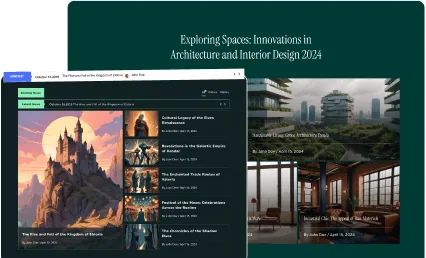





















Want to add a dynamic news ticker to your Elementor website? A news ticker lets you display breaking news, latest posts, or important announcements in a compact scrolling format that keeps visitors informed without occupying too much page space.
With the Dynamic Smart Showcase widget from The Plus Addons for Elementor, you can add a scrolling news ticker on your website using any post type as the source.
To check the complete feature overview documentation of The Plus Addons for Elementor Dynamic Smart Showcase widget, click here.
Requirement – This widget is a part of The Plus Addons for Elementor, make sure its installed & activated to enjoy all its powers.
To add a news ticker to your page, drag the Dynamic Smart Showcase widget from the Elementor panel onto your page. From the Style dropdown, select Post Ticker to switch the widget to news ticker mode. From the Post Type dropdown, select the post source for your ticker. Use this when you want to display recent blog posts, WooCommerce products, or any custom post type as a scrolling ticker. For a full post listing with category filters, see How to Display Posts Using an AJAX Filter in Blog Listing?
Go to the Post Ticker tab and enable the Post Ticker toggle. Once the toggle is on, you will see additional options to control what metadata appears alongside each post title in the ticker.
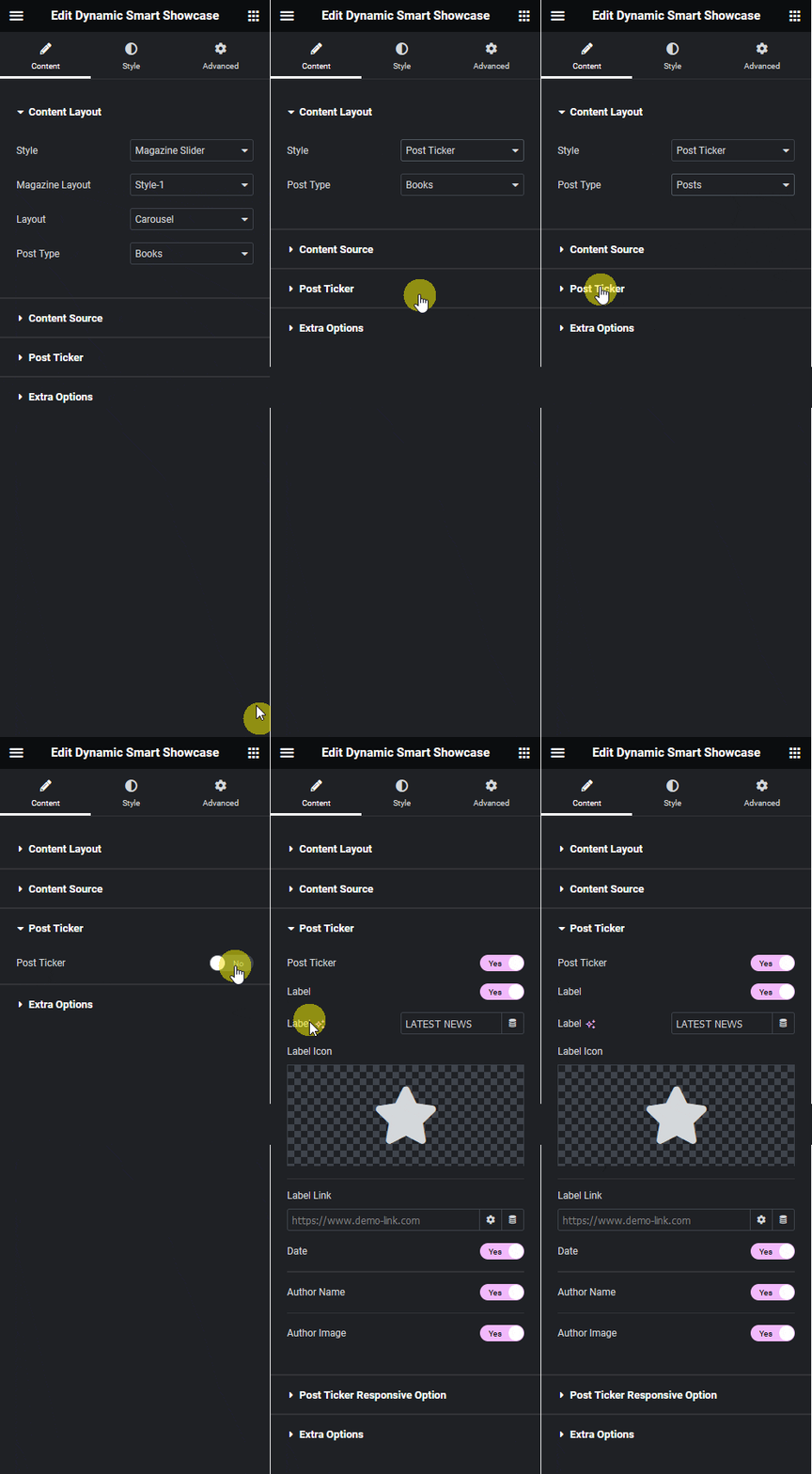
Label – Enable or disable the label that appears at the start of the ticker. From the label settings you can edit the label text, add an icon, and set a link. Use this when you want to prefix your ticker with a callout like “Breaking” or “Latest” to draw attention to the content.
Date – Show or hide the post date in the ticker. Use this when your ticker displays time-sensitive content and you want visitors to know how recent each post is.
Author Name – Show or hide the post author name in the ticker. This is useful when you run a multi-author publication and want to attribute each post to its writer directly in the ticker.
Author Image – Show or hide the author profile image next to each post in the ticker. Use this when you want to add a visual identity to each ticker item and reinforce recognition for your contributors.
After configuring these options, your post titles will scroll across the page as a news ticker based on the source and display settings you selected.

From the Post Ticker Responsive Option tab, you can hide the post ticker on tablet and mobile devices. Use this when the ticker is not essential for smaller screens and you want to keep the mobile layout clean. For a post display that works well on all screen sizes with more layout control, see How to Show Blog Posts Based on Custom Query in Elementor?
Also, read How to Create a Custom Post Grid Layout Slider in Elementor.
