---
title: "How to Display Posts Using an AJAX Filter in Dynamic Listing?"
url: https://theplusaddons.com/docs/display-posts-using-an-ajax-filter-in-dynamic-listing/
date: 2025-05-16
modified: 2026-04-09
lang: en
author: "Aditya Sharma"
description: "Do you want to display posts from a specific category using the Dynamic Listing widget in Elementor? With the help of AJAX filters from The Plus Addons for Elementor, you..."
word_count: 545
---

# How to Display Posts Using an AJAX Filter in Dynamic Listing?

## 

- Utilizes AJAX filters from The Plus Addons for Elementor to display category-based posts in the Dynamic Listing widget.
- Implements Normal and Ajax Filter Types to enhance post filtering accuracy, allowing searches across all posts regardless of initial display.
- Requires installation and activation of The Plus Addons for Elementor to access the Dynamic Listing widget features.

Do you want to display posts from a specific category using the Dynamic Listing widget in Elementor? With the help of **AJAX filters** from The Plus Addons for Elementor, you can easily show category-based posts from all available posts, not just the ones currently visible on the page.

When you use AJAX filtering, it searches through your entire post list, even if you're only showing a few posts at first. This makes it easier for visitors to find what they're looking for and ensures your filters work more accurately. In this guide, we’ll explain how AJAX filtering works and how it improves the post display experience on your site.

*To check the complete feature overview documentation of The Plus Addons for Elementor Dynamic Listing widget, [click here](/docs/dynamic-listing-widget-settings-overview/).*

***Requirement  - This widget is a part of The Plus Addons for Elementor, make sure it's installed & activated to enjoy all its powers.***

[LIVE WIDGET LINK](https://theplusaddons.com/elementor-listing//#dynamic-listing-wgts?utm_source=tpae&utm_medium=docs&utm_campaign=text)

First, you need to create some posts under any custom post type to display them, then follow the steps - 

1. Add the Dynamic Listing widget to a page or template. 

2. Select **Normal Page** from the **Post Listing Types** dropdown. 

3. Then select your post type from the **Post Type** dropdown, i.e., “*Posts*” here.

4. After that, select the appropriate style and layout (except Carousel).

> *Note: To see the ****Ajax ****Filter effect, you need to enter a number lower than the total number of posts in the ****Maximum Posts Display**** section under the ****Content Source**** tab. I.e., ****3**** here,*

5. Then, go to the **Category Wise Filter** tab and enable the **Category Wise Filter** toggle.

6. After that, select the **Ajax **option from the **Filter Type** dropdown.

> *Note: You need to understand how the ****Ajax ****option actually works. Please see the steps below.*

Let's first start with the Normal type

## Normal Filter Type:

When you choose the **Normal** option from the Filter Type dropdown and set the **Maximum Posts Display** to **4 **under **Content Source** tab, even if you have a total of **8 posts**, the filter will only apply to the **4 **posts that are currently displayed.

So, if you select a specific category on your page, it will search for matching posts **only within those 4 displayed posts**, **not from all 8 posts**.

**Example:**

- Total Posts: 8

- Max Posts Display: 4

- Selected Category: Clothing

- Result: It will only filter from the 3 visible posts and show the ones that belong to the **Clothing** category (if any).

Then move to the **Ajax **type.

## Ajax Filter Type:

When you choose the **Ajax** option from the **Filter Type** dropdown, and set the **Maximum Posts Display** to **4 **under the **Content Source** tab, even though only **4** posts are shown at first, the filter will search through **all 8 total posts**, not just the ones currently displayed.

So, when you select a specific category on your page, it will filter from the **entire list of 8 posts** and then display the ones that match your selected category.

**Example:**

- Total Posts: 8

- Max Posts Display: 4

- Selected Category: Clothing

- Result: It will filter from **all 8 posts** and show the **Clothing** category posts (up to 3, based on your display limit).

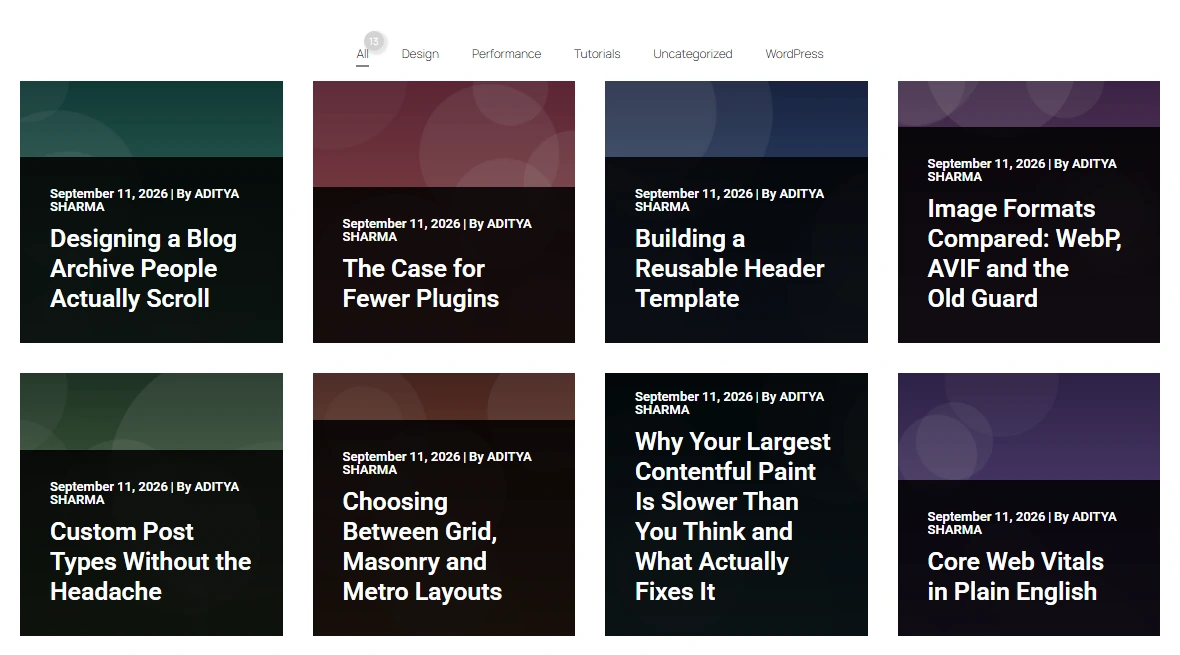
Now, you’ll see the posts from your selected category on this page.