You want a finished website in 30 seconds, not 30 hours. That is the promise behind every AI website builder, and in 2026 the category has matured enough that the promise actually holds up for simple business sites, portfolios, and storefronts.
An AI website builder is a no-code platform that generates a full website (layout, copy, images, and structure) from a short prompt about your business. Instead of picking templates and writing content yourself, you describe what you need and the AI produces a working draft you can publish or edit. Most platforms finish a first draft in under two minutes.
We picked five tools that are still actively maintained, have a usable free or trial tier, and generate a working first draft from a short prompt. Hocoos was dropped from this list because the platform is shutting down; file downloads remained available until 23 April 2026, and new site creation is no longer available.
If you are an Elementor user looking to take an AI-generated draft further with custom widgets and builders, we have a section below on how The Plus Addons for Elementor by POSIMYTH fits into the workflow after generation.
All pricing, feature, and shutdown data in this article were last verified in May 2026 on WordPress 6.9.4 and against each vendor’s live pricing page. As of May 2026, Hocoos is officially shutting down (final cutoff 23 April 2026), which is why it has been removed from previous editions of this list.
What Is an AI Website Builder?
An AI website builder is a platform that uses a large language model and a layout engine to generate a complete website from a short brief: business name, industry, audience, and a few preferences. You answer 5 to 8 questions, and the tool produces a multi-page site with copy, images, navigation, and basic SEO settings already filled in.
The output is editable. You can swap images, rewrite copy, restructure pages, and apply your brand colours. Most builders today combine three things into one product:
- AI generator that produces the first draft from a prompt
- Visual editor (drag-and-drop or AI-assisted prompts) to refine the output
- Hosting and a domain, so the site goes live without separate infrastructure
AI-assisted builders are now the fastest-growing segment of the no-code site category, with adoption highest among solopreneurs and freelance designers who need to ship a landing site in a single sitting.
5 Best AI Website Builders in 2026, Quick Comparison
Here is a fast side-by-side of the 5 tools we recommend, with each tool’s standout differentiator and the entry price as of May 2026:
| Sr. No. | AI Website Builder | Best For | Free Plan? | Paid Plans Start At |
|---|---|---|---|---|
| 1 | Hostinger AI Website Builder | Small businesses on the lowest budget | Free trial | $2.99/mo (annual) |
| 2 | 10Web AI Builder | WordPress users who want full ownership | 7-day free trial | $10/mo (annual) |
| 3 | Wix (with Wix Harmony AI) | Designers who want pixel-level control after AI | Yes (Wix subdomain) | $17/mo (annual) |
| 4 | Durable AI Website Builder | Solopreneurs and local services | Yes (free site) | $12/mo (annual) |
| 5 | Framer AI | Designers and product teams who need a high-end look | Yes (Framer subdomain) | $10/mo (annual) |
Prices verified against each vendor’s pricing page in May 2026. Monthly billing rates are higher than the annual figures above. Renewal pricing can change at the end of an introductory term, particularly with Hostinger.
How We Picked These AI Website Builders
We evaluated more than a dozen AI website builders on five criteria, then narrowed the list to the five tools that scored highest across all of them:
- Generation quality. Does the first draft look professional enough to publish with light edits, or does it need a full rebuild?
- Editing flexibility. After generation, can you restructure pages, change layouts, and adjust brand colours without fighting the editor?
- Free tier or free trial. Can a beginner test the tool end-to-end before paying?
- Transparent pricing. Are renewal prices and feature limits clearly listed on the pricing page?
- Platform health. Is the vendor still actively shipping updates? (This is why Hocoos was removed: the platform shut down in April 2026.)
All five builders below aim to produce a publishable first draft in under three minutes. The real differences show up in customisation depth, brand control, and how locked-in your content becomes if you ever want to migrate.
1. Hostinger AI Website Builder
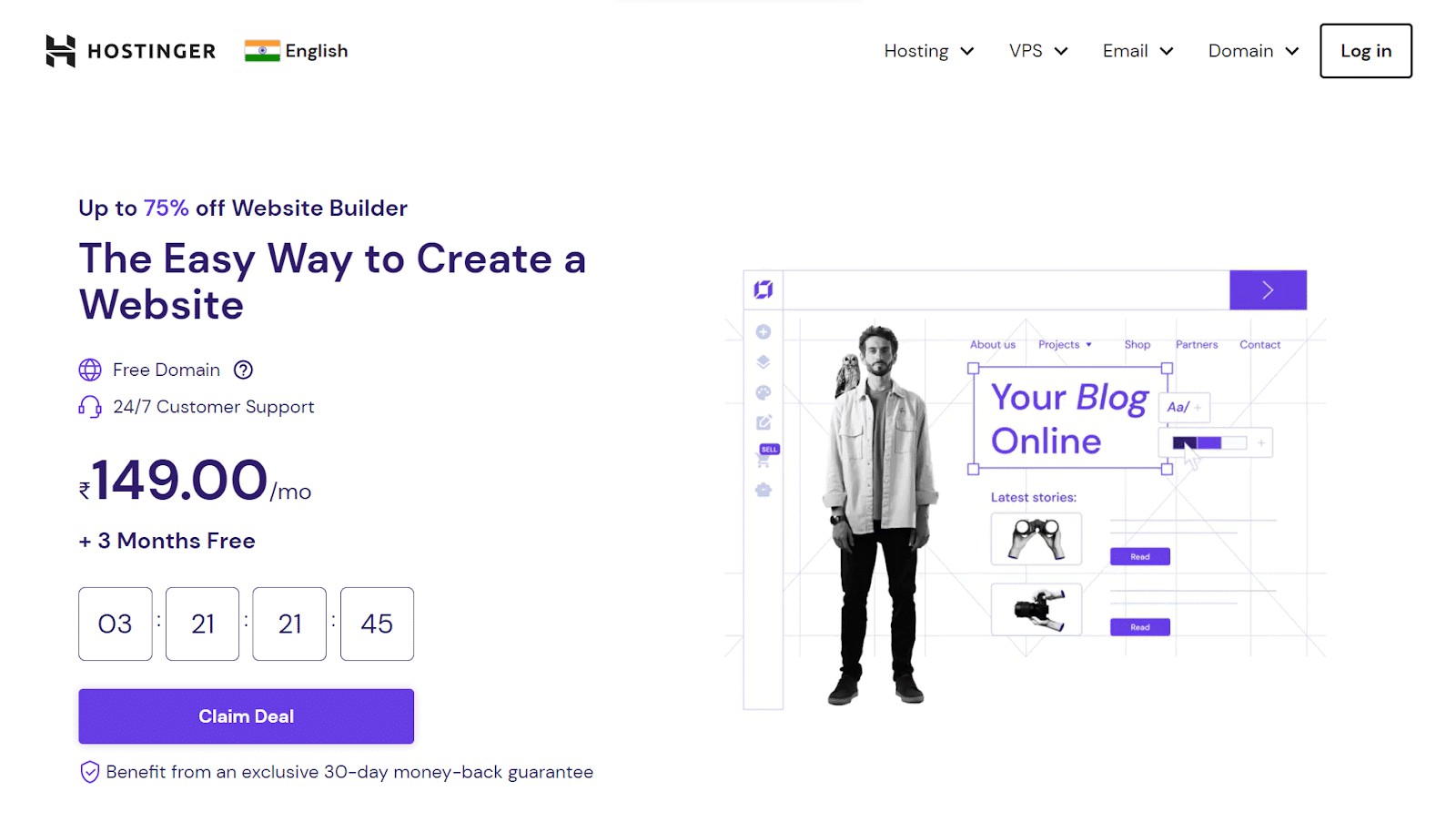
Hostinger’s AI Website Builder is the lowest-cost entry point on this list, at $2.99 per month on the annual Premium plan. After answering a short prompt about your business, the tool generates a multi-page draft with images, copy, and a brand palette in under 60 seconds.
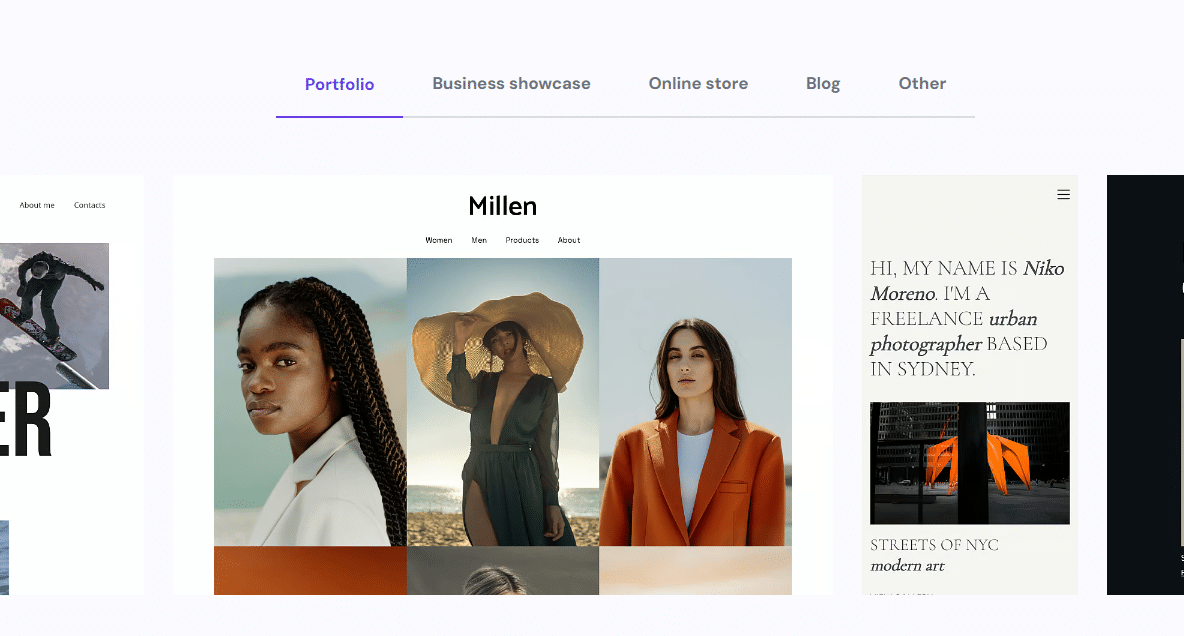
The generated draft is designed to be usable as a starting point with a few content swaps. The library of 150+ pre-designed templates is a useful fallback when the AI output does not match your taste.
Key Features of Hostinger AI Website Builder
- AI site generator that drafts a full site from a single prompt
- AI content writer for page copy and product descriptions
- AI image generator built into the editor
- Built-in SEO tools for meta titles, descriptions, and schema
- Hosting and free domain included with annual paid plans
Pricing of Hostinger AI Website Builder
Premium starts at $2.99/month on a 48-month commitment (annual rates vary). The Business plan (from $3.99/month) adds e-commerce. Renewal pricing increases at the end of the introductory term, so factor that into your year-two costs. Pricing verified on Hostinger’s live pricing page in May 2026.
Curious what an AI-built online store looks like? Check our list of the best WooCommerce website builders to see how they compare on the e-commerce side.
2. 10Web AI Builder
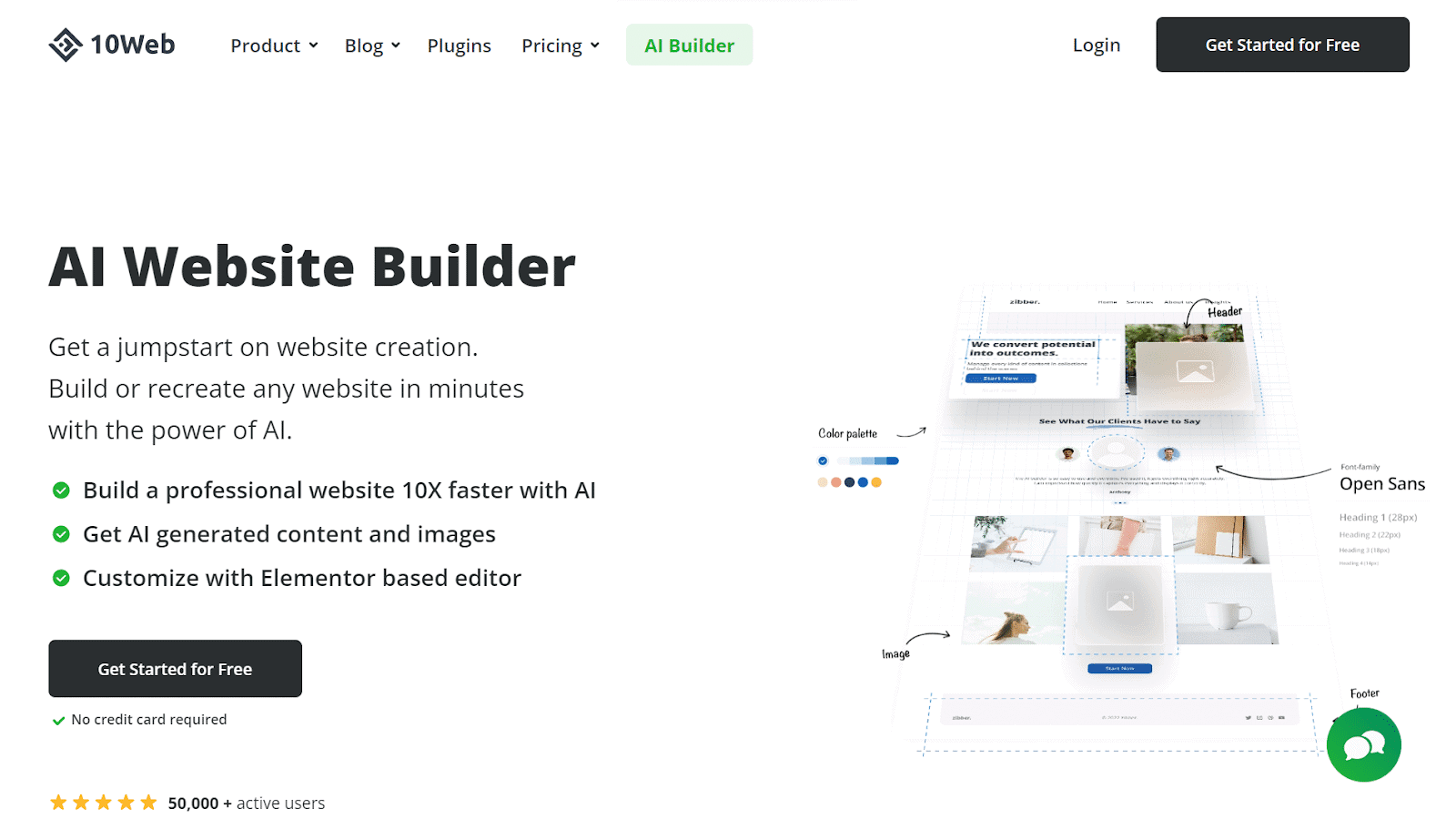
10Web is the strongest AI website builder for WordPress users who do not want to give up ownership of their site files. It generates a full WordPress site (running on managed Google Cloud hosting) and outputs an editable Elementor-based draft you can take with you.
The “AI Re-Create” mode is the headline feature: paste any public URL and 10Web rebuilds the structure as an editable Elementor site. It is designed to preserve layout, hierarchy, and copy intent while generating entirely new, non-copied brand assets.
Key Features of 10Web AI Builder
- AI website generator based on Elementor blocks
- AI Re-Create rebuilds the structure of any public URL as an editable WordPress site
- Managed Google Cloud hosting with a PageSpeed Booster bundled in
- Full WordPress ownership, your site, your database, your plugins
- Built-in SEO and security tools, plus daily backups
Pricing of 10Web AI Builder
10Web offers a 7-day free trial of the Pro plan. Paid plans start at $10/month (AI Starter, annual billing) and scale up to $23/month for AI Ultimate. Pricing verified on 10Web’s live pricing page in May 2026.
AI is advancing fast, but is AI-generated content safe for SEO? See our take on whether you should write blog content with AI before you ship a page.
3. Wix (with Wix Harmony AI)
Wix combines a mature website builder with an AI generator (Wix Harmony) available at no extra cost across every plan, including the free tier. You answer a few questions about your business, and Wix Harmony drafts a multi-page site you can then refine in the hybrid editor.
What sets Wix apart in 2026 is the editor itself: the hybrid editor lets you toggle between AI-assisted refinement (describe a change in plain English) and traditional drag-and-drop control. For designers who want pixel-level layout precision after an AI draft, this is the deepest editing experience on the list.
Key Features of Wix (with Wix Harmony AI)
- Wix Harmony AI for site generation and ongoing AI-assisted edits
- Hybrid editor that blends AI prompts with pixel-level drag-and-drop
- AI text creator and image tools available from the free plan
- 500+ designer-made templates for when you want to skip generation
- Built-in e-commerce, bookings, and email marketing
Pricing of Wix
Wix offers a free forever plan (with a Wix subdomain and Wix ads). Paid plans on annual billing run Light ($17/month), Core ($29/month), Business ($39/month), and Business Elite ($159/month). All plans include Wix Harmony AI access. Pricing verified on Wix’s live pricing page in May 2026.
Want to push your design further than any AI default? Check the top 10 WordPress page builders for the editors designers actually keep open all day.
4. Durable AI Website Builder

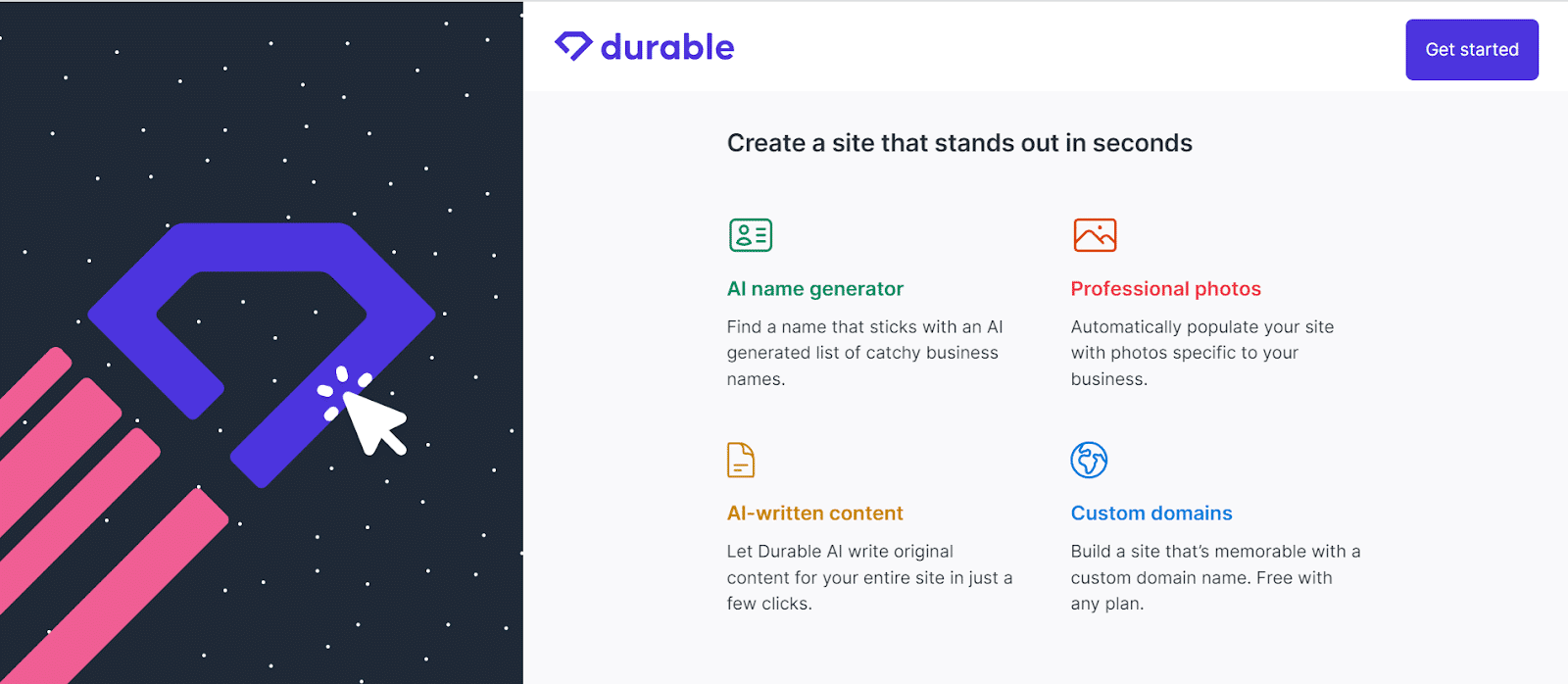
Durable is built for solopreneurs and local services who want a working site, a CRM, an invoicing tool, and a small AI marketing suite in one place. Site generation takes about 30 seconds, and the editor stays opinionated so non-designers do not get lost in layout choices.
Durable markets a 30-second site generation claim, and a typical local services output includes a contact form, service descriptions, and a placeholder hero image. The bundled CRM, review automation, and AI invoice generator are why Durable suits the “I just need a site and a way to bill clients” use case.
Key Features of Durable AI Website Builder
- 30-second site generation tuned for local services and solopreneurs
- Bundled CRM for managing leads from the site itself
- AI invoicing and review automation built into the dashboard
- Social post generator and Google ad generator tools
- Mobile-responsive output with hosting, SSL, and CDN included
Pricing of Durable
Durable offers a free starter site. The Starter plan is $12/month on annual billing (or $25/month if billed monthly), and the Business plan adds team access at $20/month annual. Pricing verified on Durable’s live pricing page in May 2026.
Want to add an AI chat assistant to whichever site you build? See our list of the top WordPress ChatGPT plugins that turn visitors into conversations.
5. Framer AI
Framer AI is the pick for designers and product teams who want an AI-generated site that does not look AI-generated. The tool emerged from Framer’s design-focused background, and its outputs lean modern, editorial, and typography-driven rather than templated.
Framer’s AI generates a full site from a prompt and lets you fine-tune in a Figma-like canvas. The free tier is unusually generous: 1,000 pages, 10 CMS collections, and full access to design and AI tools. The caveat is that the free site lives on a Framer subdomain with a small “Made in Framer” badge.
Key Features of Framer AI
- AI site generator tuned for editorial, portfolio, and product layouts
- Figma-style canvas for precise design control after generation
- Built-in CMS for blogs, case studies, and changelogs
- Localisation, A/B testing (Convert), and analytics as paid add-ons
- Generous free tier with 1,000 pages and 10 CMS collections
Pricing of Framer AI
Framer has five tiers: Free ($0), Basic ($10/month annual, $15 monthly), Pro ($30/month annual, $45 monthly), Scale ($100/month annual), and Enterprise (custom). A custom domain requires the Basic plan or higher. Pricing verified on Framer’s live pricing page in May 2026.
Already using Elementor and want AI inside the editor itself? Check our deep dive on how to use Elementor AI for copy, layouts, and image generation.
What to Look For in an AI Website Builder
Once you have a shortlist of two or three tools, the actual buying decision usually comes down to four trade-offs. Use these to break ties between Hostinger, 10Web, Wix, Durable, and Framer AI:
| Criterion | What to Look For | Why It Matters |
|---|---|---|
| Ownership | WordPress export or open hosting | If you might want to migrate later, locked-in editors hurt |
| Editing depth | Pixel-level controls after AI generation | AI rarely nails brand on the first try |
| Free tier | Real free tier, not just a trial | Lets you test generation quality before paying |
| Renewal pricing | Year-2 cost vs introductory cost | Some builders 3-5x the price at renewal |
| E-commerce | Native store, not bolt-on plugin | Plugin-bolted stores often break after AI re-generations |
The AI gets you most of the way to a launch-ready site. The first rough draft is there in minutes, but the remaining polish is where the editor’s depth matters most. That is what the criteria above are really measuring.
After the AI: Customising Your Site With The Plus Addons for Elementor
If you used 10Web (or you exported a Hostinger or Wix site to WordPress) and you want to go further than the AI’s default look, The Plus Addons for Elementor by POSIMYTH is the tool most designers reach for next. It is a freemium Elementor addon that adds 120+ widgets, 1,000+ Starter Templates, and 8+ Builders (Header, Footer, Blog, WooCommerce, Form, Grid, Popup) on top of any Elementor-based site.
The free version includes 35+ widgets, the complete Blog Builder, and the Unused Widget Scanner (a built-in performance tool that disables inactive widgets to keep your AI-generated site fast). As of The Plus Addons for Elementor v6.4.14, all features are tested on WordPress 6.9.4.
- Header Builder (Pro), replace any AI-generated header with a sticky, transparent, or mega-menu version
- Blog Builder (Free), turn a basic AI blog into a magazine-style layout with author boxes and post meta
- WooCommerce Builder (Pro), rebuild AI-generated product pages, checkout, and category pages
- Display Conditions (Pro), show or hide sections based on login status, role, language, or 20+ WooCommerce conditions
- Unused Widget Scanner (Free), strip dead weight from any AI-generated site to keep page weight low
The Plus Addons for Elementor works with Elementor Free (Elementor Pro is not required). See the full 120+ Elementor widgets library or compare the free vs pro plans before you commit.

Which AI Website Builder Should You Use?
The right pick depends on what you are building and how much editing control you want after the first draft. Here is the short version of our verdict, by use case:
- Lowest budget for a small business site: Hostinger AI Website Builder at $2.99/month annual. Watch the renewal price, but the entry cost is unbeaten.
- You want a WordPress site you can fully own: 10Web. The Elementor-based output means you can keep editing with The Plus Addons for Elementor, swap themes, or migrate to any WordPress host later.
- You want maximum design control after the AI draft: Wix (with Wix Harmony AI). The hybrid editor is the deepest on the list.
- You are a solopreneur or local service provider: Durable. The bundled CRM, invoicing, and review automation save you another 2-3 tool subscriptions.
- You are a designer or product team: Framer AI. Outputs look modern, the free tier is generous, and the Figma-style canvas is the closest to a real design tool.
Who should not use these tools? If you are building a complex multi-vendor marketplace, a membership site with custom roles, or a Headless WordPress + Next.js setup, the AI website builders above will limit you. In that case, start with WordPress + Elementor + The Plus Addons for Elementor and use AI tools (like Elementor AI) inside the editor instead.
Whichever AI builder you pick, the post-generation customisation is where your site actually starts to look like yours. If you end up on WordPress or Elementor after exporting from 10Web or another builder, the free version of The Plus Addons for Elementor is the next stop. Designers who need the full builder suite can compare the free vs pro plans to see what unlocks at the Pro tier.


![6 Best AI LinkedIn Post Generators [Create Viral Posts]](https://theplusaddons.com/wp-content/uploads/2023/08/Best-AI-LinkedIn-Post-Generators.jpg)