Until September 2026, “Elementor MCP” meant a community plugin or a promise. That changed on 22 September, when Elementor 4.3.0 shipped with a changelog line that settles the question: “Introducing Elementor MCP – enabling compatible AI tools to build pages, edit elements, and work with your design system.” There is now an official, built-in way to connect Claude, Codex, Cursor and other AI tools to an Elementor site, and it lives right in your WordPress dashboard.
That does not make the older layers disappear. The WordPress Abilities API still sits underneath, community servers still exist, and add-on makers like The Plus Addons for Elementor ship their own abilities for widgets the official connector cannot reach yet. This guide explains what the official Elementor MCP does, how to set it up in three steps, where its limits are today, and how the other layers fit around it. We first published this piece in June 2026 and rewrote it after the 4.3 release so the facts match what you will actually see on your site.
What the Elementor MCP Actually Is
MCP stands for Model Context Protocol, an open standard for connecting AI applications to external systems. The common analogy is a USB-C port for AI: one plug shape, so any compatible AI client can use any compatible tool. Anthropic introduced it in November 2024, and it has since become the default way AI assistants call real software instead of just describing what you should click.
The Elementor MCP applies that standard to Elementor. Elementor’s own product page describes it simply: it “connects Claude, Codex, Cursor, and other AI tools to your Elementor site.” You describe what you want, attach references if you have them, and the AI tool builds native Elementor structure on your site. The output is not HTML pasted into a code widget. It is real containers and elements you can open in the Editor and keep adjusting by hand.
Under the hood, Elementor exposes its capabilities through the WordPress Abilities system, which is the same framework WordPress 7.0 made standard. That detail matters, and we will come back to it, because it is why other plugins can plug their own abilities into the same conversation.
What Changed in Elementor 4.3
Before 4.3, anyone who wanted an AI agent inside Elementor had to install a third-party MCP server and wire it up manually. The 4.3.0 release (22 September 2026) added two MCP items to the changelog: the Elementor MCP itself, and “a dedicated Elementor MCP page for connecting external AI tools to your site.” Patch releases 4.3.1 and 4.3.2 followed on 23 and 24 September with fixes, including improved update stability between Elementor Core and Pro.
The same release also added Background Video, a nested Accordion element, Default Styles for HTML tags, and ‘nav’ and ‘main’ tag options on Flexbox and Div Block. Those are Atomic (V4) features, and that is not a coincidence. The official MCP is built around the Atomic editor, which shapes what it can and cannot do today.
Also Read: Is Elementor V4 (Atomic) Ready for Production? explains the Atomic editor the official MCP depends on.
How to Set Up the Official Elementor MCP
Setup takes a few minutes and happens entirely inside WordPress. You need Elementor 4.3 or newer and an administrator account, since Elementor limits connections to site admins. You can create more than one connection per site, which is useful if different team members use different AI tools.
- Choose your AI tool. In your WordPress dashboard, go to Elementor > Elementor MCP and pick the client you want to connect. Elementor lists Claude Code, Claude Desktop, Codex and Cursor, plus an option for other MCP-compatible tools.
- Generate and copy the prompt. Elementor creates a WordPress Application Password in the background and places it, along with the connection details, inside a setup prompt. You copy that prompt.
- Paste it into your AI tool. The AI tool reads the prompt and completes the connection. From that point it can build directly into your Elementor site.
Because the setup prompt contains a working credential, treat it like a password. Do not paste it into a shared chat, a ticket or a screenshot. If you suspect it leaked, revoke the Application Password from the user’s profile screen in WordPress and generate a fresh connection.
A good first test, adapted from the one Webgate agency describes in its case study on Elementor’s blog, looks like this:
Create a new draft page called "MCP Test".
Add an Atomic hero section with a headline, one short paragraph
and two call-to-action buttons.
Use the site's existing global classes and variables for colours and type.
Do not publish the page.
Then open the draft in the Elementor Editor and look at what was built: container structure, which classes were applied, and how the section behaves on tablet and mobile. That review habit is the single most useful thing you can build on day one.
What the Official MCP Can Build Today
According to Elementor and to the Webgate case study published on 23 September, a connected AI tool can currently work with:
- Full pages and sections created from a description, a screenshot or a design file your AI tool can already see
- Edits to existing layouts, as long as they are built with Atomic elements
- Global classes and variables, so new sections follow your design system
- Responsive settings for tablet and mobile
- Components and dynamic data connections
- Theme Builder parts such as headers, footers, single post templates and 404 pages
- Popups
Two safety details stand out. First, every generation lands as a draft. Elementor’s FAQ answers “Does it publish changes automatically?” with a plain no: nothing goes live until you review and publish it. Second, if you are editing a page in the Editor while the MCP is generating, Elementor detects the conflict and lets you refresh or discard changes before continuing. Both make the official connector noticeably safer than the community servers many people tested earlier this year.
The Limits You Should Know Before You Rely on It
The official MCP is useful, but it is new, and three limits matter for most real sites.
It Only Edits Atomic (V4) Layouts for Now
Elementor’s FAQ says you can use the MCP on existing sites “only if they were built with atomic elements and layouts (V4),” and that support for older Widget (V3) layouts is coming soon. If your site was built over several years with classic widgets, the MCP can add new Atomic sections next to them but cannot yet restructure the V3 parts. Webgate describes exactly this pattern: they kept stable V3 sections and built new landing page sections with Atomic elements through the MCP, with both living on the same production site.
Some Abilities Require Angie
The MCP can create and edit pages, sections and theme parts with only Elementor installed. Elementor notes that connections to other plugins, custom widgets and apps, WP Admin customisation, and bulk content actions require Angie, Elementor’s agentic AI plugin, which is available free from the WordPress plugin directory. When we first wrote this guide in June, Angie was still listed as coming soon, so this is a real change.
Connecting Is Free, Pro Elements Are Not
Elementor’s answer to “Is the Elementor MCP free?” is that connecting is free, basic sections and features are free to generate, and Pro elements require a Pro plan. Your AI tool’s own subscription or API costs are separate. Budget for both before you roll this out across client sites.
The WordPress Layer Underneath: Abilities API and MCP Adapter
Elementor did not invent a private protocol. In February 2026 the WordPress Core AI team shipped the MCP Adapter, which takes abilities registered through the Abilities API and exposes them as MCP tools an agent can discover and run. WordPress 7.0 then made the Abilities API a standard part of core.
This is why the official Elementor MCP can, with Angie installed, use “any ability registered to the WordPress Abilities API, including WooCommerce, Yoast, and ACF,” in Elementor’s words. Any plugin that registers abilities properly becomes part of the same toolbox, and every call goes through WordPress authentication and permissions instead of a side door. If you want the full picture of that layer, our guide to the WordPress 7.0 AI features covers it in depth.
Official MCP vs Community Servers vs Add-on Abilities
There are now three realistic ways to let an AI agent build in Elementor. They solve different problems, and many sites will use more than one.
| Option | Who maintains it | What it builds with | Best for |
|---|---|---|---|
| Official Elementor MCP (4.3+) | Elementor | Atomic (V4) elements, classes, variables, Theme Builder parts, popups | New pages and sections on sites moving to V4 |
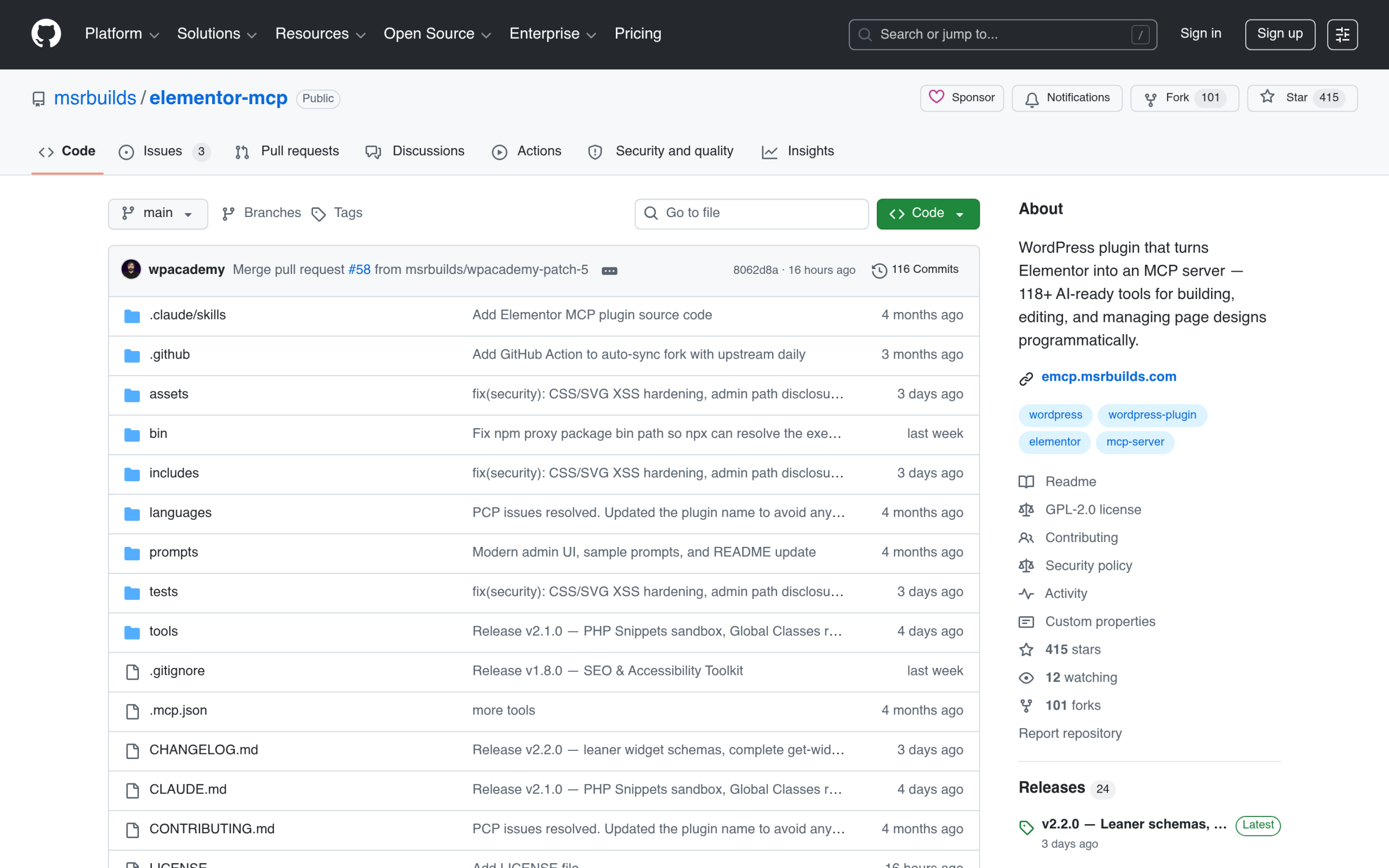
| Community servers (for example msrbuilds/elementor-mcp) | Independent developers | Varies by project; the msrbuilds README lists 62 tools on free Elementor and up to 120 with Pro, WooCommerce and 4.0 | Experiments and staging sites where you want wider tool coverage today |
| Add-on abilities (for example MCP Abilities in The Plus Addons for Elementor) | The add-on maker | That add-on’s own widgets, controlled attribute by attribute | Sites that rely on an add-on’s widget library, including classic widgets |
The community route was the only route until September, and it still offers the broadest tool list. It also carries the most risk, because you are trusting a third-party plugin with write access to your site. Now that an official connector exists, we would start there and only add a community server if you need something it cannot do.
Where The Plus Addons for Elementor Fits
An AI agent can only build with the elements it can reach. The official MCP reaches Elementor’s Atomic elements today, which is a strong start, but most production sites also depend on add-on widgets for things like mega menus, post listings, WooCommerce layouts, carousels and advanced forms.
The Plus Addons for Elementor ships its own MCP Abilities, registered through the same WordPress Abilities system. They cover its widget library, from headings and buttons to WooCommerce, Lottie and dynamic content, and include a schema ability that returns a widget’s full control list, so the AI reads real control keys before it builds instead of guessing. Every ability output is a real Elementor element you can open and edit afterwards.

In practice, the two work side by side. Use the official MCP to build Atomic structure and apply your design system, and use the add-on’s abilities when the page needs a widget Elementor does not ship. Because both go through the Abilities API, one AI assistant can call both in the same session.
If you are deciding whether the widget library is worth adding to your stack, the Free vs Pro comparison lists exactly which widgets each edition includes, and pricing covers the site-count plans for agencies.
Is the Elementor MCP Safe for Client Sites?
Safer than it was, and safe enough to use with care. The draft-only output and the edit-conflict detection remove the two scariest failure modes from the community era: an agent publishing half-finished work, and an agent overwriting changes someone was making by hand. Webgate reports using it on their live agency site, not only on staging.
The broader MCP risks have not gone away, though. Elementor’s earlier write-up on MCP named them plainly: tool poisoning, prompt injection, spoofed or malicious MCP servers, and overly broad permissions. A few habits keep those in check:
- Connect only tools you trust. Every MCP server your AI assistant loads can influence what it does. Keep the list short.
- Keep a backup you can restore. Drafts protect live pages, but agents can still change global classes and variables that affect the whole site.
- Review global changes, not just the page. After a session, check your global classes and variables for anything renamed or added.
- Revoke old connections. Each connection is an Application Password. Remove the ones you no longer use.
- Give clients a clear rule. If a client’s team will use the MCP, agree who reviews and publishes drafts before anyone connects a tool.
Prompts That Get Better Results
Elementor’s own advice is that the MCP “isn’t magic”: good results still take iteration, context, and knowing what good structure looks like. The teams getting the most from it give the agent precise development tasks rather than asking it to build a whole website.
Three habits help most. Attach context, such as a brief, a screenshot or a design file, so the agent has more to go on than a sentence. Name the design system explicitly, for example “reuse our existing variables,” so it does not invent new colours. And iterate on structure after the first version, with requests like the one below, instead of rebuilding from scratch.
In the "Services" section of the draft page "MCP Test":
- change the layout from three equal columns to a 40/60 split
- on mobile, place the image above the text
- keep the existing classes; do not create new ones
Leave the page as a draft.
If your AI tool is already connected to Figma, Google Drive or Notion, you can also ask it to carry content from there straight into the page it builds. Elementor lists this as a supported workflow, and it is where the time savings are largest.
Elementor MCP vs a General WordPress MCP Server
These two still get mixed up. A general WordPress MCP server exposes site-level actions, such as posts, media, users and settings, so an agent can manage WordPress. The Elementor MCP exposes design-level actions, such as layouts, classes, Theme Builder parts and popups, so an agent can build pages. On a real project you may run both: one to manage content, one to shape the design.
Also Read: What Is an MCP Server? The WordPress Guide to Model Context Protocol covers the site-level layer in detail.
Making Your AI-Built Site Easy for AI to Find
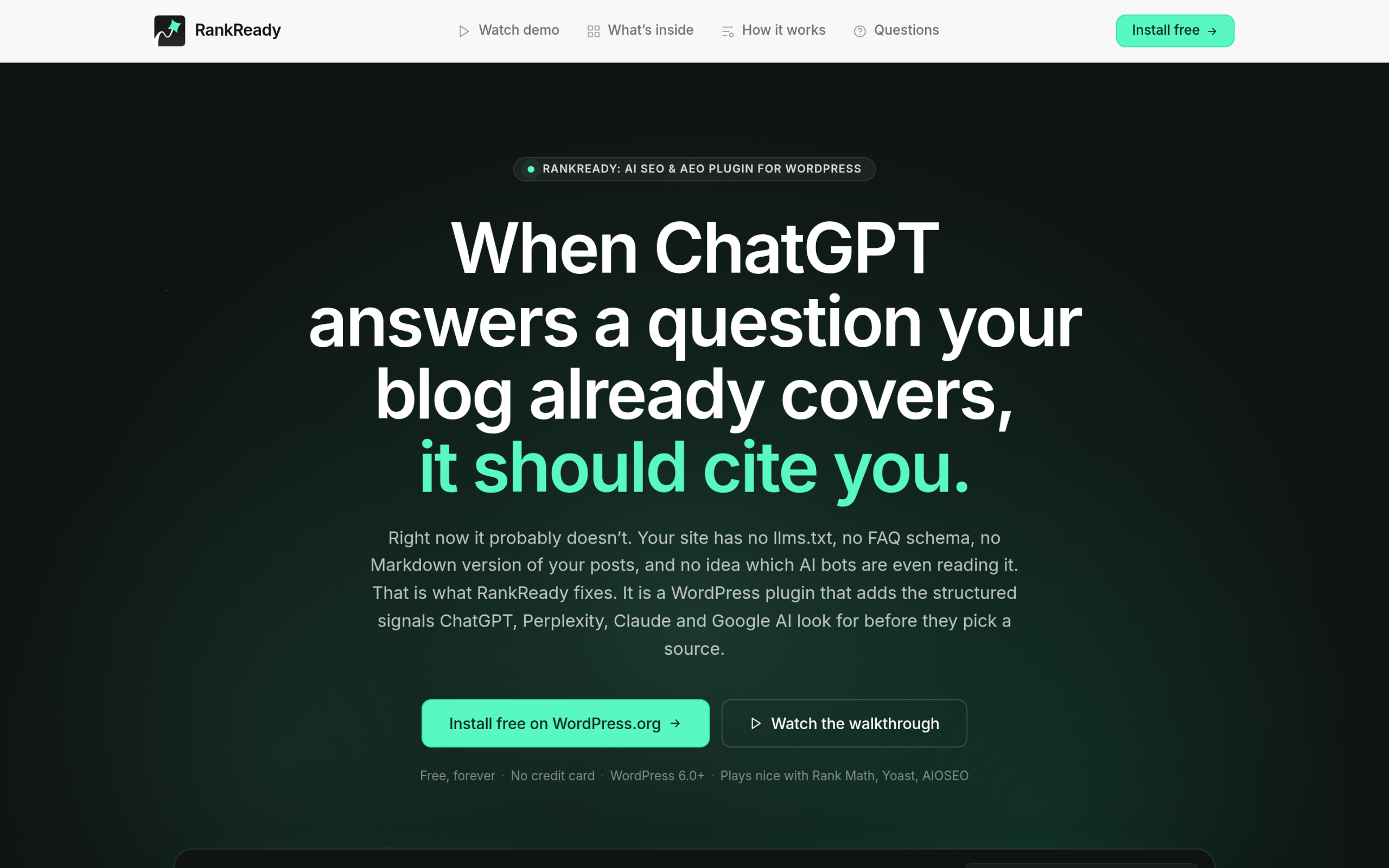
Letting AI build your pages is one half of the shift. The other half is making sure AI search engines can read, trust and cite those pages once they are live. That means clean structure, schema, an llms.txt file and open access for AI crawlers. A free plugin like RankReady handles that side, with llms.txt, AI-focused schema, a crawler log and a per-post readiness score, so the pages your agent assembles are also the ones Google AI Overviews and ChatGPT surface.
The Short Version
The Elementor MCP is now an official feature. Update to Elementor 4.3 or newer, go to Elementor > Elementor MCP, pick your AI tool, and paste the generated prompt. It builds native, editable Atomic structure, saves everything as a draft, and uses your design system. It does not yet edit classic V3 layouts, some abilities need Angie, and Pro elements need a Pro plan. For add-on widgets the official connector cannot reach, pair it with that add-on’s own abilities, such as MCP Abilities in The Plus Addons for Elementor.