Three weeks ago I asked Claude to read my own blog and pull every post about WordPress from the last 60 days. Claude opened a browser tab, scraped the archive page, hit pagination, and got blocked twice by my own rate-limiting before it finished. The whole thing took 90 seconds and cost a lot of context tokens. If my WordPress site had been an MCP server, Claude would have asked one question, got a clean JSON response in 200ms, and saved 90 seconds. That is the gap WebMCP closes. A note on naming: in this article “WebMCP” means a server-side MCP endpoint on your WordPress site. Chrome’s separate WebMCP proposal is a browser-side standard where a page registers tools for an in-browser agent, which we cover in WebMCP For WordPress And Elementor Forms.
Model Context Protocol (MCP) is the 2025 standard Anthropic published for connecting AI models to external data sources and tools. By mid-2026, OpenAI adopted it. Cursor, Windsurf, and Claude Desktop all speak it natively. There is a Reddit channel dedicated to MCP servers. Companies are racing to expose their data via MCP because an MCP server is roughly 10x faster and 100x cheaper for an AI agent to consume than a regular web page. WordPress sites are no exception. Your WordPress content can be an MCP endpoint today.
What you’ll learn: what Model Context Protocol actually is, why WordPress sites should expose an MCP endpoint in 2026, the three ways to set one up, and how the free RankReady plugin ships a one-click WebMCP server that turns your WordPress install into an MCP endpoint Claude Desktop, ChatGPT, and Cursor can query directly.
What is Model Context Protocol (MCP) and why does WordPress need a server in 2026

Model Context Protocol is an open standard for connecting AI models to external tools, data, and APIs. Anthropic shipped it in November 2024. OpenAI adopted it in March 2026. The protocol defines a simple JSON-RPC interface that an AI client (Claude Desktop, ChatGPT Desktop, Cursor, Windsurf) can use to discover available tools on a server, call those tools with structured arguments, and receive structured responses.
For WordPress, the practical question is this: when a user pastes a link to your WordPress site into ChatGPT or asks Claude “what did Aditya write about robots.txt this month,” what does the AI actually do? Without MCP, the AI fires ChatGPT-User to fetch the HTML, parses the page, follows pagination, gets blocked by Cloudflare, and gives up. With MCP, the AI calls one tool on your WordPress site (e.g. search_posts), gets a clean JSON list with titles, URLs, dates, and excerpts, and surfaces an accurate citation in 200ms.

MCP server versus REST API: why WordPress already has REST but still needs MCP
WordPress has shipped a REST API since 4.7. So why does anyone need MCP on top of it? The short answer: AI agents do not natively understand REST. They understand MCP. The MCP layer is the translator that makes your REST endpoints discoverable, callable, and self-describing for an AI client.
| Layer | What it does | Who calls it | WordPress example |
|---|---|---|---|
| WP REST API | Exposes WordPress content as JSON over HTTP | Developers, custom integrations | GET /wp-json/wp/v2/posts |
| MCP Server | Wraps REST endpoints as discoverable AI tools with schema | Claude Desktop, ChatGPT, Cursor, Windsurf, any MCP-compatible AI client | search_posts(query, limit, post_type) tool exposed via MCP |
| Web crawl (fallback) | AI fetches HTML and parses it | ChatGPT-User, Claude-User | Slow, expensive, gets blocked by Cloudflare |
WordPress REST is the plumbing. MCP is the interface that makes the plumbing useful to an AI agent without manual integration. Without MCP, every AI client needs custom code to talk to your WordPress site. With MCP, every AI client can discover and use your WordPress data the moment it connects.


Three ways to expose your WordPress site as an MCP server
Method 1: Build a custom MCP server from scratch using the Anthropic SDK
Anthropic ships an official MCP TypeScript SDK and a Python SDK. You can clone the example WordPress MCP server, wire it to your WP REST API with an application password, and host it as a Node or Python process. Pros: full control. Cons: requires devops, runs as a separate process outside WordPress, eats memory, breaks when your hosting changes.
Method 2: Use a third-party WordPress-MCP bridge service
Several startups now ship hosted MCP gateways. You authenticate them to your WordPress via app password, they expose an MCP endpoint at their domain, and AI clients connect to that. Pros: no devops on your side. Cons: third-party in your data path, monthly cost, depends on the vendor staying alive.
Method 3: Install a WordPress plugin that ships a native WebMCP server
This is the path we built for ourselves and ship inside RankReady. The plugin exposes an MCP endpoint at yoursite.com/wp-json/rankready/v1/mcp using your existing WordPress authentication. No separate process, no third party, no monthly fee. Install, activate, point your MCP client at the URL, done.


RankReady WebMCP Server: how the plugin turns your WordPress into an MCP endpoint
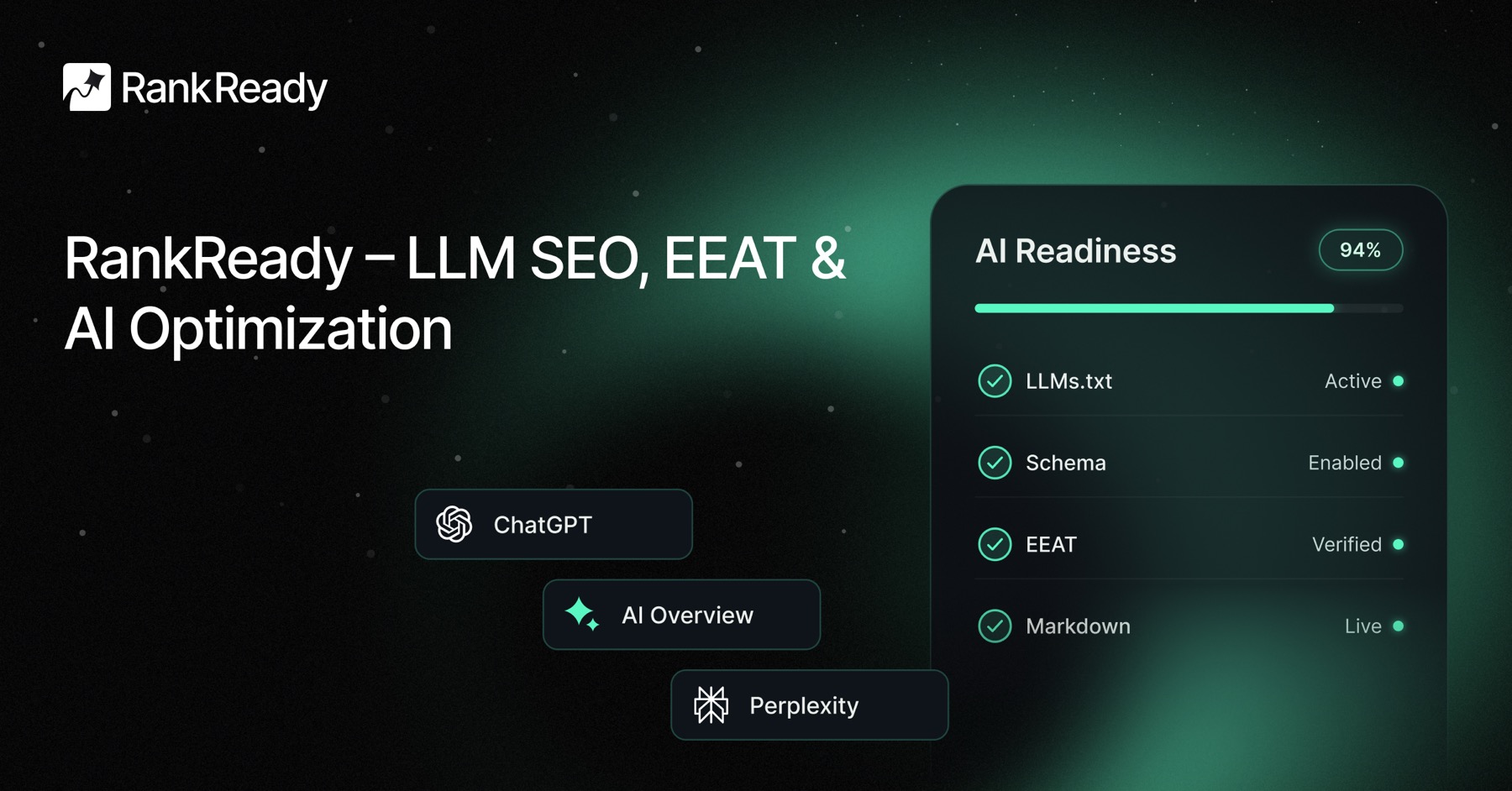
RankReady is the free WordPress AI SEO plugin we built at POSIMYTH. The WebMCP Server module inside it exposes your WordPress content as a Model Context Protocol endpoint with one click. Here is exactly what you get after activation.

Tools exposed by the WebMCP Server
search_posts(query, limit, post_type), returns matching WordPress posts with title, URL, date, excerpt, and author.get_post_by_url(url), fetches a single post by its permalink with full content, schema, and metadata.list_categories()andlist_tags(), returns the taxonomy structure of your WordPress site so AI can navigate by topic.get_author(slug), returns author profile data including E-E-A-T signals like credentials and external profiles.get_site_metadata(), returns your llms.txt summary, schema, and content categories for AI orientation.get_post_schema(post_id), returns the Article schema for any post so AI can extract structured data without HTML parsing.
How AI clients connect to your WordPress MCP endpoint
Claude Desktop config example for connecting to your WordPress MCP server:
{
  "mcpServers": {
    "my-wordpress-site": {
      "command": "npx",
      "args": [
        "-y",
        "mcp-remote",
        "https://yoursite.com/wp-json/rankready/v1/mcp",
        "--header",
        "Authorization: Bearer YOUR_APP_PASSWORD"
      ]
    }
  }
}
Drop that into ~/Library/Application Support/Claude/claude_desktop_config.json (Mac) or the Windows equivalent. Restart Claude Desktop. Your WordPress site shows up as an available MCP server with all the tools above ready to call. The same URL works with Cursor, Windsurf, and any other MCP-compatible AI client.
Authentication and security for your WordPress MCP server
RankReady’s WebMCP module uses WordPress application passwords (built into Core since 5.6). You generate an app password per AI client in Users > Profile > Application Passwords, paste it into the MCP client config, and you can revoke that single token at any time without disrupting other clients. Public read-only mode is also available for sites that want their content fully open to AI agents.

Real use cases for a WordPress MCP server in 2026
Use case 1: ChatGPT cites your WordPress content with structured data, not scraped HTML
When a user asks ChatGPT a question your WordPress site answers, ChatGPT with MCP support pulls the post via your MCP server’s search_posts tool. It gets the title, URL, date, and a clean excerpt in 200ms. The citation in the answer links directly to your URL with the correct title. Without MCP, ChatGPT scrapes your archive page, may follow the wrong link, and may cite a tag page instead of the actual post.
Use case 2: Claude Desktop becomes a research assistant for your WordPress content
With your WordPress site connected as an MCP server in Claude Desktop, you can ask Claude things like “find every post tagged AI SEO from last quarter,” “summarise the three posts about robots.txt in chronological order,” or “draft a follow-up post based on the comments on post X.” Claude calls your MCP tools directly. No scraping. No context wasted on HTML parsing.
Use case 3: Custom AI agents query your WordPress as a knowledge base
If you build internal AI agents for your team or customers using the Anthropic, OpenAI, or any AI SDK, your WordPress site becomes a queryable knowledge base via MCP. Customer support agents can pull current product documentation. Sales agents can fetch case studies. Onboarding agents can summarise your archive of how-to posts. All from one MCP endpoint.
Use case 4: Cursor and Windsurf can read your WordPress docs while you code
If your WordPress site is documentation for a developer-facing product, plug it into Cursor or Windsurf via MCP. While developers code against your API, the editor pulls relevant doc pages directly from your WordPress via MCP. No browser tabs. No copy-paste. The AI editor has your docs in context.
The full RankReady WordPress AI SEO module stack (WebMCP is one of nine)
WebMCP Server is one module inside RankReady. The other eight cover every adjacent layer of WordPress AI search visibility.
- WebMCP Server, expose your WordPress site as a Model Context Protocol endpoint for Claude, ChatGPT, Cursor, and any MCP client.
- llms.txt Generator, auto-built and refreshed on every content change.
- AI Crawler Log, real-time per-bot hit tracking for GPTBot, ClaudeBot, OAI-SearchBot, PerplexityBot, and 15 more.
- AI Referral Analytics, which AI tools send real traffic to your WordPress site and which pages they cite.
- FAQ Schema, one-click FAQPage schema for Gutenberg and Elementor pages.
- AI Crawler Cache + Rate Limits, fast and polite responses to AI crawlers.
- Content Freshness Signals, tell AI models when content was updated.
- Author Authority Box, E-E-A-T signals AI engines use for citation trust scoring.
- AI Readiness Diagnostics, audit every WordPress page for AI discoverability gaps.
Your 5-minute WordPress WebMCP setup checklist
- Install RankReady on your WordPress site.
- Activate the WebMCP Server module under RankReady settings.
- Generate a WordPress Application Password in
Users > Your Profile > Application Passwords. - Open Claude Desktop config file (Mac:
~/Library/Application Support/Claude/claude_desktop_config.json). - Add the WordPress MCP server entry with your URL and app password.
- Restart Claude Desktop. Your WordPress site appears as an available MCP server.
- Ask Claude any question about your WordPress content. Claude calls your MCP tools directly.
The 2026 WordPress AI search window is open right now
An MCP server is not a magic ranking signal. What it does is dramatically lower the cost for AI agents to consume your WordPress content. The handful of WordPress sites that ship an MCP endpoint in 2026 will be the ones that get used inside Claude Desktop, Cursor, and Windsurf workflows tens of thousands of times a month. The rest will get scraped slowly and inaccurately.
Install RankReady and activate the WebMCP Server module this week. If you build on Elementor, pair it with The Plus Addons widget library for clean WordPress page structure that AI agents and MCP responses can both parse correctly.