In June 2026 a thread appeared on r/ClaudeAI with a title that captures how a lot of WordPress people feel right now: “the gap between Claude Code power users and us chat-only people keeps getting wider.”
The poster was not wrong. But the users pulling ahead are not writing better prompts. They are running teams.
The team feature is called agents, or subagents in Anthropic’s documentation. Each one is a small, specialized AI worker you define once in a Markdown file.
Claude Code then calls the right worker automatically whenever a matching task shows up: one reviews code, one researches plugins, one composes Elementor layouts.
This guide explains what Claude Code agents are, how to create your first one in about five minutes, and how to set up a small agent team for WordPress work, including a way to give those agents real page-building hands inside Elementor.
What Are Claude Code Agents, Exactly?
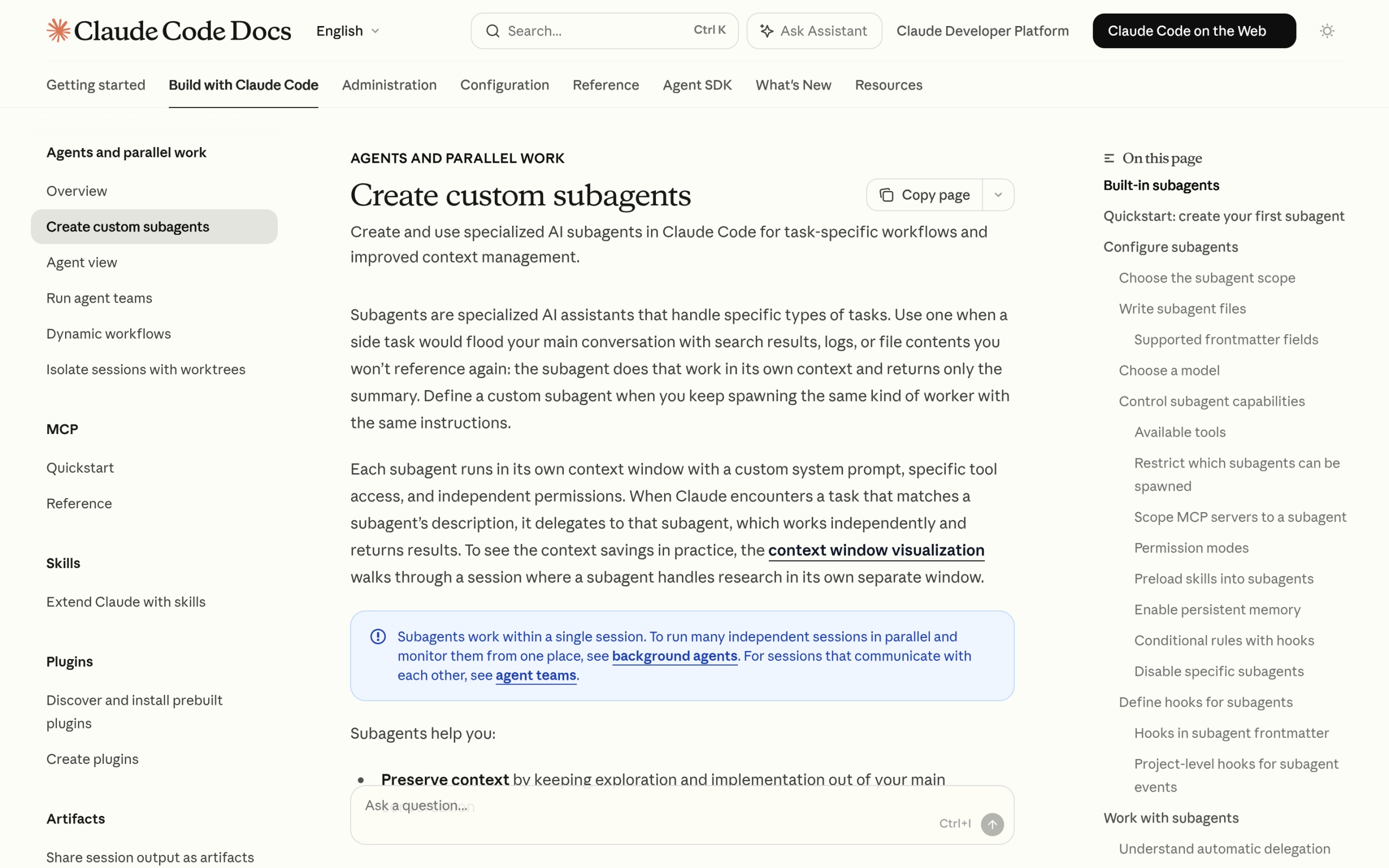
Anthropic’s documentation defines subagents as “specialized AI assistants that handle specific types of tasks.”
Each subagent runs in its own context window with a custom system prompt, its own tool access, and independent permissions. When Claude Code sees a task that matches an agent’s description, it hands the work to that agent.
The agent does the job in its own space, and only the result comes back to your main conversation.
That last part is the whole trick. Research, log reading, and file scanning are noisy. Done in your main session, they flood the context Claude needs to think clearly. Done in a subagent, the noise stays out and you get a clean summary back.
Claude Code ships with built-in subagents such as Explore, Plan, and general-purpose, and lets you define your own custom ones on top of them.
Why This Matters for WordPress Work
WordPress projects are exactly the kind of noisy that subagents were built for. A simple “why is this page slow” question can mean reading a theme, half a dozen plugins, and a pile of server logs.
Ask one assistant to do all of that in one chat and it runs out of room before it gets to the fix.
Anthropic lists five benefits of subagents in its docs:
preserving context, enforcing constraints by limiting which tools an agent can use, reusing configurations across projects, specializing behavior with focused prompts, and controlling costs “by routing tasks to faster, cheaper models like Haiku.”
For a site owner, that translates to researchers that read everything but change nothing, builders that only touch what you allow, and an API bill that stays sane.
We covered the single-assistant version of this workflow in our guide to building an Elementor site with Claude Code. Agents are the next gear up from that.
How to Create Your First Subagent
A subagent is one Markdown file with YAML frontmatter. There are two places to save it. Files in .claude/agents/ inside a project belong to that project and can be shared with a team.
Files in ~/.claude/agents/ in your home directory work in every project on your machine.
Since Claude Code v2.1.198 the /agents command no longer opens an interactive wizard. You either ask Claude to write the file for you or write it by hand. Here is what a WordPress-flavored one looks like:
---
name: plugin-auditor
description: Reviews WordPress plugin and theme code for security and performance issues. Use after adding or changing any custom code.
tools: Read, Grep, Glob
model: sonnet
---

You are a WordPress code reviewer. For each issue you find, explain
the problem, show the current code, and suggest a fix. Never edit files.
Four frontmatter fields do the work. name is the identifier. description is how Claude decides when to delegate, so write it like a job ad. tools limits what the agent can touch, which is why this reviewer gets read-only tools. model picks the brain, and pointing research agents at a cheaper model is standard practice.
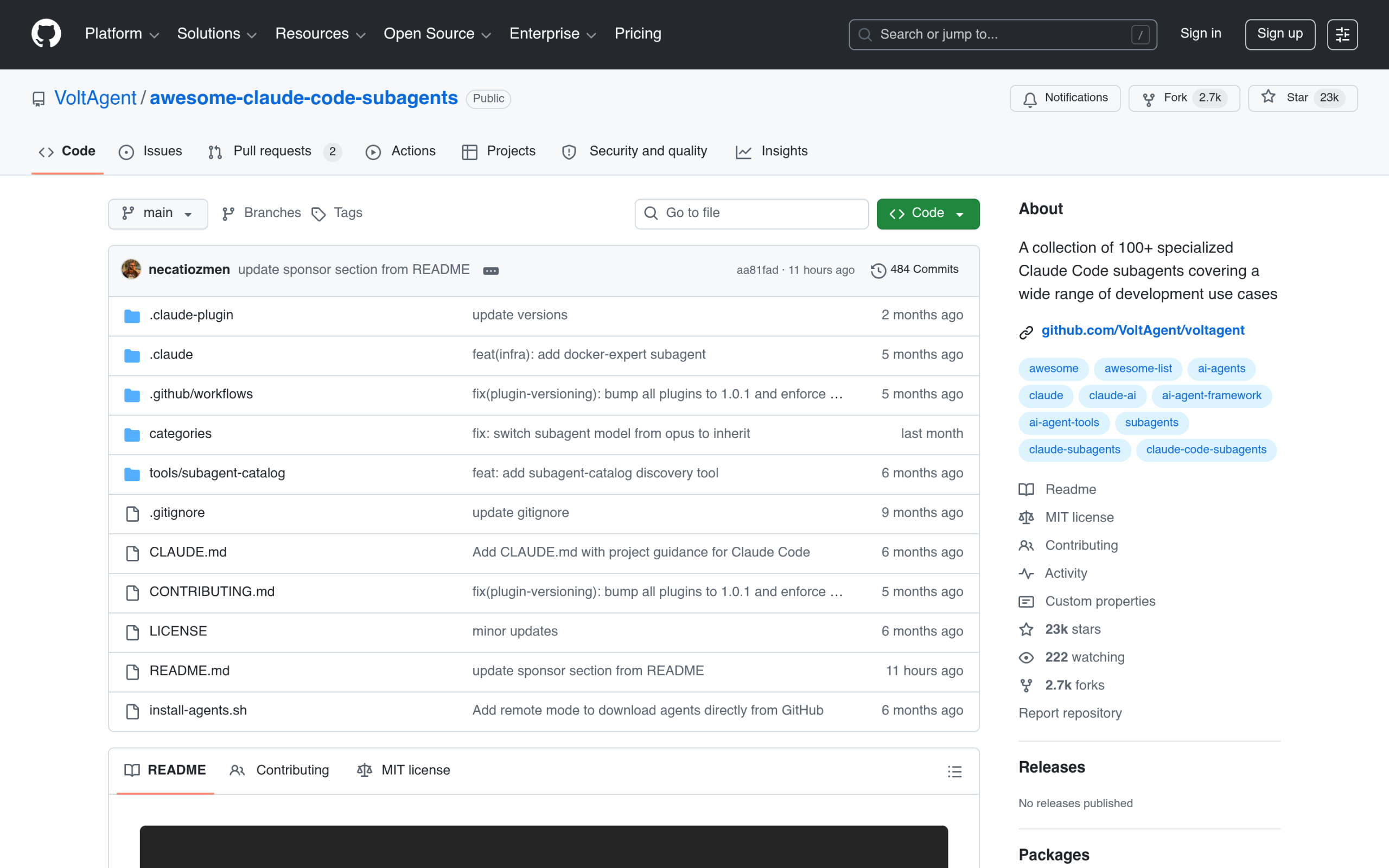
You do not have to start from zero either. Community collections such as VoltAgent’s awesome-claude-code-subagents gather 100+ ready-made subagents you can copy and adapt to your stack.
A WordPress Agent Team That Actually Works
Here is a four-agent setup that maps to how WordPress work really splits:
- site-researcher (read-only, cheap model). Reads your theme, plugin list, and templates, and answers “what is actually on this site” questions without touching anything.
- layout-builder. Composes pages in Elementor through MCP tools (more on this below). Give it the widget composition tools and nothing else.
- content-editor. Drafts and updates posts through the WordPress REST API, with your tone rules written into its system prompt.
- qa-reviewer (read-only). Checks the other agents’ output, from broken block markup to missing alt text, before anything goes live.
The description field is the router for all of this. Write each one so it states plainly when the agent should run, like “Use after any plugin update,” and Claude handles the delegation on its own.
You direct the project. The team does the legwork.
Give Your Agents Real Elementor Hands
Agents that can only read files are researchers. To build actual pages they need tools that speak WordPress, and that is the job of the Model Context Protocol.
If MCP is new to you, start with our explainer on the Elementor MCP and our roundup of the best MCP servers for WordPress.
MCP Abilities for The Plus Addons for Elementor exists for exactly this: “Connect The Plus Addons for Elementor with any MCP-compatible AI assistant and compose full pages widget by widget.”
There are 163 widget abilities in total, 80 free and 83 Pro, with the Pro set including a 12-ability WooCommerce suite.
Underneath them sit 2 core utilities, one that returns the full control schema for any widget and one that creates and nests sections, columns, and containers. It works with Claude, Cursor, VS Code, Windsurf, and Cline.
Setup is short: install and activate The Plus Addons for Elementor, authenticate your site and enable the MCP server, configure access for your workspace, then paste the generated MCP configuration into Claude Code.
From there, your layout-builder agent stops guessing at HTML and starts placing real widgets with real settings.

Common Pitfalls (Read This Before You Spawn Ten Agents)
- Runaway delegation. A July 2026 thread on r/ClaudeAI describes subagents that “keep spawning their own subagents for the same task.” Tight, specific descriptions prevent most of this, and Claude Code’s permission settings can deny the Agent tool entirely where you do not want delegation.
- Cost creep. Agents multiply API calls. Route research and review agents to a cheaper model and save the expensive one for the work that earns it.
- Expecting background workers. Per Anthropic’s docs, subagents work within a single session. They are helpers inside your working session, not daemons that run while you sleep.
- Too many agents on day one. Start with a researcher and a reviewer. Add the builder once you trust the output.
Agents vs Skills vs MCP Servers: Which Do You Need?
These three get mixed up constantly, so here is the short version:
| Piece | What it is | When you need it |
|---|---|---|
| Agents (subagents) | Who does the work: an isolated worker with its own prompt, tools, and context | You keep repeating the same kind of task and want it delegated |
| Skills | What the worker knows: reusable instructions and workflows the assistant loads | You want a consistent process, not a separate worker |
| MCP servers | The hands: tools that connect the AI to real systems like your WordPress site | You want the AI to act on your site, not just talk about it |
They stack. An agent can follow a skill and call MCP tools. The four-agent team above only becomes a build team once MCP Abilities gives it hands.
Wrapping Up
Claude Code agents are the clearest sign yet that AI work on WordPress is moving from a single chat to a small crew.
Define a couple of focused workers, keep the risky tools scoped, and give the builder real widgets through MCP Abilities, free to start with 55 widget abilities and deeper with the Pro plans.
Your site should also be ready for the agents other people send its way, and we covered that side in the WordPress AI readiness stack and our guide to getting cited by AI agents.