Every few weeks lately, someone in our inbox or in the r/elementor threads asks the same nervous question. The editor looks different, Elementor keeps mentioning version 4, and nobody wants to be the person who upgraded a client site the day before it broke. If you have felt that hesitation, you are not behind. You are being sensible.
Here is the honest short version. Elementor V4, the new Atomic editor, is real, it is shipping, and from April 2026 it became the default for brand-new Elementor sites. For a fresh small-to-medium build, it is genuinely ready. For a large, high-traffic, or revenue-critical site you already run on V3, the smarter answer is wait and test, because real agencies are hitting real performance edges right now. This guide gives you the verdict by site type, the actual complaints with receipts, an upgrade path that will not burn you, and where The Plus Addons for Elementor fits as the stable layer.
What you’ll learn:
- Exactly where V4 (Atomic) stands in 2026 and what the rollout means for you
- The real production complaints from agencies, quoted with sources
- The honest counterpoint: who is upgrading with zero issues
- A clear upgrade-or-wait decision by site type
- A staging-first checklist that protects live sites
The short answer: where Elementor V4 actually stands in 2026
Strip away the launch posts and the angry one-line reviews, and the factual status is straightforward:
- The Editor V4 experience moved from Alpha to Beta with Elementor version 3.35, announced in February 2026.
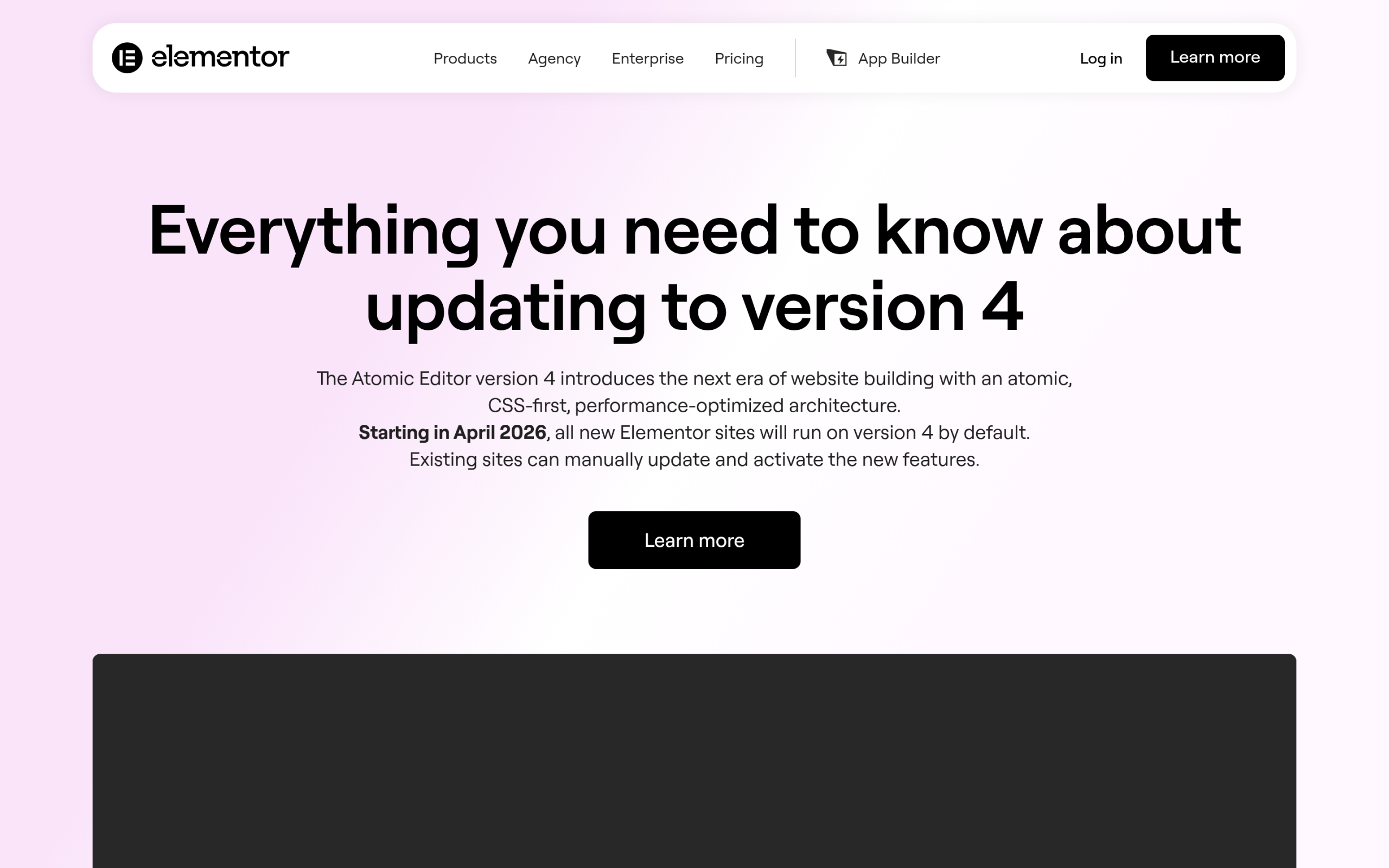
- From April 2026, all new Elementor sites run on version 4 by default.
- Existing sites are not auto-migrated. Your current V3 pages keep working exactly as they always have, and you control when and how you adopt V4.
- Elementor itself describes the Atomic features as stable and safe for production. Our own advice is more cautious: test on a staging or development environment before flipping a large or revenue-critical live site, for the reasons below.
So V4 is not a far-off beta you can ignore, and it is not a forced migration you need to fear this week. It is a real default for new work, and an opt-in upgrade for everything you already run.
What “Atomic” actually changed, and why it matters
V4 is built on what Elementor calls an Atomic foundation. In plain terms, it is a CSS-first rebuild: styling is handled through atomic, reusable elements instead of the older inline-heavy approach. When it works, you get cleaner CSS output, more predictable class handling, and finer control over design tokens.
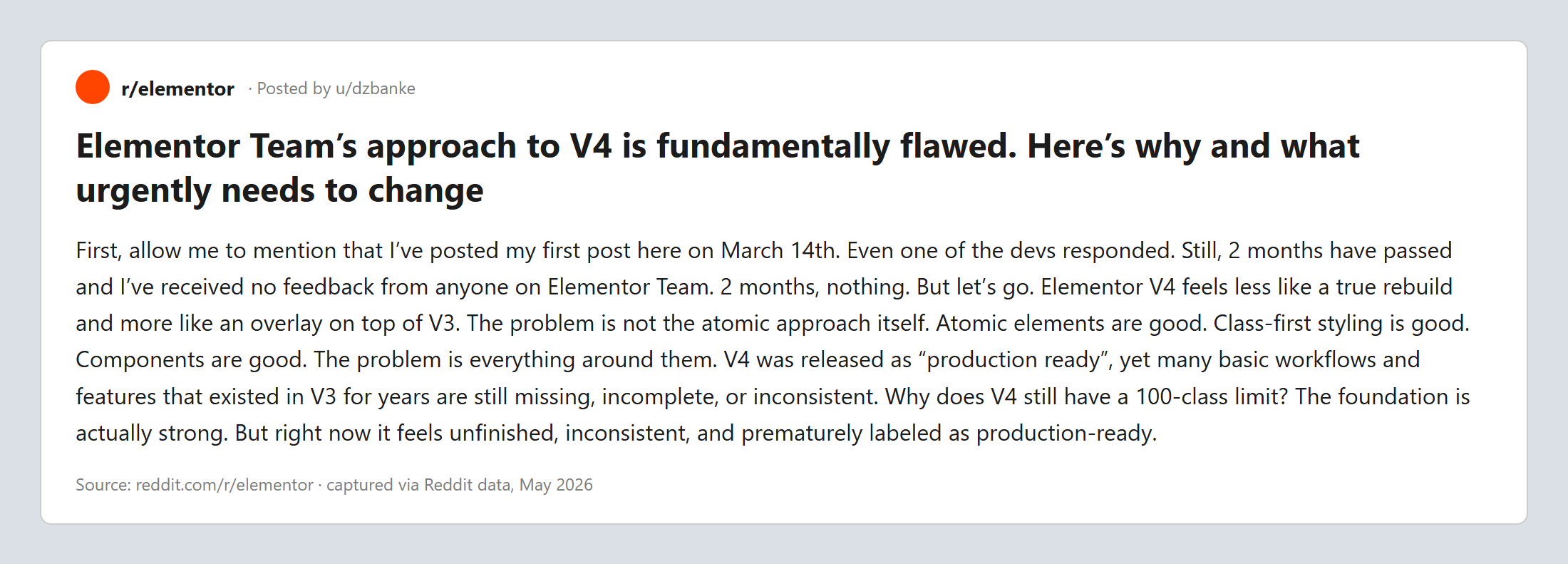
That is the promise. The pushback is about how finished it feels. One widely-discussed r/elementor post argued the rebuild is shallower than it looks, writing that “Elementor V4 feels less like a true rebuild and more like an overlay on top of V3.” The same author noted they had raised concerns months earlier, on Reddit and on GitHub, and felt the feedback went unanswered for two months.
Where V4 breaks today: the production complaints with receipts
This is the part that matters most if you run serious sites. The strongest warning did not come from a hobbyist. It came from an agency that builds on dedicated infrastructure.
In a post titled “Elementor Pro Atomic Not Ready for the Big Leagues with large WordPress Sites,” the agency described their stack in detail: bare-metal AMD EPYC LiteSpeed Enterprise web servers, 128 GB RAM tuned for WordPress, MariaDB 11.8.8, Valkey 9.0.3, and PHP 8.5. Their finding: Atomic writes “a massive 1.65 MB local atomic cache option” into wp_options, and on a large site with over 20,000 posts and 2,000 to 3,000 active users, that bloat dragged down even a heavily optimized dedicated server.
That is a specific, reproducible-sounding complaint, not a vibe. A 1.65 MB autoloaded option is exactly the kind of thing that hurts at scale and is invisible on a small brochure site.

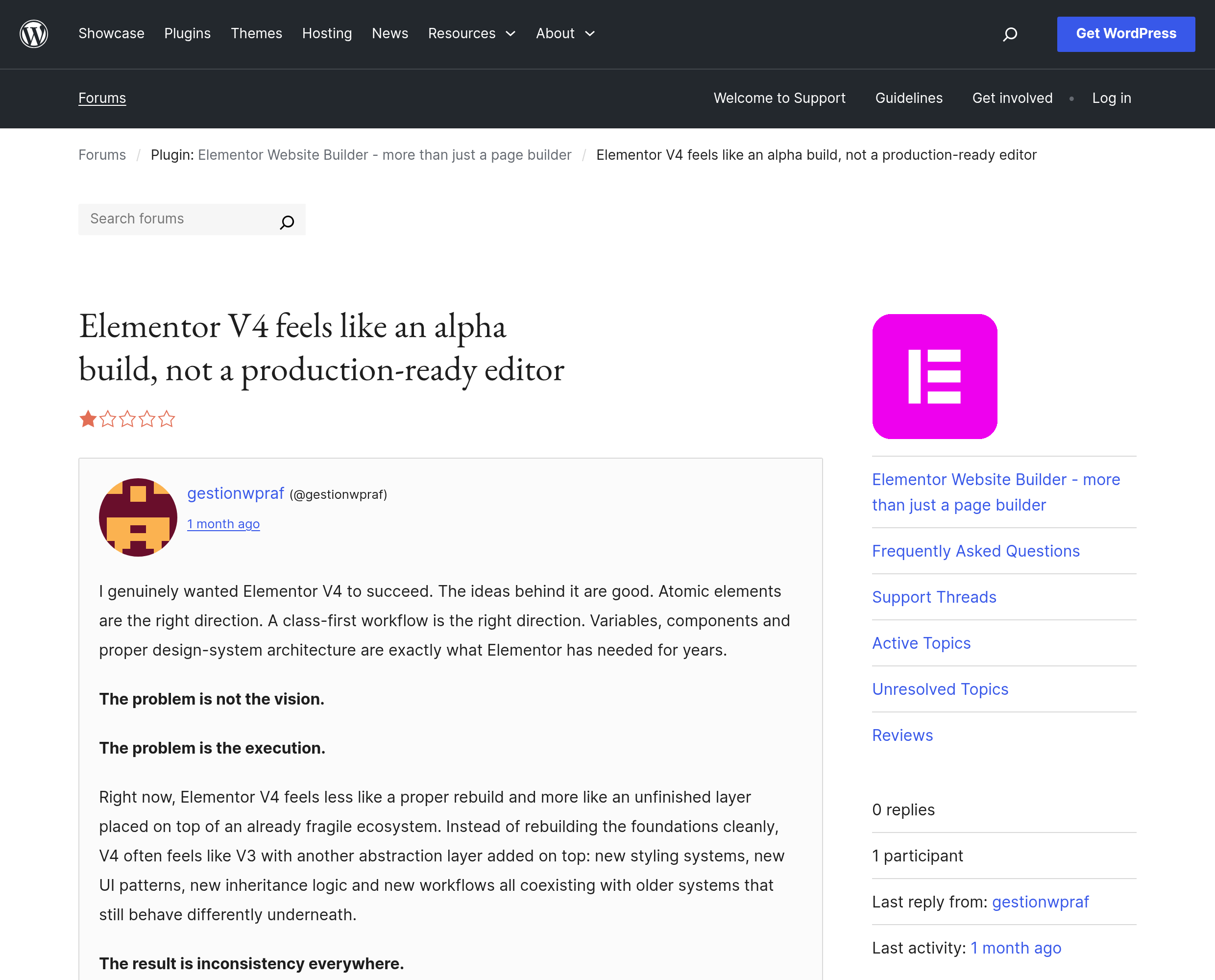
It is not an isolated grumble either. A WordPress.org review of the editor is titled, bluntly, “Elementor V4 feels like an alpha build, not a production-ready editor.” When the official directory carries a review with that headline, it is worth taking seriously before you upgrade a client’s storefront.
Where V4 works fine: the honest counterpoint
If we stopped there, we would be cherry-picking. Plenty of people are upgrading without drama, and you deserve that side too.
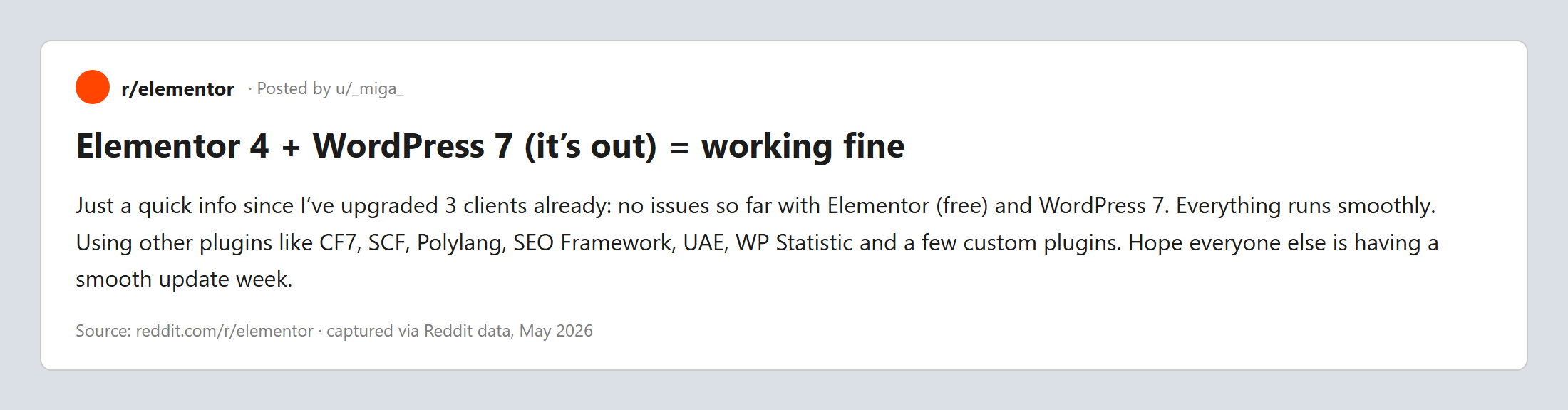
In a thread titled “Elementor 4 + WordPress 7 (it’s out) = working fine,” one builder reported upgrading three client sites with no issues so far, running Elementor alongside Contact Form 7, Secure Custom Fields, Polylang, SEO Framework, and a few custom plugins. Their summary was simply that everything runs smoothly.
The pattern across both camps is consistent. Smaller sites, fewer posts, and clean plugin stacks tend to upgrade smoothly. Large content libraries, heavy traffic, and complex stacks are where the rough edges show. Your risk is not random. It tracks with your site’s size and complexity.
The verdict by site type: upgrade now or wait?
Here is the honest call, mapped to the kind of site you are actually working on.
| Your situation | Verdict | Why |
|---|---|---|
| Brand-new site, starting today | Build on V4 | It is already the default for new sites, and you avoid a future migration. |
| Small or brochure site on V3 | Safe to test, low risk | Few posts, light stack. Stage it, then upgrade. |
| Large site, many posts, high traffic | Wait and stage | This is exactly where the atomic cache and scale complaints appear. |
| Agency client production site | Stage, get sign-off, schedule | Never flip a client’s live site without a tested staging pass. |
| Revenue-critical or store | Wait for stable, test hard | The cost of a bad checkout day is far higher than the cost of waiting. |
The safe upgrade path: a checklist that will not burn you
If your verdict above is “test it,” do it in this order. None of this is exotic. It is just the discipline that separates a calm upgrade from a Monday-morning emergency.
- Take a full backup, files and database, and confirm you can actually restore it.
- Clone the site to a staging environment that mirrors your live PHP and database versions.
- Enable V4 on staging and rebuild or open your most important templates and pages.
- Measure Core Web Vitals before and after, and watch the size of your autoloaded options on large sites.
- Test the fragile things: forms, dynamic content, popups, and every third-party widget you rely on.
- Get written sign-off if it is a client site, then schedule the switch during low traffic.
- Keep your V3 pages as the fallback. Remember they keep working, so you are never forced to rush.
For a wider view of how the pieces fit together this year, our 2026 WordPress and Elementor stack guide and the page builder buyer’s guide are good companion reads.
The stable layer: how a mature add-on reduces V4 risk
Here is a point that gets lost in the V3-versus-V4 noise. During any editor transition, the safest position is to keep as many variables fixed as possible. If your core building blocks behave the same before and after the upgrade, you have far less to debug.
That is the role a mature widget library plays. The Plus Addons for Elementor is already V4-ready, which we covered in our March 2026 update on V4 readiness. The practical benefit during a migration is simple: your headers, loops, dynamic listings, and content widgets are not the thing that changes. They keep rendering consistently while you focus your testing on Elementor core itself.

If you build a lot of dynamic pages, it is also worth knowing that dynamic tags are now free in The Plus Addons, which removes one more moving part from your stack during a transition.
Beyond manual editing: the AI and MCP angle
One more signal from the same community is worth naming, because it hints at where this is all going. In a separate thread, an agency asked for the fastest way to build Elementor pages semi-automated, even from outside WordPress. That instinct, building and updating pages programmatically instead of clicking through a panel, is exactly the direction the ecosystem is moving with AI assistants and the Model Context Protocol.
If you want to understand that shift, our explainer on what an MCP server is for WordPress is the place to start. And if your interest is making sure AI search engines actually cite your site once it is built, an AI-first SEO plugin like RankReady is built for exactly that job. Both are optional. The point is that a V4 decision today is also a bet on a more automated way of building tomorrow.
Wrapping up: the one-line verdict
If you are starting a new site, build it on V4 and move on. If you run a large or revenue-critical site on V3, stage it, test it against the specific complaints above, and wait for the rough edges to settle before you flip the switch. Either way, keep your widget layer stable so the editor is the only variable you are testing.
That is the calm path through the V4 moment: no panic, no blind upgrade, just a tested decision that fits your site. If you want a deeper toolkit while you build, explore the full Plus Addons widget library and the pricing options.