In late June a post appeared on r/Wordpress titled “My WordPress developer is leaving, and I’m honestly terrified. How do non-technical people manage a WordPress site without breaking everything?”
The poster admitted they had been pasting AI-generated code snippets into their site and hoping for the best.
That is where a lot of site owners are in 2026. The AI can clearly do the work. What is missing is a safe, repeatable way to use it on a real WordPress site, one that does not involve pasting mystery PHP into a theme file.
That safe path is what this guide covers: how to vibe code a WordPress site, from setup to guardrails, without leaving WordPress or handing your site to a closed platform.
What Vibe Coding Means for WordPress
Vibe coding means describing what you want in plain language and letting an AI produce it. For WordPress specifically, it means an AI agent connected to your site that can create and edit pages on request, while you steer with feedback instead of code.
Most guides answer this with an app builder that hosts the result somewhere else.
We ranked those platforms in our best vibe coding tools roundup, and the pattern was consistent: great for prototypes, wrong for the WordPress site you already run. This guide is the WordPress-native version.
Your site, your hosting, your content, with the AI working inside it.
The Stack You Need
- A WordPress site with Elementor. The free version of Elementor is fine.
- The Plus Addons for Elementor. Its MCP Abilities feature is what lets an AI assistant compose real Elementor pages, and the free plan covers 55 widget abilities plus the 2 core utilities.
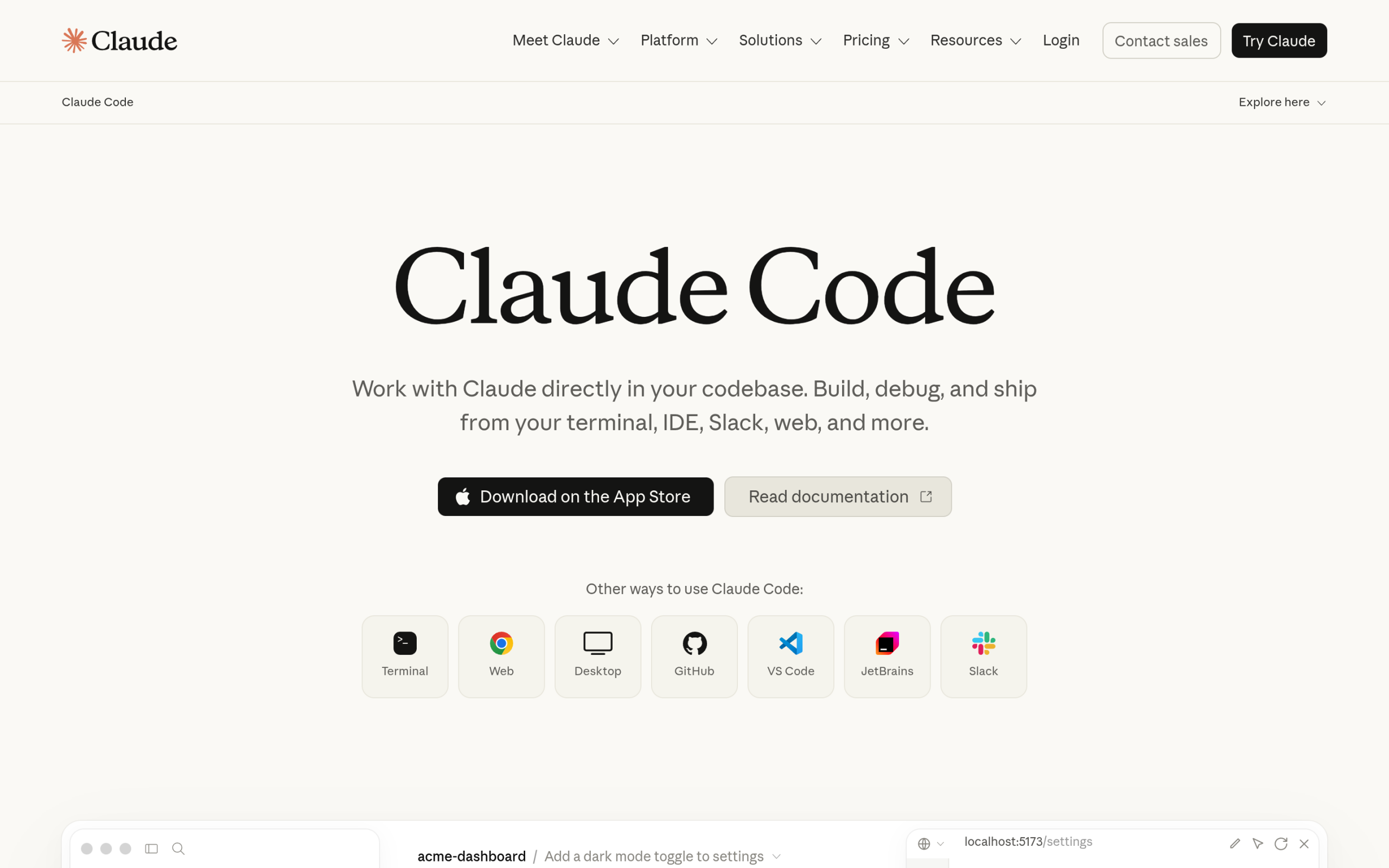
- An MCP-compatible AI assistant. Claude Code, Cursor, VS Code, Windsurf, and Cline all work. We use Claude Code, which Anthropic describes with “Work with Claude directly in your codebase. Build, debug, and ship from your terminal, IDE, Slack, web, and more.”
- A backup you trust. Not because this workflow is reckless, but because every workflow that edits a live site deserves one.
Step 1: Connect Your AI Assistant to Your Site
The connection runs through MCP, the Model Context Protocol, the open standard that lets an AI call clearly defined tools instead of guessing through a generic API. We explained the background in our Elementor MCP breakdown.
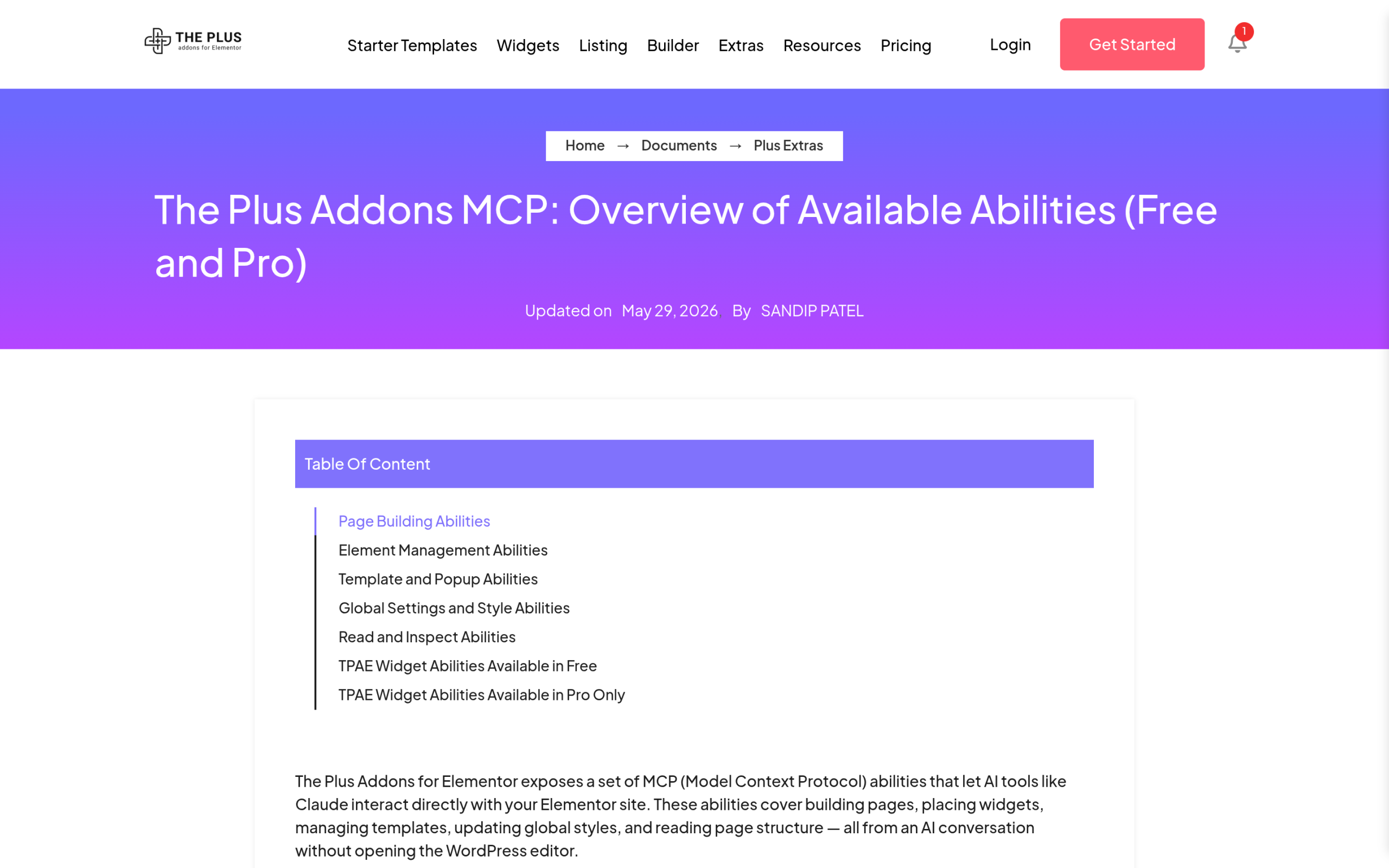
With The Plus Addons for Elementor installed, the flow is: authenticate your site and enable the MCP server, configure MCP access for your workspace so the assistant can read widget schemas, then copy the generated MCP configuration and paste it into your AI assistant.
That is the whole handshake. From this point your assistant can see the widget library as a set of tools.
Step 2: Describe the Page in Plain Language
This is the part that feels like magic and works better with a little structure. Instead of “make me a nice homepage,” describe the page the way you would brief a designer:
Build a landing page for my bakery: a hero with a headline and a
photo, three feature boxes for custom cakes, workshops, and weekly
specials, a testimonial section, and a contact form at the end.
Use our existing global colors.
Per the MCP Abilities page, the workflow from here is that you “describe the page you want,” and the AI reads the widget schema and composes the right widgets.
You can also point it at an existing design: the abilities support “recreations of any page from a screenshot or URL.”
Step 3: Let the Agent Compose Real Widgets
Here is what separates this from pasting AI-generated HTML into a page.
The MCP Abilities page states it plainly: “Every ability writes a real The Plus Addons for Elementor widget, not a core Elementor fallback,” and the output “respects your global colors, typography settings, custom CSS, and performance pipeline.”
In practice the agent uses the two core utilities, one to read the full control schema for any widget and one to create and nest sections, columns, and containers, then fills the structure with the matching widgets.
There are 163 widget abilities available, 80 free and 83 Pro, the Pro set including a 12-ability WooCommerce suite. Your Elementor editor fills with normal, fully editable sections, the same as if you had dragged them in yourself.
If you want to see how far this goes with multiple specialized agents, we broke that down in Claude Code agents for WordPress.
Step 4: Refine It in Elementor
The agent gets you a strong first draft of a page in minutes. You bring the taste.
Open the page in Elementor and do what a human still does best: tighten the copy, adjust spacing, swap an image, move a section. Because every element is a standard widget, nothing is locked and nothing needs decoding.
Think of it as a fast junior builder and a human art director. That division of labor is the honest state of vibe coding on WordPress right now, and it is genuinely productive.
Step 5: Keep the Guardrails On
- Scope permissions. The MCP setup includes a permissions step so you control what the assistant can touch. Decide that before it runs, the same way you would scope any automation.
- Draft first, publish second. Have the agent build drafts and review them before anything goes live.
- Backups before big sessions. A restore point turns a bad AI day into a shrug.
- One change at a time at the start. Trust is earned in small batches.
Where Vibe Coding Breaks
Honesty section, because the Reddit poster deserves one. Vibe coding a page layout is a solved problem with the right tools. These things are not:
- Custom plugin logic. An AI can write a plugin, but debugging one on a live site with real customers is still developer territory.
- Security-sensitive changes. Payment flows, user data, and access rules deserve a professional review, whoever wrote the code.
- Mystery snippets. Pasting generated PHP into a theme file, the exact habit the Reddit poster described, is the risky version of this workflow. The MCP route exists so the AI works through defined, permission-scoped tools instead.
Vibe code your layouts and content operations. Keep a developer, even a part-time one, for the plumbing.
Does This Replace Your Page Builder?
No, and that is the point. The page builder is where you refine, brand, and own the result. Vibe coding replaces the blank canvas, not the canvas itself.
The agent scaffolds, Elementor and The Plus Addons for Elementor stay the design layer, and you stay the director. We first documented this division of labor in our Claude Code and Elementor guide.
Wrapping Up
If you remember one thing, make it this: vibe coding a WordPress site safely is a tooling question, not a courage question.
Connect an assistant like Claude Code to your site through MCP Abilities for The Plus Addons for Elementor, start on the free plan, keep the guardrails on, and upgrade to the Pro plans when you want the WooCommerce suite and the advanced widget set.