The first time Elementor’s AI assistant popped up inside my editor and offered to plan my whole site, I closed it on reflex. I had a deadline and a broken layout, not time to befriend a chatbot. A week later I actually went through every AI feature Elementor ships, because clients had started asking what “Elementor AI” even is, and the honest answer turned out to be messier than I expected.
Elementor AI is not one button. It is a spread of separate generative tools bolted across the editor, the media library, and a new site-planning flow, and they do not all work the same way or draw from the same budget. Here is the real map of what Elementor AI does in 2026, how it is priced, and where it still leaves you reaching for proper tools.
What Is Elementor AI, Exactly?
Elementor AI is a collection of generative features built into Elementor that write copy, create and edit images, produce code, generate layouts, and now plan an entire website. You do not install it as a separate plugin. It lives inside the editor, the WordPress admin, and the media library, and almost every generative action it performs is metered by credits rather than being part of the flat editor license.
That distinction matters more than the marketing suggests. The editor you already pay for is one thing. The AI that generates content on top of it is a separate, consumption-based layer. Understanding which features sit where is the whole point of this guide. And if you ever let that paid editor lapse, it is worth knowing exactly what happens when Elementor Pro expires before you build your stack around it.
Everything Elementor AI Can Do
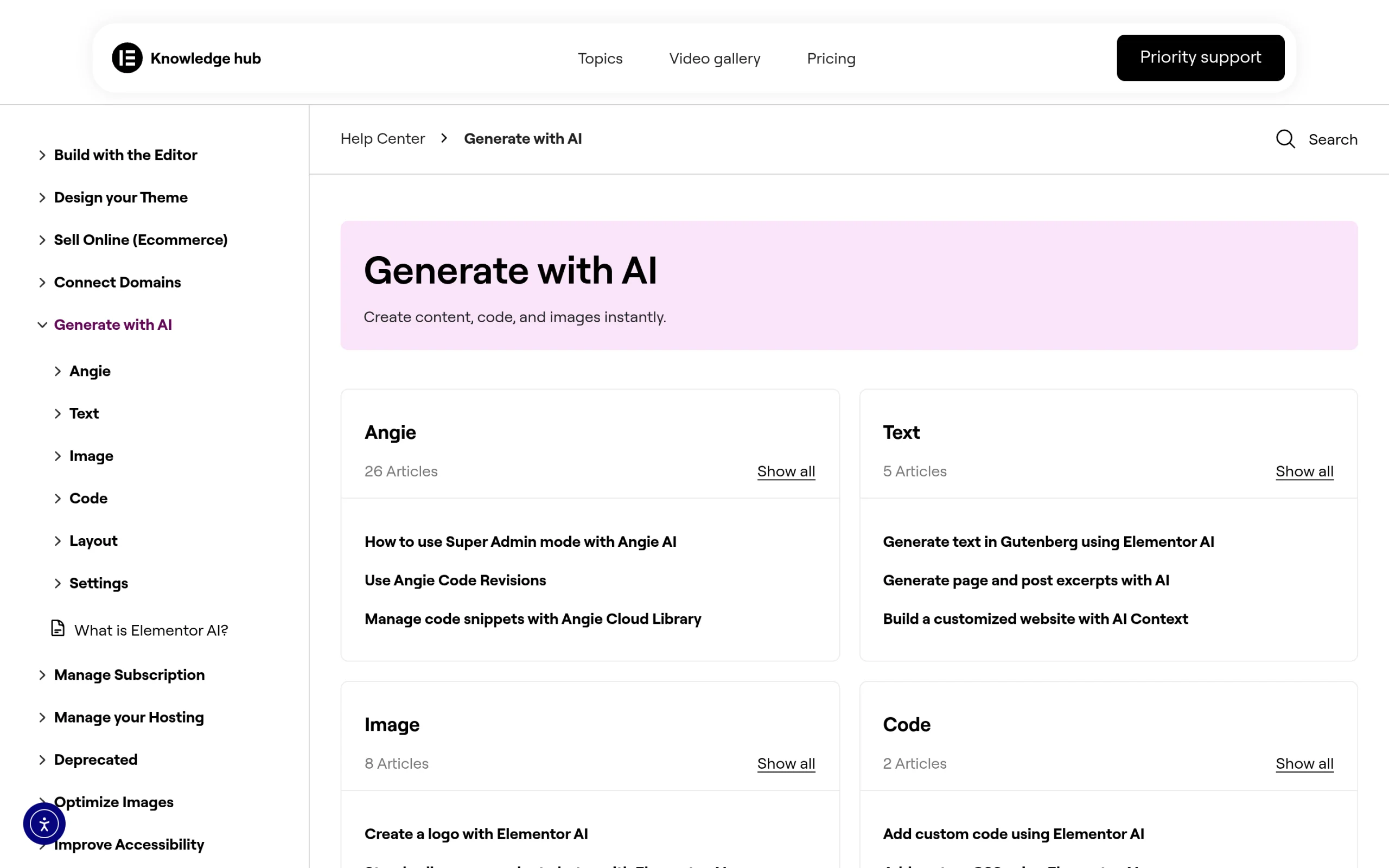
Pulled straight from Elementor’s own AI documentation, here is the full spread of what is on offer, grouped by job:
- Text: write text inside any widget, generate page and post excerpts, and generate text directly in the Gutenberg editor.
- Images: generate images from a prompt, create a logo, fine-tune and edit images, generate and edit images inside the Media Library, standardize product photos, and set featured images with AI.
- Code: add custom code and write custom CSS with AI assistance.
- Layout: create containers with AI, edit existing containers, and build containers based on an existing page.
- Whole-site building: the AI Site Planner builds a site from scratch, and you can even spin one up from the notes of a Google Meet call.
- Angie, the AI assistant: a broader helper that can create posts and pages, manage users, handle products, and manage code snippets.
- Everywhere else: AI inside the Structure window and AI-assisted error troubleshooting.
It is a long list, and that is the first honest takeaway. “Elementor AI” is not a single tool you switch on. It is a dozen features at different stages of maturity, and most people only ever touch two or three of them.
The Elementor AI Site Planner: Brief, Sitemap, Wireframe
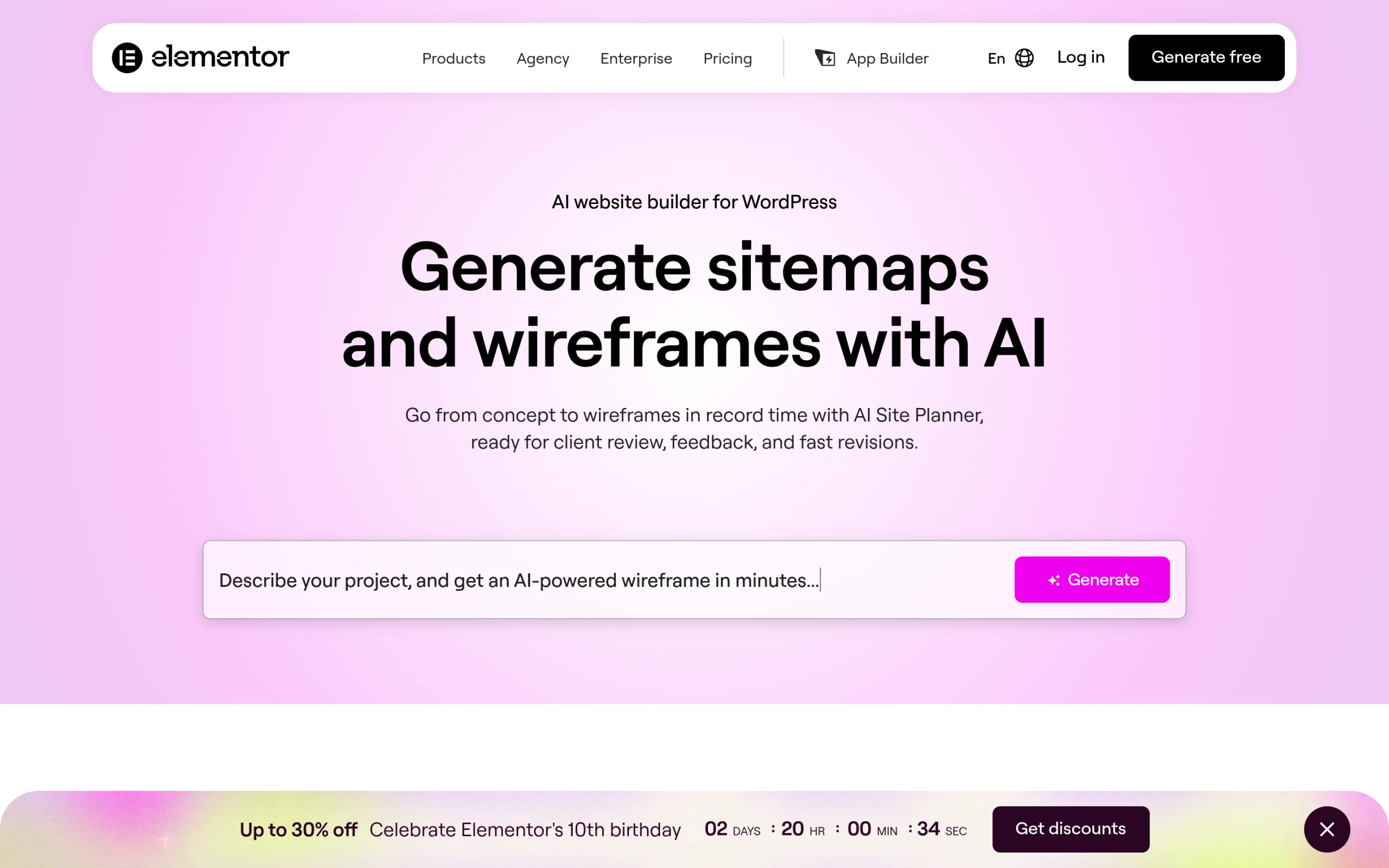
The AI Site Planner is the newest and most ambitious piece of Elementor AI. It plans a whole website before you build any of it, and Elementor’s help center describes it as a way to create a detailed first draft sitemap and wireframe of your entire site.
What the Elementor AI Site Planner Does
Instead of dropping you on a blank canvas, the Site Planner starts with a brief. You describe your business and vision, the AI turns that into a project brief, and then it generates a visual sitemap you can rearrange and wireframes you can preview at desktop, tablet, and mobile sizes. Elementor’s launch post says the wireframes use subject-relevant copy rather than lorem ipsum, which makes them easier to review with a client.
You have two documented ways to build the brief. AI chat walks you through questions about your site. AI Notetaker joins a Google Meet call with your client, analyzes the conversation, and drafts the brief for you. Elementor’s launch post also described a third path, uploading an existing brief, but the current help guide lists only the first two, so check the Site Planner page for what is live today.
How to Use the AI Site Planner, Step by Step
- Open the Elementor Site Planner page while signed in to your Elementor account, then choose Start with AI Chat or Use an AI Notetaker.
- Answer the brief questions: site name, type of business, what the business does, services or products, primary and secondary goals, language, key features, tone, and the pages you want. If you get stuck, click What should I write? and the AI suggests an answer.
- Click Use this brief once you have enough detail. You can add more information first and then click Yes I’m ready.
- Review the sitemap one page at a time. Hover between two pages and click the plus icon to add a page, then click Generate page. You can also regenerate or delete a page or section, although the Home page cannot be deleted.
- Switch to the Wireframe view to check desktop, tablet, and mobile layouts, and set your site colors, fonts, and logo in the style panel. Use Preview site plan to copy or download the brief.
- Click Create Website. You can launch a temporary Elementor Host site, which Elementor says lasts 14 days, or import the plan as a kit into your own WordPress site.
If you use AI Notetaker, Elementor says to paste the Google Meet link 10 minutes or less before the meeting starts, then admit the Notetaker when the call begins. Elementor’s older Zoom guide still exists, but the current guide documents Google Meet.
Site Planner Limits You Should Know
- It is a one-time generation. Elementor warns that the Site Planner brief cannot be linked to a live website after generation, so changing the plan later does not update a built site.
- It plans, it does not finish. You get a brief, a sitemap, and wireframes. Design, final copy, and real images still happen in the Elementor editor.
- Importing to your own host needs setup. Elementor lists a WordPress site, the Hello theme, and the Elementor plugin as requirements. Elementor Pro is optional but recommended, because without it you may need to replace theme parts and Pro features.
- Site creation can fail. Elementor says a failed website creation is usually a server-side or API connection error, and a host firewall or mod-security rule can block it. Retrying the same brief or using the hosted preview are its suggested fixes.
- Output language. At launch the chat accepted input in several languages, but the generated output was in English. Elementor said it was working on more languages, so verify before planning a non-English site.
- WooCommerce. The launch post promised ready-made cart and checkout layouts in the near future, but the current help guide does not document them, so do not plan a store build around that.
AI Site Planner Credits, Plans, and Free vs Pro
The Site Planner needs an Elementor account, and Elementor does not publish a separate Site Planner credit cost in the documentation I checked. What it does publish is the general model: on the Elementor One plan, AI actions draw from a shared monthly credit pool, and an AI action costs between 1 and 40 credits depending on the use case and prompt. Elementor’s pricing page currently lists One at $19 per month at the regular rate (billed annually at $228) with 25,000 monthly credits for one site, and One Agency with 350,000 monthly credits for unlimited sites. Unused credits do not roll over.
On the free-versus-paid question, the plan itself works whether you import it into a site running the free Elementor plugin or Elementor Pro, but Elementor recommends Pro because it ensures compatibility with Pro elements and simplifies the process. The editor widgets inside Elementor Pro use zero credits, so only the AI features meter your pool. Prices and credit costs change, so confirm them on Elementor’s pricing page before you buy.
Site Planner vs Angie and Other Alternatives
The Site Planner is for planning. If you want something that builds, Elementor offers other AI tools, and as of this update elementor.com/ai-site-planner shows Angie’s AI page builder rather than a dedicated Site Planner page. Here is how the options differ:
| Option | What You Get | Best For |
|---|---|---|
| AI Site Planner | A brief, sitemap, and wireframes for a whole site, generated once | Scoping a new site with a client |
| Angie | Prompted full pages and design systems built as real, editable Elementor content, with a free plan that renews AI credits daily | Building the pages once the structure is set |
| Elementor MCP | A connection between AI tools such as Claude, Cursor, and Codex and your Elementor site to build editable layouts | Developers who work from an AI coding tool |
| The Plus Addons for Elementor | 120+ widgets and extensions for the finished design, with no credit meter | Polishing and extending the real build |
A sensible workflow is to plan with the Site Planner, build the structure in the editor or with Angie, and then reach for dedicated widgets where you need precise control. Angie’s own help pages cover prompting and layouts in more detail, and our guide to Angie and Elementor’s AI prompts explains how to switch the prompts off if you do not want them.
How Elementor AI Pricing Works (the Credit Model)
Elementor AI runs on credits. Elementor describes its Elementor One subscription as including “a flexible, shared credit system,” and that is the model to understand: every generative action, whether it is an image, a block of text, or a code snippet, draws from that shared pool. Those credits are spent on the AI generation itself, so the more you ask it to create, the faster the pool drains.
The practical consequence is simple. Heavy AI users burn through the pool quickly, while people who only need the editor end up paying for credits they never touch. Elementor’s pricing page lists an AI action at 1 to 40 credits depending on the use case, and the exact prices and credit costs can change, so confirm them live before you buy rather than trusting any third-party number. I went deep on that math in whether Elementor One is worth it.
Where Elementor AI Falls Short
After living with it, three limits stand out.
- The output is generic. AI copy and AI images get you a draft, not a finished page. You will rewrite the text and replace most of the images, which eats into the time the AI was supposed to save.
- The credits add up. A consumption model means a recurring cost for something many users reach for only occasionally. If your AI use is sporadic, you are renting a pool you barely drain.
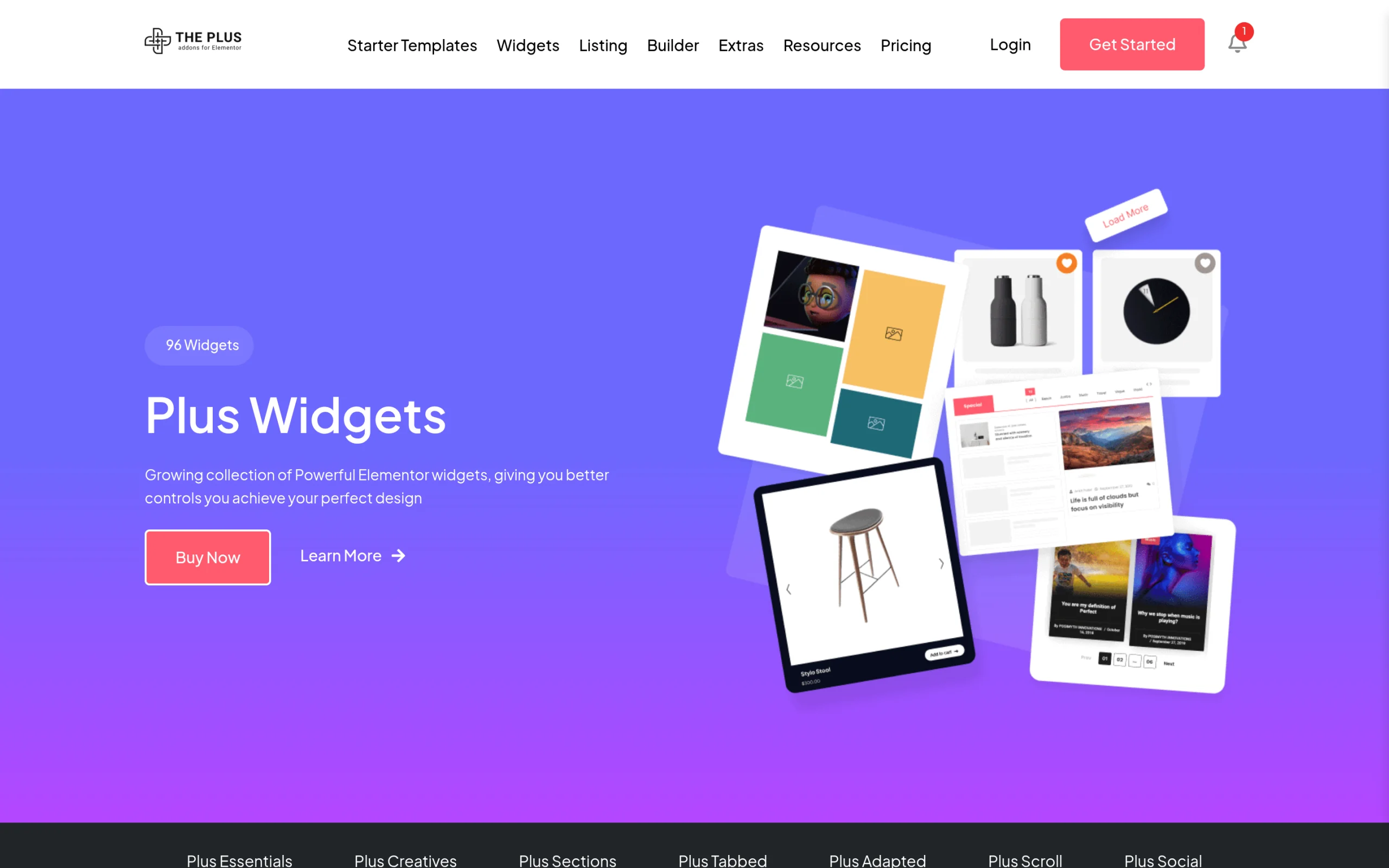
- You still need real design control. For anything past a rough draft you are back in the editor placing real widgets. This is where a toolkit like The Plus Addons for Elementor earns its place, with 120+ widgets and extensions that keep the build lean and precise instead of leaning on generated blocks you then have to untangle.
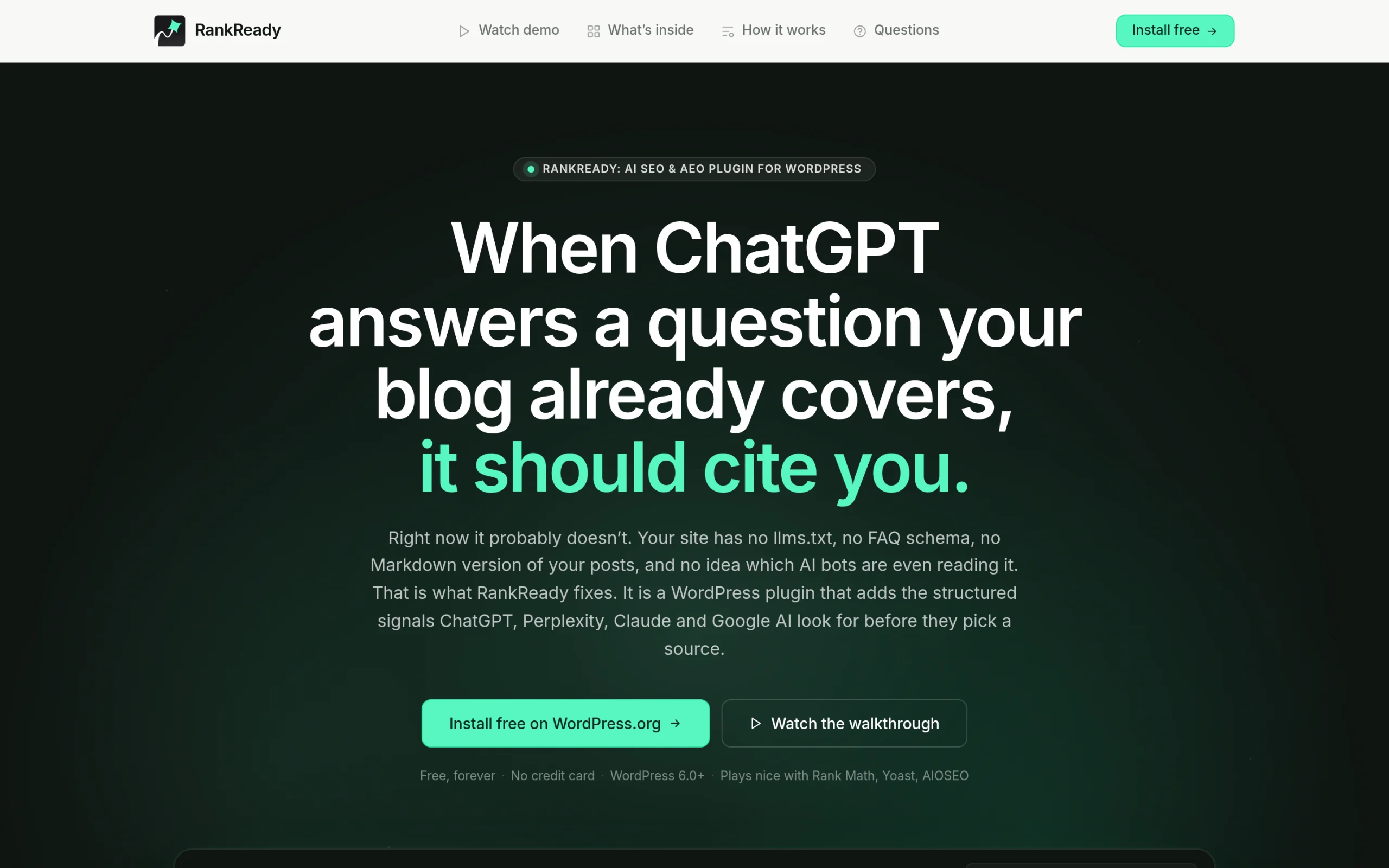
There is also a quieter gap worth naming. Elementor AI writes content, but writing content is not the same as being found. AI-generated copy does nothing on its own to get your page cited by ChatGPT, Perplexity, or Google’s AI answers, which is a separate job built on schema, crawler access, and tracking whether those engines actually fetch your pages. A free tool like RankReady handles that AI-search side, and it is worth keeping the two ideas apart: AI content generation and AI search visibility are different problems.
Should You Use Elementor AI?
It depends on how you build. If you are a solo creator or freelancer who wants to skip the blank-page stage, the Site Planner and AI text are a real head start, and the free 14-day hosted preview lets you try the Site Planner output before you commit. If you run an agency shipping volume, watch the credit pool closely, because the per-action cost scales with how much you lean on it. If you only ever need the editor, you can skip the AI layer entirely and lose nothing. And if your actual goal is showing up in AI search, that is a different toolset, not Elementor AI.
Used as a fast first draft, Elementor AI is a solid accelerator. Mistaken for a finished-website button, it will disappoint. Knowing which one you are buying is the whole game.
Suggested Reading
- Is Elementor One Worth It? An Honest Breakdown vs Elementor Pro
- Who Is Angie? How to Remove Elementor’s AI Nag Banners, Popups, and Telemetry
- WordPress 7’s New AI Features Explained: The AI Client and Abilities API
- What Is the Elementor MCP? AI-Building Your Site Explained
- The Best AI SEO Tools for WordPress: Content Optimization vs AI Citation Tracking