When someone searches for a schema markup generator, they usually want one thing: valid JSON-LD they can drop onto a page so Google shows rich results. The honest news is that you can do this for free, and on WordPress you have two real routes depending on whether you want to do it by hand or let a plugin handle it for you.
I have shipped a lot of structured data over the years, so here is the practical breakdown: the free generators worth using, the plugins that automate schema sitewide, and the one type of schema almost nobody generates yet even though AI answers depend on it.
What a schema markup generator actually does
Schema markup is structured data, usually written in JSON-LD, that tells search engines what a page is about in a machine-readable way. A recipe, an article, an FAQ, a product, a how-to. A generator is just a tool that builds that JSON-LD for you so you do not have to write it by hand. Add it correctly and you become eligible for rich results: star ratings, FAQ drop-downs, how-to steps, and the structured answers AI engines pull from.
There are two ways to generate it on WordPress: a standalone online generator where you fill a form and paste the output, or a plugin that produces the schema automatically. Here is when to use each.
Option 1: free online schema generators
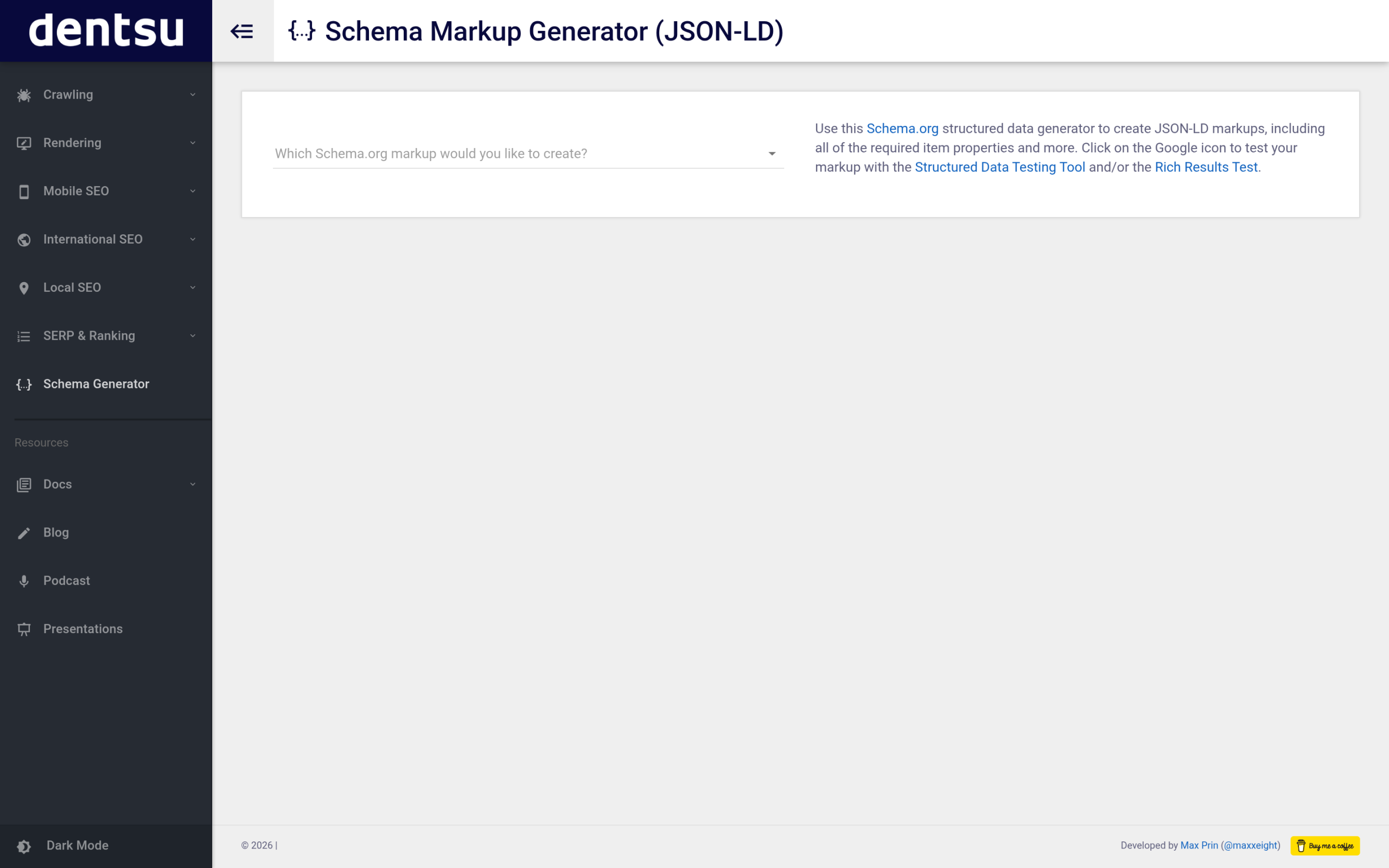
If you only need schema on a page or two, a form-based generator is the fastest path. You pick a schema type, fill in the fields, and copy the JSON-LD it produces:
- Merkle Schema Markup Generator: the most beginner-friendly, free, form-based, no coding, exports clean JSON-LD.
- TechnicalSEO.com Schema Generator: a Schema.org JSON-LD generator that includes the required item properties for each type.
- JSON-LD.com Generator: supports a wide set of schema types and validates required fields as you fill the form.
To use the output in WordPress: open the page in the block editor, add a Custom HTML block, and paste the full <script type="application/ld+json"> tag. The catch is that this is manual and per-page. It is perfect for a one-off, and painful if you want schema across a whole site.
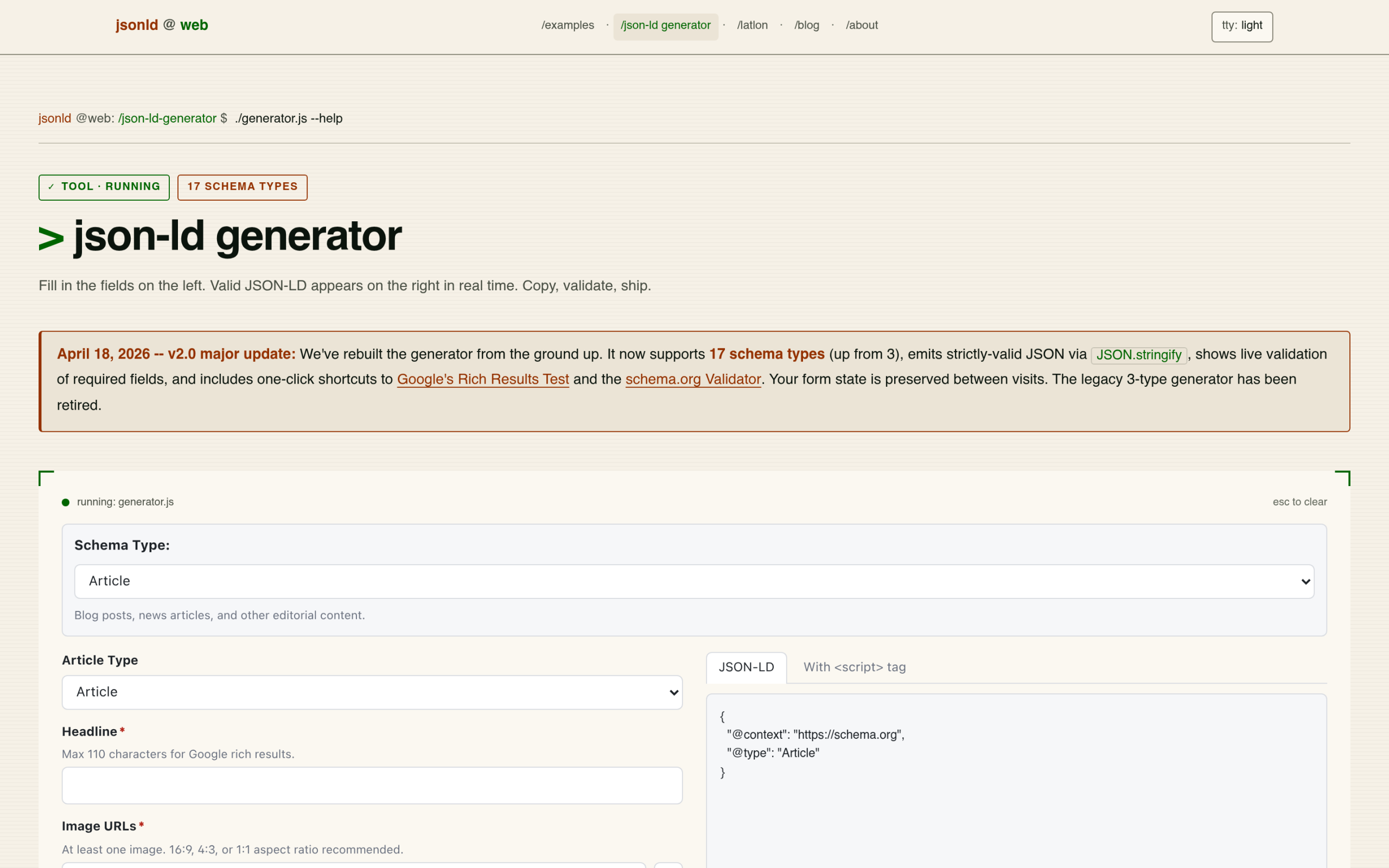
Option 2: WordPress schema plugins (automatic, sitewide)
For a real site you want schema generated automatically on every post and page, kept in sync as content changes. That is what a plugin does:
- Rank Math and All in One SEO: both your SEO plugin and your schema generator in one, with automatic Article, Breadcrumb, and other common types.
- Schema Pro: a strong standalone option if you already run a different SEO plugin and just want dedicated schema control.
If you have not chosen an SEO plugin yet, our roundup of the best SEO plugins for WordPress covers the schema side of each. For most sites, a plugin beats hand-pasting JSON-LD because it scales and does not break when you edit a post.
Generating AI-ready schema with RankReady
Here is the type of schema most generators and plugins still under-serve: the structured data AI answer engines actually read. Traditional schema is tuned for Google’s rich results. AI engines lean on a slightly different set, and that is what RankReady generates automatically:
- Article and Speakable schema so engines know the main body and which parts are quotable.
- FAQPage and HowTo schema, the formats that feed AI answers and rich results directly.
- Author and Person schema for the entity and trust signals AI engines weigh.
It generates these across your site automatically, alongside LLMs.txt and markdown endpoints, and it is free. The honest framing: RankReady is not a pick-any-of-30-types manual generator like Merkle. It auto-emits the AI-relevant schema types so you do not have to think about them. If you want the strategy behind this, see schema markup for AI citations and our guide to FAQ schema for AI.
Always validate your schema
Whichever route you take, validate before and after publishing. A single syntax error in your JSON-LD can stop Google from reading the entire block. Paste your URL or the raw JSON-LD into Google’s Rich Results Test at search.google.com/test/rich-results and confirm which rich result types your page qualifies for. Do this every time you add or change schema, because a broken block fails silently.
Which approach should you choose?
- A page or two, one-off: use a free online generator (Merkle or TechnicalSEO) and paste it into a Custom HTML block.
- A whole site, on autopilot: use Rank Math or All in One SEO so every page gets schema automatically.
- You care about AI answers and citations: add RankReady for the Speakable, FAQPage, HowTo, and author schema that AI engines actually use, on top of your SEO plugin.
Most sites end up with a plugin for the baseline and a validator open in another tab. If getting cited by ChatGPT, Perplexity, and Google’s AI answers matters to you, the AI-ready schema layer is the piece worth adding now, while most of your competitors have not.