






A category archive is often where a visitor lands from search, so it needs a clear way back to the rest of the site.
The Breadcrumbs Bar widget from The Plus Addons for Elementor adds a trail to category pages that reflects how your categories are nested.
To check the complete feature overview documentation of The Plus Addons for Elementor Breadcrumbs Bar widget, click here.
Requirement – This widget is a part of The Plus Addons for Elementor, make sure it’s installed & activated to enjoy all its powers.
Before You Start
- Edition: Free — the Breadcrumbs Bar widget is in the free plugin as well as Pro, and the trail it builds is the same in both.
- Widget to enable: Breadcrumbs Bar, switched on under The Plus Addons > Widgets.
- Where to add it: the template for the pages you want it on — a header template shows it site-wide, a single or archive template shows it on those pages only.
How to Add Breadcrumbs to a Category Page
- Open the category archive template, or your header template if you want the breadcrumb on every page.
- Add the Breadcrumbs Bar widget where the trail should appear.
- Set the Separator Icon and Extra Option settings as you like.
- Publish, then open a category archive.
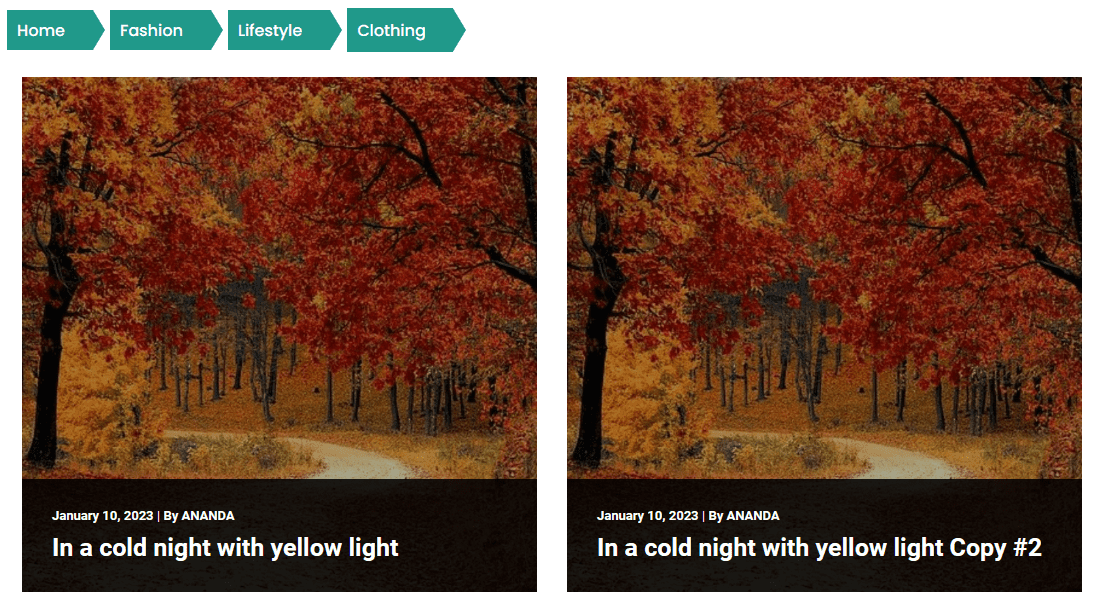
The trail appears above the list of posts in that category:
What the Trail Shows
| Category | Trail |
|---|---|
| A top-level category | Home, then Archive by “Category name” |
| A child category | Home, then the parent category by name, then the child category by name |
| Page 2 of an archive | The same trail, then (Page 2) |
The two are worded differently on purpose in the widget: a top-level category reads Archive by “Name”, while a nested one lists the plain category names.
Hiding Parts of the Trail
The three switches in Extra Option control which parts appear.
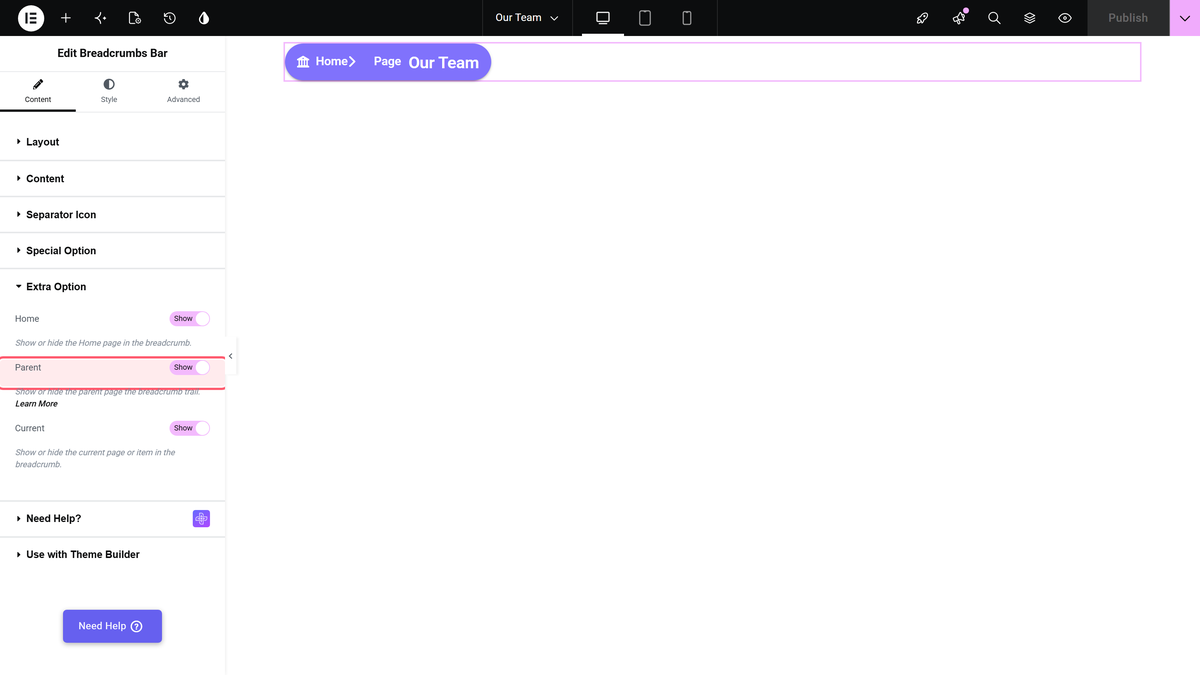
- Home set to Hide removes the home link, leaving just the category path.
- Current set to Hide takes the current category out of view, leaving its parent.
- Parent has no effect on category archives — see Limitations.
How It Behaves
- The widget reads the category being viewed, so one widget covers every category archive.
- Parent categories are links; the current category is plain text.
- The wording of the top-level archive step is fixed in the widget. There is no setting for it.
- Paged archives add (Page 2), (Page 3) and so on to the end of the trail.
- The trail is the same in the free plugin and in Pro.
Limitations
- Parent set to Hide is ignored on category archives. The parent category is still shown. The switch does work on pages, posts and products.
- A top-level category and a nested one are worded differently, which can look inconsistent across a site.
- Letter Limit in Special Option does not shorten category names.
- Current set to Hide hides the current category with CSS. The text is still in the page source.
- The breadcrumb is plain navigation markup and adds no breadcrumb structured data for search engines.
- The widget does not load Font Awesome, so the home and separator icons come out blank on an archive where nothing else loads it.
Troubleshooting
Nothing shows on the category page
The category archive uses its own template. Add the widget to that template, or to the header template.
The parent category will not go away
Parent is ignored on category archives. There is no setting that removes it there.
The trail says Archive by “…” on some categories only
That wording is used for top-level categories. Nested categories show the plain names instead.
