The update badge showed up in my dashboard the Monday after WordCamp US. WordPress 7.1, “Mary Lou.” My cursor hovered over the blue button, and then I did the one thing every Elementor site owner should do before a major-version jump: I closed the tab and opened staging instead.
I have watched too many “quick updates” turn into a Saturday of rolling back a client site. So this is the honest version of what WordPress 7.1 means if you build with Elementor. Not a feature dump. What actually changes for the way you work, where 7.1 quietly overlaps with tools you already have, one compatibility detail worth checking before you update, and whether you should press the button today at all.
WordPress 7.1 “Mary Lou,” in Plain English
WordPress 7.1 was released to the public on August 19, 2026 and announced at WordCamp US. It is named “Mary Lou” after Mary Lou Williams, the pioneering jazz pianist, arranger, and composer. Per the official announcement, the release was built by more than 800 contributors, including over 170 first-time contributors, and it delivered more than 1,500 enhancements and bug fixes, with 20-plus locales fully translated on day one.
Underneath the jazz name, this is a builder-focused release. The changes you will actually feel are responsive styling controls in the editor, a rebuilt media and image-editing workflow, a WordPress admin bar that follows you across every editor, two new core blocks, and a maturing developer feature called the Abilities API. Here is what each one means when your layouts live in Elementor rather than the block editor.

Before You Hit Update: the One Compatibility Thing to Check
Here is the detail most “what’s new in 7.1” posts skip. A plugin’s “Tested up to” header on WordPress.org and its real-world behavior are two different things, and right now they tell two slightly different stories.
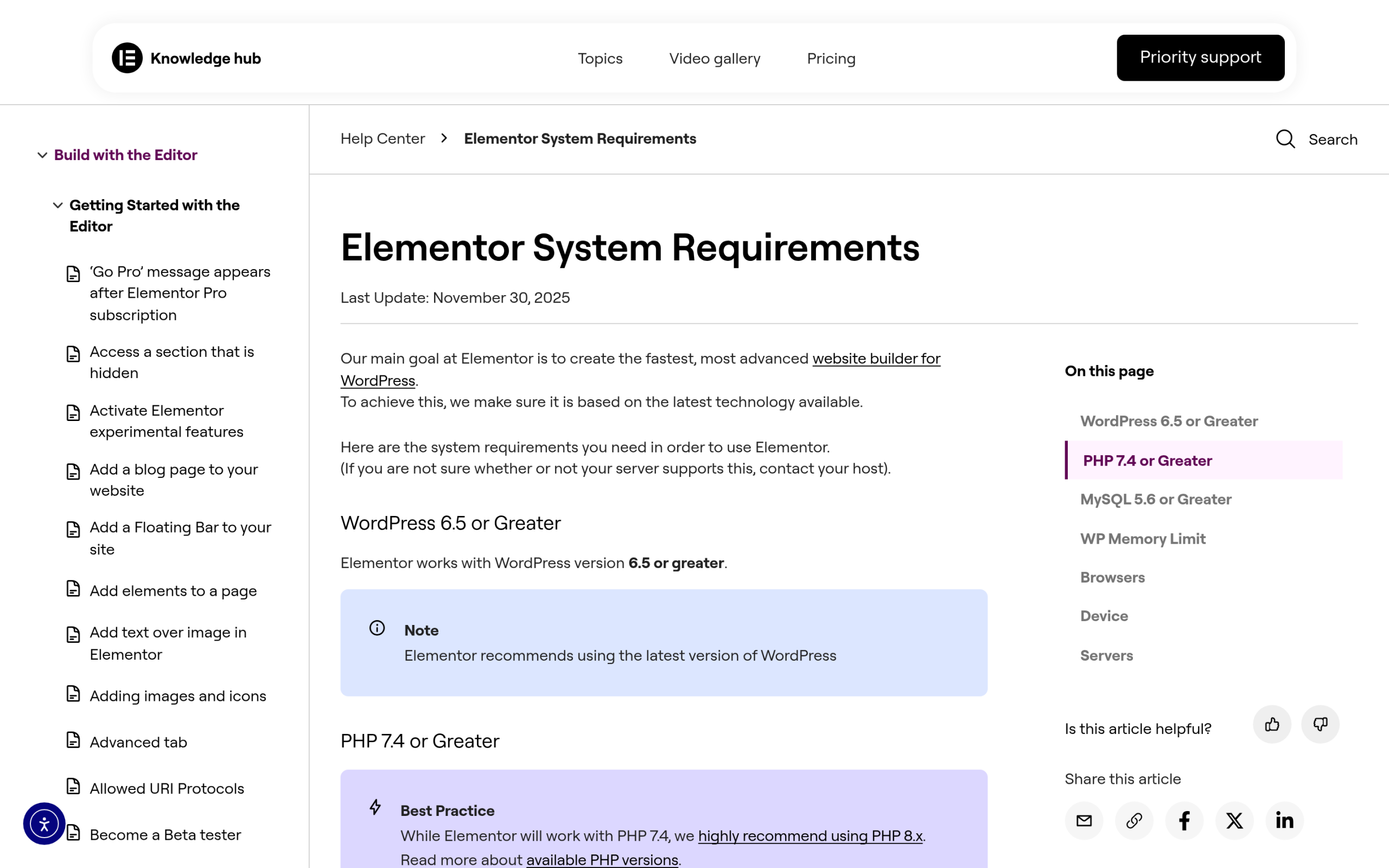
Checked live while writing this, Elementor 4.2.3 lists its “Tested up to” version as WordPress 7.0.4, requires WordPress 6.8, and requires PHP 7.4. The Plus Addons for Elementor 6.5.0 already lists its “Tested up to” version as WordPress 7.1, requires WordPress 6.0, and also requires PHP 7.4. So the add-on layer has already declared 7.1 support while the core builder’s public header is one version behind.
| Plugin | Version | Tested up to | Requires WordPress | Requires PHP |
|---|---|---|---|---|
| Elementor | 4.2.3 | WordPress 7.0.4 | 6.8 | 7.4 |
| The Plus Addons for Elementor | 6.5.0 | WordPress 7.1 | 6.0 | 7.4 |
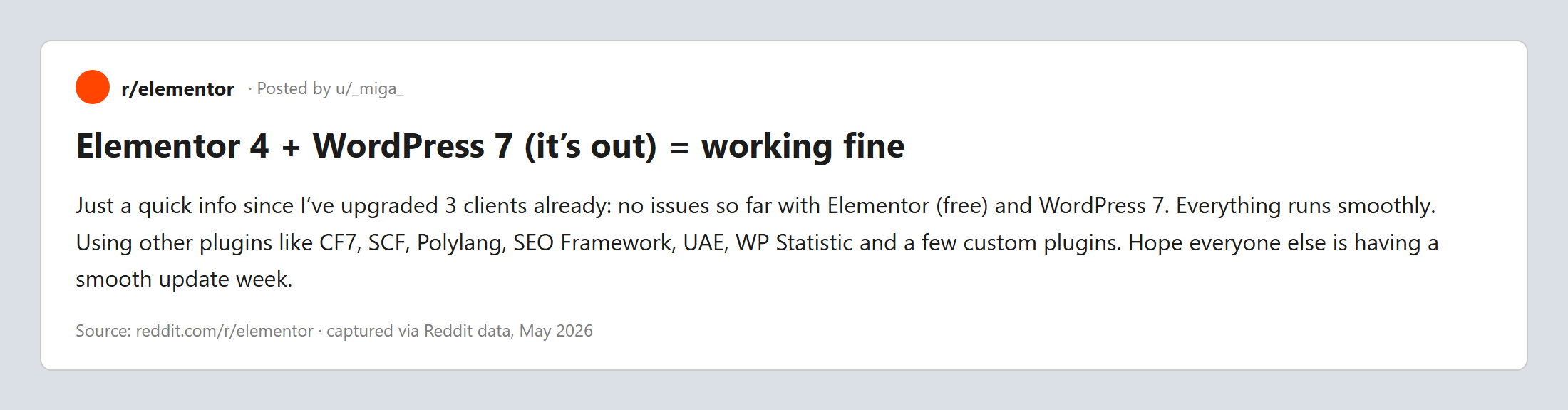
Read that calmly. A “Tested up to 7.0.4” header does not mean Elementor breaks on 7.1. It means Elementor’s team had not yet stamped the 7.1 badge on the public listing at the time of writing, which is normal in the days after a major release. Plenty of builders run the newest core with the previous “tested” header and never notice a thing. Community reports so far echo that: real sites on Elementor 4 and WordPress 7 have been running fine.
The safe move is boring and it works: duplicate the site to staging, update WordPress there first, then update Elementor and every add-on, and click through your real templates before you touch production. If you want the longer version of this playbook, we wrote it for the previous jump.
Also Read: Is Your Elementor Site Safe to Upgrade to WordPress 7.0? The same staging-first method applies to the 7.1 jump, step for step.
Responsive Styling in Core vs Elementor’s Responsive Controls
The feature getting the loudest applause in 7.1 is responsive styling. In the official words, you can now “style how a block looks at different screen sizes from Global Styles or individual block settings, without custom CSS.” Block themes can even define their own mobile and tablet breakpoints in theme.json.
If you build in Elementor, your first reaction is probably a shrug, and that is fair. Per-device controls are something Elementor has had for years. You already switch between desktop, tablet, and mobile views and set different padding, font sizes, and visibility per breakpoint. So 7.1 is not handing Elementor users a new superpower here. It is bringing the native block editor closer to what page builders already offered.
Where it does matter to you is on the hybrid sites so many of us actually run. If part of your site uses the block editor or a block theme for the blog and Elementor for landing pages, 7.1 means the block side finally gets real responsive control without you dropping into custom CSS. That narrows the gap in behavior between your two editing surfaces, which is one less thing to explain to a client. Inside an Elementor layout, keep using Elementor’s own responsive controls. They are still the more granular tool for the widgets you place.
One caution worth stating plainly: if a page loads without its styling after any major update, that is almost always a cache or file-generation issue, not a 7.1 bug. It has a known fix.
See our guide on why an Elementor page loads without styling if you hit a blank or unstyled layout after updating.
The New Core Tabs Block vs Elementor Tabs
WordPress 7.1 ships two new core blocks: a Playlist block for audio collections with optional waveform visualization, and a Tabs block for organizing content into clickable panels. The Tabs block is the one Elementor users will bump into, because tabbed content is such a common request.
The honest read is that a native Tabs block is genuinely useful, and for a simple FAQ or a two-panel “Overview / Details” section inside a block-editor post, it is now enough on its own. You no longer need a plugin for the most basic case. But “tabs” covers a wide range, and the native block is deliberately simple. Once you need nested content, dynamic sources, icon controls, entrance animations, or tabs that pull from custom fields, you are back in page-builder territory.
| Need | WordPress 7.1 Tabs block | Elementor + The Plus Addons for Elementor |
|---|---|---|
| Simple text tabs in a block post | Yes, built in | Yes |
| Works inside an Elementor layout | Not the native home for it | Yes, designed for it |
| Icons, styling states, animations | Limited | Extensive controls |
| Dynamic or custom-field content | No | Yes |
| Nested widgets inside a tab | No | Yes |
The practical takeaway: use the core Tabs block for quick, content-first tabs in your posts, and reach for Elementor widgets when tabs are part of a designed page. They are not competing so much as covering different jobs.
The Media Overhaul: Faster, Sharper, Client-Side
This is the change I am quietly most happy about. In 7.1, image processing now happens client-side through WebAssembly, and the format support expands to AVIF, HEIC, and HDR gain maps. The media editor itself is rebuilt with freeform and aspect-ratio cropping, horizontal and vertical flipping, and both fine-grained and snap rotation.
For image-heavy Elementor pages, portfolios, product galleries, real-estate listings, this is real. Modern formats like AVIF give you smaller files at the same visual quality, which helps Core Web Vitals on exactly the pages that tend to be heaviest. Client-side processing also means less work handed to your server on upload. None of this changes how you place images in Elementor. It quietly improves the raw material every gallery, carousel, and hotspot widget is built from.
If galleries are central to your builds, our walkthrough on adding an image carousel in Elementor pairs well with 7.1’s lighter, sharper media pipeline.
Small Wins: the Persistent Admin Bar and Collaboration Notes
Two smaller changes are worth thirty seconds each. First, the WordPress admin bar now stays with you as you move across all editors, so jumping between editing a post, tweaking the site, and hopping to the front end no longer loses your navigation. If you spend your day switching between Elementor and the WordPress admin, that consistency adds up.
Second, editorial notes grew up. Notes now support rich text and mentions, and you can leave a note on a specific piece of text instead of only on a whole block. For teams reviewing content, that turns vague “fix the intro” comments into precise, in-context feedback. It lives on the content side rather than inside the Elementor canvas, but if your writers work in the block editor and your designers work in Elementor, tighter notes reduce the back-and-forth between them.
The Abilities API Grew Up, and Why That Matters for Elementor Sites
This is the part with the longest tail, so let me get the timeline exactly right, because a lot of coverage gets it wrong. The Abilities API shipped as infrastructure in WordPress 6.9. The AI Client arrived in 7.0. WordPress 7.1 is where the Abilities API picks up nearly everything you would need to actually build against it: a filterable execution lifecycle, custom validation, and a shared discovery pipeline, plus the ability to filter registered abilities with wp_get_abilities(). In the words of the official developer notes, this is the release “where the API stops being a foundation and starts being a toolkit.”
In plain terms, the Abilities API is a standardized, machine-readable way for WordPress, plugins, and external systems like AI agents to discover and safely use what a site can do. It always runs inside WordPress permissions and validation. Version 7.1 is the point where that becomes practical to build on.
Why should an Elementor site owner care? Because it moves AI from something that reads your public pages to something that can be granted structured, permissioned access to act on your site. That is the same shift already showing up in tools like AI agents that build inside WordPress. It also raises the stakes on being readable and citable by AI in the first place. If AI systems are going to discover and act through your site, the content that AI already surfaces in answers becomes even more valuable.
That is the AI-search-readiness side of the same coin, and it is worth auditing deliberately rather than hoping. A good starting point is an SEO audit that includes AI search readiness. If you want a tool built specifically to track and improve how AI engines cite your WordPress content, that is what RankReady is for.
Also Read: Claude Code Agents for WordPress shows what “AI that acts on your site” looks like in practice, now that the Abilities API is buildable.
Should You Update to WordPress 7.1 Right Now?
Here is my honest verdict as someone who runs Elementor sites for a living. WordPress 7.1 is a strong, builder-friendly release, and nothing in it looks hostile to Elementor. But “strong release” and “update production today” are different decisions. Given that Elementor’s public “Tested up to” header still reads 7.0.4 while 7.1 is only days old, patience costs you almost nothing.
- Update on staging first. Never on production, never on a Friday.
- Confirm PHP 7.4 or higher, since both Elementor and The Plus Addons for Elementor require it.
- Update WordPress core, then Elementor, then every add-on, in that order.
- Click through your real templates: headers, footers, pricing, forms, galleries, and any tabbed or dynamic sections.
- Take a full backup before you repeat the process on production.
- If a page loads unstyled, clear all caches and regenerate CSS before assuming a conflict.
If you maintain sites for clients, wait a week or two, watch the Elementor changelog for an official 7.1 stamp, then roll it out during a quiet window. If it is your own site and your stack is simple, staging plus the checklist above is plenty.
Where The Plus Addons for Elementor Fits
We build The Plus Addons for Elementor to keep pace with core, which is why version 6.5.0 already lists WordPress 7.1 in its “Tested up to” field. It adds more than 120 widgets and extensions to Elementor, from advanced tabs and galleries to dynamic listings and mega menus, so the moment the native blocks stop being enough for a designed page, you are not stuck. If you are planning a 7.1 upgrade, updating your add-ons in the same pass keeps the whole stack aligned.
Suggested Reading
- Is Your Elementor Site Safe to Upgrade to WordPress 7.0? An Honest Compatibility Guide
- Elementor Atomic Editor Explained: What Actually Changed in V4
- How to Keep the Classic Elementor Editor After Updating to V4
- The Plus Addons for Elementor 6.5.0: A Faster Front End and Three Widgets Retired
- How to Do an SEO Audit in WordPress (Including AI Search Readiness)
Wrapping Up
WordPress 7.1 “Mary Lou” is a builder’s release. Responsive styling and the new Tabs block bring core closer to what Elementor already does, the media overhaul quietly improves every image you upload, and the Abilities API turns AI access into a real, present-tense concern. None of it should scare an Elementor site owner. It should just move you to staging before production. Test it there, update your add-ons in the same pass, and roll it out when you have clicked through your own templates and seen them hold.