If you have opened Elementor lately and felt like someone moved your furniture overnight, you are not imagining it. The panels look different, there is talk of atomic elements and classes, and the familiar way of styling a widget is not quite where it used to be. This guide is the calm walkthrough of what V4, the Atomic editor, actually changed, in plain language, without the launch-day hype or the doom posts.
Here is the short version. V4 is a move away from styling each widget one by one, and toward a CSS-first system built on reusable classes, variables, and components. The foundation is genuinely modern. Some everyday pieces are still being filled in. By the end of this you will understand the new building blocks, where V4 stands today, what is and is not in it yet, and how it changes the way you build.
What you’ll learn:
- The one real idea behind “Atomic” and why Elementor rebuilt around it
- The new building blocks: atomic elements, classes, variables, and components
- Where V4 stands in 2026 and what is still being added
- What is not in V4 yet, according to the people using it daily
- How the shift changes your workflow, and where add-ons fit
The one-sentence version of what changed
In V3, most styling lived on the individual widget. You selected an element, opened the Style tab, and set its padding, colors, and typography right there. It was friendly and visual, but it also meant your design choices were scattered across hundreds of separate elements, and changing something site-wide often meant editing it in many places.
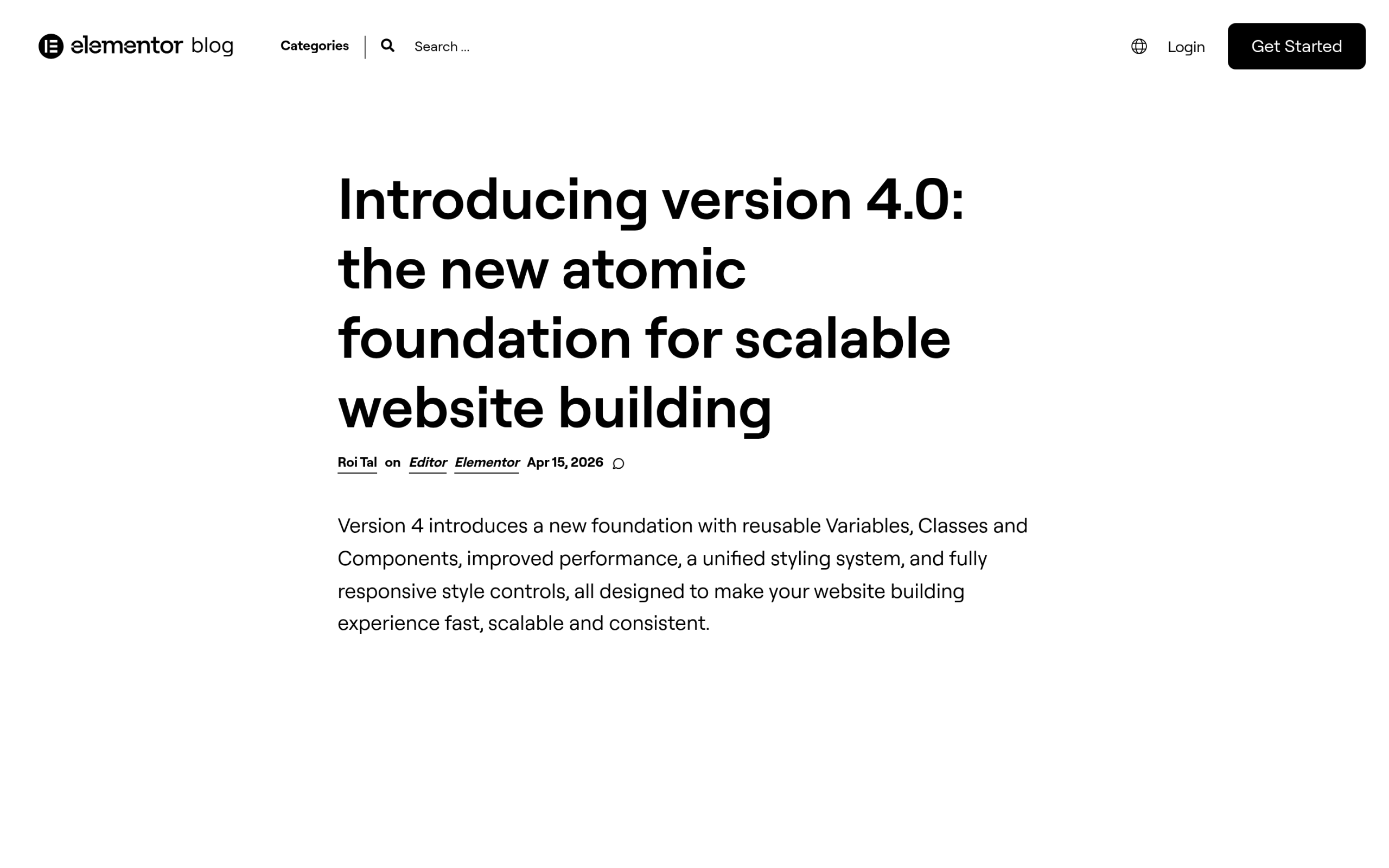
V4 flips that. Elementor calls it the Atomic foundation, and the core idea is CSS-first, class-based styling. Instead of styling each element in isolation, you define reusable styles once and apply them through classes, variables, and components. Elementor positions version 4.0 as “the new atomic foundation for scalable website building,” and scalable is the operative word: the whole point is to make large sites and design systems easier to manage.
The new building blocks, explained
Four ideas do most of the work in V4. Once these click, the rest of the editor makes sense.
- Atomic elements: the new, leaner building blocks. Rather than dozens of heavily pre-styled widgets, V4 leans on a smaller set of clean elements you compose and style yourself.
- Classes: reusable named styles. Define a style once, apply it to many elements, and update every one of them by editing the class a single time. This is the heart of the CSS-first approach.
- Variables: saved values for things like colors, typography, and spacing. Change the variable and everything referencing it updates, which is how design systems stay consistent.
- Components: reusable groups of elements you can drop in and reuse across the site, so a card or a call-to-action block is built once and reused everywhere.
If you have ever worked with a real CSS codebase or a design system in a tool like Figma, this will feel familiar. If you have only ever used V3, it is a genuine shift in how you think about styling.
Where V4 stands right now
To set expectations honestly, here is the factual status straight from Elementor:
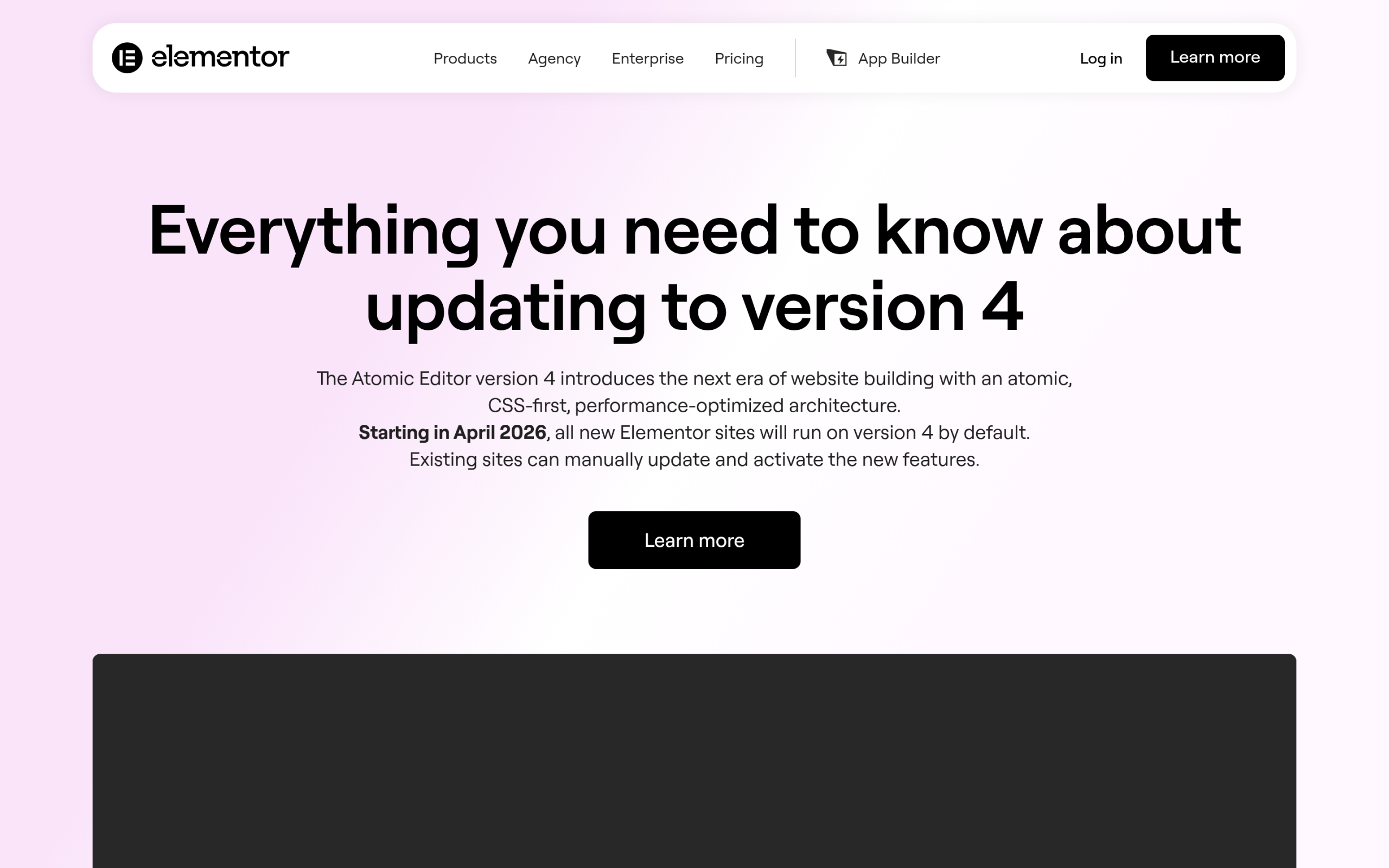
- Editor V4 moved from Alpha to Beta with version 3.35, announced in February 2026. Elementor described the milestone as the atomic foundation being “ready for real sites.”
- Elementor describes the Atomic features as stable and safe for production, and they are enabled by default on new sites.
- From April 2026, all new Elementor sites run on version 4 by default.
- Existing sites are not auto-migrated. Your V3 pages keep working exactly as before, and you choose when to adopt V4.
If you want the deeper readiness discussion, including the agency performance reports and the upgrade decision by site type, we covered that in our companion piece on whether Elementor V4 is ready for production.
What has been added since the V4 launch
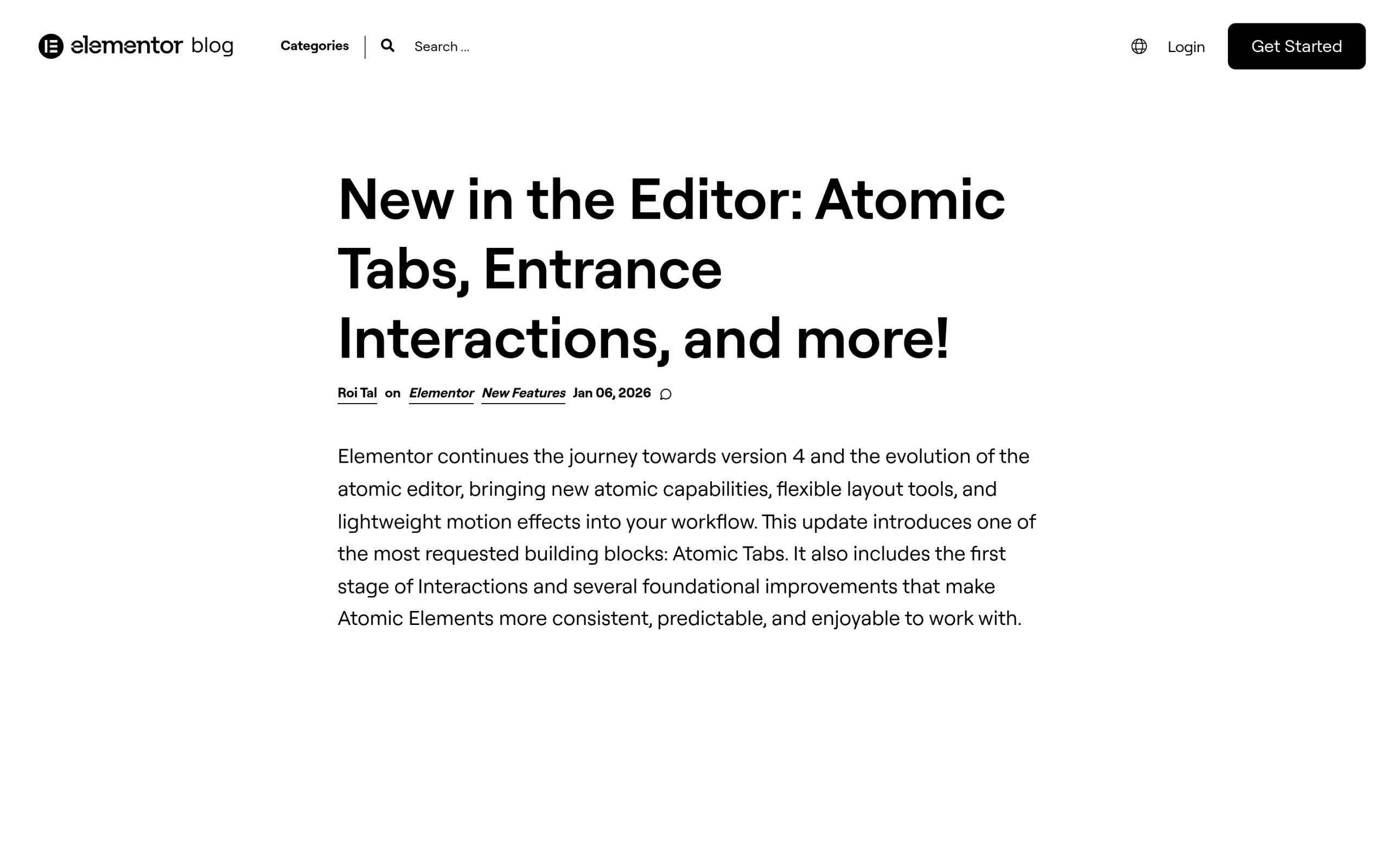
V4 is not frozen. Elementor has been adding capabilities release by release. In version 3.34, for example, the team shipped Atomic Tabs and entrance interactions, expanding both the widget set and the motion options available inside the new editor.
The practical takeaway: if a widget or capability is missing today, it is worth checking the latest release notes before assuming it cannot be done. The gap between V4 and the old V3 feature set has been narrowing with each update.
What is not in V4 yet, according to daily users
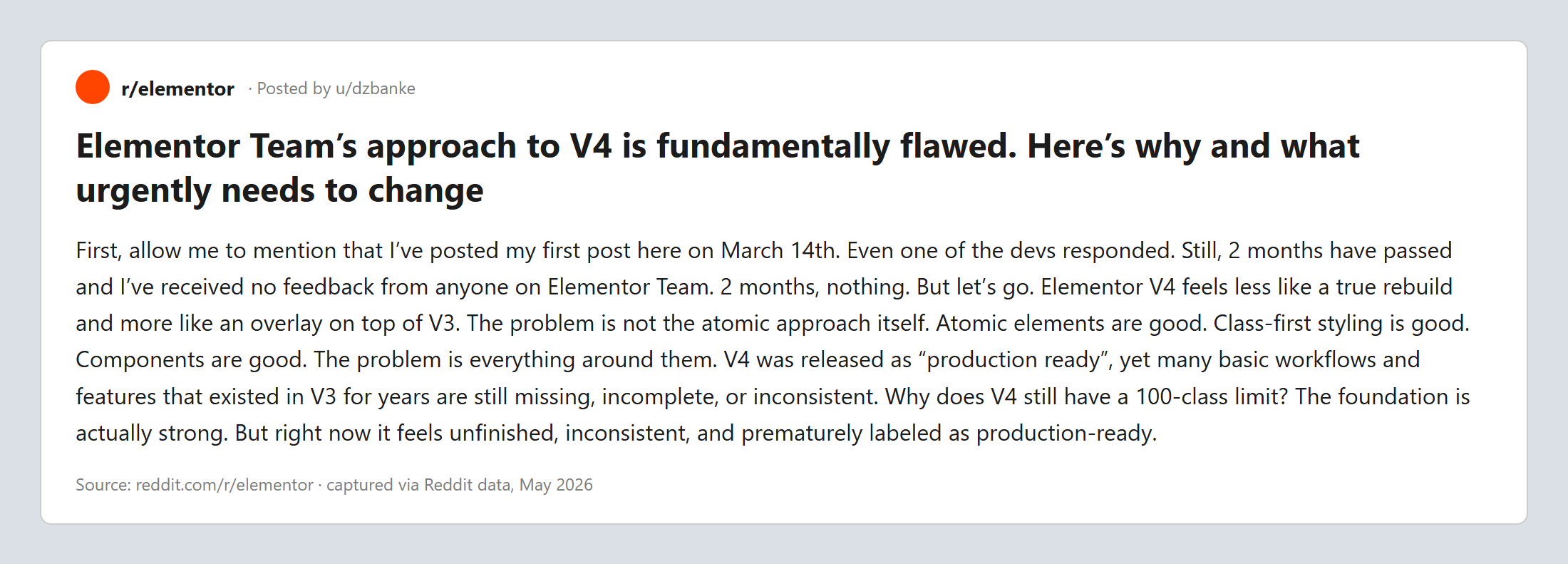
This is where you should set expectations carefully. The foundation is strong, but builders who have moved real projects to V4 report that some everyday pieces are still missing. In one detailed r/elementor write-up, a long-time user listed gaps they hit on a single mid-sized project. Their list, quoted as community feedback rather than official documentation, included:
- Several common widgets not yet present, naming Accordions, Galleries, and Carousels specifically
- No custom CSS support, which many advanced V3 workflows relied on
- No proper HTML formatting inside text widgets, such as ordered and unordered lists in paragraph elements
- No way yet to save default values for atomic widgets, or to set a default unit
- A class limit that the author argued does not fit large-scale sites
That same user was clear that the underlying approach is the right long-term direction, writing that the atomic approach itself, class-first styling, and components are “the right long-term decisions.” The frustration was about the pieces around them not being finished yet. That is a fair and useful way to read V4 today: strong bones, still growing muscle.
What the shift means for how you build
The biggest change is mental, not mechanical. In V3 you could think element by element. In V4 you get the most out of the editor when you think in systems: define your classes and variables first, then apply them. Done well, this makes large sites far easier to maintain, because a single class edit ripples everywhere it is used.
The trade-off is a steeper start for non-developers. The classic Elementor pitch was that anyone could click through a page like a slide deck. V4 rewards a little more structure and a little CSS literacy. If you build client sites where the client edits content later, that learning curve is worth planning for.
Building with V4 alongside The Plus Addons for Elementor
Here is the practical bridge. Some of the widgets people miss most in early V4, things like accordions, carousels, and galleries, are exactly the kind of components a mature add-on already provides. The Plus Addons for Elementor is V4-ready, which we detailed in our March 2026 update on V4 readiness, so you can keep using those widgets while Elementor core continues to fill in its native set.
The benefit during this transition is continuity. Your accordions, carousels, listings, and dynamic content keep working with the same controls you already know, so adopting V4 does not mean rebuilding the parts of your site that already work. If you build a lot of dynamic pages, it is also worth knowing that dynamic tags are now free in The Plus Addons.

For the wider picture of how the theme, builder, and add-ons fit together this year, our 2026 WordPress and Elementor stack guide is a good next read.
Wrapping up: V4 in one breath
Atomic is Elementor trading per-widget styling for a CSS-first system of classes, variables, and components. It is modern, it is built for scale, and it is the default for new sites as of April 2026. It is also still filling in everyday widgets and conveniences, so set expectations and lean on a mature add-on for the pieces that are not there yet.
If you understand classes, variables, and components, you understand V4. Everything else is detail that is steadily being added. To build with a full widget set while V4 matures, explore the Plus Addons widget library and the pricing options.