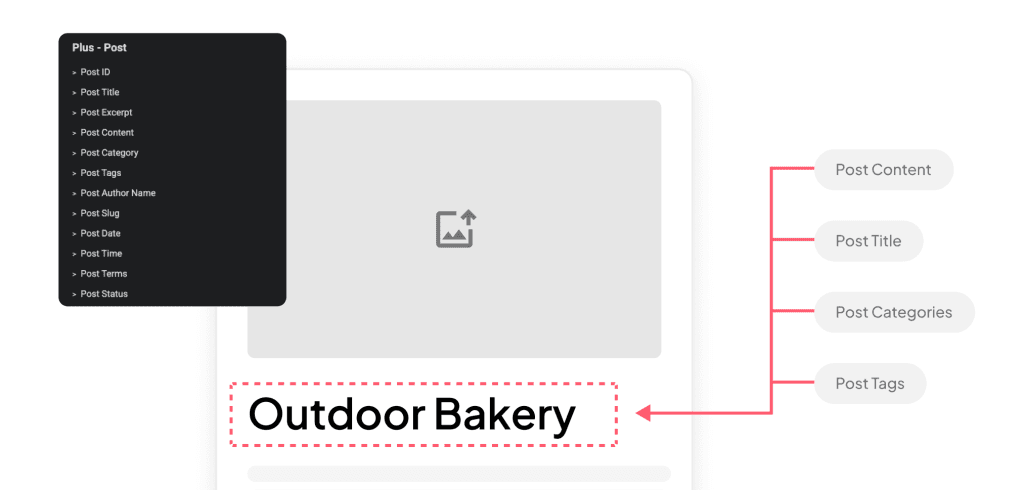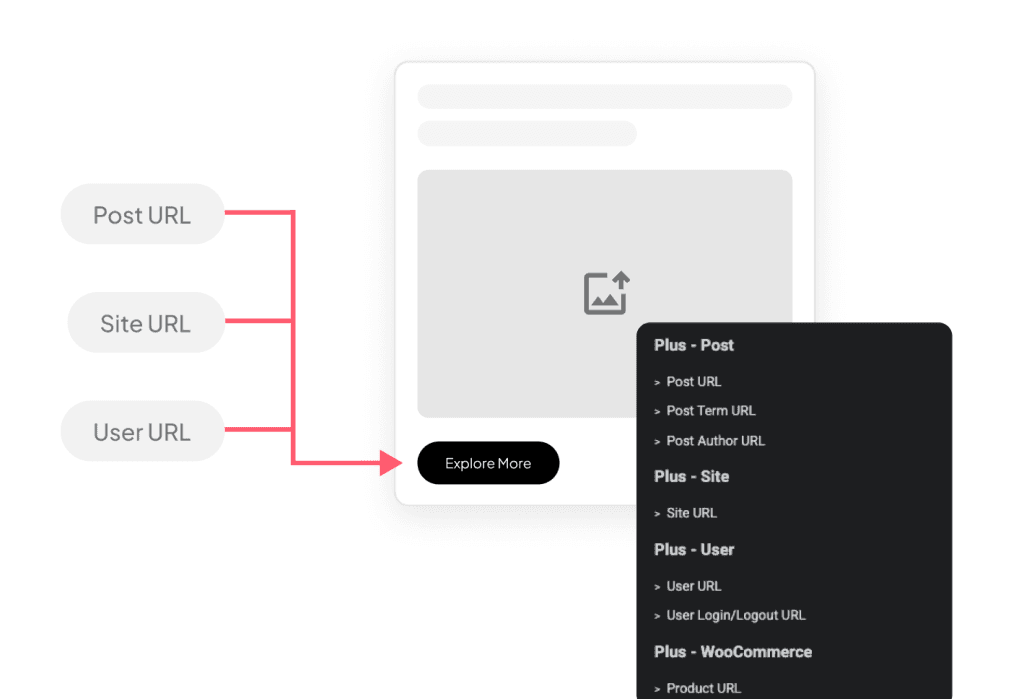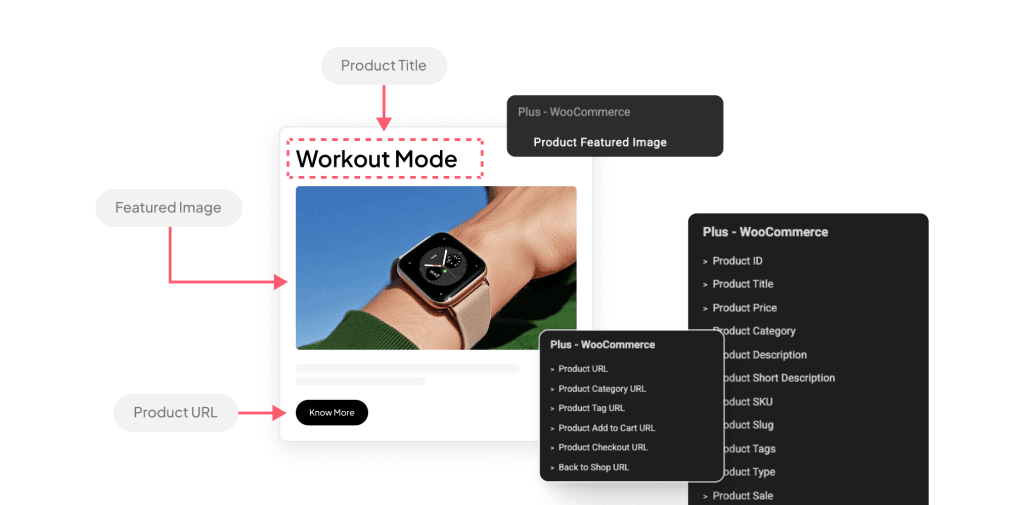


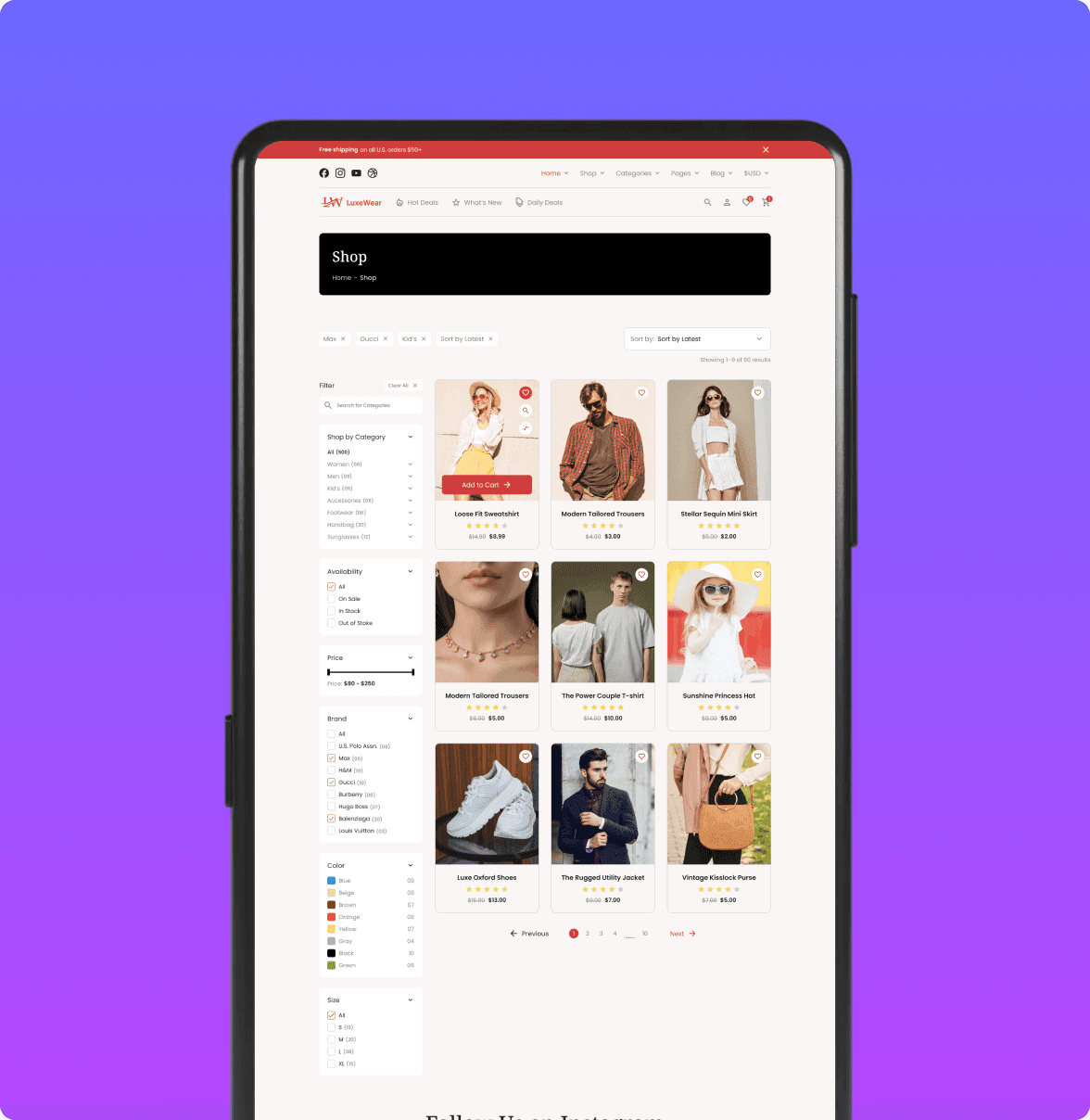
- Create Custom Loop Skins for Posts & ProductsCreate one layout for all posts or products, saving time while maintaining a consistent design across your entire site.
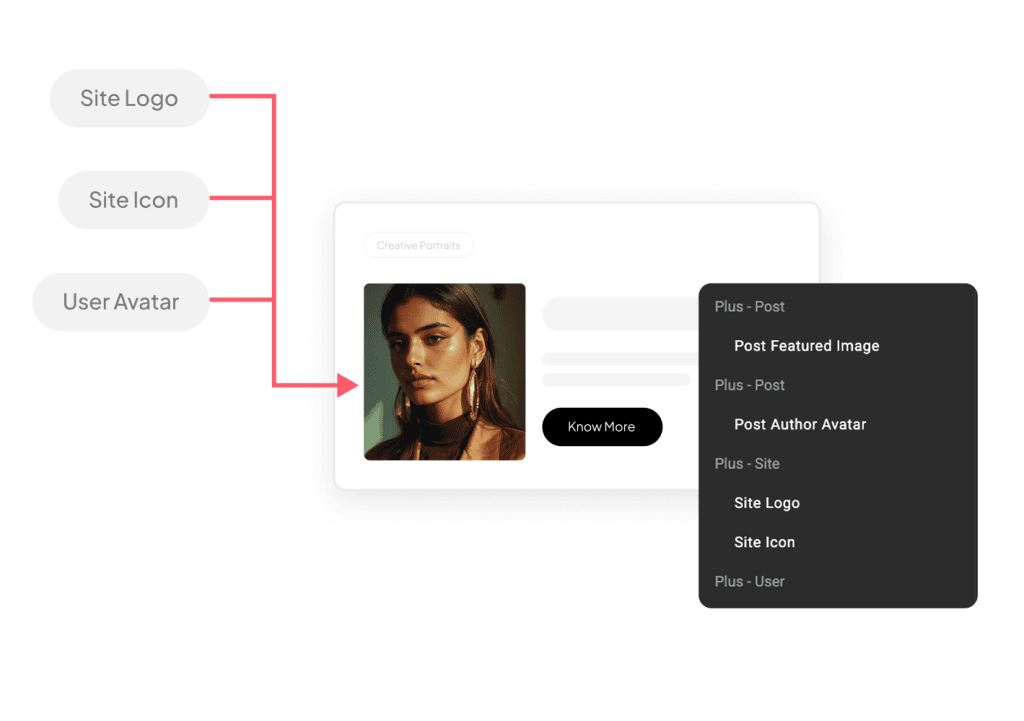
- Create Personalized Content for Logged-In UsersShow personalized content based on who’s viewing the page, displaying relevant text, images, or offers for each user.
- Offer Personalized Product Recommendations Based on User BehaviorShow dynamic product recommendations based on user behavior, displaying related items as visitors browse different categories or products.
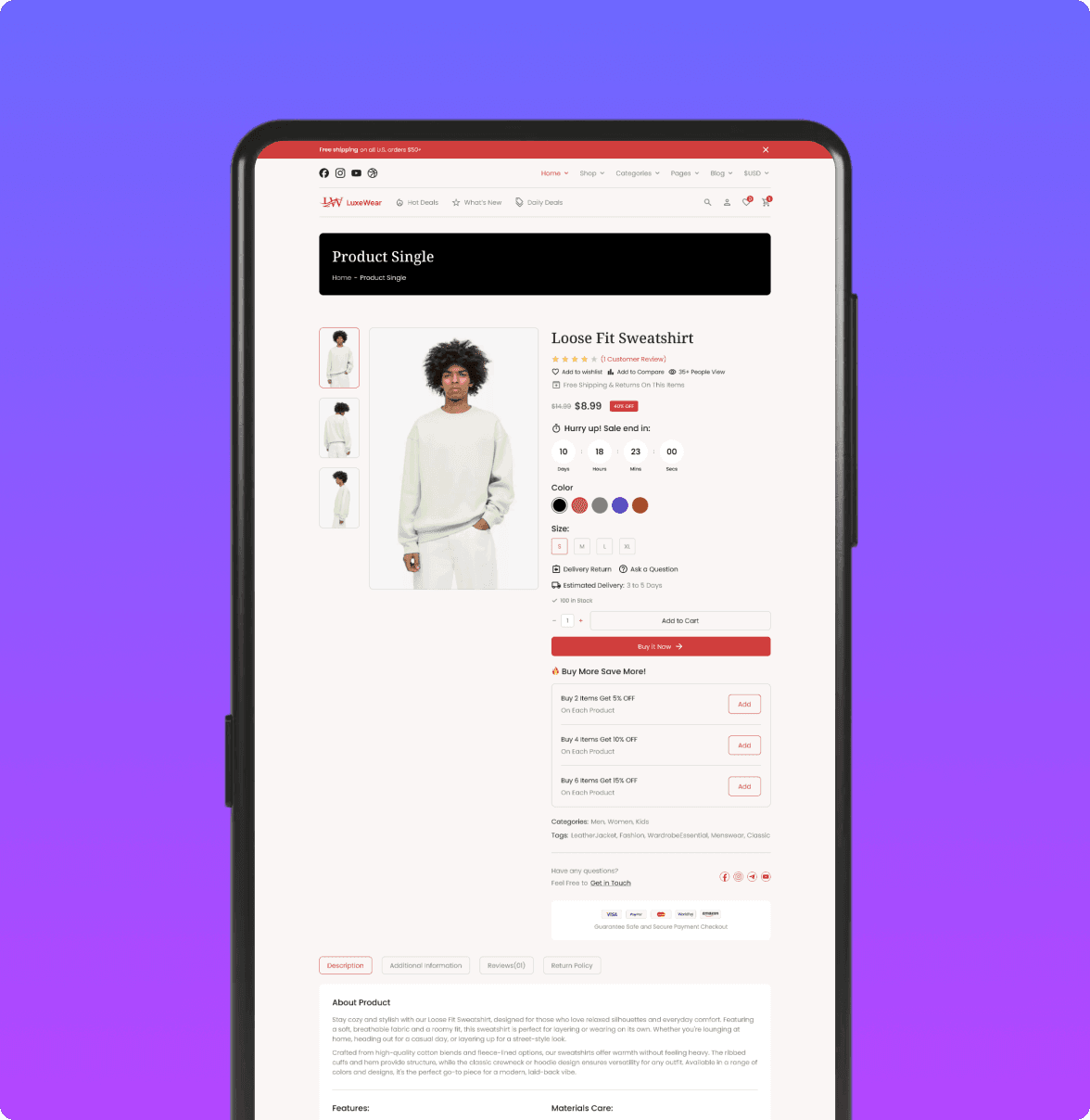
- Dynamically Populate Product Pages with WooCommerce DataEvery blog post gets its own layout with data like title, date, and featured image, all pulled in automatically.
- Generate Automated News and Update PagesAutomatically display the latest posts or updates, keeping your news and update pages current at all times.
- Integrate User-Generated Content into Site PagesLet users submit posts, reviews, or photos that automatically appear in galleries, feeds, or community sections dynamically.
Create Custom Loop Skins for Posts & Products
Create one layout for all posts or products, saving time while maintaining a consistent design across your entire site.

Create Personalized Content for Logged-In Users
Show personalized content based on who’s viewing the page, displaying relevant text, images, or offers for each user.
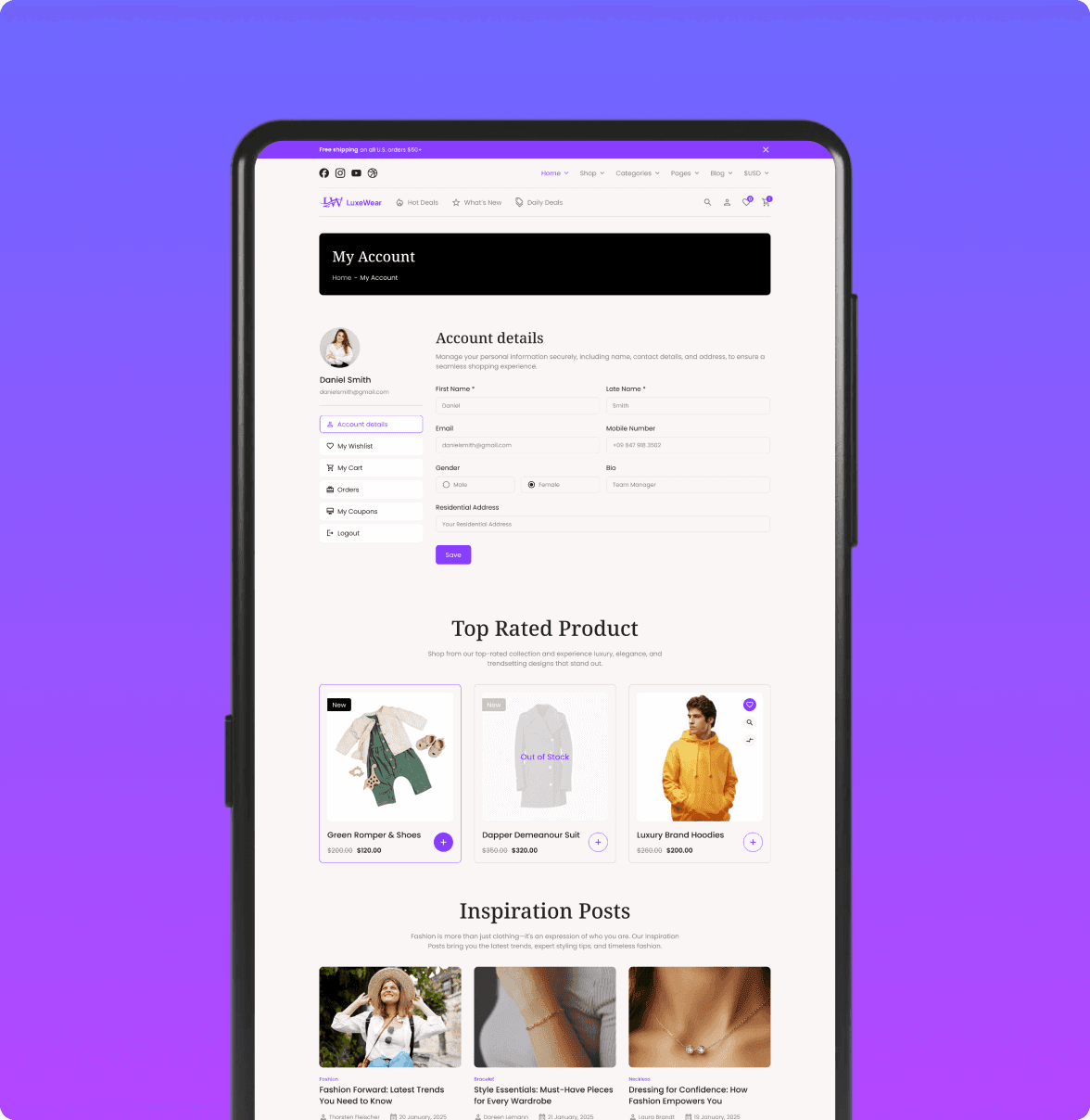
Offer Personalized Product Recommendations Based on User Behavior
Show dynamic product recommendations based on user behavior, displaying related items as visitors browse different categories or products.
Dynamically Populate Product Pages with WooCommerce Data
Every blog post gets its own layout with data like title, date, and featured image, all pulled in automatically.
Generate Automated News and Update Pages
Automatically display the latest posts or updates, keeping your news and update pages current at all times.

Integrate User-Generated Content into Site Pages
Let users submit posts, reviews, or photos that automatically appear in galleries, feeds, or community sections dynamically.