



Search for Elementor Pro pricing and you will find three different starting prices on the first page: $49, $59 and $60 a year. Some of that is old articles that were never updated, and some of it is Google’s AI summary quoting figures from before the plans changed. The real numbers matter, because the plan you pick decides which widgets you get, how many sites you can activate, and what you pay again every year.
This guide lists every current Elementor plan as shown on elementor.com/pro on 29 October 2026, explains what each one actually includes, shows where renewal prices differ from the first year, and covers the cheaper routes if you only need part of what Pro offers. We make The Plus Addons for Elementor, an add-on for Elementor, so we have a view on that last part. We will keep it clearly separated from the pricing facts.
Elementor Pro Pricing at a Glance
Elementor now sells six paid plans for its website builder. Four are classic Editor Pro plans. Two are Elementor One bundles that add AI credits and extra tools. All are billed annually.
| Plan | First year | Renews at | Sites | Editor Pro widgets | Monthly One credits |
|---|---|---|---|---|---|
| Essential | $60 | $60/yr | 1 | 57 | 0 |
| Advanced Solo | $84 | $84/yr | 1 | 85 | 0 |
| Advanced | $108 | $108/yr | 3 | 85 | 0 |
| Expert | $204 | $204/yr | 25 | 85 | 0 |
| One | $180 | $228/yr | 1 | 85 | 25,000 |
| One Agency | $432 | $540/yr | Unlimited | 85 | 350,000 |
Two things jump out. The four Editor Pro plans renew at the same price you pay in year one. The two One plans do not: One starts at $180 and renews at $228, and One Agency starts at $432 and renews at $540. If you are budgeting for a client site over three years, that difference adds up.
Elementor also shows every plan with a 30-day money-back guarantee, so you can test a plan on a real project before you commit to the renewal.
Only need some Pro features? See our Free vs Pro comparison to check which widgets and builders The Plus Addons for Elementor covers, then compare its plans and pricing.

What Each Plan Actually Includes
The price table hides the most important detail: the cheapest plan is not a full Pro license. Here is what separates the tiers.
Essential ($60 a Year, 1 Site)
Essential gives you 57 Editor Pro widgets and the Theme Builder, which is enough to design custom headers, footers and templates. It has real gaps, though. According to Elementor’s plan list:
- Popup Builder is not included.
- Custom code and CSS are not included.
- eCommerce (WooCommerce) features are not included.
- Dynamic Content is included, but custom fields and custom post types are not available on this plan.
- The Form Builder is included, but form submissions are not available on this plan.
- You can store 10 Cloud Templates.
That makes Essential a fit for a simple brochure site where you want a custom header and footer and a few Pro widgets. If you need popups, a store, custom fields or saved form entries, it is the wrong plan.
Advanced Solo ($84 a Year, 1 Site)
Advanced Solo is the plan most single-site owners actually need. For $24 more than Essential you get all 85 Editor Pro widgets, the Popup Builder, custom code and CSS, eCommerce features, Dynamic Content with custom fields and custom post types, Collaborative Notes and 20 Cloud Templates. It is still one site, so it suits a business owner or a freelancer building one site at a time.
Advanced ($108 a Year, 3 Sites)
Advanced has the same feature set as Advanced Solo, but it covers three sites and raises Cloud Templates to 30. Elementor describes its site management feature on this plan as a centralised dashboard for a portfolio of sites rather than a single site. At $36 a site, it is the cheapest per-site option until you reach the larger plans.
Expert ($204 a Year, 25 Sites)
Expert keeps the full Editor Pro feature set and jumps to 25 sites and 5,000 Cloud Templates. At roughly $8 per site, it is built for freelancers who maintain a steady list of client sites.
One ($180, Then $228 a Year, 1 Site)
One is a different kind of plan. It includes everything in Editor Pro for one site, plus 25,000 monthly One credits and several tools that are not included in the Editor Pro plans: AI-generated code, copy, images and layouts, image optimisation, site accessibility tools and email deliverability. Two newer items now sit on both One plans as well: a cookie consent tool (banner design, cookie scanning, script blocking and consent records for GDPR and CCPA) and a site management dashboard for updates, performance tracking and security checks. On One Agency, site management is described as a dashboard for your whole WordPress portfolio, with bulk updates. Elementor puts a value on some of these add-ons ($60 a year for image optimisation, $120 for accessibility and $60 for email deliverability), but those are Elementor’s own figures for its own products.
Elementor also promotes an official Elementor MCP connector on its pricing page, which links your sites to AI assistants such as Claude, Codex and Cursor. We explain how it works in What Is the Elementor MCP?. Credits are a shared pool. Elementor says they can be spent across AI features, image optimisation, accessibility fixes, cookie consent, emails and future features, while Editor Pro itself uses no credits. The exact number of credits per AI action varies with the prompt, so you cannot predict precisely how far 25,000 credits will go.
One Agency ($432, Then $540 a Year, Unlimited Sites)
One Agency covers unlimited sites, 350,000 monthly credits and 50,000 Cloud Templates, with the same One tools at agency scale. Elementor lists it as “the best plan for Agencies.” It is the only Elementor plan with an unlimited site count.
First-Year Price vs Renewal Price
Pricing pages are built to sell the first year. Your real cost is what you pay over the life of the site. Here is what each plan costs over three years at the prices listed today, assuming the renewal rate stays the same.
| Plan | Year 1 | Years 2 and 3 | 3-year total |
|---|---|---|---|
| Essential | $60 | $60 + $60 | $180 |
| Advanced Solo | $84 | $84 + $84 | $252 |
| Advanced | $108 | $108 + $108 | $324 |
| Expert | $204 | $204 + $204 | $612 |
| One | $180 | $228 + $228 | $636 |
| One Agency | $432 | $540 + $540 | $1,512 |
The One plan is the clearest case. It looks cheaper than Expert in year one ($180 against $204), but it covers one site instead of 25, and over three years it costs more. It is worth it only if you will actually use the AI credits and the bundled optimisation tools.
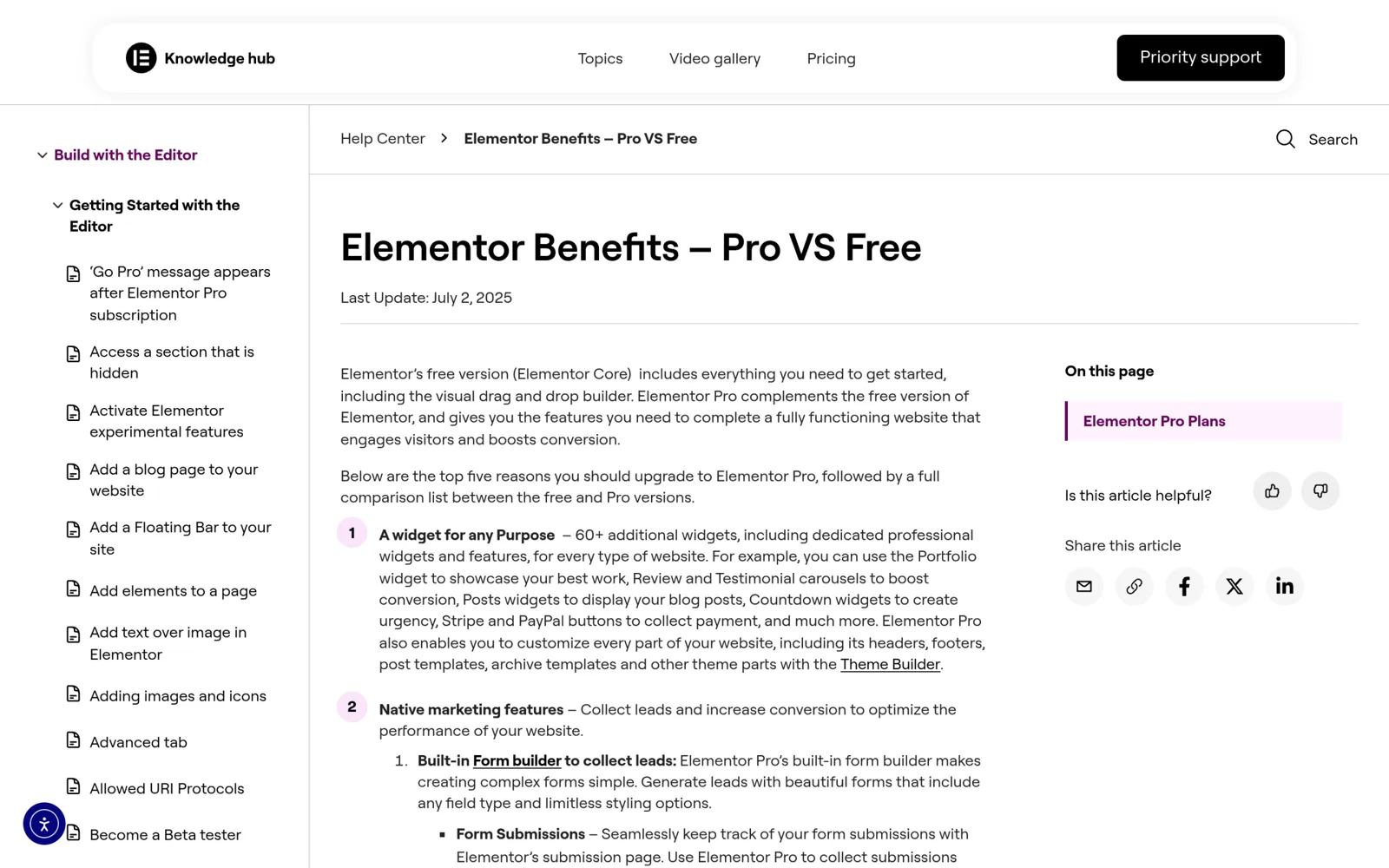
Before you let a license lapse, read Elementor’s own explanation of what happens to your site when a subscription ends, so that you know what still works without renewal and what stops.
Which Elementor Plan Should You Buy?
Match the plan to how many sites you run and which features you truly need.
- One simple site, no store, no popups: Essential at $60 covers it, as long as you do not need saved form submissions or custom fields.
- One business or WooCommerce site: Advanced Solo at $84. The popup builder, custom CSS and eCommerce features alone justify the $24 over Essential.
- Two or three sites: Advanced at $108 is cheaper than buying two Advanced Solo licenses.
- Four to 25 client sites: Expert at $204.
- You want AI generation and optimisation tools bundled: One for a single site, One Agency for many. Check how many credits your workflow burns in the first month before you renew.
The site thresholds are where most people overpay. Take a freelancer with six client sites. Two Advanced licenses cover six sites for $216 a year, while one Expert license covers up to 25 sites for $204. Expert is cheaper and leaves room to grow. At the other end, someone with two sites might reach for Expert “to be safe” and pay $204 when Advanced at $108 would do. Count the sites you will run over the next twelve months, including any client sites you maintain, and pick the smallest plan that covers that number. Because you can upgrade later, there is little reason to buy capacity in advance.
One more thing to decide before buying: whether you need Elementor Pro at all, or only a handful of what it offers.
What Free Elementor Already Gives You
The core Elementor plugin is free on WordPress.org and includes the full drag-and-drop editor, containers, the free widget set and responsive controls. Many sites get surprisingly far on free Elementor alone. Where people usually hit a wall is the Theme Builder, popups, forms that save entries, dynamic listings of posts or products, and WooCommerce page templates.
We compared the two in more detail in Elementor Free vs Pro, including which Pro features most sites actually use.
Cheaper Ways to Get Pro-Level Features
Add-ons for Elementor are the main alternative to a Pro license. They run on top of free Elementor and add their own widgets and builders. They are not a one-to-one copy of Elementor Pro: each add-on covers a different set of features, and Elementor-specific tools like Elementor AI or the One bundle’s optimisation products are not part of any add-on. The honest way to decide is to list the Pro features you need, then check whether an add-on covers them.
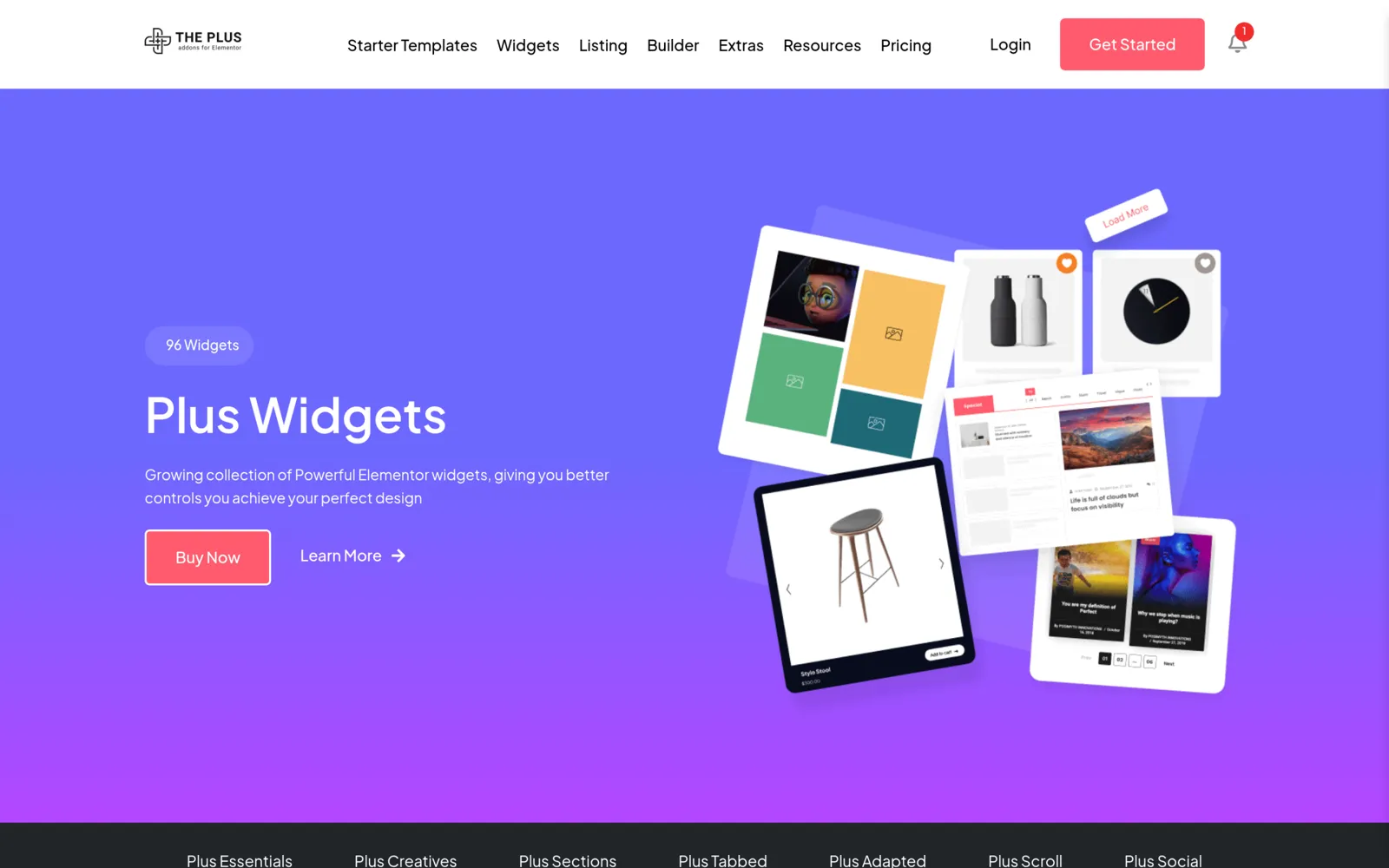
The Plus Addons for Elementor is one of those add-ons. Its Pro plans, as listed on our pricing page today, include 120+ widgets, a Header and Footer Builder, a WooCommerce Store Builder, a Popup Builder with off-canvas panels, a Mega Menu and Mobile Menu, blog and dynamic post listings, and MCP abilities for AI assistants. The free version is available on WordPress.org.
| The Plus Addons for Elementor plan | Sites | Yearly (current listed price) | Lifetime (current listed price) |
|---|---|---|---|
| Starter | 1 | $39/yr | $139 once |
| Professional | 5 | $89/yr | $249 once |
| Studio | Unlimited | $129/yr | $349 once |
The lifetime option is the main structural difference from Elementor’s plans, which are annual only. If you run many small client sites and mostly need widgets, a mega menu, a header builder and listings, an add-on can cost less over three years than Expert. If you depend on Elementor’s own Theme Builder conditions, its Form Builder with saved submissions, or Elementor AI, you will still want an Elementor plan, and an add-on becomes something you run alongside it rather than instead of it.
For specific builders, compare the Popup Builder, the Header Builder and the WooCommerce Builder against what you would use in Elementor Pro.
Using Elementor Pro and an Add-on Together
Plenty of sites run both, and that is often the right call. A common split is Elementor Pro for the Theme Builder, forms and popups, and an add-on for widgets Elementor does not ship, such as advanced listings, social feeds, review widgets or scroll effects. If you do this, the question stops being “which is cheaper” and becomes “which Elementor plan is the smallest one that still covers my core needs.” For many single sites that is Advanced Solo, with an add-on filling the gaps.
The one thing to avoid is paying twice for the same feature. If your add-on already gives you a popup builder you like, you may not need to step up from Essential for popups alone. Check the feature lists side by side before you choose a tier.
Also Read: Essential Addons vs The Plus Addons for Elementor compares two of the most popular add-ons feature by feature.
How to Avoid Overpaying for Elementor Pro
- Buy for the sites you have, not the sites you might have. You can upgrade later. Paying for 25 sites when you run three is the most common waste.
- Check the renewal line, not the headline. For One and One Agency, the renewal price is higher than the first-year price.
- Do not buy Essential for a store. It has no eCommerce features, so you would need to upgrade anyway.
- Test inside the refund window. Build a real page with the features you need during the 30 days.
- Only buy official licenses. “Free” Pro downloads and nulled copies are a security risk and do not receive updates. Stick to elementor.com or an authorised reseller.
- Count your AI usage before choosing One. If you rarely use AI generation, the Editor Pro plans are cheaper for the same editor features.
The Bottom Line
Elementor Pro pricing starts at $60 a year, but that Essential plan leaves out popups, custom CSS, eCommerce, custom fields and saved form submissions. For most single sites the realistic starting point is Advanced Solo at $84. Advanced ($108, 3 sites) and Expert ($204, 25 sites) keep the same features and add sites. One and One Agency add AI credits and extra tools, and they renew higher than their first-year price.
If you only need part of Pro, compare what an add-on covers first. You may find that free Elementor plus an add-on, or a smaller Elementor plan plus an add-on, costs less and does everything your site needs.