A few weeks ago, I saw a post on r/elementor that stuck with me. The person was using Claude Code connected to the WordPress API to make edits and write blog posts on their site, and their honest complaint was that the result looked ugly.
So they asked the room a fair question: has anyone actually built or redesigned a website using Claude Code and Elementor?
That one word, ugly, is the whole story of AI website building right now. The AI part works. You can point an agent at WordPress and it will happily write posts, change content, and update pages. The problem is what comes out the other side.
It looks like a database dump, not a designed website. This post is about why that happens, and how the gap is closing in 2026.
What you can already do with Claude Code and the WordPress API
Let me start with what genuinely works today, because it is more than people expect. Claude Code is a command-line AI coding agent.
Connect it to a WordPress site through the REST API or WP-CLI and it can do real work: draft and publish blog posts, edit existing content, update pages, manage media, and run bulk changes across a site far faster than you would by hand.
The person on Reddit was not wrong to use it that way. For content operations, an agent talking to WordPress is a genuine time saver.
If your work is mostly words, posts, and edits, this is already a solid workflow. You can ask the agent to write a draft, set the categories, and schedule it, and it will.
That is the easy half of the problem.
Where it falls apart: why AI plus raw WordPress looks “ugly”
Here is the hard half. When an AI agent writes directly to the WordPress API, it is sending content, not design. It creates plain blocks or drops text into whatever the theme does by default.
The agent cannot see the page. It has no sense of spacing, visual hierarchy, brand colors, or how a section should feel. So you get a wall of default-styled content that is technically correct and visually flat. That is exactly the ugly result the poster described.
This is not a Claude Code flaw. It is a structural gap. Page builders like Elementor exist because designing a page well is hard, and they solve that for humans clicking in an editor.
An agent hitting the REST API never touches that design layer. It is like hiring a brilliant writer and asking them to lay out a magazine with no design tools. The words are great. The page is a mess.
The missing piece is MCP
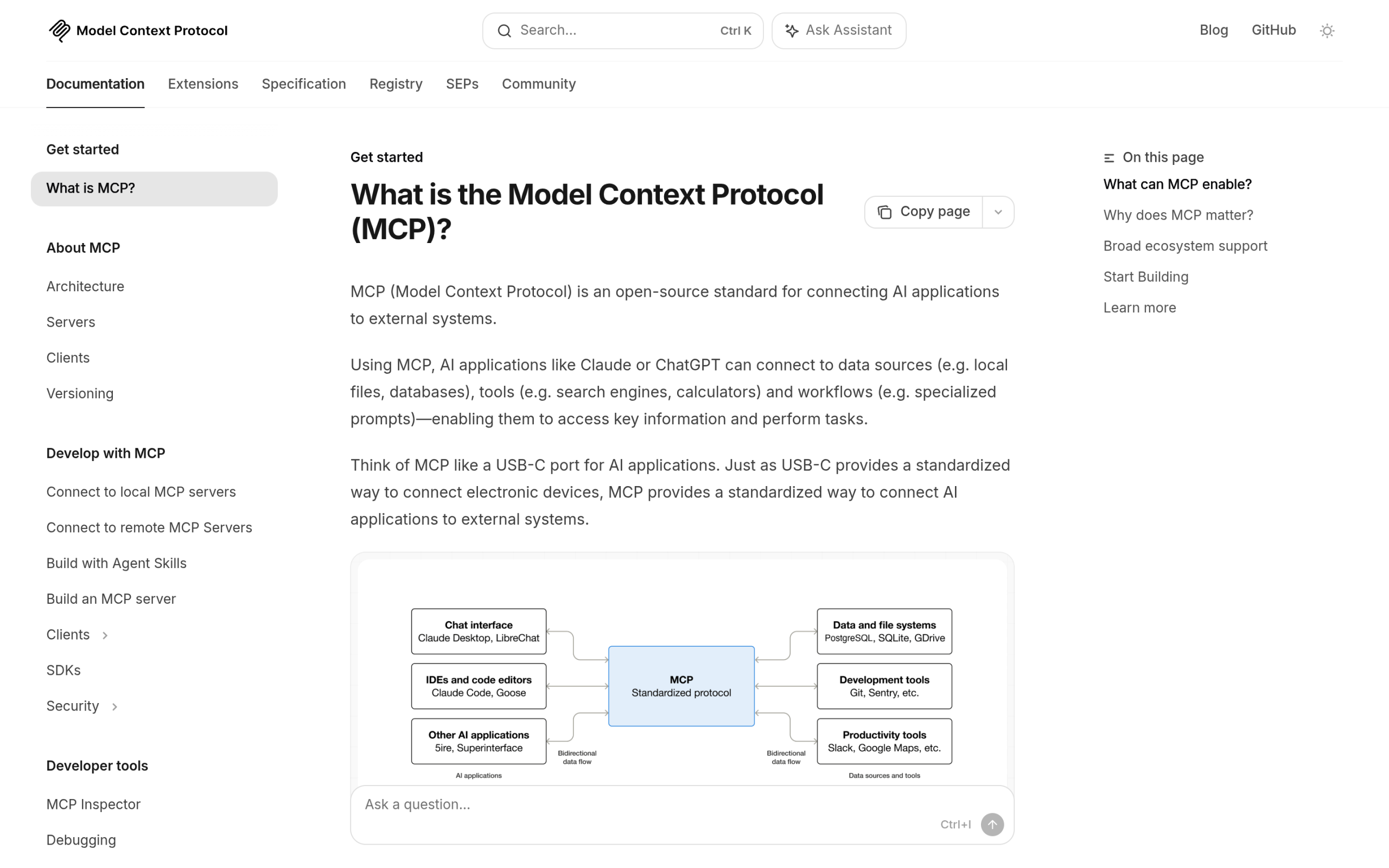
The thing that closes this gap is MCP, the Model Context Protocol. It is an open standard that lets an AI assistant call clearly defined tools instead of guessing through a generic API.
Without MCP, your agent only has raw REST endpoints and its own assumptions. With MCP, it can call specific, purpose-built actions that a plugin author has defined, with real structure behind them.
This is the same shift happening across the WordPress ecosystem. WordPress 7’s new AI Client and Abilities API are built on this idea, and Elementor has been moving the same way, which we covered in our breakdown of the Elementor MCP.
The principle is simple: give the AI proper tools, and it stops producing generic output. It builds with the same components a human would.
MCP Abilities for The Plus Addons for Elementor
This is where it gets practical. We recently launched MCP Abilities for The Plus Addons for Elementor, and it is built to solve exactly the problem above. The pitch is one line: connect The Plus Addons for Elementor with any MCP-compatible AI assistant and compose full pages widget by widget.
The page lists 163 widget abilities in total, 80 free and 83 Pro, plus two core utilities: get-theplus-widget-schema, which returns the full Elementor control schema for any widget, and tpae/layout, which creates and nests sections, columns, and containers.
The free plan covers 55 essential widget abilities, things like headings, buttons, info boxes, accordions, tabs, forms, and listing widgets.
Pro unlocks 58 more, which include advanced navigation, creative media like Lottie and Draw SVG, dynamic content and ACF, social proof, and a 12-ability WooCommerce suite for custom cart and checkout, multi-step checkout, single-product blocks, wishlist, compare, and order tracking.
The detail that matters most is this: the agent builds with real, fully editable widgets. It is not pasting a screenshot or generating throwaway HTML. When the agent finishes, you open Elementor and every section is a normal widget you can adjust by hand.
That is the answer to ugly. The AI is no longer guessing at design through a generic API. It is placing actual design components, the same ones you would drag in yourself.

How to connect Claude Code to your Elementor site
Setup is short. The flow is the same whether you use Claude Code, Claude Desktop, Cursor, VS Code, Windsurf, or Cline, since MCP Abilities works with any MCP-compatible client:
- Install and activate The Plus Addons for Elementor on your site.
- Authenticate the site so the plugin can issue a secure connection.
- Enable the MCP server from the plugin.
- Configure permissions, so you control what the agent is allowed to touch.
- Copy the generated MCP config and paste it into your AI client.
Once that config is in place, Claude Code can see the widget abilities and start composing. The free plan exposes the 55 free-widget abilities plus the two core utilities, and Pro unlocks the additional 58.
The permissions step is worth slowing down on. Decide what the agent can edit before you let it run, the same way you would scope any automation.
A realistic workflow: the agent drafts, you refine
Here is roughly how it plays out. You give Claude Code a prompt like build a landing page for a coaching service with a hero, three feature boxes, a testimonial section, and a contact form.
The agent calls get-theplus-widget-schema to learn the controls, uses tpae/layout to set up the structure, and fills it with the matching widgets. You get a real Elementor page, not a flat draft.
Then you do the part AI is still not great at. You open the page in Elementor and refine it. Adjust the spacing, swap a color, tighten the copy, move a section. Because everything is a standard widget, nothing is locked.
Think of the agent as a fast junior who scaffolds the whole page in minutes, and you as the art director who makes it yours. That division of labor is the honest state of AI site building in 2026, and it is a big step up from a wall of flat default blocks.
If you want the wider context, our 2026 WordPress and Elementor stack guide is a good companion read, and if you are curious how this compares to Elementor’s own assistant, see what Elementor AI actually does.

Do not forget the content layer
One more thing, because the original poster was doing two jobs with Claude Code: building pages and writing blog posts. Building good-looking pages is only half the win. If an AI agent is writing your content, the next question is whether AI engines can actually find and cite it.
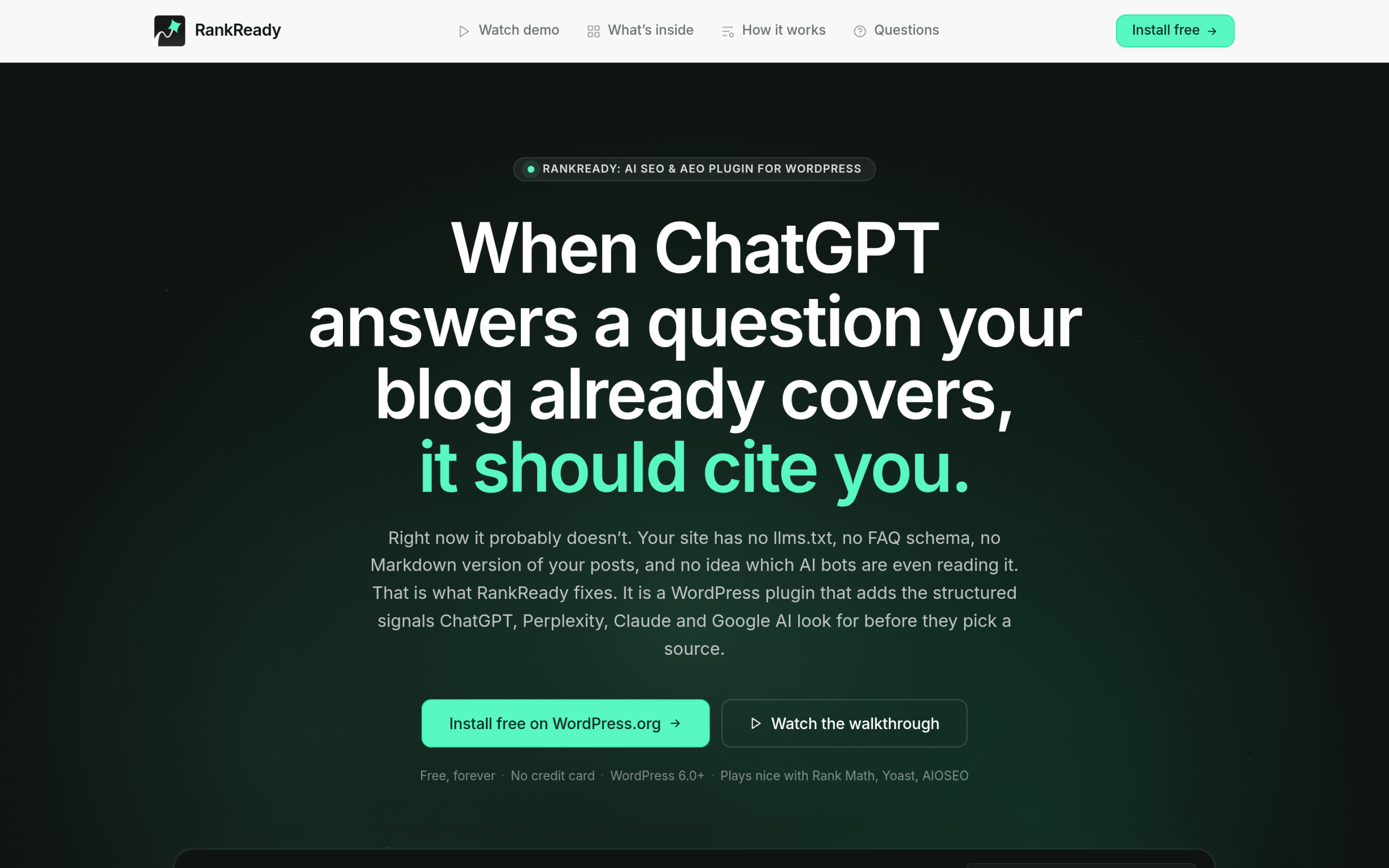
That is a different problem with a different tool. RankReady is a free WordPress plugin that prepares your content for AI search.
It writes key-takeaways AI Summaries with Speakable schema, generates an llms.txt index so AI crawlers understand your coverage, logs every AI bot that hits your site, and shows which posts citation-style bots fetched in the last 30 days.
If your agent is producing posts at speed, this is what gives those posts a chance of being quoted by ChatGPT, Perplexity, and Google’s AI answers. We went deep on the mechanics in how Perplexity decides which sites to cite.
So, can you build an Elementor site with Claude Code?
Yes, and far more usefully than even a few months ago. The honest version is this. Claude Code on its own, talking to the raw WordPress API, will get you content but a flat, ugly layout.
Add MCP Abilities for The Plus Addons for Elementor and the agent builds with real, editable widgets, which is what fixes the design problem the poster ran into. You still bring the taste. The agent brings the speed.
If you want to try it, the fastest path is to install The Plus Addons for Elementor, enable the MCP server, and connect your AI client. Then point it at a simple page and watch it build with widgets you can actually edit.