Last week I ran a simple test on 5 WordPress sites I help maintain. I checked whether each one served an llms.txt file at the root domain. The result: zero out of five. Two had robots.txt from 2019. One had a sitemap.xml last updated in 2022. None of them had heard of llms.txt, and yet ChatGPT and Perplexity were collectively hitting those sites over 3,000 times a month looking for it.
The llms.txt file is the 2026 standard for telling AI search engines what your WordPress site is about. OpenAI’s crawler re-fetches it every 15 minutes on sites that have one. Anthropic, Perplexity, and the broader AI ecosystem are converging on it. If you publish content to WordPress and want it cited inside ChatGPT Search, Claude, and Perplexity, an llms.txt file is the cheapest, fastest move you can make this quarter.
What you’ll learn: what an llms.txt file actually is, what real production examples look like (Anthropic, Perplexity, Stripe), the three ways to add one to WordPress, what to put inside it, and how the free RankReady plugin auto-generates a 2026-compliant llms.txt for your WordPress site without you writing a line.
What is an llms.txt file and why does ChatGPT care about it in 2026
An llms.txt file sits at the root of your WordPress domain (yoursite.com/llms.txt). It is a plain-text Markdown file that tells AI models which pages on your site are most important and how to summarise them. Think of it as a sitemap for AI, written in a way an LLM can read at a glance without burning expensive context tokens crawling your full site.
The standard was proposed in September 2024 by Jeremy Howard at Answer.AI. By mid-2026 it has been adopted by Anthropic, Perplexity, Stripe, Vercel, and hundreds of major developer-facing brands. OpenAI’s crawler fetches llms.txt every 15 minutes on sites that have it. Google’s Gary Illyes has publicly said llms.txt does not influence Google ranking, but every other AI engine actively reads it.
llms.txt versus robots.txt: how the two files complement each other
Both files sit at your WordPress site root. They do completely different jobs.
| File | Purpose | Format | Who reads it |
|---|---|---|---|
robots.txt | Tells crawlers what they may NOT access | Plain text, allow/disallow rules | All web crawlers since 1994 (Googlebot, GPTBot, etc.) |
llms.txt | Tells AI models what your site is about and which pages matter | Markdown with structured sections | ChatGPT, Claude, Perplexity, AI clients |
The two files work together. Your robots.txt controls who can read your WordPress site. Your llms.txt tells the ones who can read it what is worth reading. Without llms.txt, AI engines waste tokens crawling your archive pages, your search results, and your image attachment URLs. With llms.txt, they go straight to the pages you want cited.
What a real production llms.txt file looks like on a major site
The fastest way to understand llms.txt is to look at three real production files from companies that depend on AI search visibility. Below is the actual llms.txt Anthropic serves at docs.anthropic.com/llms.txt:

Perplexity ships their own at docs.perplexity.ai/llms.txt, organised around their API endpoints:

Stripe goes deeper with both llms.txt (index) and llms-full.txt (full content for AI ingestion):

Notice the pattern across all three: H1 site name → blockquote tagline → H2 sections grouping links → bulleted Markdown links with optional descriptions. That is the entire llms.txt 2026 format. No XML, no schema validation, no edge cases. Just clean Markdown.

Three ways to add an llms.txt file to your WordPress site
You have three practical paths to ship an llms.txt file on WordPress in 2026. They differ in setup time, maintenance burden, and how well the file stays in sync as you publish new content.
Method 1: Hand-write the file and SFTP it to your site root
Write the llms.txt file in any text editor. SFTP it to the root of your WordPress install (same level as wp-config.php). Confirm it serves at yoursite.com/llms.txt. Pros: zero plugins, full control. Cons: you forget to update it the moment you publish a new post, which means within a month the file is already stale.
Method 2: Add llms.txt via a code snippet in your theme functions.php
Hook into init with add_rewrite_rule and serve a dynamic llms.txt generated from your post types. Pros: stays in sync with content. Cons: survives until your next theme switch, breaks on Core updates, and most WordPress site owners are not comfortable shipping code to functions.php.
Method 3: Install a plugin that auto-generates llms.txt for WordPress
The plugin route is what we use across every POSIMYTH WordPress property. The plugin watches your posts, pages, and custom post types, regenerates llms.txt on every content change, and serves it at yoursite.com/llms.txt with no manual upkeep.
Our pick is RankReady, the free AI SEO plugin we built at POSIMYTH specifically for WordPress AI search visibility. The llms.txt Generator module is one of nine modules inside it. Install once, configure the section priorities once, and your llms.txt stays current forever.

What to actually put inside your WordPress llms.txt file
The format is intentionally simple. Open a Markdown file. Add four sections in this order:
# Your Site Name

> A one-sentence description of what your WordPress site is about and who it serves.

## Documentation

- [Getting Started](https://yoursite.com/docs/getting-started): How new users get up and running.
- [API Reference](https://yoursite.com/docs/api): Complete API endpoint reference.

## Blog Posts

- [How to Build X](https://yoursite.com/blog/how-to-build-x): Practical guide on Topic X.
- [Why Y Matters](https://yoursite.com/blog/why-y-matters): Strategic overview of Y.

## Optional

- [Pricing](https://yoursite.com/pricing): Plans and pricing for our WordPress product.
- [About](https://yoursite.com/about): Team and company background.
Four rules that produce a useful llms.txt: lead with an H1 site name, follow with a one-sentence blockquote that tells the AI what your site is about, group your most important URLs under H2 sections, and add a one-sentence description after each link explaining what the AI will find there. The Optional section is the standard place for secondary pages an AI might want but not as a primary citation source.

RankReady llms.txt Generator: how the WordPress plugin handles every gap above
Hand-writing llms.txt is fine for a 10-page WordPress site. The moment you cross 50 posts, manual maintenance becomes the single point of failure. Your llms.txt goes stale, AI engines start citing old pages, and the value of the file drops to zero.
RankReady’s llms.txt Generator module solves the maintenance problem at the source. Here is what happens after install:
- Auto-builds your llms.txt from your post structure on first activation. H1 = your site title, blockquote = your tagline, H2 sections = your post types and custom taxonomies.
- Refreshes on every content change. Publish a new post, the file regenerates within the same request. Update an old page, same thing. No cron job to debug, no cache to bust.
- Serves at yoursite.com/llms.txt with the right MIME type so AI crawlers process it as Markdown.
- Includes llms-full.txt (the extended version Stripe uses) when you toggle it on. The extended file embeds your full post content for AI engines that prefer full-text ingestion over link traversal.
- Section priority control. Tell RankReady which post types are primary citation sources (Blog) vs Optional (Author archives, tag pages).
- Per-post override so you can flag specific posts as “always include” or “exclude from llms.txt” without editing the file.
Setup takes under two minutes. Install RankReady, go to RankReady > llms.txt, click Generate, done. Your llms.txt file is live at the root of your WordPress site and stays current automatically as you publish.
The full RankReady WordPress AI SEO module stack (llms.txt is one of nine)
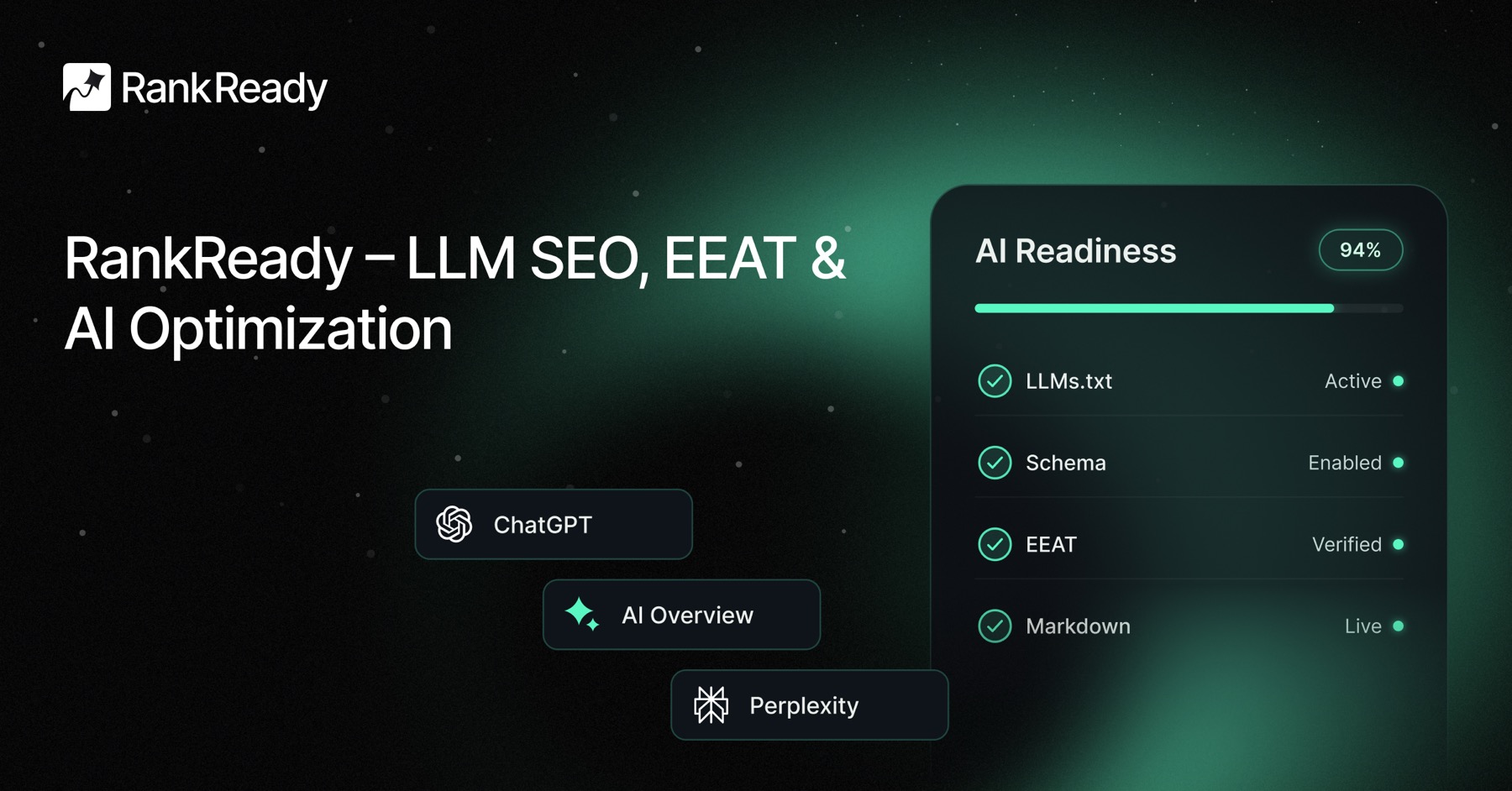
RankReady is the free WordPress AI SEO plugin we built at POSIMYTH to handle the entire AI search visibility stack inside WordPress admin. llms.txt generation is one module. The other eight cover every layer below and above it.
- llms.txt Generator, auto-built and refreshed on every content change.
- AI Crawler Log, real-time per-bot hit tracking for GPTBot, ClaudeBot, OAI-SearchBot, PerplexityBot, and 15 more AI user-agents.
- AI Referral Analytics, which AI tools send real traffic to your WordPress site and which pages they cite.
- FAQ Schema, one-click FAQPage schema for Gutenberg and Elementor pages.
- AI Crawler Cache + Rate Limits, fast and polite responses to AI crawlers that respect
robots.txt. - WebMCP Server, turn your WordPress site into a Model Context Protocol endpoint Claude and ChatGPT can query directly.
- Content Freshness Signals, tell AI models when content was updated.
- Author Authority Box, E-E-A-T signals AI engines use for citation trust scoring.
- AI Readiness Diagnostics, audit every WordPress page for AI discoverability gaps on a schedule.
Your 5-minute WordPress llms.txt action plan
- Visit
yoursite.com/llms.txtin your browser. If it 404s, you do not have one. That is normal in 2026, but it is the gap you are about to close. - Look at Anthropic’s production llms.txt as a reference for structure.
- Install RankReady from WordPress.org or your store.
- Go to RankReady > llms.txt > Generate. The file is now live at
yoursite.com/llms.txt. - Review the auto-generated file and use the per-post toggle to exclude any pages you do not want AI engines citing.
- Optionally enable
llms-full.txtfor AI engines that prefer full-text ingestion. - Confirm OpenAI is fetching your llms.txt by checking RankReady’s AI Crawler Log after 24 hours. OpenAI re-fetches every 15 minutes, so you will see hits quickly.
The 2026 WordPress AI search window is open right now
An llms.txt file is not a magic ranking signal. It will not appear in Google search results. What it does is dramatically lower the cost for AI engines to understand your WordPress site, which directly raises the probability of being cited inside ChatGPT Search, Claude, and Perplexity answers in your niche.
Right now, almost no WordPress sites have one. The handful that do are getting cited disproportionately often because they are the only AI-readable option in their category. Install RankReady and ship your llms.txt file this week. If you build with Elementor, pair it with The Plus Addons widget library for clean, AI-parseable WordPress page structure.