
Mobile Menu for Elementor
Easily Create a Responsive and Customizable Mobile Menu for Your Website Using the Mobile Menu Widget for Elementor. With Options for a Sticky Bottom/fixed Menu, Custom Icons, and an Off-canvas Layout, Improve User Experience and Navigation on Your Site.
- Multiple Layout Modes
- Extra Toggle with for Off-Canvas Menu
- Performance Optimized


Extra Toggle Middle Button

Active Page Indicator

Swiper & Column Mode
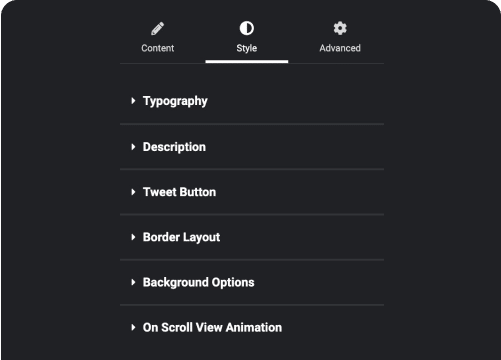
Customize Everything

Custom Link for Each
Menu Item

Top & Bottom Sticky
Mobile Menu

Advanced Header Builder
Get rid of the limited Header customizer. Use Elementor Widgets or Blocks to create custom menu.

Advanced Footer Builder
Your custom Footer with no limit of layout. Create any footer layout you want with our Footer Builder.

More Builders Like This


Frequently Asked Questions
Everything people ask before installing an Elementor addon: what's free, what needs Pro, how AI builds pages and whether it slows your site.

"The Plus Add-ons is by far the most extensive and impressive addon for Elementor. It's the only one we use for every site by default. Support is extremely responsive and helpful."

madebyproxy
@madebyproxy