
Mega Menu Builder for Elementor
Most Advanced Mega Menu for Elementor With Multiple Layouts. Also Known the Big Mega Menu, Where You Can Add Any Content in Dropdown Using Elementor Templates.
- Horizontal Mega Menu
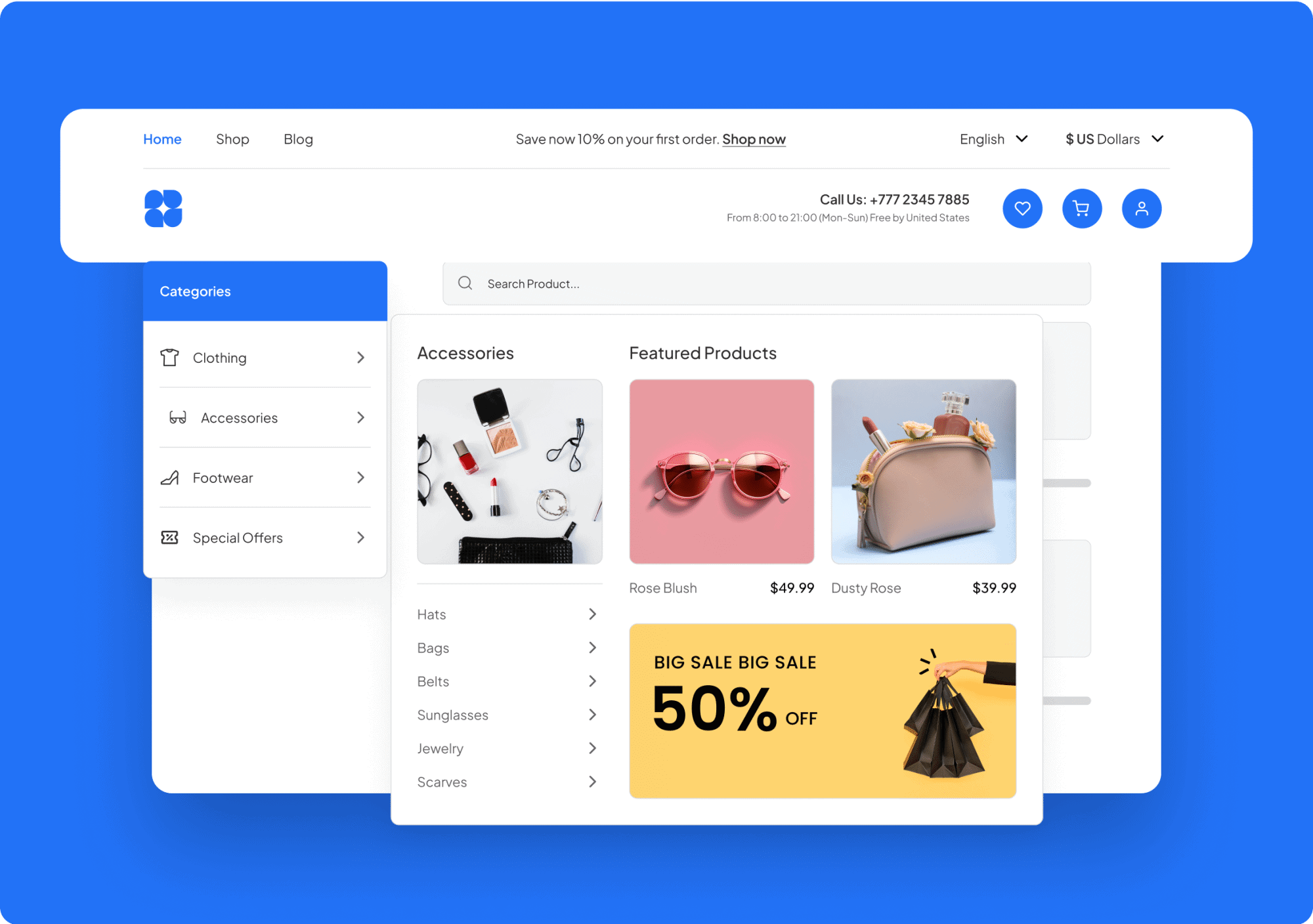
- Vertical & Sidebar Mega Menu
- Create Content under Dropdown with Elementor Templates

- E-CommerceBoost your e-commerce sales by using Elementor Mega Menus to showcase categories, subcategories, and products, making it easy for customers to navigate and find what they're looking for.
- News and MagazineBoost your e-commerce sales by using Elementor Mega Menus to showcase categories, subcategories, and products, making it easy for customers to navigate and find what they're looking for.
- Educational InstitutionsBoost your e-commerce sales by using Elementor Mega Menus to showcase categories, subcategories, and products, making it easy for customers to navigate and find what they're looking for.
- CorporateBoost your e-commerce sales by using Elementor Mega Menus to showcase categories, subcategories, and products, making it easy for customers to navigate and find what they're looking for.
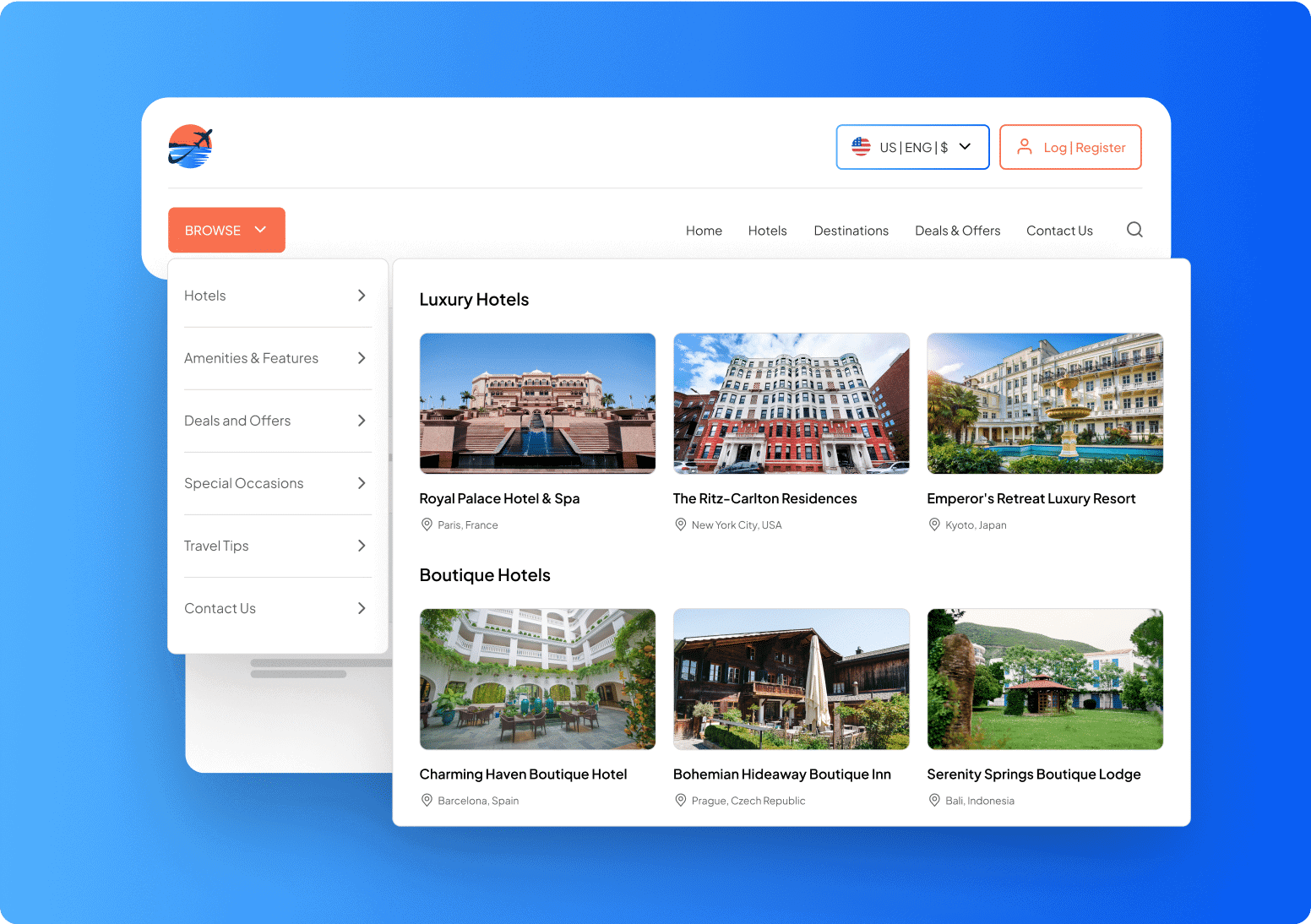
- Travel and HospitalityBoost your e-commerce sales by using Elementor Mega Menus to showcase categories, subcategories, and products, making it easy for customers to navigate and find what they're looking for.
- Government and NonprofitMake it easy for citizens and stakeholders to find information on your government or nonprofit website by using Mega Menus to display policies, subsidies, and resources.




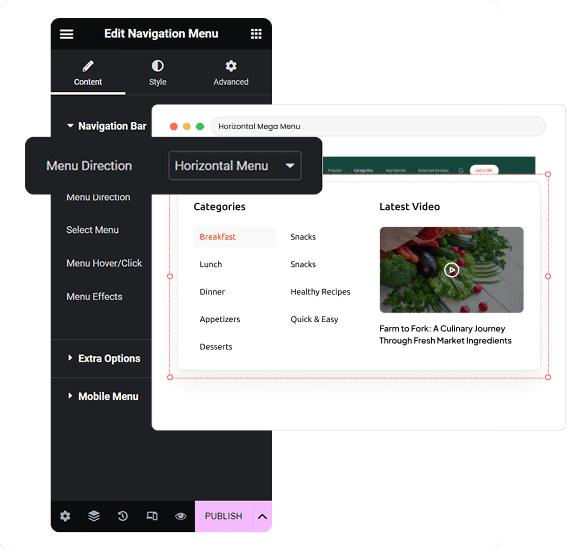
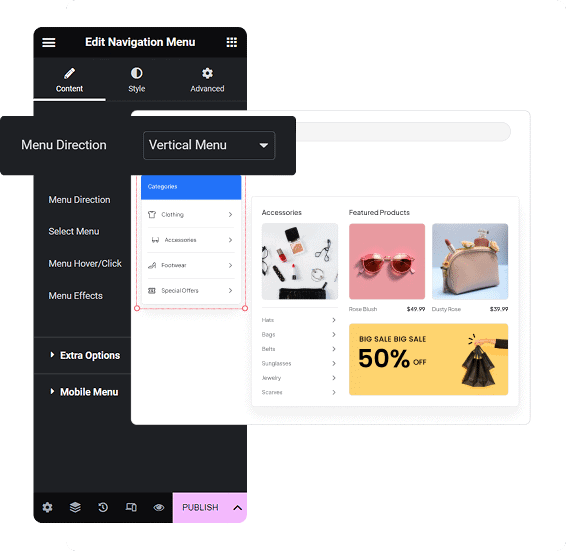

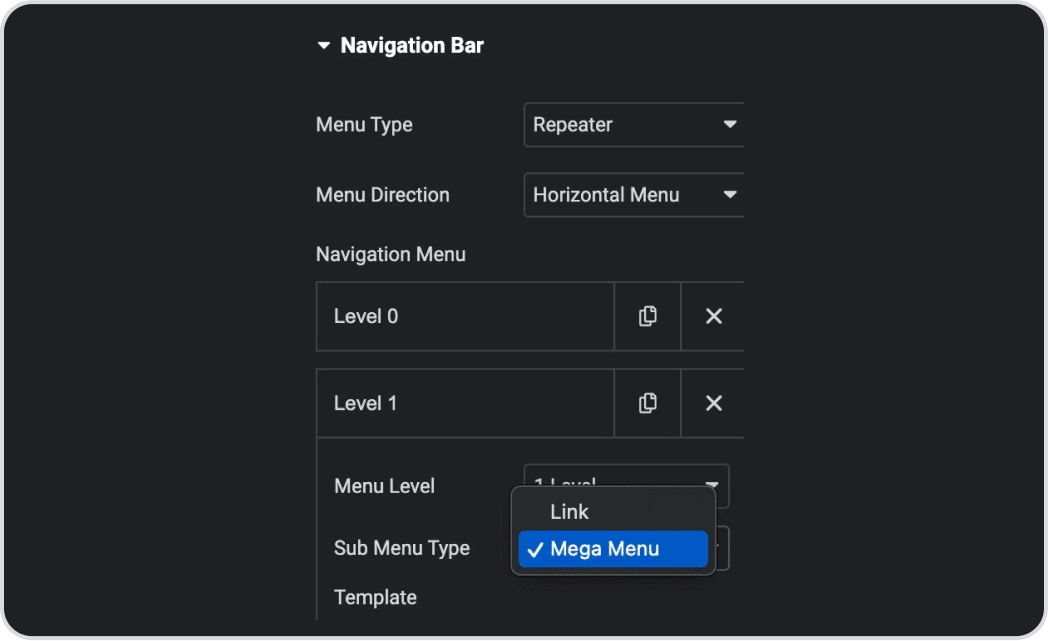
Drag & Drop the Navigation Menu widget for Mega Menu.
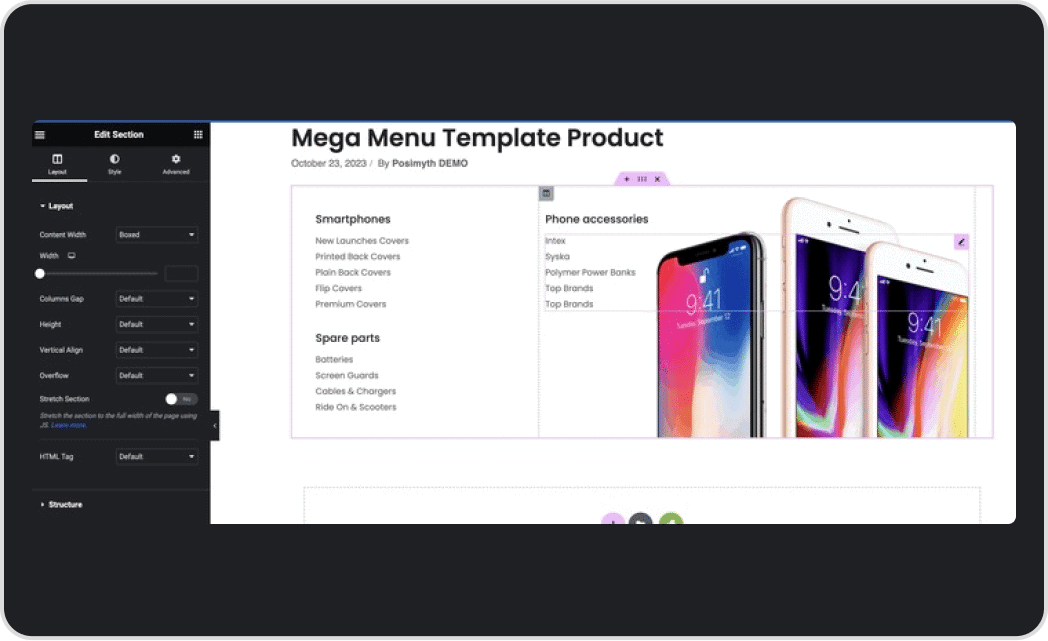
Create Elementor Templates for Mega Menu Dropdown Content.
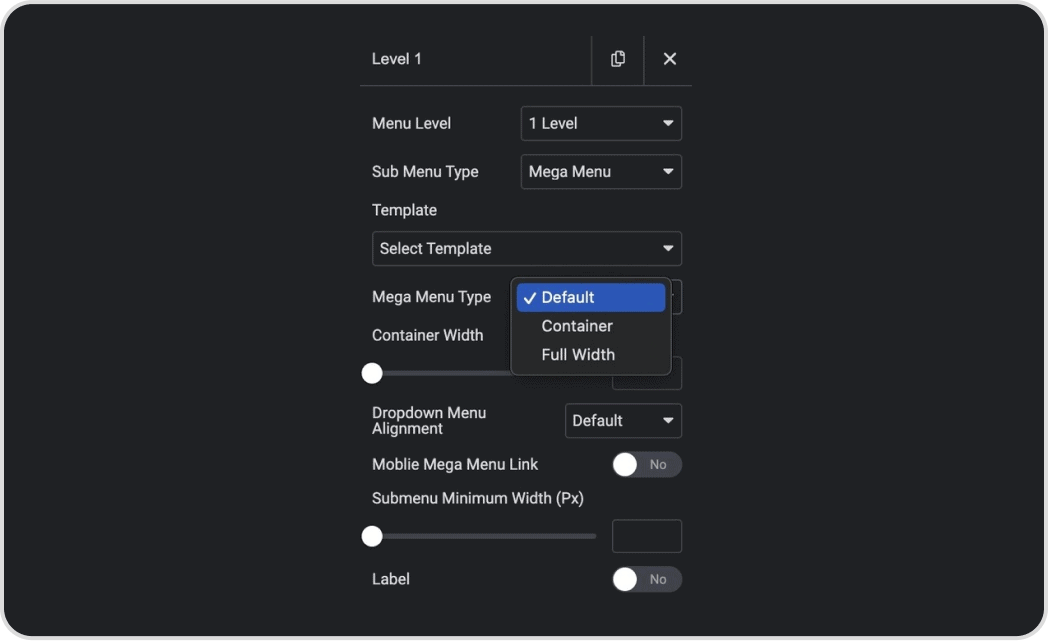
Select the Template under the Mega Menu Dropdown content.
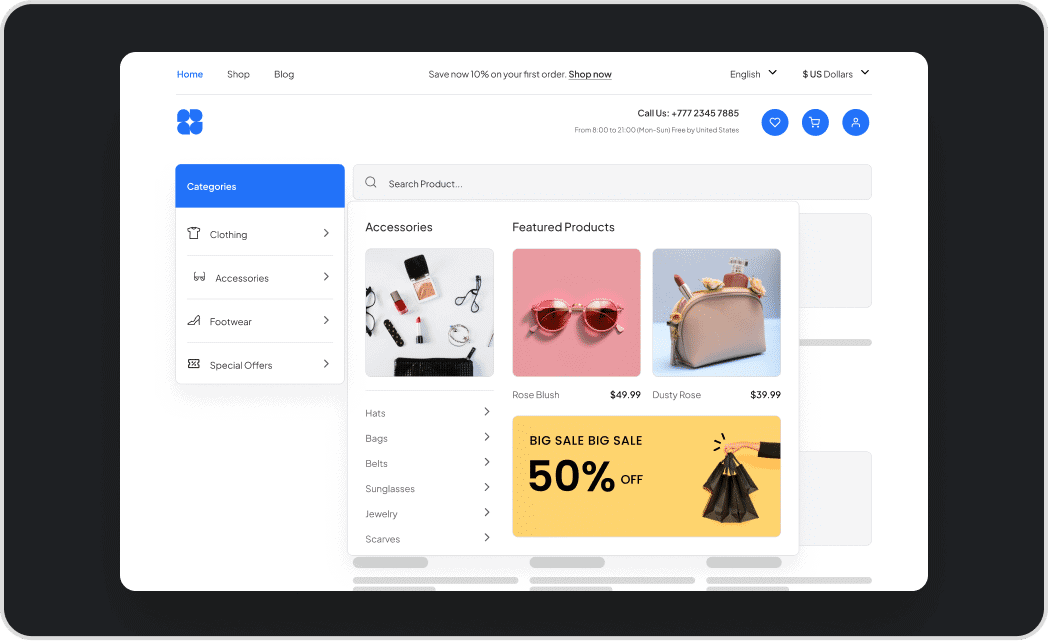
Voila, your Mega Menu is up and running.
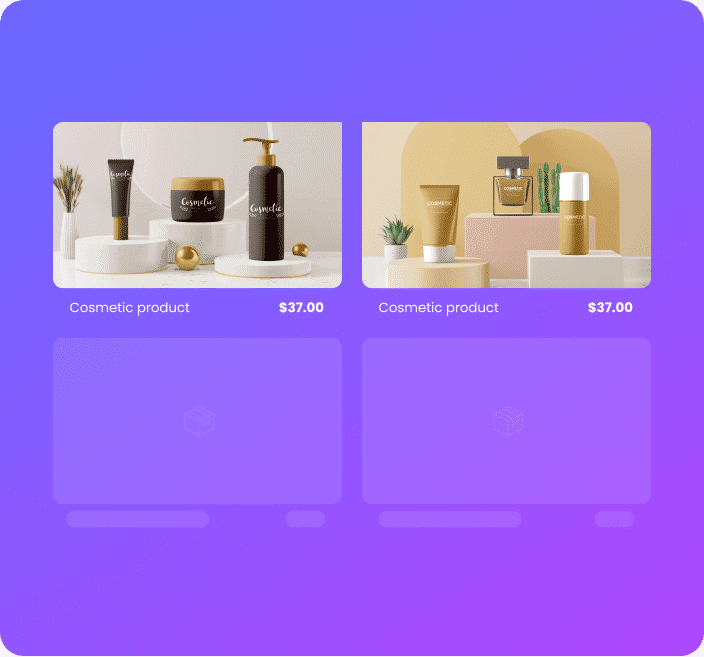
Featured WooCommerce Products
Promote top-selling WooCommerce products in Mega Menu for easy discovery and purchase.
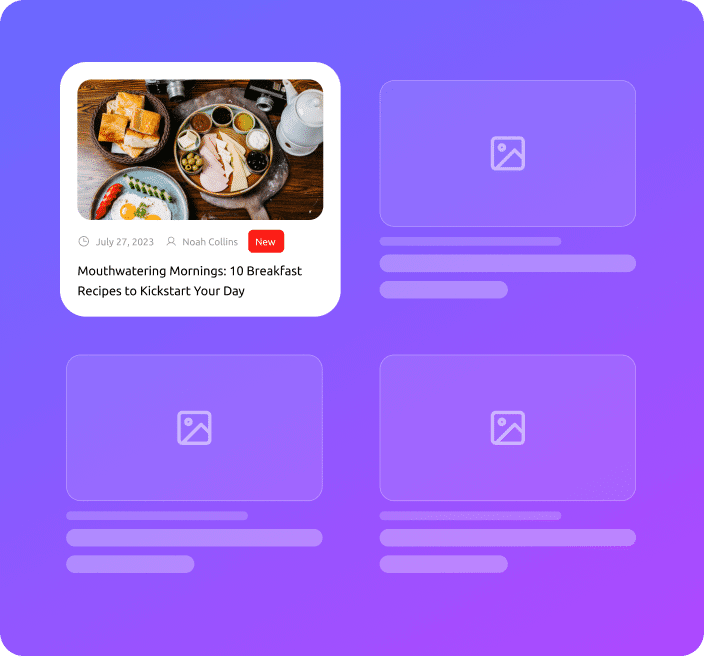
New Blogs
Highlight your latest blog posts in the Mega Menu section to keep visitors engaged and up-to-date.

Image Gallery
Create an eye-catching image gallery in the Mega Menu section to showcase your products, services, or portfolio.

Video Player
Engage visitors by adding a video player to the Mega Menu section to showcase your brand, products, or services.
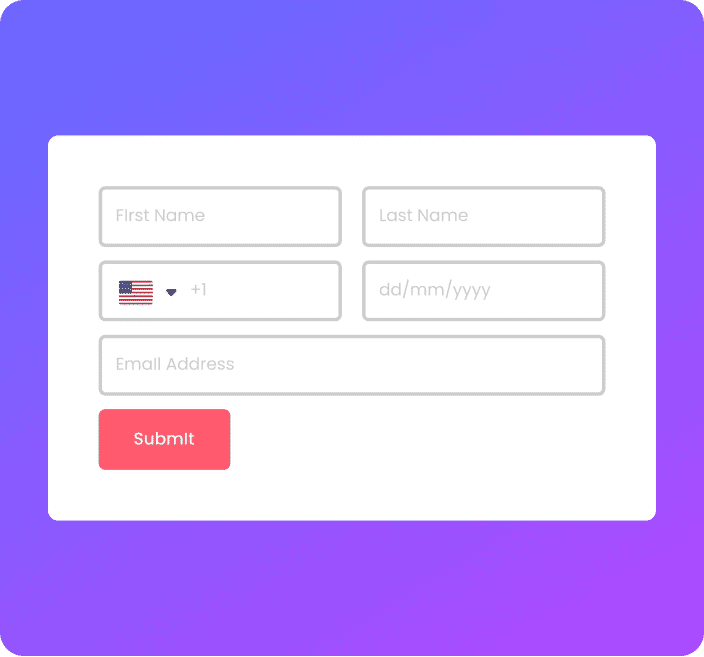
Contact Form
Add a contact form to the Elementor Mega Menu section to make it easy for visitors to get in touch with you.

Google Maps
Help visitors find your location by adding a Google Maps widget to the Mega Menu section.
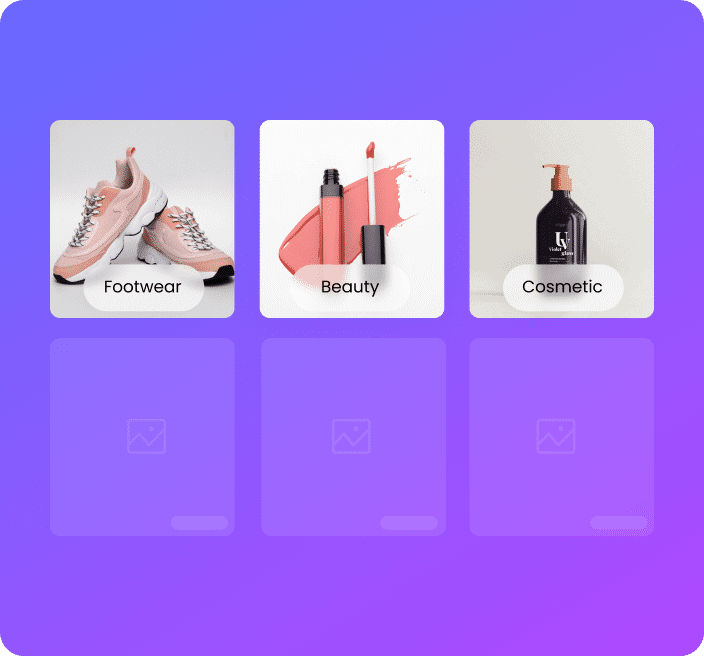
Category Listing
Organize your E-commerce website content by adding a category listing to the Mega Menu section for easy navigation.

Job Posts
Attract job seekers by adding job posts to the Mega Menu section, making it easy to find and apply.
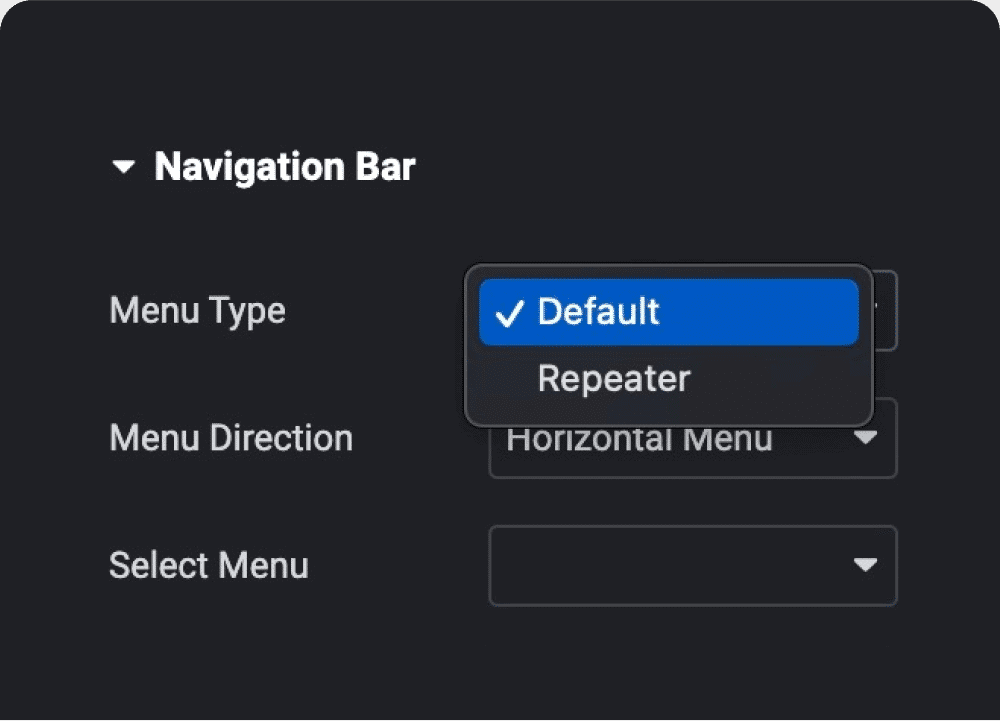
Repeater & Template
Based Content
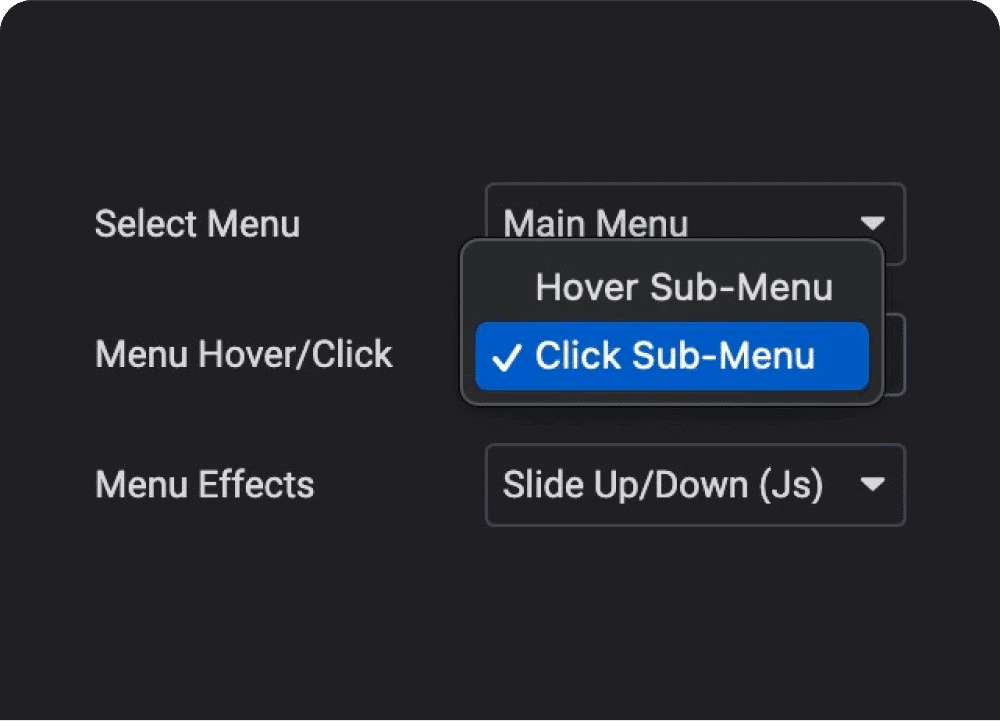
Horizontal, Vertical & Side
Menu Mode
Open Sub Menu on
Click/Hover
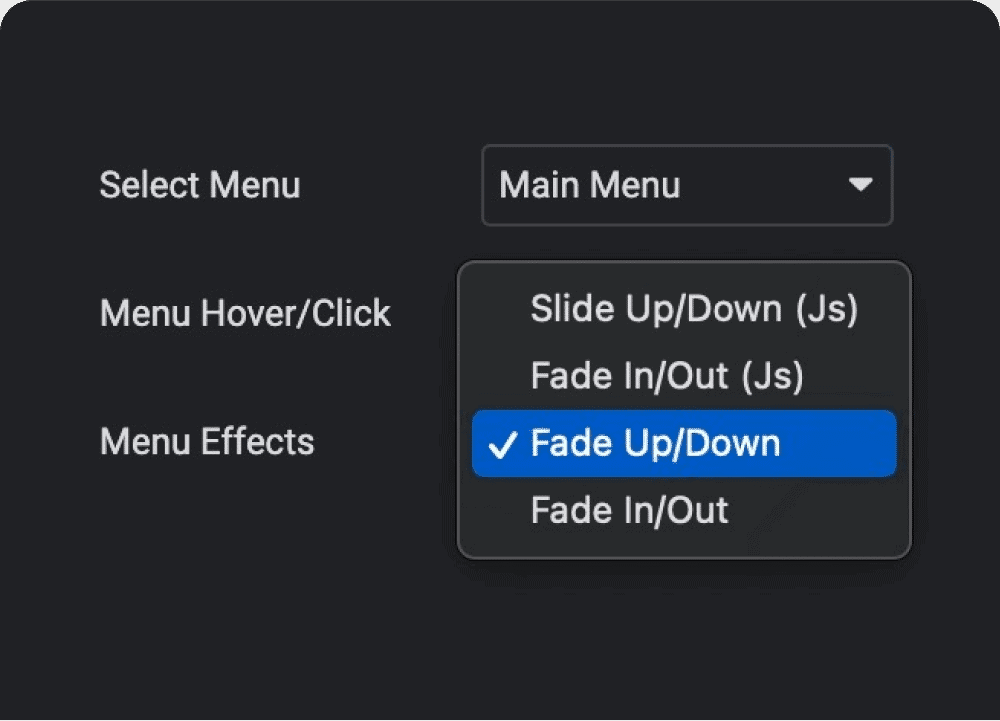
Sub Menu
Entrance Effects
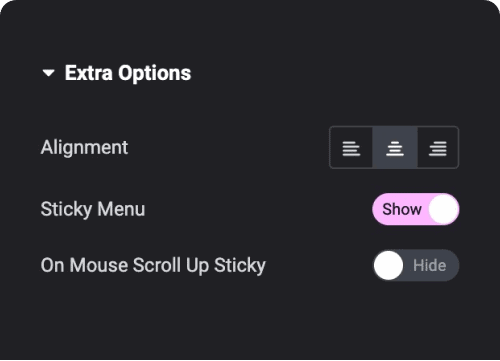
Sticky Menu on
Header Options
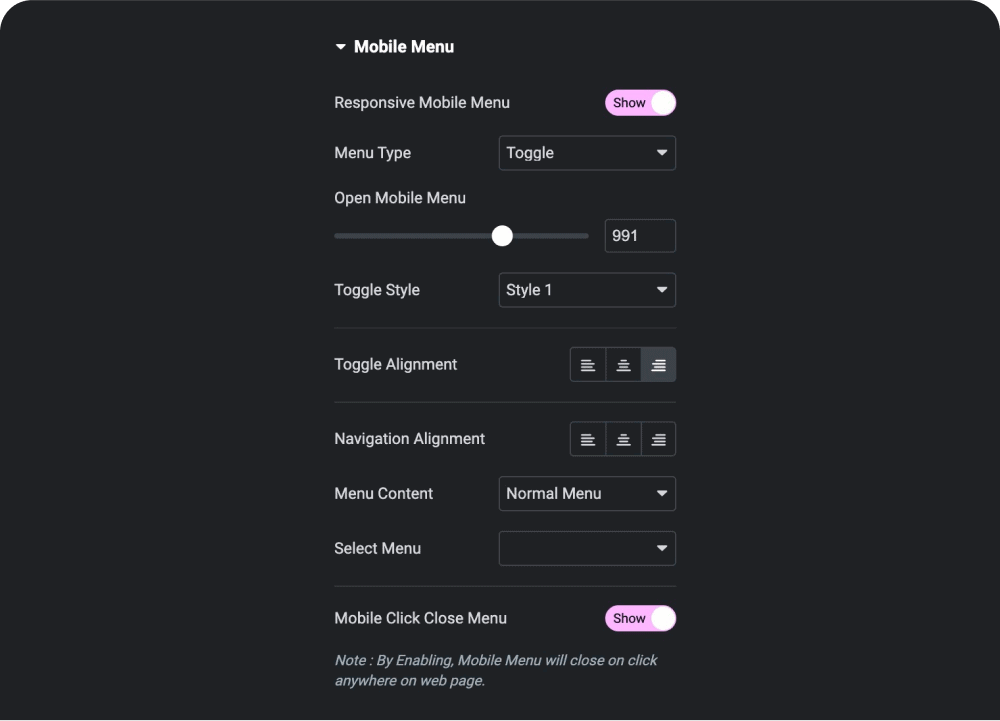
Responsive Elementor
Mobile Menu Settings
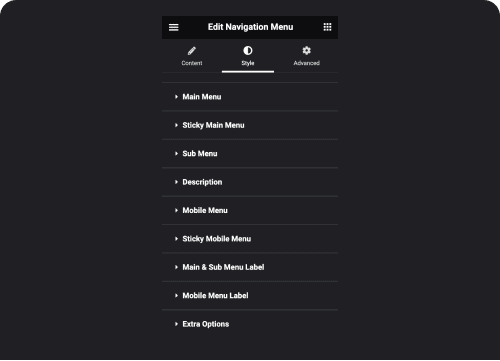
Customize
Everything
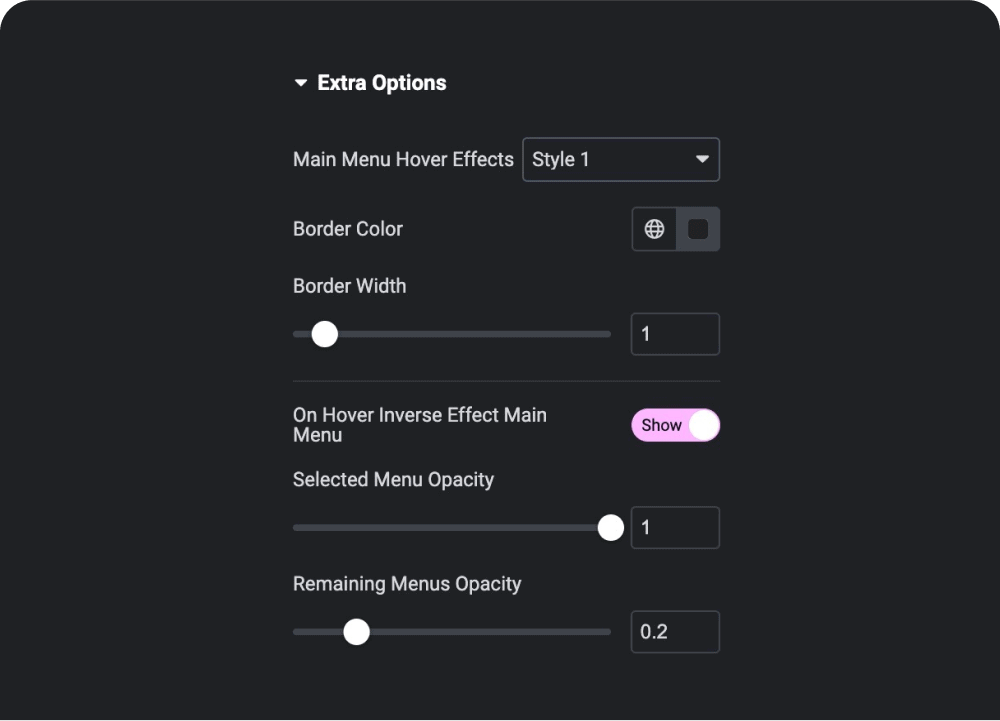
Hover Effect for Mega
Menu Text
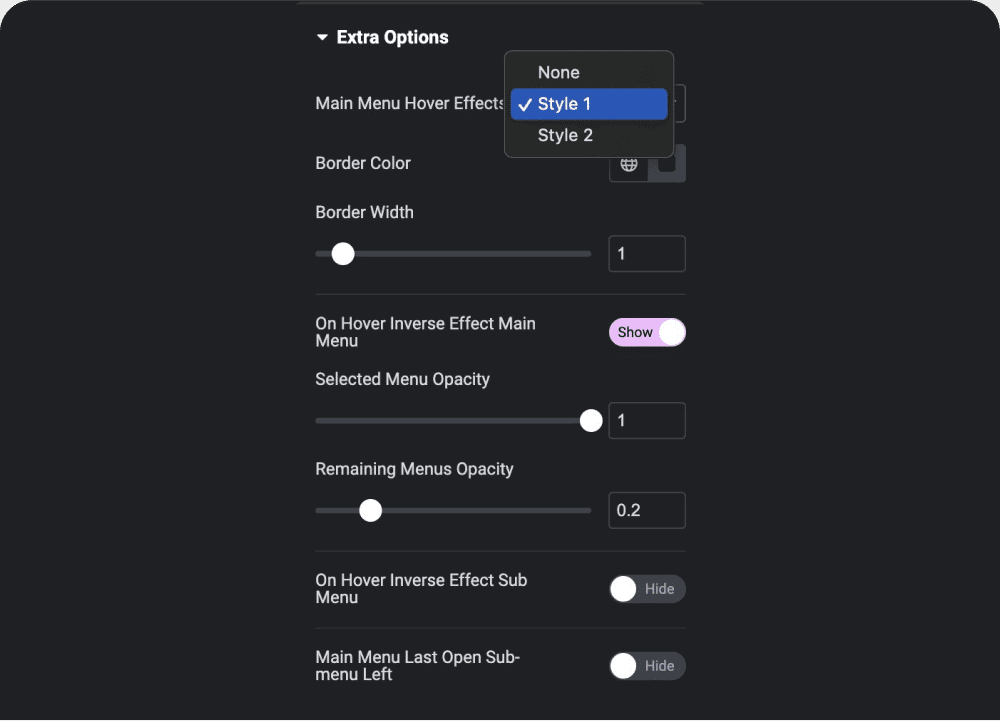
Hover Effect for Sub
Menu Text
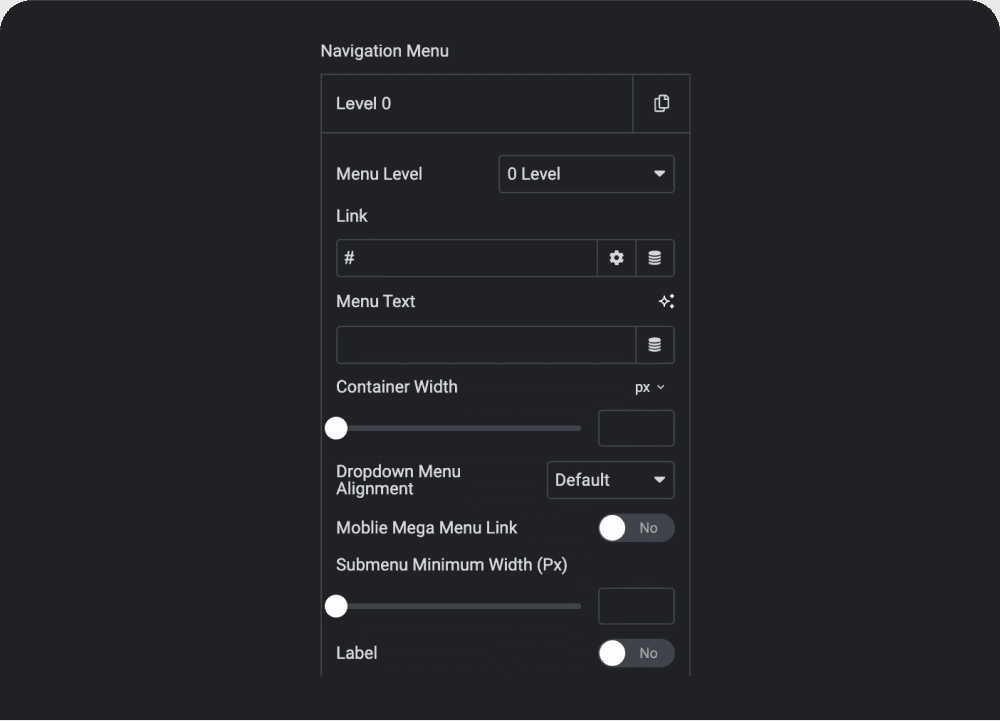
Repeater Mode
Menu
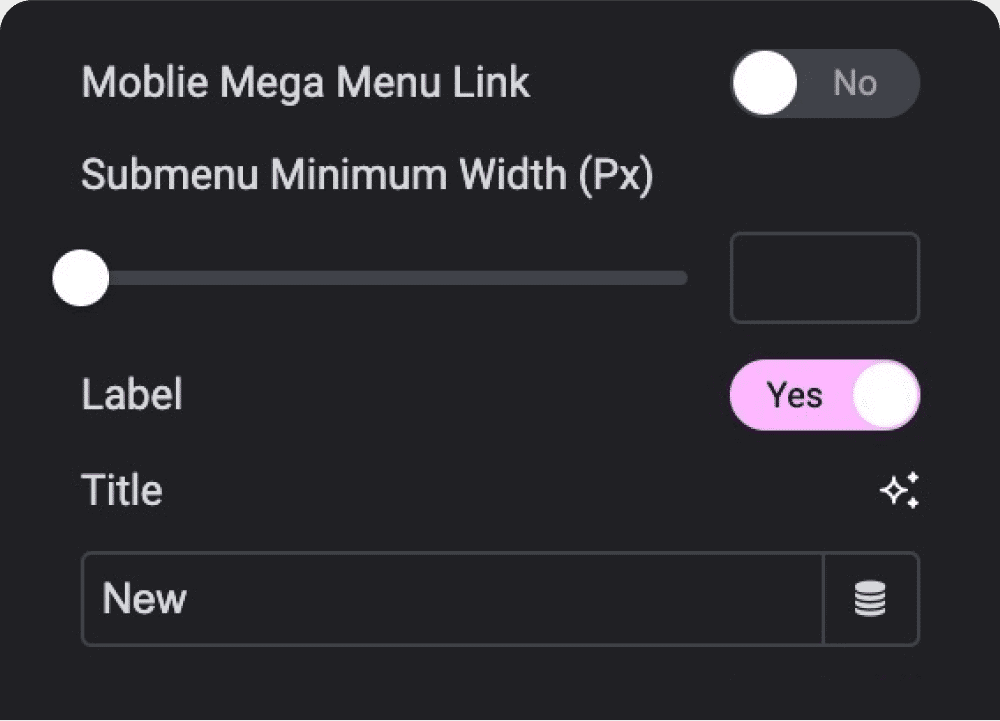
Add Label to
Menu Link
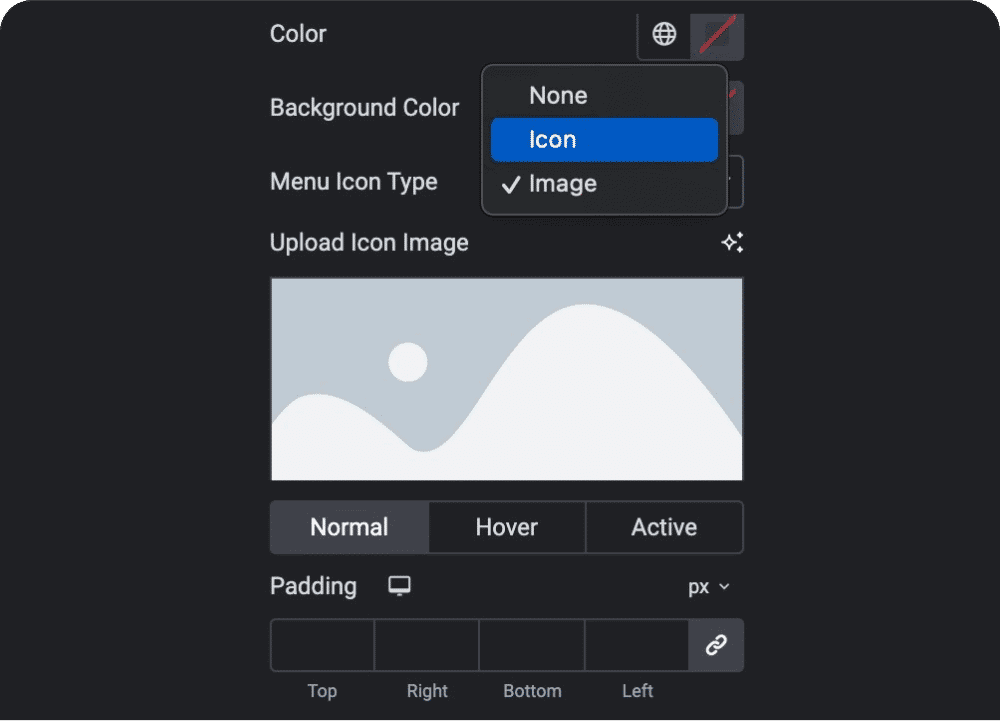
Add Menu Icon
or Image
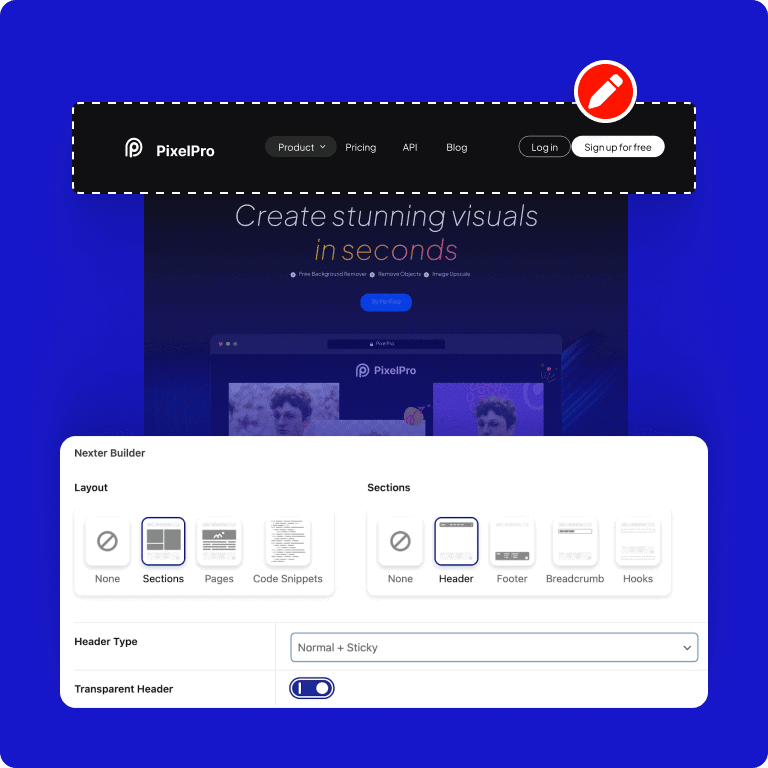

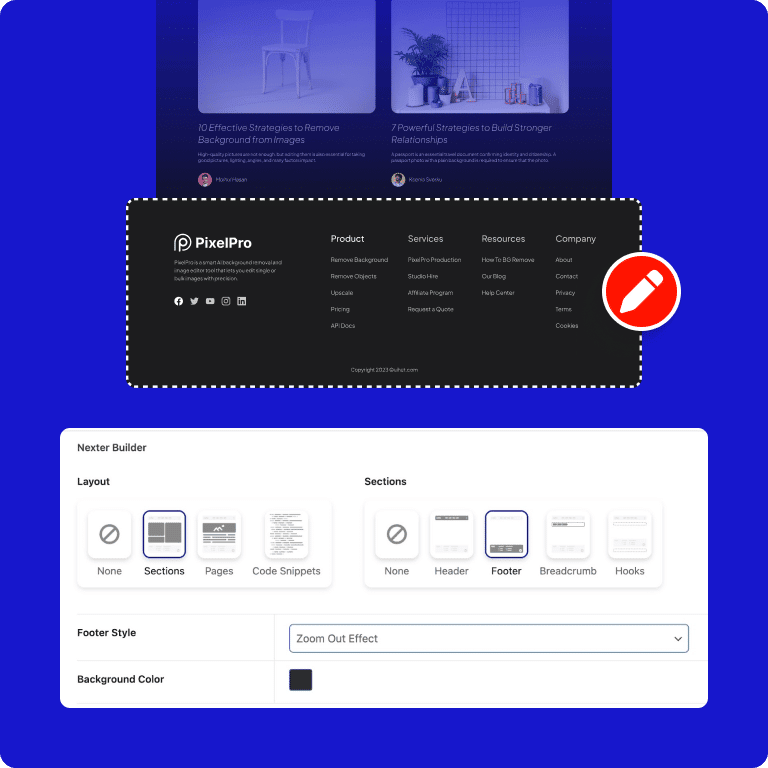


More Builders Like This


Frequently Asked Questions
Everything people ask before installing an Elementor addon: what's free, what needs Pro, how AI builds pages and whether it slows your site.

"The Plus Add-ons is by far the most extensive and impressive addon for Elementor. It's the only one we use for every site by default. Support is extremely responsive and helpful."

madebyproxy
@madebyproxy