Short answer: if you build in Elementor, the Age Gate Verification widget in The Plus Addons for Elementor is the pick, because the gate is styled in the same editor as the rest of the page. If you are not on Elementor, start with Age Gate, the most installed free age gate on WordPress.org. Choose Easy Age Verify for ready-made adult, vape and alcohol presets, WP Terms Popup when the age check has to sit alongside terms or privacy acceptance, and AgeChecker.Net when a law requires you to verify a real identity rather than accept a click.
Every age gate on this list does the same visible thing: it puts a screen in front of your content and asks how old the visitor is. What separates them is what happens next, and how much of your site the gate actually covers.
A yes/no button is enough for a beer brand’s landing page. A vape store shipping regulated product to a checkout usually needs more than a click. Picking the wrong one of those two is the mistake that costs money later.
Below are five options, ranked, with the install counts, prices and last-updated dates checked against WordPress.org and each vendor on 12 August 2026.
What Does an Age Verification WordPress Plugin Help You With?
An age verification WordPress plugin restricts your website content to visitors of a certain age, which keeps you compliant and keeps minors away from material that is not meant for them.
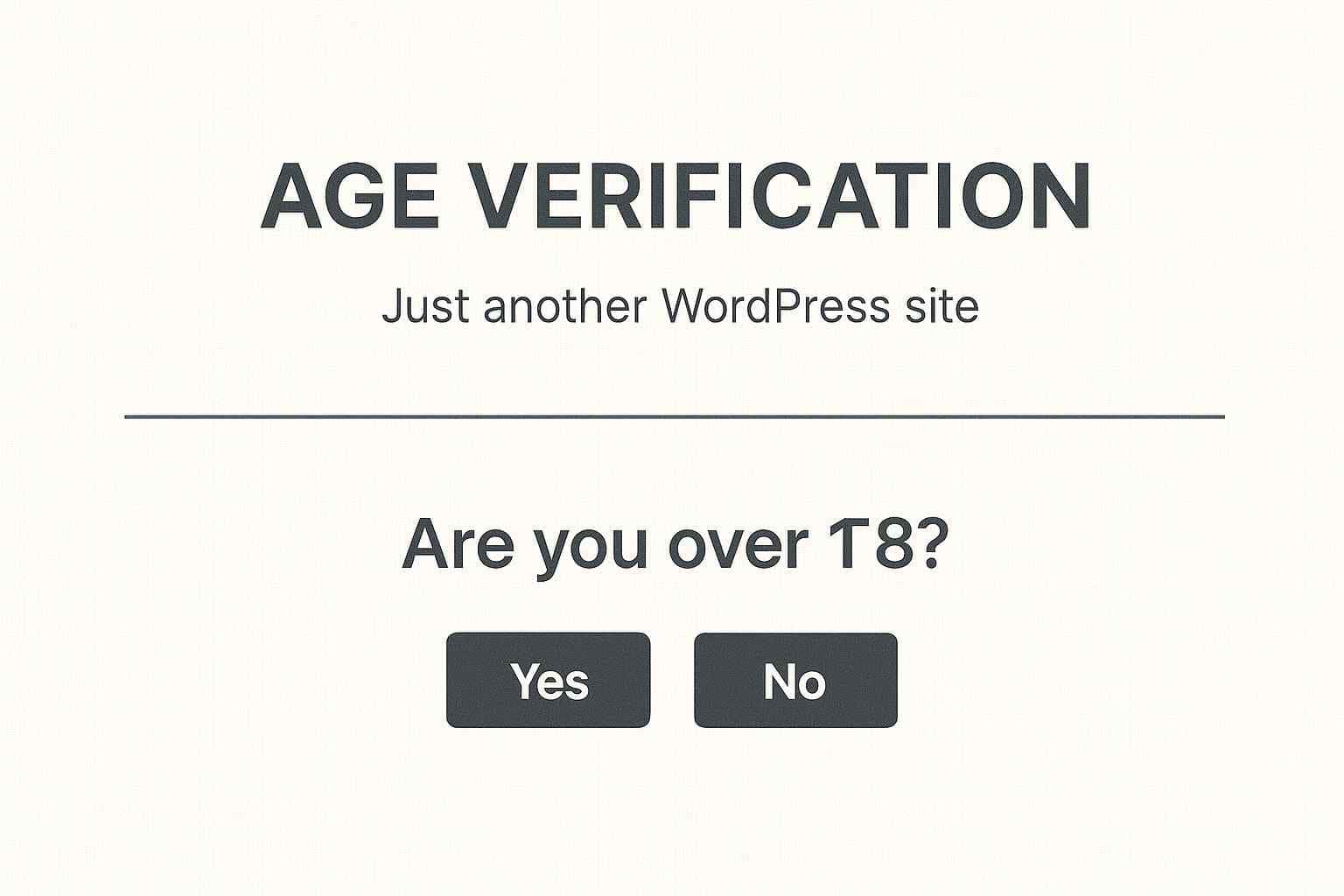
In practice you get one of three things: a popup with a yes/no button, a date-of-birth field the plugin does the arithmetic on, or a real identity check against external records. The first two are self-declared and take a minute to set up. The third costs money and exists because a self-declared age is worth very little if a regulator asks you to prove it.
Where the gate appears matters as much as the gate itself. Some plugins cover the whole site, some let you set a different minimum age on individual pages or products, and some only fire at WooCommerce checkout. Decide which of those you need before you compare features.
Also Read: How to create a popup in Elementor if you want the same display rules and triggers on newsletter or promo popups, not just the age gate.
How We Picked These Age Verification Plugins
Every figure in this article was pulled on 12 August 2026, so you can check our work rather than take it on trust:
- Active installs, version, rating and last-updated date come from the WordPress.org plugin API, not from vendor marketing pages.
- Prices come from each vendor’s own pricing page on that date. Where a plugin is on sale we give the list price too, because sale prices expire and a price you cannot reproduce is worse than no price at all.
- We checked that every plugin is still installable. All five are live on WordPress.org with no closure notice.
- Purpose-built age gates rank above adjacent tools. WP Terms Popup is a terms-acceptance plugin with an age check bolted on, so it sits below the plugins built for this job. AgeChecker.Net is a paid identity service rather than a popup, so it is ranked last on price and scope, not on quality.
- We removed a pick that no longer earns its place. An earlier version of this article recommended Age Verification System for WooCommerce. Its last release was 18 July 2024 and it is tested only to WordPress 6.6.6, with 200 active installs and a 60/100 rating. We are not going to recommend a two-year-dormant plugin for a compliance job, so it has been replaced by Age Gate.
One disclosure: pick number one is our own widget, so treat the ranking accordingly. It is first because it is the only option here that is built and styled inside Elementor, which matters if that is how you build. If you do not use Elementor, it is not the right tool for you, and you should start at number two.
Best WordPress Age Verification Plugins Compared
| Plugin | Type | Best for | Price | Active installs | Last updated |
|---|---|---|---|---|---|
| Age Verification by The Plus Addons for Elementor | Elementor widget | Elementor sites that want the gate styled like the rest of the page | Free on WordPress.org; Pro from $39/year (list $43) | 100,000 (base plugin) | 27 Jun 2026 |
| Age Gate | Standalone plugin | The widest free feature set, including a different age per page | Free; add-ons currently free, marked subject to change | 40,000 | 22 Oct 2025 |
| Easy Age Verify | Standalone plugin | Turnkey presets for adult, vape and alcohol sites | Free; Premium price not published publicly | 1,000 | 29 Jul 2026 |
| WP Terms Popup | Standalone plugin | Age check plus terms or privacy acceptance in one popup | Free; Designer add-on from $19/year | 3,000 | 2 Mar 2026 |
| AgeChecker.Net | Paid identity service | Stores that must verify a real identity, not a click | $25/month plus 50 cents per accepted verification | 500 | 3 Aug 2026 |
1. Age Verification by The Plus Addons for Elementor

Best for: Elementor sites that want the age gate to look like part of the design instead of a generic popup.
The Age Gate Verification widget in The Plus Addons for Elementor confirms a visitor’s age before granting access to your site or to specific pages. Because it is a widget rather than a separate plugin with its own admin screen, you set the copy, colours, background and buttons in the same editor you used for the page behind it.
The base plugin has 100,000 active installs and was last updated on 27 June 2026, tested up to WordPress 7.0.3, with a 92/100 rating from 387 reviews on WordPress.org.
Key Features of Age Verification by The Plus Addons for Elementor
- Restrict access to your whole site or to specific pages for visitors who meet your age requirement, which is what most compliance rules ask for.
- Keep age-restricted content, such as alcohol or tobacco pages, away from visitors who should not see it.
- Style the gate in the Elementor editor so it matches the rest of the site rather than looking like a bolted-on interruption.
- Set it up without touching code, which matters if the person maintaining the site is not a developer.
Worth knowing: this one only makes sense if you build with Elementor. The widget lives inside The Plus Addons for Elementor, so it is not an option on a block-theme or classic site.

Age Verification is one of over 120 Elementor widgets in The Plus Addons for Elementor, so you are not installing a separate plugin for every element you need. Pricing starts at $39 per year for a single site, listed at $43, and there is a 30-day refund guarantee on every plan.
2. Age Gate
Best for: any WordPress site that wants the most capable free age gate, with per-page age limits and multilingual support.
Age Gate is the most installed dedicated age verification plugin on WordPress.org, at 40,000 active installs with a 92/100 rating from 64 reviews. It restricts either the whole site or selected content, and you can set a different minimum age on individual posts, pages and products.
It also handles the details that break other age gates. Common bots and crawlers are omitted from the age check, so the gate does not block search engines. There is a cache-bypass mode for sites behind a caching plugin or host cache, which is the single most common reason an age gate appears to fire only once. Dates can be entered as DD MM YYYY or MM DD YYYY depending on your region, and the plugin is compatible with WPML, Polylang and WP Multilang.
Key Features of Age Gate
- Restrict the entire site or only selected content, with a different age allowed on individual pages and products.
- Three input styles: dropdowns, date fields, or a simple yes/no button, with the date order set to match your region.
- Search crawlers are omitted from the check by default, and you can add custom user agents for less common bots.
- Add your own logo, colours and background image, or replace the styling with your own CSS.
- Redirect visitors who fail the check to a URL of your choice, such as an alcohol awareness site, instead of leaving them on a dead end.
Worth knowing: two things. Age Gate’s last release was 22 October 2025 and it is tested up to WordPress 6.8.7, so it is behind the others on that measure even though it is by far the most used. And WooCommerce or signup-form age checks are not in the core plugin: they come from the separate Age Gate User Registration add-on, which is version 1.0.1, was last updated about four years ago and is tested only to WordPress 6.1.1. The vendor lists its add-ons as free “for a limited time, subject to change.” Test that add-on on staging before you rely on it at checkout.
3. Easy Age Verify
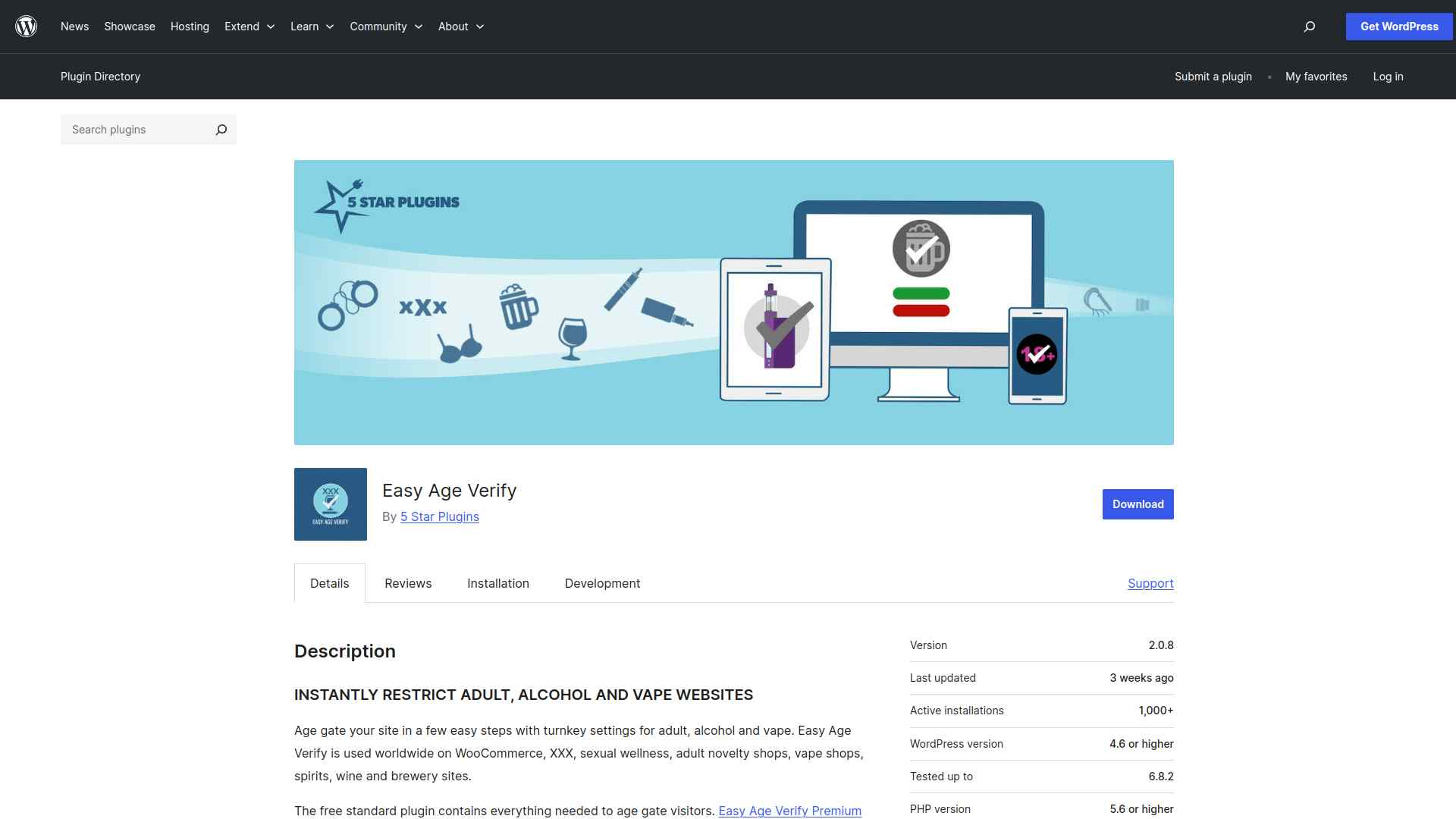
Best for: adult, vape and alcohol sites that want a correct age gate configured in one click rather than assembled from settings.
Easy Age Verify adds a fullscreen age gate that hides the page behind an opaque blackout background until the visitor verifies. Its distinguishing feature is presets: one-click configurations for adult content, any legal smoking age, and any legal drinking age, so you are not researching what your gate should say.
It has 1,000 active installs, was last updated on 29 July 2026, and is tested up to WordPress 7.0.3, making it the freshest release on this list. The 80/100 rating comes from only four reviews, so read that number as thin data rather than a verdict.
Key Features of Easy Age Verify
- One-click turnkey setup for adult, vape and alcohol sites, including the legal age for a given location.
- A fullscreen gate that hides content completely behind an opaque background, with scrolling disabled.
- Cannot be dismissed by popup blockers, and stays out of the way of search crawlers.
- A session cookie stops the gate repeating during a visit, and Premium adds a “remember me” checkbox for return visitors.
Worth knowing: several features the vendor highlights, including “remember me” and include/exclude rules, are Premium-only. The vendor’s site blocks automated access, so we could not verify a Premium price on 12 August 2026. Check 5 Star Plugins directly for the current figure before you budget for it.
Also Read: How to add a GDPR cookie consent banner in Elementor, since most sites that need an age gate need a consent banner as well.
4. WP Terms Popup

Best for: sites that need visitors to accept terms or a privacy policy and confirm their age in the same step.
WP Terms Popup is a terms-acceptance plugin first. Visitors read your popup, click accept to continue or a second button that redirects them away, and you can add an optional age check to that same popup. If your real requirement is documented consent rather than an age gate alone, this is the one that fits.
It has 3,000 active installs and the strongest review profile here, 96/100 from 15 reviews, and was last updated on 2 March 2026.
Key Features of WP Terms Popup
- Require visitors to agree to your terms, terms of service or privacy policy before they can view the site.
- Add an age verification check to the same popup instead of stacking two interruptions.
- Popup content is edited like a normal WordPress post, so you can include text and images.
- Set how long an acceptance lasts so returning visitors are not asked on every visit.
Worth knowing: appearance control is a paid add-on, not a core setting. The Designer add-on is $19 per year for one site, $49 for five and $99 for unlimited. It is also tested only to WordPress 6.9.6 while the others here are tested to 7.0.3.
5. AgeChecker.Net

Best for: regulated stores selling alcohol, tobacco, vape or firearms, where a self-declared age is not enough.
AgeChecker.Net is not a popup, it is a verification service. It matches the information a customer already entered at checkout against identity records, and only asks for a photo ID when that match fails. The company states that more than 90% of customers are verified instantly from their existing checkout details, and that its average ID verification time is around 10 seconds.
The WordPress plugin has 500 active installs and was last updated on 3 August 2026, tested up to WordPress 7.0.3. Its 100/100 rating comes from three reviews, which is too small a sample to mean much.
Key Features of AgeChecker.Net
- Verifies most customers instantly from the billing or shipping details they already submitted, with no extra step.
- Falls back to a photo ID upload only when the record check does not clear, keeping friction off the majority of orders.
- Verification rules can be set by location, so you are not applying one country’s age limit everywhere.
- ID images are deleted after verification, and the company offers 24/7 phone and email support for your customers.
Worth knowing: this is the only paid-only pick, at $25 per month plus 50 cents per accepted verification. You are billed only for accepted verifications, not declined or abandoned ones, and installation carries no setup fee. Run your monthly order count against that per-verification fee before you commit, and note that a service like this is aimed at checkout, not at gating a marketing page.

Which Age Verification Plugin Should You Choose?
Work backwards from what you are actually being asked to prove.
- You build in Elementor and want the gate on brand: Age Verification by The Plus Addons for Elementor.
- You want the most capable free option on any WordPress site: Age Gate.
- You run an adult, vape or alcohol site and want it configured correctly out of the box: Easy Age Verify.
- You need documented acceptance of terms as well as an age: WP Terms Popup.
- A regulator will not accept a button click: AgeChecker.Net.
One last practical note that applies whichever you choose: test the gate with your caching layer switched on. An age gate that works for you as a logged-in administrator and then serves a cached page to everyone else is the failure mode every one of these plugins documents.
Plus, with over 120 Elementor widgets from The Plus Addons for Elementor, you can build a fully functional site without writing a line of code.
Suggested Reading
- How to create a popup in Elementor with triggers and display rules
- Do you need Elementor One for cookie consent? An honest GDPR plugin breakdown
- The best WordPress banner plugins for Elementor, compared
- How to build a WooCommerce multi-vendor marketplace you can actually design
- How to add a search bar in Elementor with live AJAX search
FAQs on Age Verification WordPress Plugins
What is an age verification plugin, and why do I need one?
An age verification plugin restricts access to your site based on a visitor’s age, which helps you meet legal requirements and keeps age-restricted content away from underage users.
Can I add age verification without coding skills?
Yes. Age Verification by The Plus Addons for Elementor is set up in the Elementor editor, and Age Gate, Easy Age Verify and WP Terms Popup are all configured from a settings page with no code.
Do age verification plugins work on mobile devices?
Yes. All five picks here render responsively on phones and tablets. The more common mobile problem is caching rather than layout, so test the gate on a phone with your cache enabled.
Are there free age verification plugins available?
Four of the five plugins in this article are free on WordPress.org, including Age Gate at 40,000 active installs. Only AgeChecker.Net is paid-only, at 25 dollars per month plus 50 cents per accepted verification, because it checks identity records rather than accepting a click.
How customizable are age verification popups?
Most let you change text, colours, background and the verification method. Note that appearance control is a paid add-on for WP Terms Popup, while Age Gate and the Elementor widget both let you restyle the gate for free.