






On Scroll View Animation adds an entrance and exit animation to a widget as it scrolls into and out of the viewport.
It ships as part of The Plus Addons for Elementor and is built into a set of Free and Pro widgets directly – it is not a separate toggle you switch on.
Requirement – This extension is a part of The Plus Addons for Elementor, make sure it’s installed & activated to enjoy all its powers.
Before You Start
- Edition: Free. The setting is a shared control block built into the widgets that carry it (for example Audio Player, Message Box and about thirty others across both editions), not something you enable separately in Extensions or Widgets.
- No setup step – if a widget carries this section, it already shows up in its Style tab.
How to Use On Scroll View Animation
Add a widget that carries this feature to the page, then:
| Setting | What it does | Default |
|---|---|---|
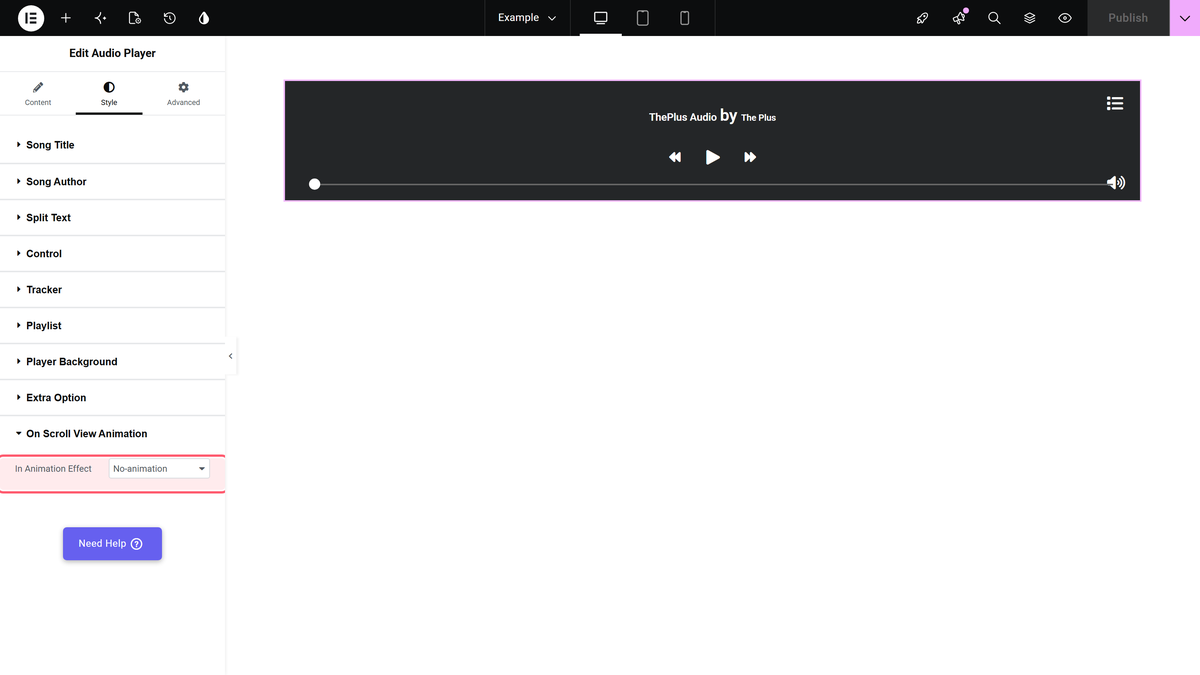
| In Animation Effect | Choose the entrance effect (Fade in, Scale smaller, 3D Rotate, Fly up/left/right, and more) played when the widget enters the viewport. | None |
| Animation Delay | Delay in milliseconds before the entrance animation starts. | 50ms |
| Animation Duration toggle + Duration Speed | Turn this on to set an explicit animation length instead of the built-in one. | Off |
| Out Animation Effect | Choose the exit effect played as the widget leaves the viewport. | None |
| Out Animation Delay / Out Animation Duration | Same options as above, for the exit animation. | 50ms / built-in |
How It Behaves
We set In Animation Effect to Fade in on a widget and watched it scroll into view on the published page.
- Before it enters the viewport, the widget correctly starts invisible (this is the expected pre-animation state).
- As it scrolls into view, the widget’s markup gains an internal “animation-done” marker, confirming the scroll trigger fires.
- The widget then stays invisible. It never fades in, with or without a custom Duration Speed set, and this happened the same way inside an Elementor container and inside a classic section – it is not layout-specific.
Limitations
- Confirmed defect: in our testing, turning on an In Animation Effect made the widget disappear permanently once it scrolled into view, instead of playing the chosen entrance animation. We saw no browser console errors – the widget’s own style is simply never restored to visible. Until this is fixed, we recommend leaving In Animation Effect set to None.
- Because the entrance effect does not complete, we could not verify the Out Animation Effect, the Animation Delay timing, or the Global Animation preset option in a working state either – all of them depend on the same broken reveal step.
The widget disappeared after I set an animation
This matches what we saw in testing (see Limitations above). Set In Animation Effect back to None to restore the widget, and avoid this option until it is fixed.
Not verified
So you know exactly what has and has not been checked:
- The Out Animation Effect, since the In Animation Effect never completes for us to see it reversed.
- The Global Animation preset mode (Animation Type = Global), which only appears on newer widgets that include it – not reachable on the widget we tested with.
- Whether every one of the roughly thirty widgets that carry this trait is affected identically, or whether some render correctly – we tested on one widget (Audio Player) and reproduced the same result in two different page layouts.
