Have you ever pulled the server access logs on your WordPress site and wondered how many AI tools are quietly reading your content? I did exactly that two weeks ago on a client’s WooCommerce build. ChatGPT’s user-agent had hit the site 1,400 times in 30 days. Claude, 600 times. Perplexity, 200. None of that traffic showed up in Google Analytics. None of it was in Search Console. And the site’s robots.txt file had not been touched since 2022 and said absolutely nothing about any AI bot.
This is not unusual. According to Cloudflare’s public bot analytics, AI crawlers now reach 39% of the top one million websites every month. Only 3% of those sites make a deliberate decision about that AI traffic. The other 96% are operating blind, either being silently cited by ChatGPT and Perplexity, or being silently blocked by their own host.
What you’ll learn: the three categories of AI crawlers in 2026, the exact robots.txt template for WordPress, why your host is probably blocking AI bots silently, and how the free RankReady plugin gives you a real-time AI crawler log, llms.txt generator, AI referral analytics, and a WebMCP server inside WordPress admin.
Why your 2022 WordPress robots.txt stopped working for AI search in 2026
Three independent shifts broke the old robots.txt playbook at the same time.
ChatGPT, Claude, and Perplexity scaled into real organic traffic. Vercel CEO Guillermo Rauch reported in April 2026 that ChatGPT was driving nearly 10% of their new sign-ups, up from less than 1% six months earlier. Half of users now ask AI tools instead of Google for buying decisions and how-to queries.
AI bots fragmented into different jobs. There is no longer a single OpenAI crawler. There are at least four. GPTBot trains models. OAI-SearchBot powers real-time search citations. ChatGPT-User browses when a human asks ChatGPT to read a link. Same fragmentation for Anthropic and Perplexity.
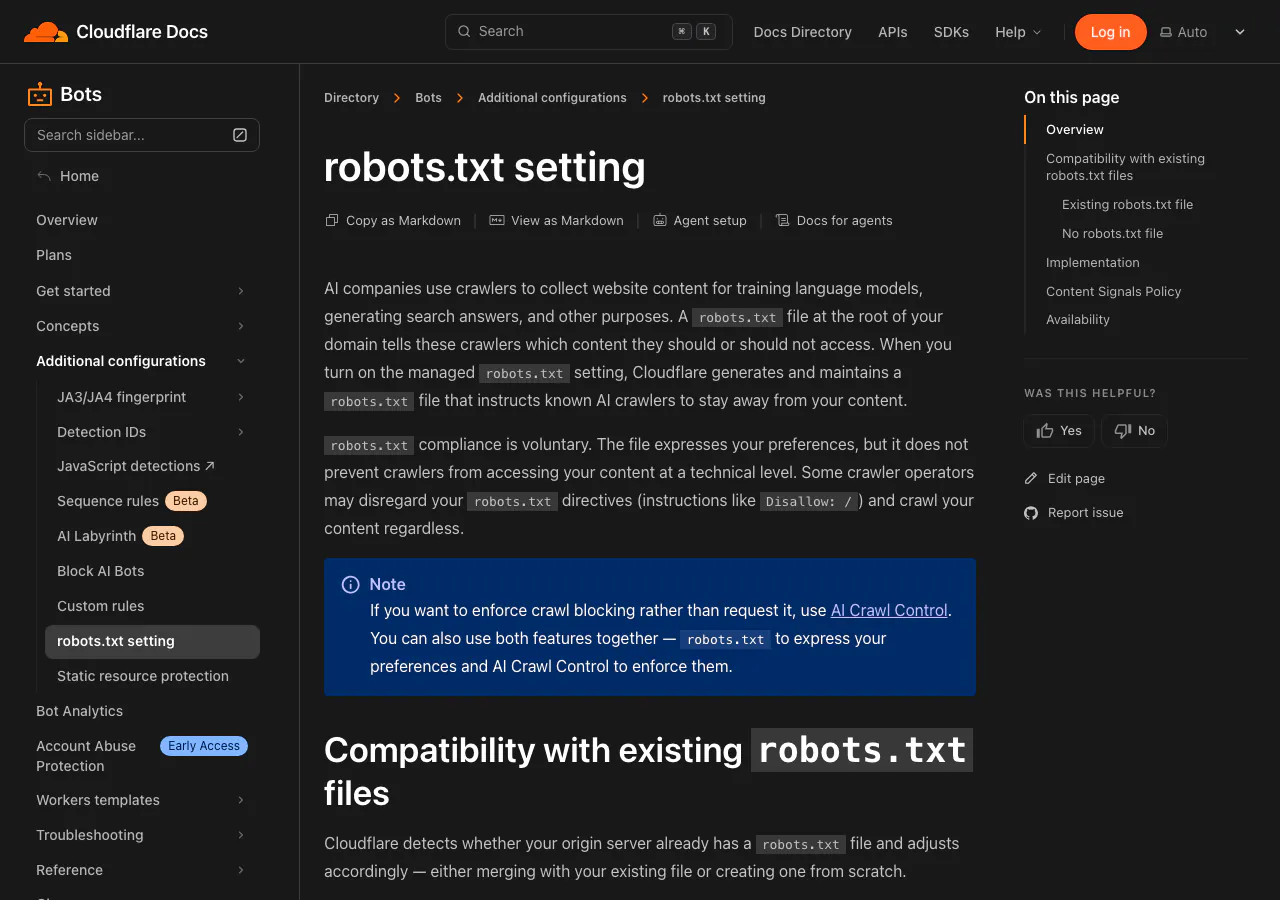
Cloudflare flipped its AI bot default to ON. The “Block AI Scrapers and Crawlers” toggle now defaults to enabled for most sites set up after August 2024. The block runs at the Cloudflare edge layer. WordPress never sees the request.
The three categories of AI crawlers WordPress sites need to understand
If you remember only one thing about WordPress AI SEO and robots.txt, remember this: AI crawlers are not one category. They are three. Each does a different job. Each needs a different rule. Blocking the wrong one makes your WordPress site invisible to ChatGPT Search and Perplexity.
| Category | What it does | Bots | Action |
|---|---|---|---|
| Training | Reads content to train future AI models. No cite, no link back. | GPTBot, ClaudeBot, Google-Extended, CCBot, Applebot-Extended | Your call. Allow for AI brand presence. Block to opt out of training. |
| Search | Cites your site in real-time AI search answers. | OAI-SearchBot, ChatGPT-User, PerplexityBot, Claude-SearchBot | Always allow. Blocking = invisible in AI search. |
| Agent | Visits when a user explicitly asks AI to read a link. | ChatGPT-User, Claude-User | Always allow. Same as blocking a regular visitor. |
The trap most WordPress sites fall into: they read one panicked post about “AI scraping content,” block everything with “AI” in the user-agent, and accidentally cut themselves off from search bots and agent bots in the process. ChatGPT can no longer visit when a user pastes a link. Perplexity stops citing the page. The site becomes a ghost.

How to test which AI bots can reach your WordPress site in 30 seconds
Open a terminal and pretend to be GPTBot:
curl -A "GPTBot/1.0 (+https://openai.com/gptbot)" -I https://yoursite.com/Look at the first line of the response. HTTP/2 200 means GPTBot can read your WordPress site. HTTP/2 403 or HTTP/2 429 means something is blocking the AI crawler before WordPress sees the request. That something is almost always your managed host or your CDN, not your robots.txt file.

Run the same command for every AI bot you care about. Swap the user-agent string:
# OAI-SearchBot (this one matters most for ChatGPT Search citations)
curl -A "OAI-SearchBot/1.0" -I https://yoursite.com/

# PerplexityBot
curl -A "PerplexityBot/1.0" -I https://yoursite.com/

# ClaudeBot training crawler
curl -A "ClaudeBot/1.0" -I https://yoursite.com/
Want this same data inside WordPress admin without curl or SSH? The free RankReady plugin records every bot hit in real time with per-bot breakdown and 30-day history.
The 2026 WordPress robots.txt template for AI crawler visibility
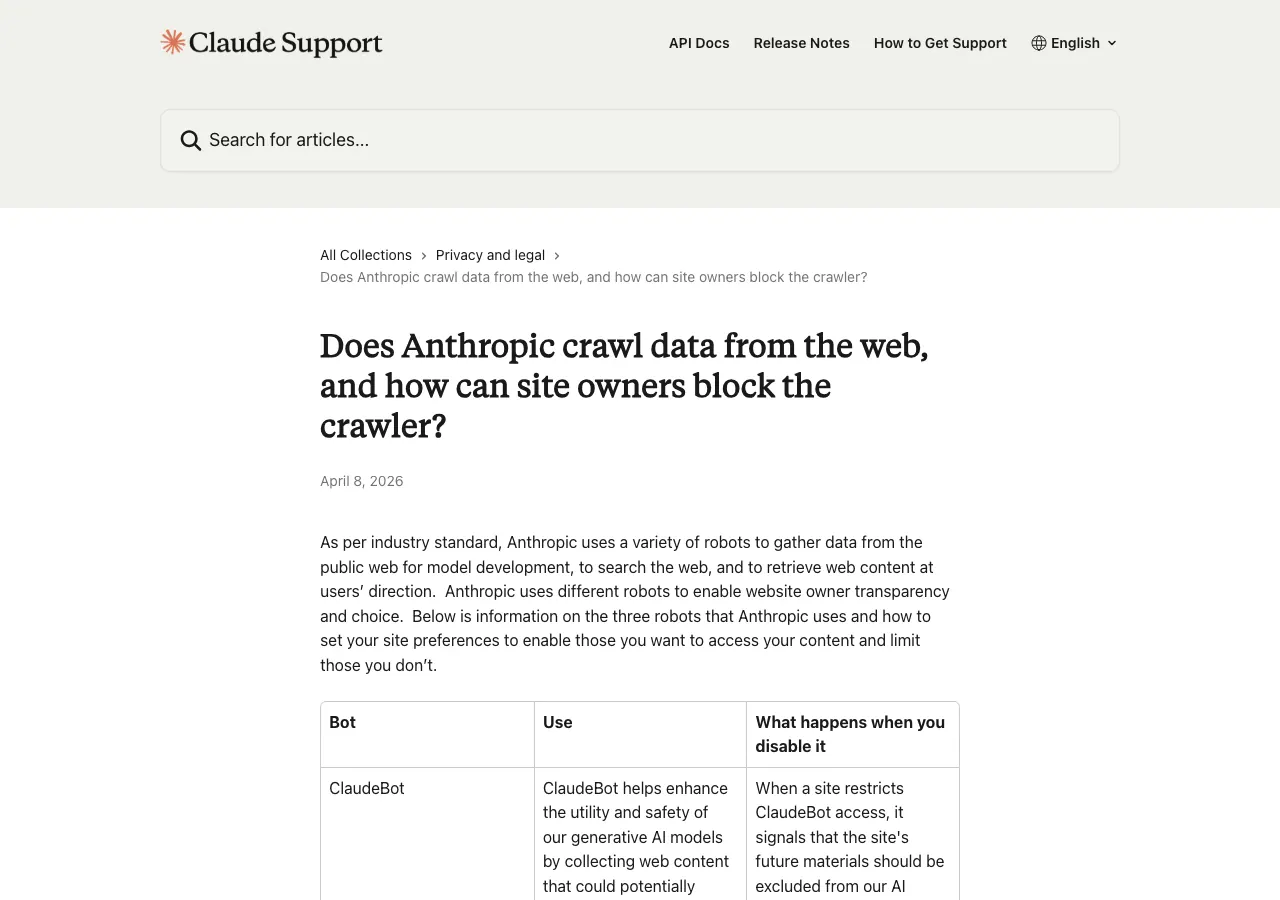
Below is the robots.txt template we run across every POSIMYTH WordPress property. The defaults allow every AI search crawler and most training crawlers, blocking only CCBot and Bytespider. Flip GPTBot and ClaudeBot to Disallow: / only if you want to opt out of training data.
# Standard WordPress crawler rules
User-agent: *
Disallow: /wp-admin/
Disallow: /wp-login.php
Disallow: /wp-json/
Disallow: */feed/
Allow: /wp-admin/admin-ajax.php

# AI Search crawlers, always allow these
User-agent: OAI-SearchBot
Allow: /

User-agent: ChatGPT-User
Allow: /

User-agent: PerplexityBot
Allow: /

User-agent: Claude-SearchBot
Allow: /

User-agent: Claude-User
Allow: /

# AI Training crawlers, your call
User-agent: GPTBot
Allow: /

User-agent: ClaudeBot
Allow: /

User-agent: Google-Extended
Allow: /

User-agent: Applebot-Extended
Allow: /

# Blocked: legacy scrapers
User-agent: CCBot
Disallow: /

User-agent: Bytespider
Disallow: /

Sitemap: https://yoursite.com/sitemap.xml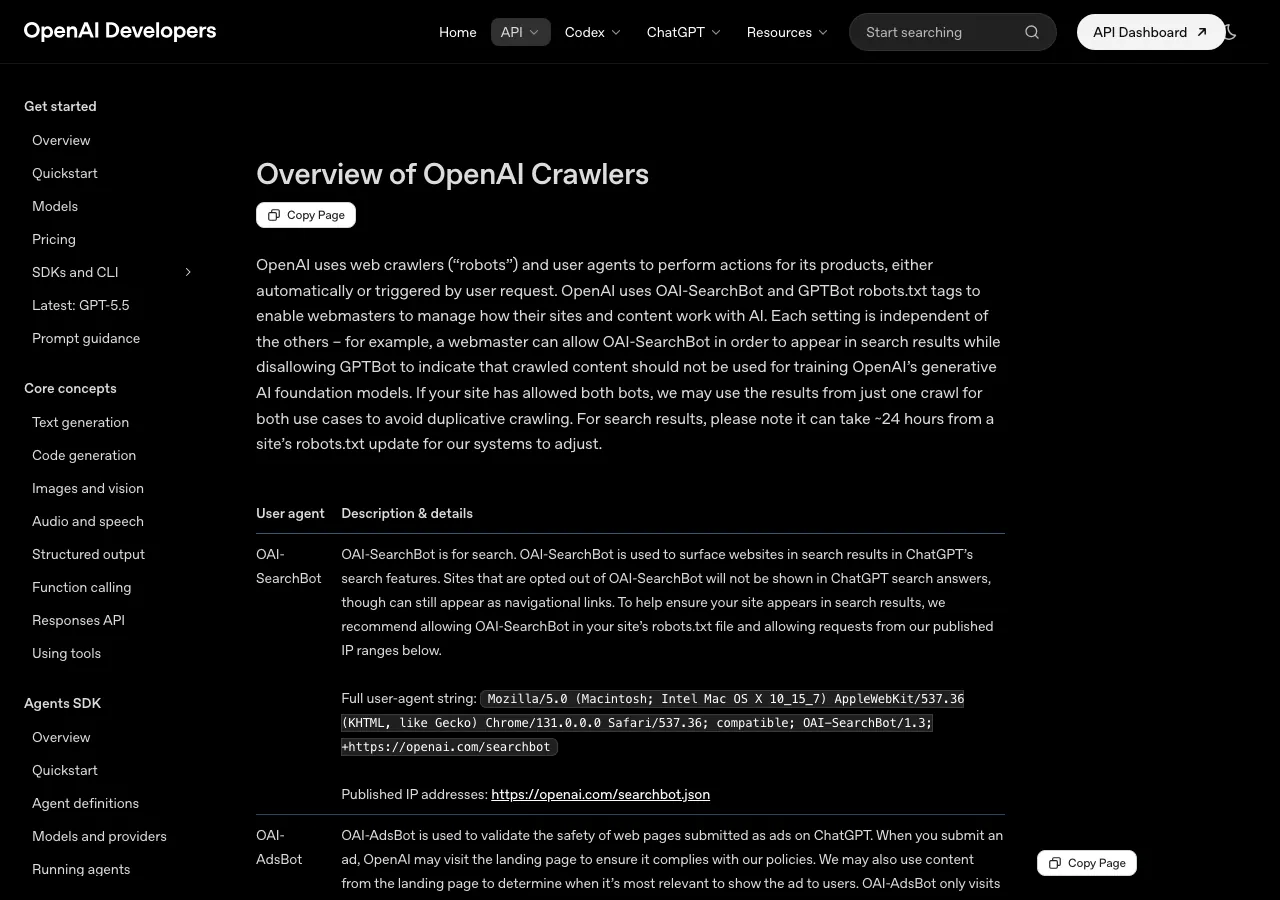
Why your WordPress host is probably blocking AI bots before robots.txt is read
You write a perfect robots.txt. You hit save. You run the curl test. The AI bot still returns 403. The reason is upstream: managed WordPress hosts and CDNs often block AI crawlers at the platform layer. By the time the request reaches WordPress, the host has already returned 429 Too Many Requests or 403 Forbidden. Your robots.txt file never executes.
| Host or CDN | 2026 default behaviour | Where to fix it |
|---|---|---|
| WP Engine | Returns 429 to several AI bots by default | Open support ticket. Request AI bot allow-listing. |
| Kinsta | Mixed. Some bots throttled aggressively | MyKinsta > Tools > IP Deny / User Agent rules |
| Cloudflare (free + pro) | “Block AI Scrapers and Crawlers” defaults to ON for post-Aug 2024 sites | Dashboard > Security > Bots > AI Crawlers |
| Wordfence, iThemes, Sucuri | Default firewall rules block AI user-agents | Plugin settings > Firewall > Blocked User Agents |
| SiteGround, Bluehost, Hostinger | Usually do not block AI bots at host level | Generally safe. Still run the curl test. |
Where to paste the robots.txt template in Yoast SEO and Rank Math
You do not need SFTP. Both major WordPress SEO plugins have a built-in robots.txt editor.
Yoast SEO: WordPress admin → Yoast SEO → Tools → File editor → Create robots.txt file (if missing) → paste template → swap sitemap URL → save. Rank Math: WordPress admin → Rank Math → General Settings → Edit robots.txt → paste → save.
If a physical robots.txt file exists in your site root, the in-plugin editors will be read-only. SFTP in and delete the physical file first.
Why Elementor WordPress sites need extra checks for AI crawler readiness
AI crawlers read the same HTML a browser receives. How your Elementor site renders the <head> section matters more than the visible part of your design. Mismatched canonical URLs are the single most common reason a perfectly good WordPress page never appears in ChatGPT Search.
If you have built a custom header with Elementor Pro or with The Plus Addons Elementor Header Builder, view the page source after every build and confirm the <head> still contains title, meta description, canonical URL, robots meta, Open Graph properties, and Article schema. AI crawlers cannot cite what they cannot parse.
Beyond robots.txt: the llms.txt file OpenAI refetches every 15 minutes
Your WordPress robots.txt file controls access. To actually get cited inside ChatGPT and Perplexity answers, you also need an llms.txt file. The llms.txt file tells AI models which pages on your WordPress site are most important and how to summarise them. OpenAI’s crawler now fetches llms.txt every 15 minutes on WordPress sites that have one. Anthropic, OpenAI, and Perplexity all actively consume it.
Here is a real production llms.txt file. This is the actual file Anthropic ships at docs.anthropic.com/llms.txt:


RankReady: the free WordPress AI SEO plugin that closes every gap above
Editing robots.txt by hand, writing llms.txt manually, and grepping access logs to track AI crawler hits is a real workflow. It is also a workflow no busy WordPress site owner has time for. RankReady is the free WordPress AI SEO plugin we built at POSIMYTH to handle the entire stack inside the WordPress admin.

Use case 1: See exactly which AI tools cite your WordPress content
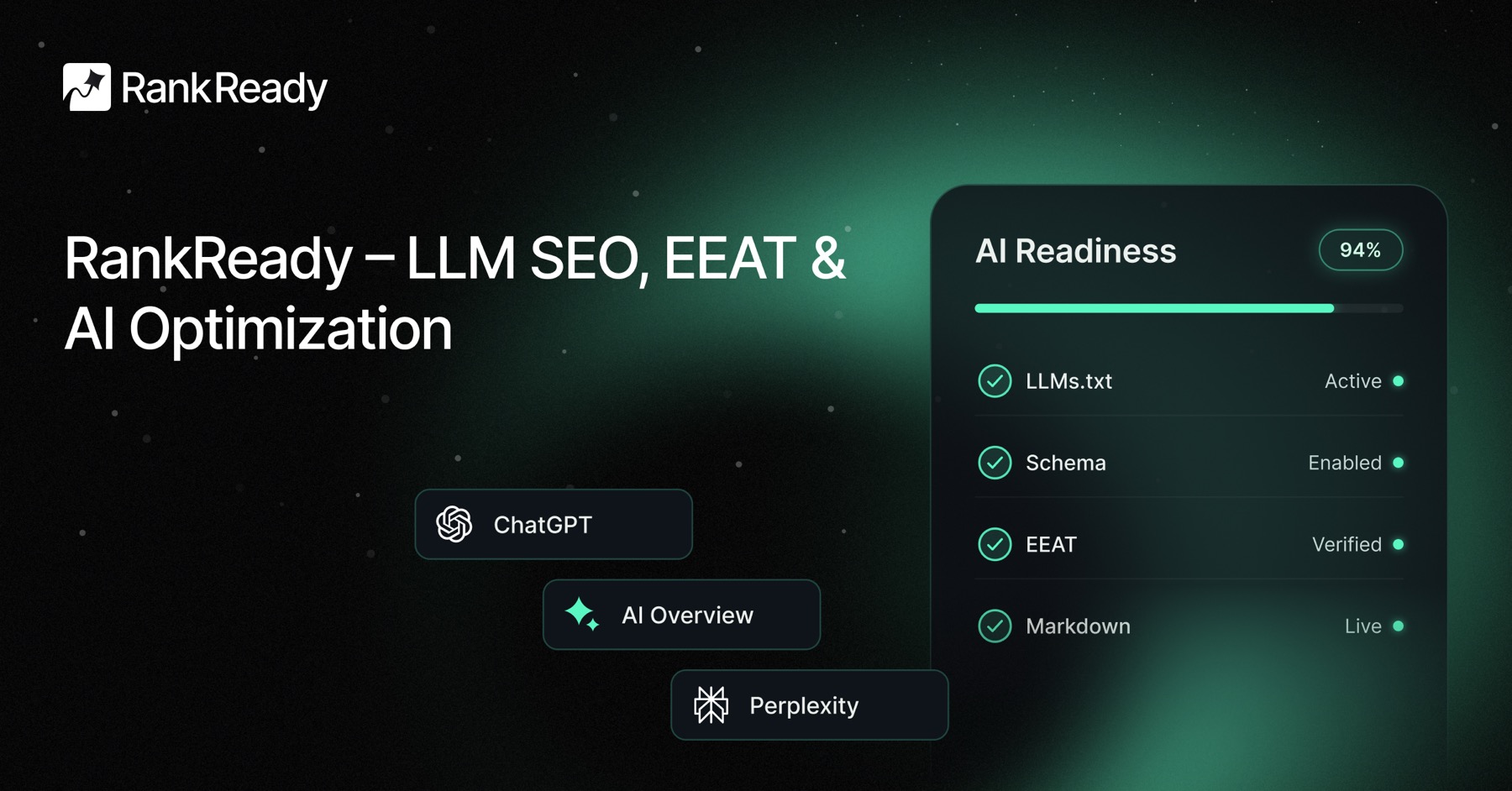
RankReady’s AI Crawler Log records every GPTBot, ClaudeBot, OAI-SearchBot, PerplexityBot, ChatGPT-User, Claude-User, Bytespider, CCBot, and Google-Extended hit in real time with per-bot breakdown and 30-day history. The AI Referral Analytics module goes further and tells you which AI tools send real traffic to your WordPress site and which specific pages they cite.
Use case 2: Auto-generate a 2026-compliant llms.txt file for WordPress
The llms.txt Generator module in RankReady builds your llms.txt file automatically based on your post structure and updates it on every content change. No manual writing. The file follows the current llms.txt specification used by Anthropic, OpenAI, and Perplexity. It is served at yoursite.com/llms.txt and refreshed every time you publish or update a post.
Use case 3: Detect when your WordPress host is silently blocking AI bots
The AI Readiness Diagnostics module runs the same curl test you ran earlier in this guide, automatically, on a schedule, from inside your WordPress admin. It pings every AI crawler user-agent against your site and flags any 403 or 429 response with a direct link to the host or CDN dashboard where you fix it. No more guessing whether WP Engine, Kinsta, or Cloudflare is silently dropping ChatGPT requests.
Use case 4: Turn your WordPress site into an MCP endpoint Claude and ChatGPT can query directly
The WebMCP Server module exposes your WordPress content as a Model Context Protocol endpoint. Claude Desktop, Cursor, and any MCP-compatible AI client can query your WordPress site directly: search posts, fetch by URL, list categories, retrieve schema. This is the protocol Anthropic, OpenAI, and the broader AI tooling ecosystem are standardising on for AI-to-website communication. Included free with zero configuration.
Every RankReady module at a glance
- llms.txt Generator, auto-built and refreshed on every content change
- AI Crawler Log, real-time per-bot hit tracking for 19+ AI user-agents
- AI Referral Analytics, which AI tools send real traffic and which pages they cite
- FAQ Schema, one-click FAQPage schema for Gutenberg and Elementor pages
- AI Crawler Cache + Rate Limits, fast and polite responses to AI crawlers
- WebMCP Server, expose WordPress as a Model Context Protocol endpoint
- Content Freshness Signals, tell AI models when content was updated
- Author Authority Box, E-E-A-T signals AI engines use for citation trust
- AI Readiness Diagnostics, audit every WordPress page on a schedule
Your 10-minute WordPress AI readiness action plan
- Open
yoursite.com/robots.txtand note what is currently there. - Run the curl test against
GPTBot,OAI-SearchBot, andPerplexityBot. Look for HTTP 200 vs HTTP 403 or 429. - If any AI bot returns 403 or 429, check the host or CDN table above and fix the upstream block first.
- Paste the 2026
robots.txttemplate into Yoast or Rank Math. Swap the sitemap URL for your own. - Save and re-run the curl test. Confirm HTTP 200 responses for every AI bot you want allowed.
- Install RankReady for the AI crawler log, llms.txt generator, and AI referral analytics.
- Return in 30 days. The AI crawler hit count is your new WordPress AI SEO leading indicator.

The 2026 WordPress AI search window is open right now
The 2026 WordPress AI SEO setup is not complicated. Three categories of AI crawlers, one robots.txt template, one host-level check, and a feedback loop. The work itself is 10 minutes. Cloudflare data shows 39% of major sites are already being crawled by AI. Only 3% are making intentional decisions about it. The other 96% are about to be either accidentally cited or accidentally invisible.
The window for being one of the first WordPress sites cited inside ChatGPT, Claude, and Perplexity for your niche is open right now, only because most of your competitors are still running a 2022 robots.txt file. Install RankReady to handle the AI discoverability layer in WordPress.