Translating a website and doing multilingual SEO are two different jobs. Translation gets the words right. Multilingual SEO makes sure the right version reaches the right reader, and that Google, and now the AI engines, understand how all those versions connect.
Confusing the two is where a lot of WordPress sites quietly lose traffic. A perfectly translated site can still serve the wrong language to the wrong visitor, or split its own rankings across versions that end up competing in search.
If you publish in more than one language, this is the part that decides whether the translation work pays off at all.
Here is the practical version, in the order that actually matters.
What “Multilingual SEO” Actually Means
A recent r/WordPress thread put it perfectly. Someone asked, “What do you do for Multilingual SEO on WordPress? How do you manage SEO, translation, and other plugin related functionalities?”
The top reply was a shrug: “Pretty sure all multilingual plugins do this.” That uncertainty is the whole problem. People assume the translation plugin handles SEO automatically, and mostly it does not, at least not without the right setup.
Multilingual SEO is the set of signals that tell a search engine three things: this page exists in several languages, here is which version belongs to which audience, and here is the one to fall back on when none of them fit.
Get those signals right and each language version can rank in its own market. Get them wrong and your versions compete with each other, split their authority, or show the wrong language in results.
Pick Your URL Structure First
Before you install anything, decide how the languages will live in your URLs. This is the one choice that is painful to change later, so it comes first. You have three options.
| Structure | Example | Best for |
|---|---|---|
| Subdirectory | example.com/de/ | Most WordPress sites. Keeps all authority on one domain, easy to manage. |
| Subdomain | de.example.com | Separate hosting or teams per region. Authority is more split. |
| ccTLD | example.de | Big brands with real budgets per country. Strongest local signal, highest cost. |
For the vast majority of WordPress sites, the subdirectory approach (example.com/de/, example.com/fr/) is the right call. It keeps every language under one domain, so the links and authority you earn benefit the whole site instead of being divided across separate domains.
Both of the main WordPress multilingual plugins support this structure, and it is what most WordPress sites end up using.
hreflang: The One Tag That Makes or Breaks It
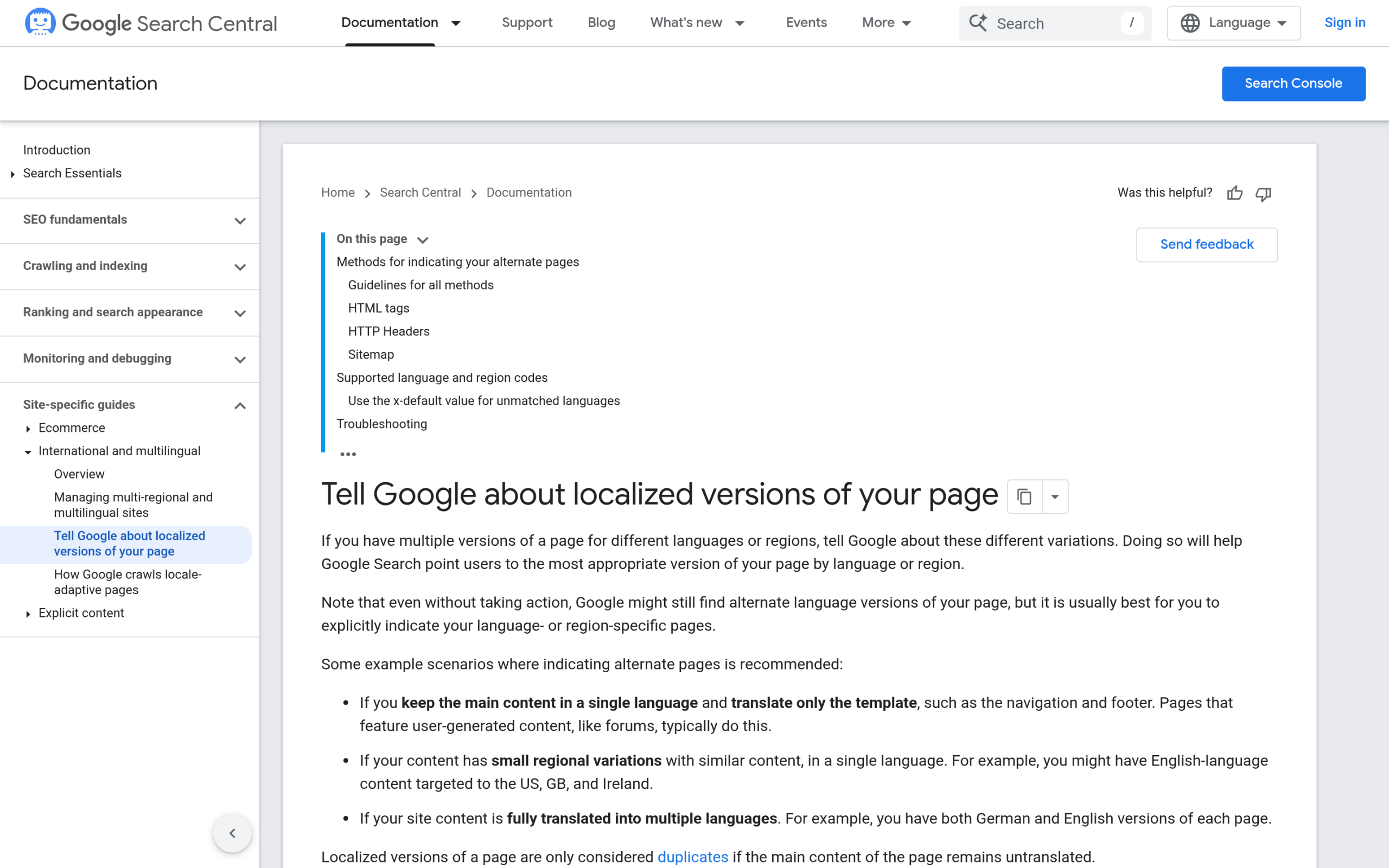
If you remember one thing from this guide, make it hreflang. Google’s own documentation is blunt about what it does: “Use hreflang to tell Google about the variations of your content, so that we can understand that these pages are localized variations of the same content.”
Here is the nuance almost every guide skips. Google also states plainly: “Google doesn’t use hreflang or the HTML lang attribute to detect the language of a page; instead, we use algorithms to determine the language.”
In other words, hreflang is not how Google reads your language. It is how Google decides which version to serve to which user. That distinction is exactly what the Reddit poster was missing.
There are three ways to add it: HTML link tags in the head, an HTTP Link header, or annotations in your XML sitemap. A head tag looks like this:
<link rel="alternate" hreflang="en" href="https://example.com/" />
<link rel="alternate" hreflang="de" href="https://example.com/de/" />
<link rel="alternate" hreflang="x-default" href="https://example.com/" />
Two rules trip people up. First, the links must be bidirectional. Google: “If two pages don’t both point to each other, the tags will be ignored.” Every language version has to point back to all the others, or the whole set is thrown out.
Second, add an x-default entry, the fallback “for users whose language settings don’t match any of your site’s localized versions.” This is the part “all multilingual plugins do this” gets half right.
A good plugin can output these tags for you, but only if your languages and URLs are configured correctly, and you should always verify the result rather than assume it.
Choosing a Translation Setup (and Why Not to Mix)
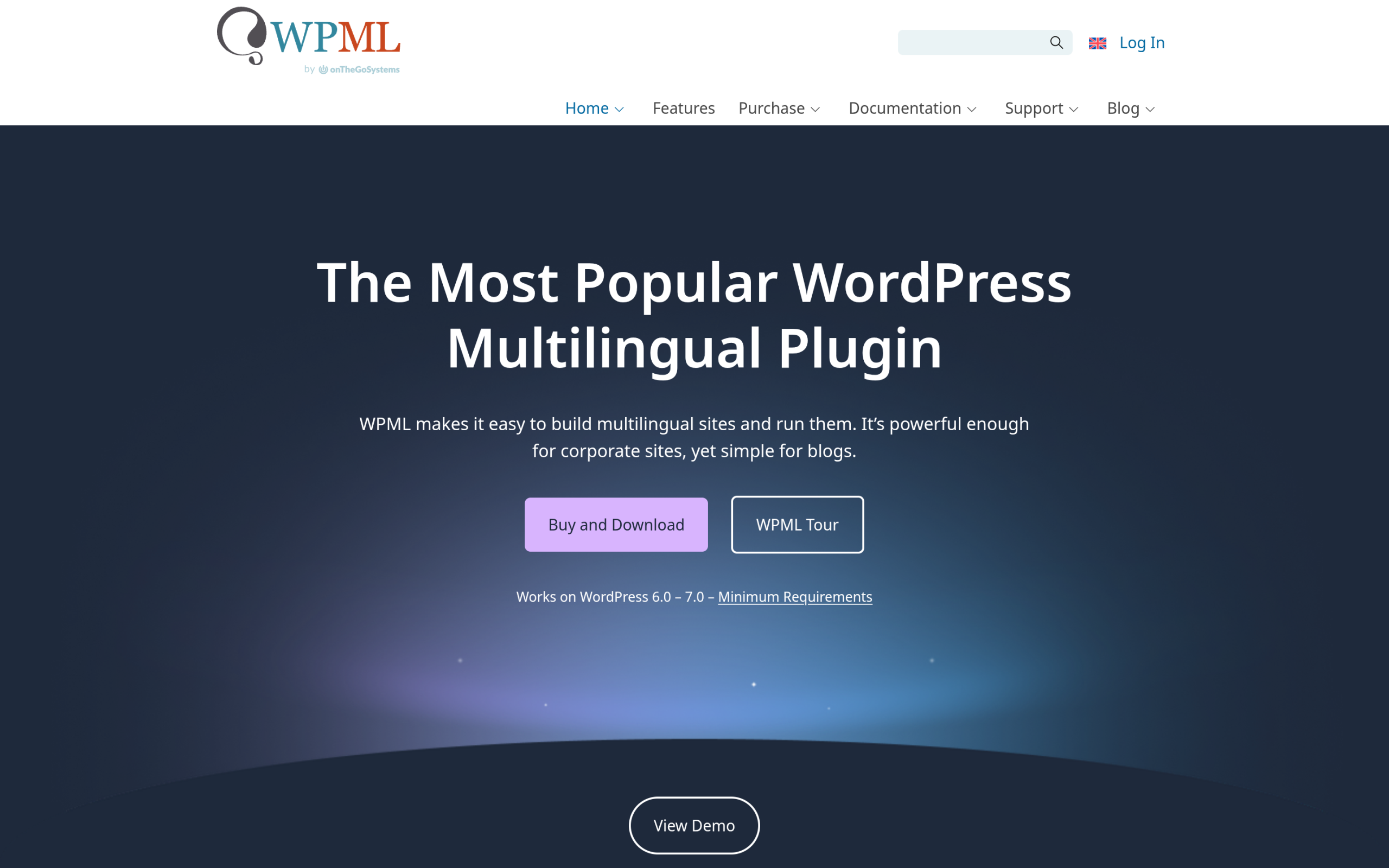
On WordPress, two plugins do the heavy lifting. WPML is the long-standing commercial option, with plans starting at €39/year (Multilingual Blog), €99 (Multilingual CMS, its most popular tier), and €199 (Multilingual Agency).
Polylang takes the other path: a genuinely useful free version on the plugin directory, with Polylang Pro from €99/year for advanced features.
The single most important rule here is do not run two of them at once. Each plugin manages its own languages, URLs, and hreflang output, and stacking them produces duplicate or conflicting tags that break the very signals you are trying to send.
Pick one, configure it properly, and stick with it. If you want the full side-by-side before you commit, our roundup of the best Elementor translation plugins walks through the trade-offs, and the best WordPress switcher plugins covers how visitors actually move between languages.
If you lean toward Polylang and want AI-assisted translation, the AutoPoly review is worth a look.
Designing Translated Pages and a Language Switcher
The translation plugin handles the languages. It does not design the pages those languages live on, and it does not give you a polished place to put the language switcher. That is where a builder toolkit earns its keep.
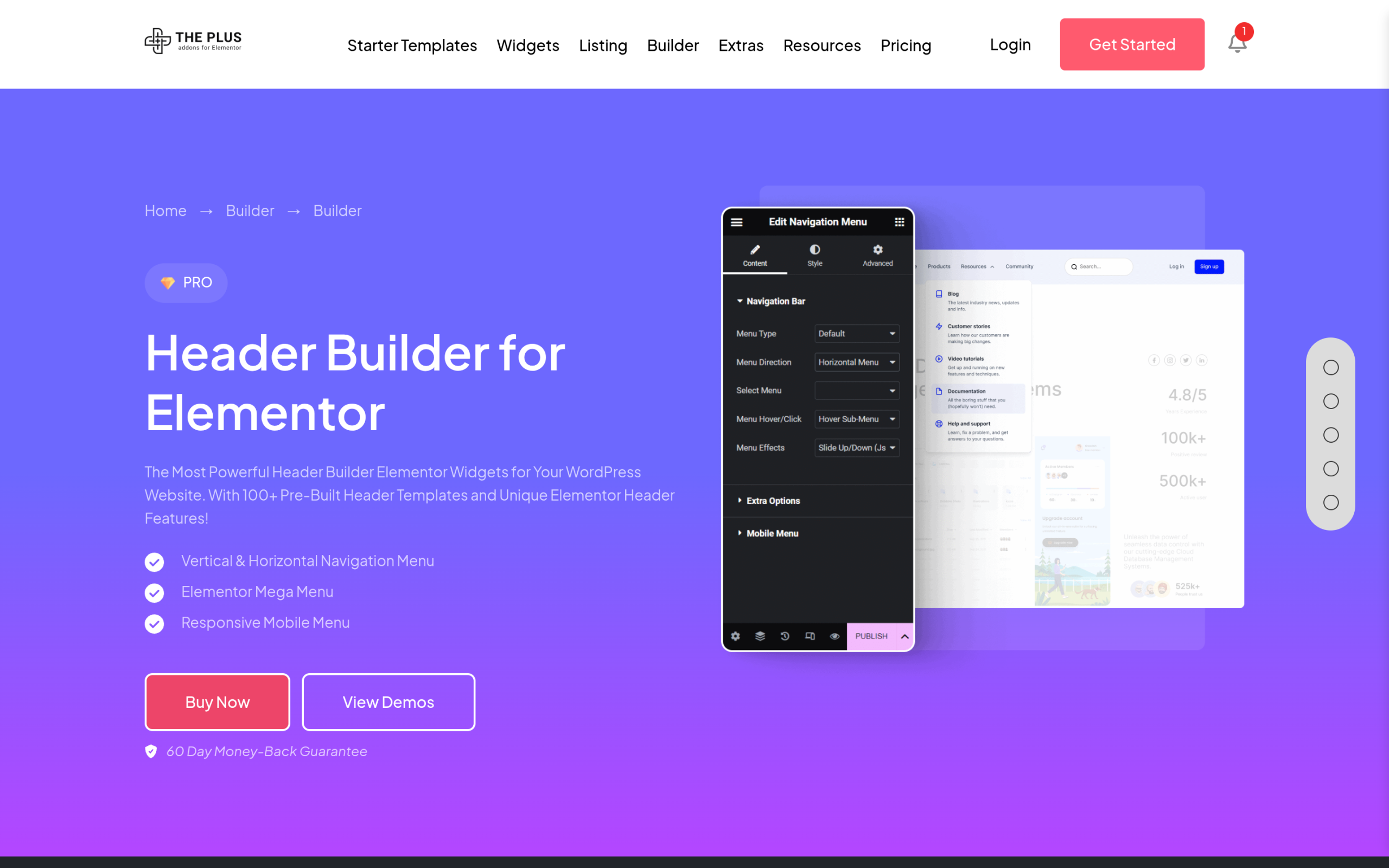
If you build with Elementor, The Plus Addons for Elementor gives you 120+ widgets and extensions to lay out translated pages consistently across every language, plus a full Header Builder and Mega Menu where the translation plugin’s language switcher naturally sits.
To be clear about roles: The Plus Addons for Elementor does not translate anything or generate hreflang, that stays with WPML or Polylang.
What it does is make sure your German header, your French pricing table, and your English homepage all look and behave the same, so the experience does not fall apart the moment someone switches languages.
If you have never built a custom header, our guide on how to create a header and footer in Elementor covers the setup.
Don’t Forget On-Page: Titles, Meta, Slugs and Alt Text
Translating body copy and leaving everything else in the source language is the most common half-finished job I see.
Each language version needs its own translated SEO title and meta description, its own slug (example.com/de/preise/ rather than /de/pricing/), and translated image alt text.
These are the on-page signals that decide your click-through rate in each market, and a translation plugin will not write them for you. Your SEO plugin handles the meta fields per language; you still have to do the work of localizing them, not just copying the English across.
Multilingual SEO in the AI-Search Era
Here is the part the older guides miss entirely. People no longer find you only through blue links. They ask ChatGPT, Perplexity, and Google’s AI answers, and those engines cite whichever version they can read and trust.
If your English content is structured for AI and your German content is not, you get cited in one language and stay invisible in the other.
Multilingual SEO in 2026 means making every language version equally readable to machines, which is the heart of answer engine optimization and generative engine optimization.
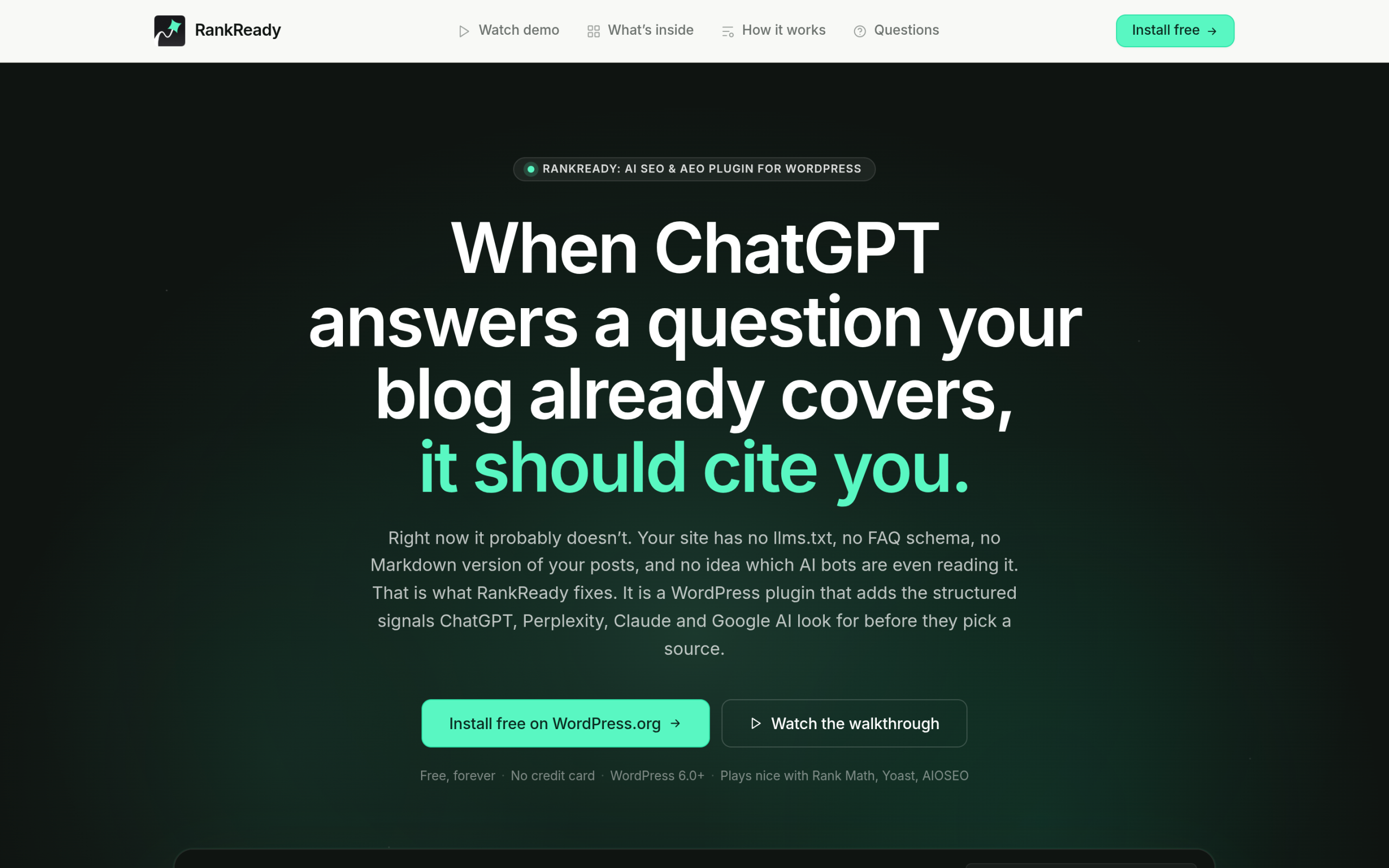
This is where RankReady fits, with one honest caveat: it is not a translation tool and has no multilingual feature of its own. What it does is run per post.
So on a multilingual site, every translated post gets its own Markdown copy, its own entry in your llms.txt and llms-full.txt, its own Article and Speakable schema, and its own per-post readiness score. It is free, GPL licensed, and runs on WordPress 6.0+ with PHP 7.4+.
Pair it with your translation plugin and each language version becomes individually citable, with a live AI crawler log showing you which bots fetched which version. If you are new to that file, start with our guide to llms.txt on WordPress.
Common Multilingual SEO Mistakes (and Fixes)
- Raw machine translation, published as-is. Auto-translate is a starting point, not a finished page. Thin, awkward translations rank poorly and read worse. Have a human review anything that matters.
- Missing return tags. If your French page points to the German one but not back, Google ignores the whole set. Verify the links are bidirectional.
- No x-default. Without a fallback, visitors who match no language get a coin flip. Always set one.
- Running two multilingual plugins. Conflicting hreflang output that quietly breaks everything. Pick one.
- Forgetting AI readability per language. Schema and llms.txt only on the source language means citations only in that language. Cover every version.
Wrapping Up
Multilingual SEO on WordPress is not complicated once the order is right.
Choose a subdirectory URL structure, pick one translation plugin and configure hreflang properly, localize your on-page signals instead of copying them, build consistent page layouts across languages, and make every version readable to both search engines and AI engines.
Do that and each language stops competing with the others and starts ranking in its own market.