An llms.txt file is the plain-text map you publish to help AI crawlers understand your site quickly. It lives at the root of your domain, it is written in Markdown, and a growing number of AI tools check for it.
You can write one by hand, but it is tedious to build and easy to forget the moment you publish your next post, which is why most people reach for a generator.
The catch is that not all generators are equal. Some produce a one-time file that is out of date the moment you publish again.
Here are the three real ways to generate llms.txt on WordPress, and how to make sure the file stays current instead of rotting in your root directory.
What an llms.txt File Is (and Why Use a Generator)
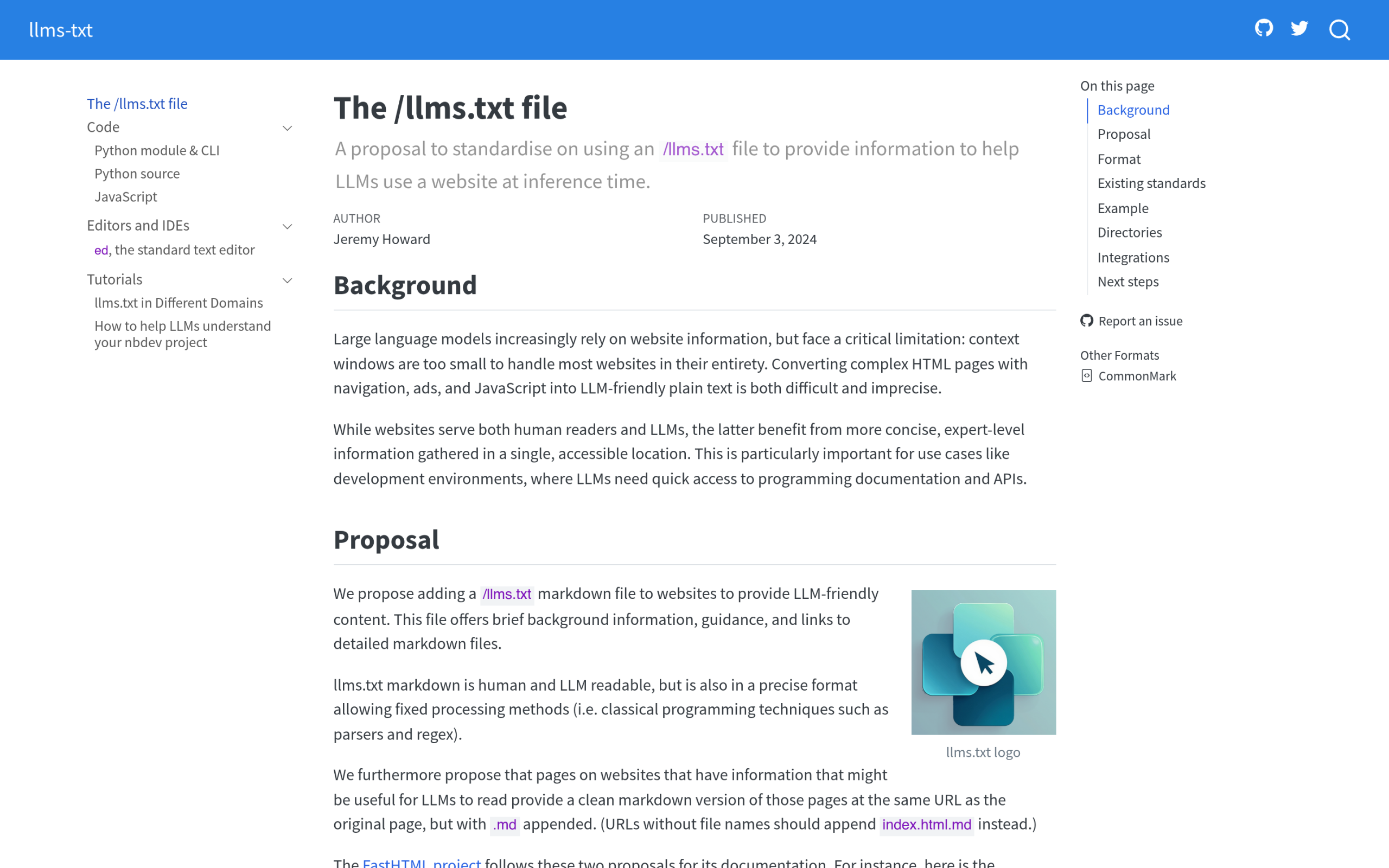
The llms.txt standard was proposed by Jeremy Howard in September 2024 as, in the spec’s own words, “a proposal to standardise on using an /llms.txt file to provide information to help LLMs use a website at inference time.”
The file sits at the root path /llms.txt, and the spec notes that “the most widely and easily understood format for language models is Markdown.” A basic file is an H1 with your site name, a short blockquote summary, and Markdown sections that list your key URLs.
Be clear-eyed about it, though: llms.txt is a 2024 proposal with growing but not universal adoption, so treat it as low-effort positioning for the AI tools that do read it, not a guaranteed ranking lever.
That structure is simple enough to write by hand for a five-page site. For a real WordPress site with dozens or hundreds of posts that change every week, hand-maintaining it is a losing battle.
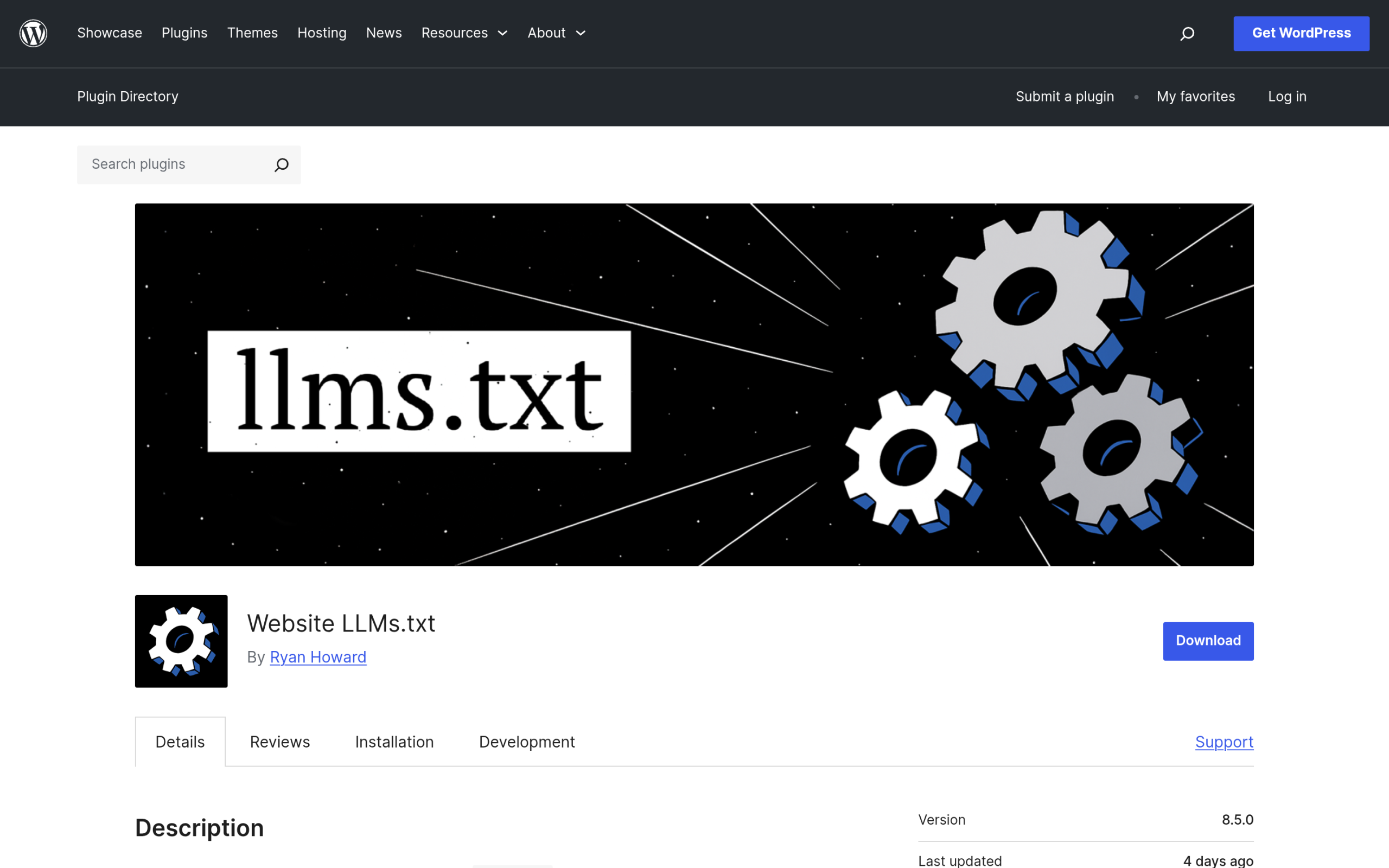
A generator builds the file from your actual content, which is why it is the practical route for anything beyond a brochure site. If you want the background on the file itself, our guide to llms.txt on WordPress covers what goes in it and why it matters for answer engine optimization.
Three Ways to Generate llms.txt on WordPress
There are three practical routes, and they trade off effort against how current the file stays.
| Method | How it works | Stays current? |
|---|---|---|
| By hand | You write the Markdown yourself and upload it to the root | No, only when you remember to update it |
| Online generator | You paste your site or sitemap URL and it crawls your pages into a file | No, it is a one-time snapshot you re-run manually |
| WordPress plugin | A plugin builds the file from your live content inside WordPress | Yes, if the plugin regenerates on publish |
Writing it by hand gives you total control and zero automation. Online generators are quick for a one-off file, but they produce a static snapshot, so the day you publish a new post it is already incomplete.
A WordPress plugin is the only route that can keep the file in sync with your content automatically, which on an active site is the whole point.
The Part Generators Get Wrong: Keeping It Current
This is the mistake that makes most llms.txt files lose their value fast. The file is only useful if it reflects what is actually on your site right now.
A snapshot generated once, then left alone, slowly drifts out of date as you publish, update, and retire content. AI crawlers that fetch a stale file get an inaccurate picture of your site, which defeats the reason you created it.
So the real question to ask any generator is not “can it make the file” but “does it keep the file current without me thinking about it.” That single difference is what separates a tool you set up once from a file you have to babysit.
Generating llms.txt with RankReady
RankReady takes the plugin route and is built around keeping the file current.
It generates your llms.txt and a full-content companion file, and it produces a clean Markdown copy of every post so AI crawlers can read your content without the page clutter, and it keeps those files updated as your content changes rather than freezing a one-time snapshot.
It is free, GPL licensed, and runs on WordPress 6.0 or newer with PHP 7.4 or newer.
One honest clarification on naming: the base llms.txt spec defines the single /llms.txt file. The full-content version, often called llms-full.txt, is a widely used companion convention that tools generate, not a requirement of the original spec.
RankReady produces both, so you get the short map and the full text. Beyond the files, it also gives you a live AI crawler log and a list of citation candidates, so you can see which bots actually fetched your content.
If you want the tactical follow-up, see our playbook on how to get ChatGPT citations to your WordPress content.

Where to Put the File (and How to Verify It)
However you generate it, the file has to live in your WordPress root directory, the same folder that holds wp-config.php and .htaccess. It does not go inside wp-content or a theme folder.
If a plugin generates it for you, it handles placement automatically; if you made it by hand or with an online tool, you upload it there yourself.
To confirm it worked, visit yoursite.com/llms.txt in a browser. You should see your Markdown file load directly, not a 404. If you also generated the full-content version, check yoursite.com/llms-full.txt the same way.
That two-second check is worth doing every time, because a file the crawler cannot reach is the same as no file at all.
Common llms.txt Mistakes (and Fixes)
- Wrong location. A file in wp-content or a subfolder will not be found. It belongs at the root, reachable at yoursite.com/llms.txt.
- Letting it go stale. A one-time generated file drifts out of date fast. Use a method that regenerates as you publish.
- Dumping your entire site. llms.txt is a curated map, not a sitemap of every URL. Point to the content that matters.
- Skipping the full-content file. The short llms.txt helps crawlers navigate, but the full-content companion gives them the actual text to read.
- Never verifying. Always load the URL in a browser after generating, so you catch a 404 before a crawler does.
Wrapping Up
Generating an llms.txt file is easy. Keeping it accurate as your site grows is the part that actually decides whether it helps you.
Writing it by hand or pasting your URL into an online tool gets you a file today; a WordPress plugin that regenerates on publish gets you a file that is still right next month. Whichever route you pick, put it at the root, verify it loads, and do not let it go stale.