






This July, The Plus Addons for Elementor leveled up, bringing you powerful new widgets, refined styling options, seamless WooCommerce flows, and a smoother, faster design experience.
Take a look at the new features:
New in The Plus Addons for Elementor (v6.3.9 & 6.3.11)

- Icon Widget Added – Easily place simple icons on pages.
- Form Enhancements – Gradient colors are now available for the submit button and icons, plus improved compatibility with WPML.
- Table Widget Upgrade – You can now display form data directly in tables, perfect for quick overviews.
- More Styling Options – Gradient symbols for number counters and new fill/stroke color controls for Font Awesome icons across multiple widgets (Accordion, Button, Flip Box, Info Box, Form).
- Woo Multistep Checkout Tweaks – Customize login and payment sections with new styling options.
- Responsive Testimonials – Set columns for tablets and mobiles for better layout control.
Other Improvements:
- UI polish across widgets like Preloader, Table of Contents, Site Logo, and Protected Content for a cleaner design.
- Better Form Handling – Smarter email validation and improved field behaviors.
- Smoother Dashboard – Enhanced design and multilingual compatibility.
- Developer-Friendly – AJAX pagination structure cleanup for better performance.
For all the changes, check out the complete changelog here.
Next month, get ready for exciting new features like:
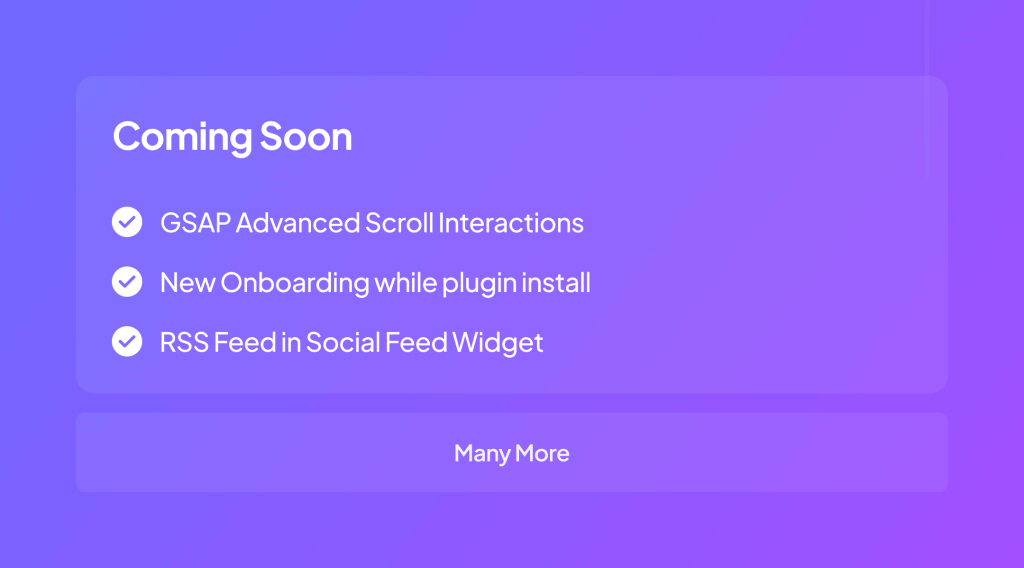
📹— Video Tutorials




🗞️— WordPress & Tech Bytes
- Elementor 3.30 introduces Editor V4 Alpha with improved class naming, style management, and a YouTube widget for better performance. “Kits” are now called Website Templates, allowing full-site saving and reuse via the Cloud Library. The update also includes accessibility enhancements and developer-focused design tools.
- WordPress is working on a WP-Admin redesign with a modular design system, better routing, and unified workflows. The update also focuses on boosting block theme adoption and expanding no-code and developer resources.
- WordPress 6.8.2, released July 15, 2025, fixes 20 Core and 15 Block Editor issues. It’s a short-cycle maintenance update delivered via auto-updates. Security support for versions 4.1–4.6 has ended.
- WordPress 6.9, planned for November 2025, will focus on enhancing the Site Editor, introducing a new default theme, and improving performance and accessibility. It will also bring workflow refinements, design tools upgrades, and continued PHP compatibility improvements.
- Google has upgraded its experimental AI Mode in Search to support image and PDF uploads, a new Canvas workspace for organizing ideas, and real-time live video input via Search Live for mobile users. Desktop users can also access AI-powered insights on any page through a fluent Chrome integration.
- Google explains that when indexing, it focuses on the main content of a page, not sidebars or ads. It uses algorithms to identify and prioritize this core content.
- Google confirms that no special optimization like AEO (Answer Engine Optimization) or GEO (Generative Engine Optimization) is needed to appear in AI Overviews or AI Mode. Standard SEO practices are sufficient, as these AI-driven features use the same crawling, indexing, and ranking systems as traditional search.
- OpenAI removed its ChatGPT “Make this chat discoverable” feature after thousands of shared chats appeared in Google search. The company is working with search engines to de-index them, citing privacy concerns.
- Google confirms that CSS class names don’t affect SEO, they’re only used for styling and ignored by Googlebot. Important page content must be in the HTML, not hidden in CSS pseudo-elements like :before or :after.
🔥— Tool of the Month
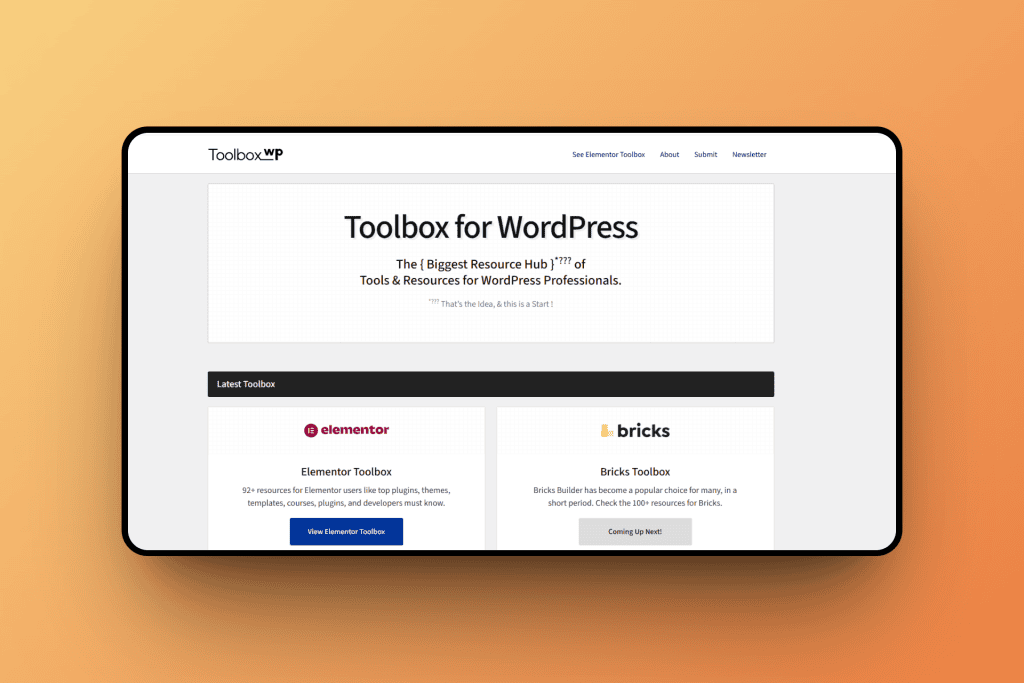
ToolboxWP is a curated resource hub for WordPress professionals, offering top-quality recommendations on plugins, themes, developer tools, online courses, and other resources to help build better WordPress websites
This tool is ideal for WordPress developers, agency teams, and site builders by providing a trusted, one-stop destination to discover reliable tools and learning materials.
🗣️— Word of the Month
Great for Custom Content Delivery!
We’re using The Plus Add Ons Pro version for a complete rebuild of our website to utilise dynamic tags and custom content. I’d highly recommend using it with Metabox or ACF as it integrated really well with them and also getting the lifetime version!
The tech assistance team are also always on the ball and really helpful plus the AI help chat.
Subscribe our Newsletter, get Monthly & Weekly Product updates, News and more….✉️


