If your Elementor pages feel quick on your own laptop but Google Search Console still flags them as “Poor” or “Needs improvement,” you are looking at a Core Web Vitals problem, not an imagination problem. Core Web Vitals are measured on real visitors using mid-range phones and ordinary connections, which is a very different world from your fast desktop and warm cache.
This guide is about the three metrics that decide that score, why Elementor sites are prone to failing them, and the exact fixes for each one. We will keep it specific to Elementor (and to The Plus Addons for Elementor where lighter widgets help), with copy-paste snippets where they earn their place.
What you’ll learn: what LCP, CLS, and INP actually measure in 2026, how to read your real scores instead of lab scores, and a field-tested fix list for each metric on an Elementor build.
What Core Web Vitals Actually Are in 2026
Core Web Vitals are the three user-experience metrics Google uses as a ranking signal. As of 2026 there are exactly three, and one of them changed recently: Interaction to Next Paint (INP) became a stable Core Web Vital in 2024, replacing First Input Delay (FID). If your old performance notes still mention FID, they are out of date.
| Metric | What it measures | “Good” threshold |
|---|---|---|
| LCP (Largest Contentful Paint) | How long until the biggest above-the-fold element renders | Under 2.5 seconds |
| CLS (Cumulative Layout Shift) | How much the layout jumps around while loading | Under 0.1 |
| INP (Interaction to Next Paint) | How fast the page responds to taps, clicks, and key presses | Under 200 milliseconds |
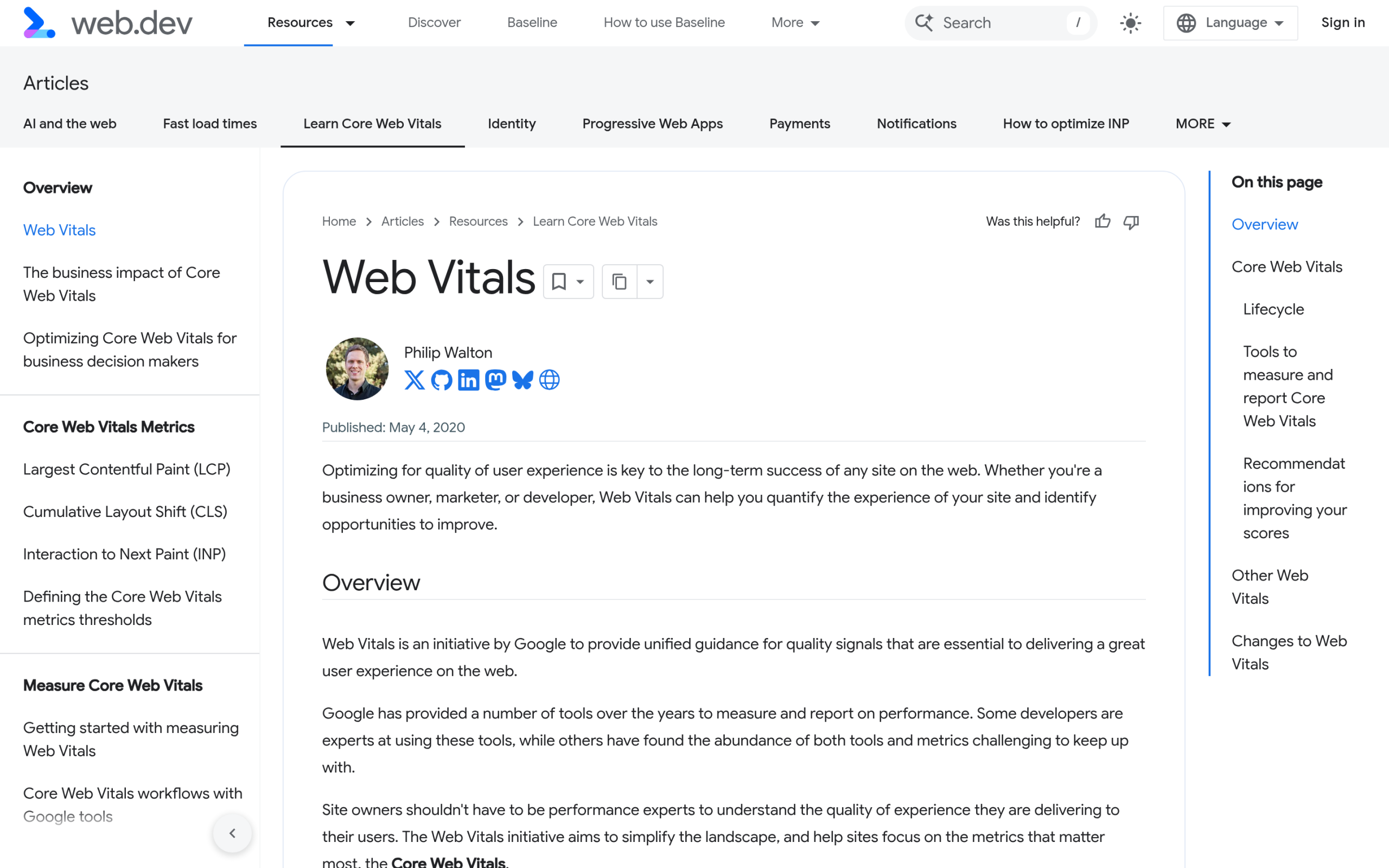
That 75th-percentile detail matters. Google does not grade your fastest visit or your average visit. It grades the experience at the 75th percentile, meaning roughly your slowest quarter of real visitors. A page that is “fine for me” can still fail because the people on older phones are dragging the percentile down.
Why Elementor Sites Struggle With Core Web Vitals
Elementor is a visual builder, and visual builders trade some output efficiency for editing flexibility. That trade-off shows up in four recurring places:
- Deep DOM nesting. Every section, container, and column adds wrapper elements. A layout that needs 30 nodes can ship with 120, and the browser has to lay all of them out, which hurts both LCP and CLS.
- Render-blocking CSS and JS. Elementor and many addon plugins enqueue stylesheets and scripts site-wide, even on pages that do not use those widgets.
- Web fonts loaded late. Google Fonts pulled at render time cause both slow text paint and layout shift when the custom font swaps in.
- Widget bloat from stacked plugins. Running three or four overlapping addon plugins to get a handful of widgets loads three or four full asset bundles.
This is not hypothetical. In a widely discussed r/elementor thread, an agency running bare-metal AMD EPYC servers with LiteSpeed Enterprise and 128 GB of RAM reported that Elementor’s new Atomic engine still struggled on large WordPress sites despite hardware that should never be the bottleneck. When the server is that strong and pages still lag, the weight is in the front-end output, which is exactly where Core Web Vitals are won or lost.
The practical lesson: most Elementor performance work is about shipping less to the browser, not buying a bigger server. If you want the broader picture on whether the builder itself is the problem, we cover that in Does Elementor Slow Down Your Website? This guide stays focused on the three metrics.
Diagnose Your Real Scores First (Field Data vs Lab Data)
Before you fix anything, measure the right thing. There are two kinds of data, and people waste days optimizing the wrong one.
- Field data (CrUX): real Chrome users over the trailing 28 days. This is what Google ranks on and what Search Console reports. It is the score that counts.
- Lab data (Lighthouse): a single simulated load in a controlled environment. Useful for debugging, but it does not measure INP at all, because INP needs real interactions.
Run your URL through PageSpeed Insights and read the top section (field data) before the bottom section (lab data). If the page has enough traffic, you will see your real LCP, CLS, and INP at the 75th percentile. For sitewide trends, the Core Web Vitals report in Google Search Console groups failing URLs so you can fix patterns rather than single pages.
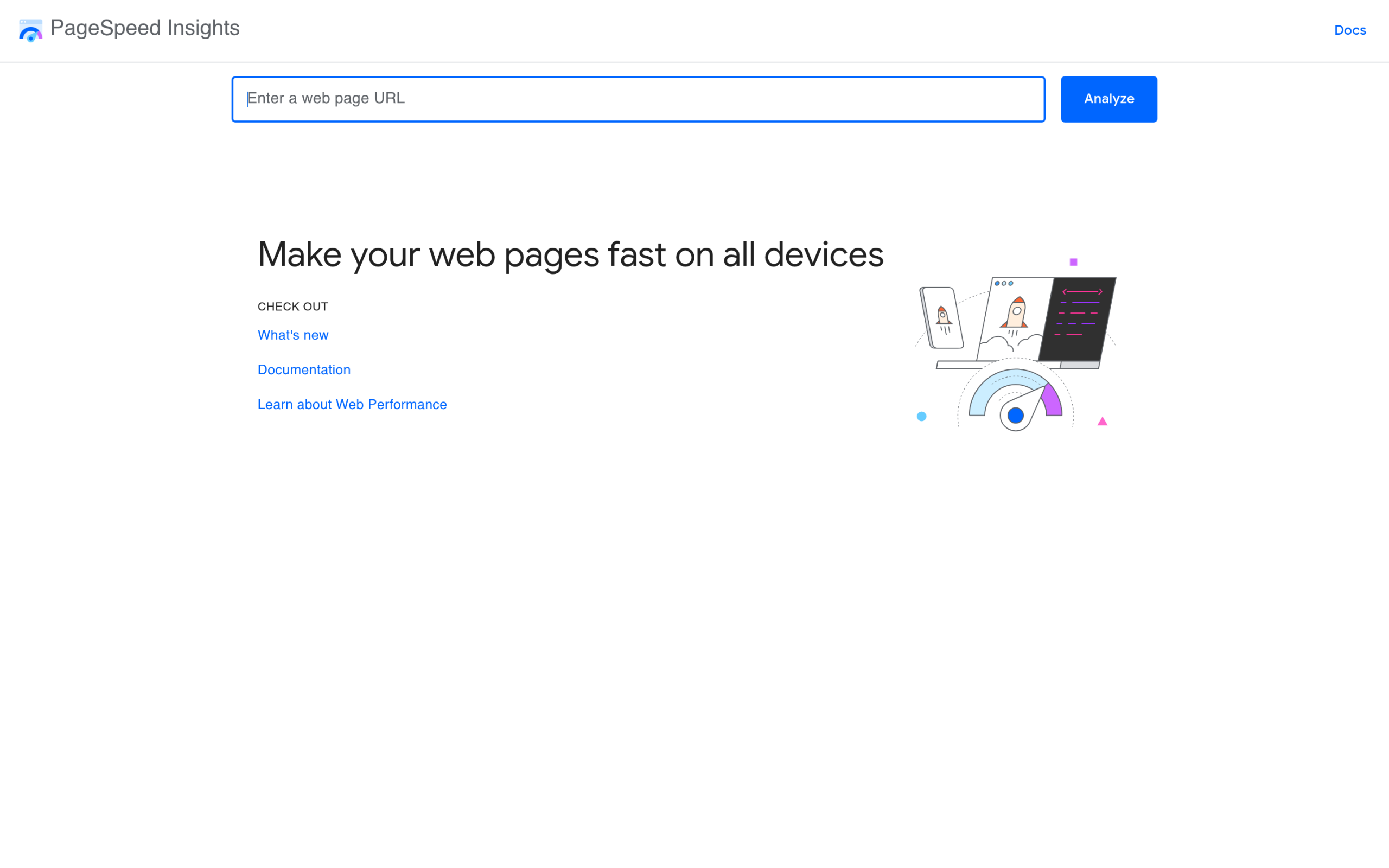
One caveat that catches Elementor users constantly: a brand-new or low-traffic page has no field data, so you only get lab data. Do not panic-optimize a lab INP number, it is an estimate, not a measurement.
Fix CLS in Elementor (Stop the Layout From Jumping)
CLS is usually the easiest Core Web Vital to fix and the most common one Elementor sites fail. It is caused by elements that load without reserved space and shove everything else down. The main offenders and their fixes:
- Images without dimensions. Always set explicit width and height (or an aspect ratio) so the browser reserves the box before the image arrives. In Elementor, avoid images whose size is controlled only by CSS with no intrinsic dimensions.
- Late-swapping web fonts. Add
font-display: swapand preload the primary font so text does not reflow when the custom font loads. - Widgets injected after load. Pop-ups, cookie bars, ad slots, and “sticky on scroll” elements that appear without reserved space all shift the layout. Reserve their height up front.
- Embeds and iframes. Give YouTube embeds, maps, and forms a fixed container height.
A reliable font snippet to drop in your child theme:
/* Reserve font behaviour to prevent layout shift */
@font-face {
  font-family: "YourFont";
  src: url("/wp-content/uploads/fonts/yourfont.woff2") format("woff2");
  font-display: swap;
  font-weight: 400;
}
Fix LCP in Elementor (Make the Hero Render Fast)
LCP is almost always your hero: a large banner image, a background image, or a big headline block. The goal is to get that one element painted in under 2.5 seconds. If your hero is an image, our dedicated guide on fixing the Elementor hero image for LCP walks through preloading and sizing it correctly. The fixes, in order of impact:
- Do not lazy-load the LCP element. This is the single biggest Elementor LCP mistake. Lazy-loading the hero image delays the exact thing the metric measures. Exclude the first viewport image from lazy-load.
- Preload the hero image so the browser fetches it early instead of discovering it after CSS parses.
- Serve modern formats. WebP or AVIF at the correct dimensions, not a 3000px image scaled down by CSS.
- Fix server response (TTFB). If the HTML itself is slow to arrive, nothing renders fast. Caching and decent hosting matter here.
<!-- Preload the hero image in the document head -->
<link rel="preload" as="image"
      href="/wp-content/uploads/2026/hero.webp"
      fetchpriority="high">
If your TTFB is the weak link, the caching layer is the next place to look. Our roundup of the best cache plugins for Elementor covers which ones play nicely with the builder, and how to clear Elementor cache walks through the flush steps when stale CSS gets served.
Fix INP in Elementor (Respond to Interactions Quickly)
INP is the metric most Elementor sites have not adapted to yet, because it replaced FID and is much stricter. It measures the delay between a user interaction (tap, click, key press) and the next frame the browser paints. Heavy JavaScript is the cause, and Elementor pages tend to accumulate it from many sources.
- Cut third-party scripts. Chat widgets, analytics, A/B tools, and embedded social feeds run on the main thread and block interaction response. Load them lazily or on interaction.
- Reduce widget JavaScript. Carousels, animated counters, particle backgrounds, and parallax all ship scripts. Use them where they earn attention, not everywhere.
- Avoid stacking overlapping addon plugins. Each one loads its own bundle. Consolidating to a single, well-built widget library keeps the JavaScript footprint down.
- Defer non-critical JS and remove unused scripts on pages that do not need them.
This is where widget choice has real performance consequences, which we get to next.
The Caching and Hosting Layer (Where Elementor and Cache Plugins Clash)
Caching is essential for LCP and TTFB, but a misconfigured cache plugin is its own source of bugs on Elementor sites. A recurring r/elementor report describes LiteSpeed Cache corrupting Elementor’s generated CSS, where edits look right in the editor but break on the live page. In the comments, one user noted that LiteSpeed’s own support told them to disable a specific optimization, and another put it bluntly: people end up “blaming Elementor instead of fixing the root cause” of a cache misconfiguration.
Practical guidance that avoids the common traps:
- Turn on page caching and a CDN for TTFB and LCP, but introduce CSS and JS optimization (combine, defer, critical CSS) one toggle at a time, testing after each.
- Keep the
?ver=timestamp on Elementor’s CSS files. It is how the browser knows to re-download changed styles. Stripping query strings is a frequent cause of “my changes are not showing.” - Make sure the cache actually purges on save, or stale CSS gets served.
- If a single optimization keeps breaking layout, disable that one option rather than abandoning the whole cache plugin.
Server-side slowness shows up in the admin too. If editing itself feels sluggish, a slow WordPress admin is often the same root cause as a slow front end.
Lighter Widget Choices: Where The Plus Addons for Elementor Helps
If INP and LCP keep failing after the basics, look at how many addon plugins you run. The pattern that wrecks Core Web Vitals is stacking three or four overlapping libraries to get a dozen widgets, because each library loads its full asset bundle whether you use one widget or twenty.
The Plus Addons for Elementor is one broad widget library instead of several overlapping ones, and that consolidation is the part that helps Core Web Vitals. If a single addon covers the widgets you were pulling from three or four separate plugins, the browser loads one plugin’s asset bundle instead of several. Fewer script bundles on the main thread is a direct INP win, and fewer render-blocking stylesheets helps LCP. Audit which addons you actually use, then cut the overlap.
For a full walkthrough of trimming the stack, see 25+ proven ways to speed up Elementor website performance, which pairs well with the metric-specific fixes above.

Your Elementor Core Web Vitals Checklist
Work this list top to bottom, re-testing in PageSpeed Insights after each group:
- Measure field data first (PageSpeed Insights top section + Search Console Core Web Vitals report).
- CLS: set image dimensions, add
font-display: swap, reserve space for pop-ups and embeds. - LCP: exclude the hero from lazy-load, preload it, serve WebP/AVIF at correct size.
- INP: defer or interaction-load third-party scripts, cut non-essential widget JS.
- Caching: enable page cache + CDN, add CSS/JS optimization one toggle at a time, keep
?ver=strings. - Stack: consolidate overlapping addon plugins to one library.
- Re-test at the 75th percentile, then wait for the 28-day field data to update.
Core Web Vitals on Elementor are rarely fixed by one heroic change. They improve when you ship less to the browser at every layer: fewer nodes, fewer scripts, fewer stylesheets, and images that arrive in the right size with their space reserved. Get those right and the score follows your real visitors, which is the only audience the metric cares about.
If you are also navigating the Elementor V4 / Atomic transition while chasing these numbers, our companion guides on whether Elementor V4 is production-ready and whether Elementor slows your site give you the rest of the picture.