The first time you spot ChatGPT-User in your WordPress access logs, the instinct is to reach for the block list. Another bot, another drain on the server, another company training on your work without asking. I had the same reaction until I looked closer and realized OpenAI does not send one crawler. It sends three, they do very different jobs, and blocking the wrong one quietly costs you traffic you actually want.
So here is the honest breakdown of OpenAI’s crawlers, what each one does, and whether to allow or block it on a WordPress site. This is the OpenAI companion to our guide on whether to allow or block ClaudeBot, and the decisions are not the same.
Meet OpenAI’s three crawlers
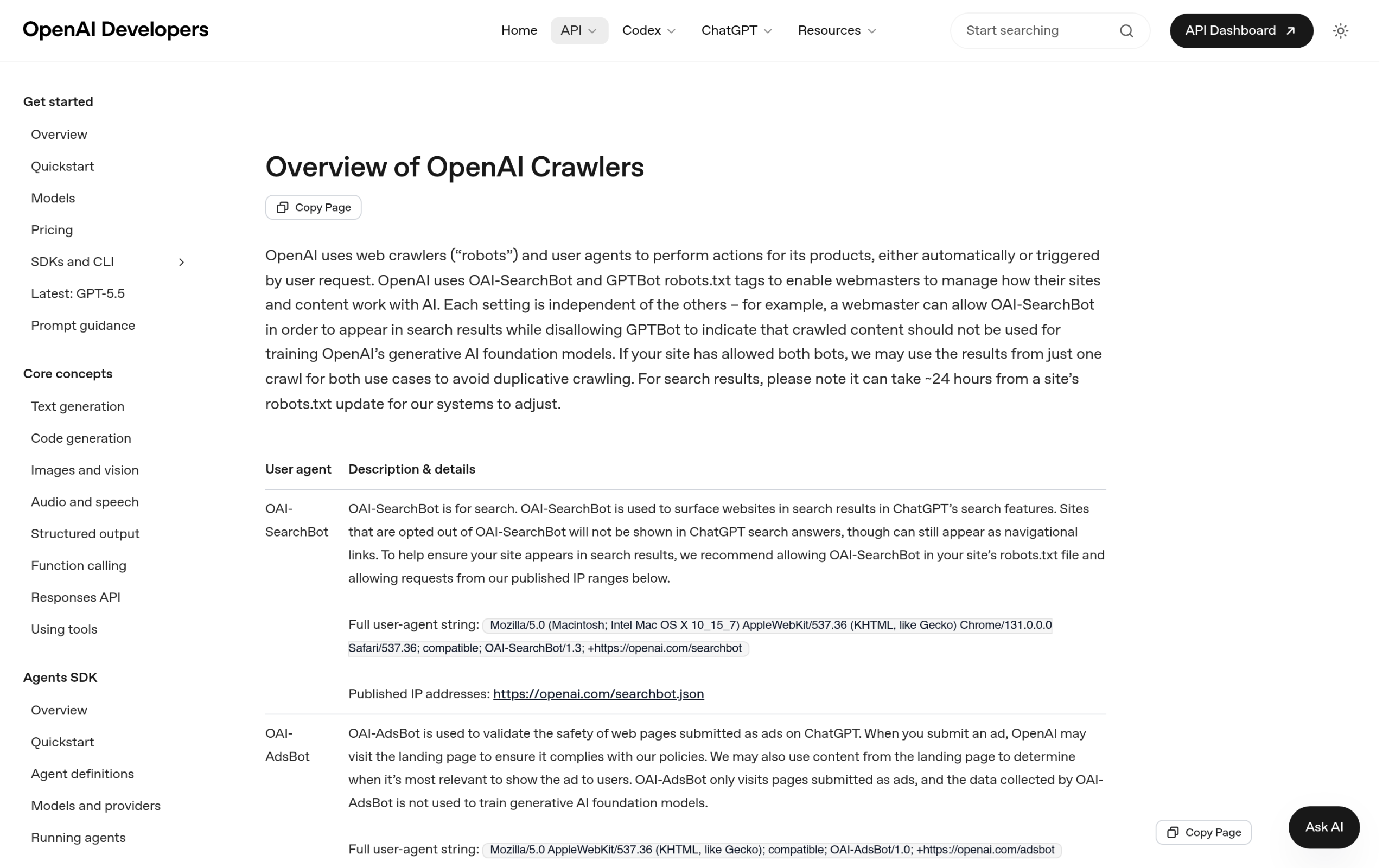
OpenAI publishes three separate bots, each with its own user-agent token and its own job. Treating them as one thing is the mistake that leads to bad robots.txt rules.
| Crawler | What it does | robots.txt token | Blocking it means |
|---|---|---|---|
| GPTBot | Crawls pages to train OpenAI’s foundation models | GPTBot | Your content is excluded from future model training |
| OAI-SearchBot | Indexes pages so they can surface in ChatGPT’s search features | OAI-SearchBot | You will not appear in ChatGPT search results |
| ChatGPT-User | Fetches a specific page when a user asks ChatGPT to visit or use it | ChatGPT-User | Users who send ChatGPT your link get nothing back |
For the record, here are the exact user-agent strings OpenAI documents, so you can confirm what you are seeing in your own logs:
- GPTBot:
Mozilla/5.0 AppleWebKit/537.36 (KHTML, like Gecko); compatible; GPTBot/1.3; +https://openai.com/gptbot - OAI-SearchBot:
Mozilla/5.0 ... compatible; OAI-SearchBot/1.3; +https://openai.com/searchbot - ChatGPT-User:
Mozilla/5.0 AppleWebKit/537.36 (KHTML, like Gecko); compatible; ChatGPT-User/1.0; +https://openai.com/bot
The distinction that changes your decision
The three bots map to three different relationships with your content. GPTBot is about training, which is the one people have real philosophical objections to. OAI-SearchBot is about discovery, the same role Googlebot plays, except the results show up inside ChatGPT search. ChatGPT-User is different again: it only runs when a real person asks ChatGPT to open or use a specific page. OpenAI states that ChatGPT-User is “not used for crawling the web in an automatic fashion,” and that because these are user-initiated actions, “robots.txt rules may not apply” to it the way they do to the other two. In other words, blocking it in robots.txt is both less effective and less wise, because the request came from your own visitor.
Allow or block, bot by bot
GPTBot (training): this is a values call, not an SEO one. If you do not want your content used to train future models, block it. Just know that blocking GPTBot does nothing to help or hurt whether ChatGPT can cite you in answers today, because that is a different bot. Most publishers who want AI visibility leave it allowed; those who object to training on principle block it. Both are defensible.
OAI-SearchBot (search): allow it. This is the bot that decides whether your pages can appear when someone searches inside ChatGPT. Blocking it is the AI-search equivalent of blocking Googlebot, and for most sites that is self-defeating.
ChatGPT-User (user-triggered): think hard before blocking this one. When it fires, a real person has asked ChatGPT to read your page, summarize your article, or use your tool. Blocking it means that person gets an error instead of your content. That is a worse outcome than almost any crawler concern, so unless you have a specific reason, leave it allowed.
How to allow or block them in robots.txt
If you decide to opt out of training while staying visible in ChatGPT search and useful to its users, the rule set looks like this:
# Opt out of model training
User-agent: GPTBot
Disallow: /

# Stay discoverable in ChatGPT search
User-agent: OAI-SearchBot
Allow: /

# Keep working for users who send ChatGPT your link
User-agent: ChatGPT-User
Allow: /
If you are happy to be part of everything, you do not need any of these lines at all, since the default is allow. And if you want the opposite, a blanket block, swap every Allow: / above for Disallow: /, but read the section above first, because a blanket block usually removes you from AI search for no real gain. OpenAI also publishes the IP ranges for each bot at openai.com/gptbot.json, openai.com/searchbot.json, and openai.com/chatgpt-user.json, so you can verify a request is genuinely from OpenAI and not a spoofed user-agent.
First, see which bots are actually hitting your site
Here is the part most allow-or-block advice skips: you should not make these decisions blind. Before you edit robots.txt, look at what is actually crawling you and how often. Raw server logs work, but they are painful to read. This is where RankReady earns its place on an AI-era WordPress site. It tracks 31 AI crawlers individually, including all three OpenAI bots plus ClaudeBot, PerplexityBot, Google-Extended, and Bytespider, and its Live AI Crawler Log shows the timestamp, the pages each bot accessed, and the likely action behind the visit, whether that is training, indexing, or building a citation.
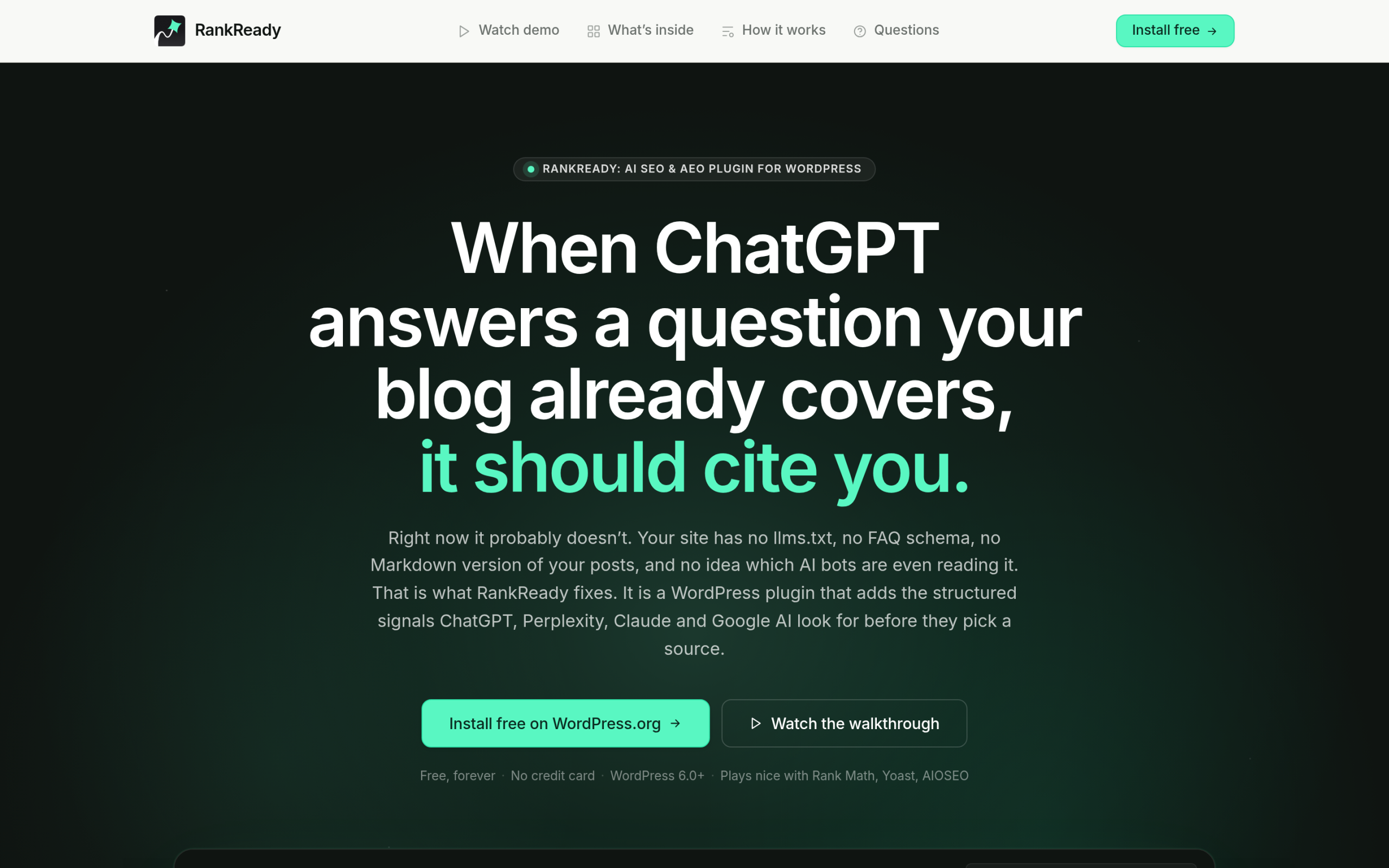
Seeing OAI-SearchBot and ChatGPT-User show up regularly is a good sign: it means your content is being indexed and pulled into real answers. Seeing only GPTBot tells a different story. RankReady also manages your robots.txt entries for those 31 named crawlers with simple allow and block controls, so you are not hand-editing a file and hoping you got the token right.
The smarter play: be citeable, not just crawlable
Allowing the right bots is table stakes. Getting cited is the actual goal, and being crawlable does not guarantee it. RankReady scores each post from 0 to 100 on schema, freshness, content depth, and author signals, and tells you what to fix. Its citation candidates view lists the posts that citation-style bots fetched in the last 30 days, which is the closest thing you get to a leading indicator that ChatGPT or Perplexity were composing an answer from your content. It can also generate an llms.txt file so AI engines have a clean index of what is worth reading. RankReady is free, GPL licensed, runs on WordPress 6.0 and PHP 7.4 or higher, and collects zero telemetry.
Wrapping up
OpenAI does not send one crawler, it sends three, and the right move is rarely block everything. Decide on GPTBot based on how you feel about training, keep OAI-SearchBot and ChatGPT-User allowed so you stay visible and useful, and watch your logs so the decision is informed rather than reflexive. Then put the energy where it pays off, which is making content worth citing in the first place. If you want help getting your Elementor site there, The Plus Addons for Elementor keeps the build lean and fast, which is one less thing standing between your content and a citation.