Struggling to showcase your content in a way that grabs attention without cluttering your site? Many WordPress users face the challenge of displaying images, products, or posts elegantly while keeping their pages fast and user-friendly.
Choosing the right carousel slider plugin can transform your website’s look and lift engagement, but with so many options available, finding the perfect fit feels overwhelming.
Short answer: if you already build with Elementor, Carousel Slider by The Plus Addons for Elementor is the pick, because it turns an existing Elementor container into a carousel instead of making you rebuild that content inside a separate slider tool. If you are not on Elementor, Carousel Slider is the most capable free option (images, video, posts and WooCommerce products, with no paid tier at all), and WP Carousel is the most widely installed at 70,000 active sites. Soliloquy Lite covers image and video sliders and has the largest review base of the five, while Ultimate Responsive Image Slider handles images only.
What Does a Carousel Slider WordPress Plugin Help You With?
A carousel slider WordPress plugin lets you create responsive sliders that show images, videos, posts, or products in a single block of space instead of stacking them down the page.
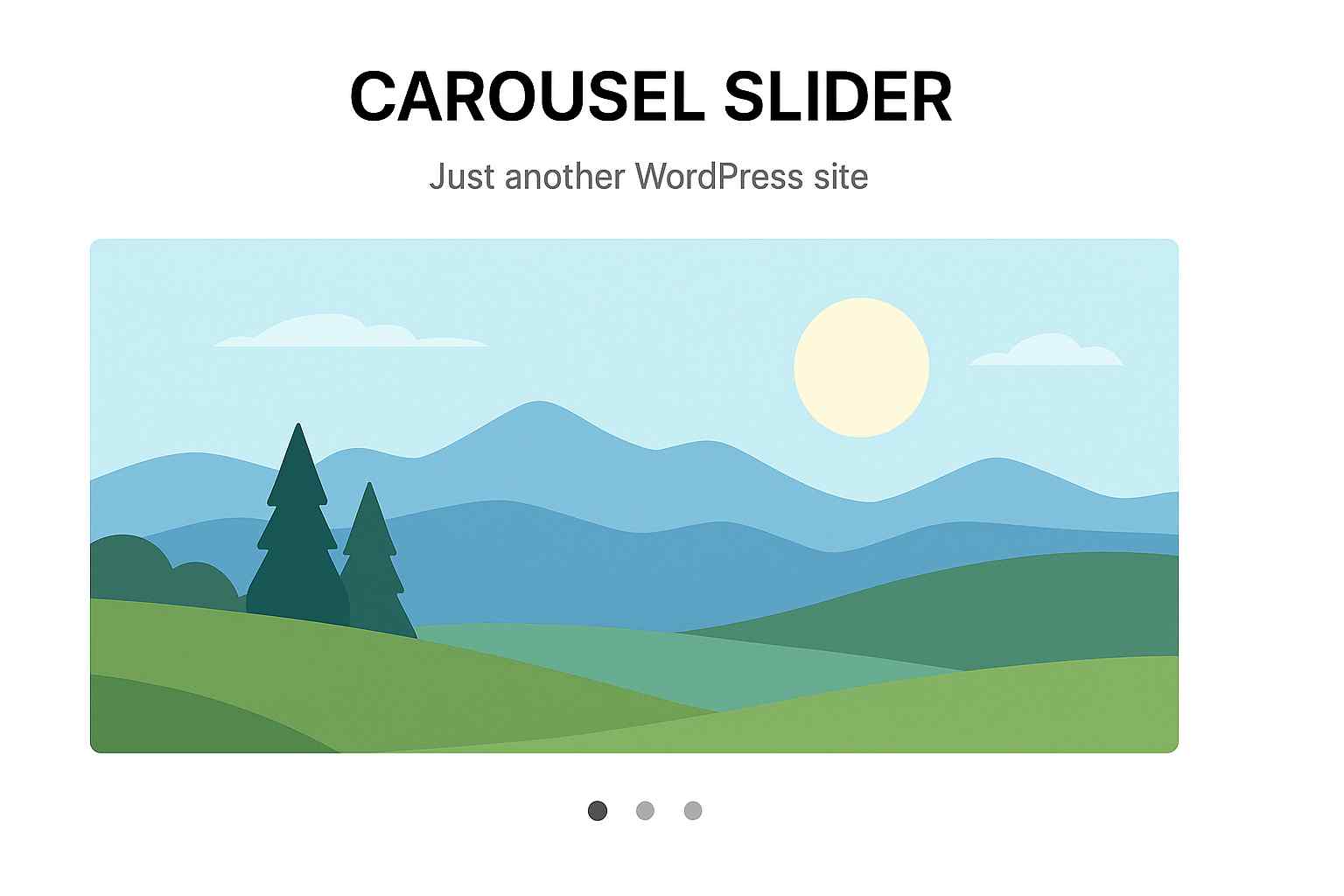
The practical trade-off is worth naming up front: a carousel hides everything after the first slide, so it works well for supporting content such as logos, reviews or related products, and works badly for the one message you actually need every visitor to read.
Also Read: How to Add an Image Carousel in Elementor walks through the build step by step if you want the how-to rather than the comparison.
How We Picked These Carousel Slider Plugins
Every number in this comparison was pulled from each plugin’s live WordPress.org listing on 19 August 2026, not from an older draft of this post. For each plugin we recorded active installs, the current version, the last-updated date, the tested-up-to WordPress version and the review count, then read the readme to separate what the free version actually does from what needs a paid licence.
- Active installs and review count as a proxy for how much real-world testing a plugin has had.
- Last updated and tested up to, because a slider that has not been touched in a year is a compatibility risk.
- Free versus paid feature split, verified in the readme. Three of the five plugins market features on their listing page that are not in the free download.
- Content sources supported, since an images-only slider and a WooCommerce product carousel are not the same product.
One honest limit on this list: we build and maintain The Plus Addons for Elementor, so it is first here on a specific, checkable claim, that it carousels existing Elementor content rather than being a separate slider builder. If you are not using Elementor, that advantage does not apply to you and the free standalone plugins below are the better starting point.
Best WordPress Carousel Slider Plugins Compared
| Plugin | Type | Best for | Price | Active installs | Last updated |
|---|---|---|---|---|---|
| Carousel Slider by The Plus Addons for Elementor | Elementor widget | Carouselling existing Elementor content | Free core, Pro from $39/year | 100,000 | 14 Aug 2026 |
| WP Carousel | Standalone plugin | Most-installed all-rounder | Free, Pro from $39/year | 70,000 | 18 Aug 2026 |
| Carousel Slider | Standalone plugin | Most capable fully free option | Free, no paid tier | 30,000 | 21 May 2026 |
| Soliloquy Lite | Standalone plugin | Image and video sliders | Free Lite, Pro from $39/year | 30,000 | 18 Aug 2026 |
| Ultimate Responsive Image Slider | Standalone plugin | Simple image-only sliders | Free, Pro (price not published) | 30,000 | 10 Aug 2026 |
1. Carousel Slider by The Plus Addons for Elementor
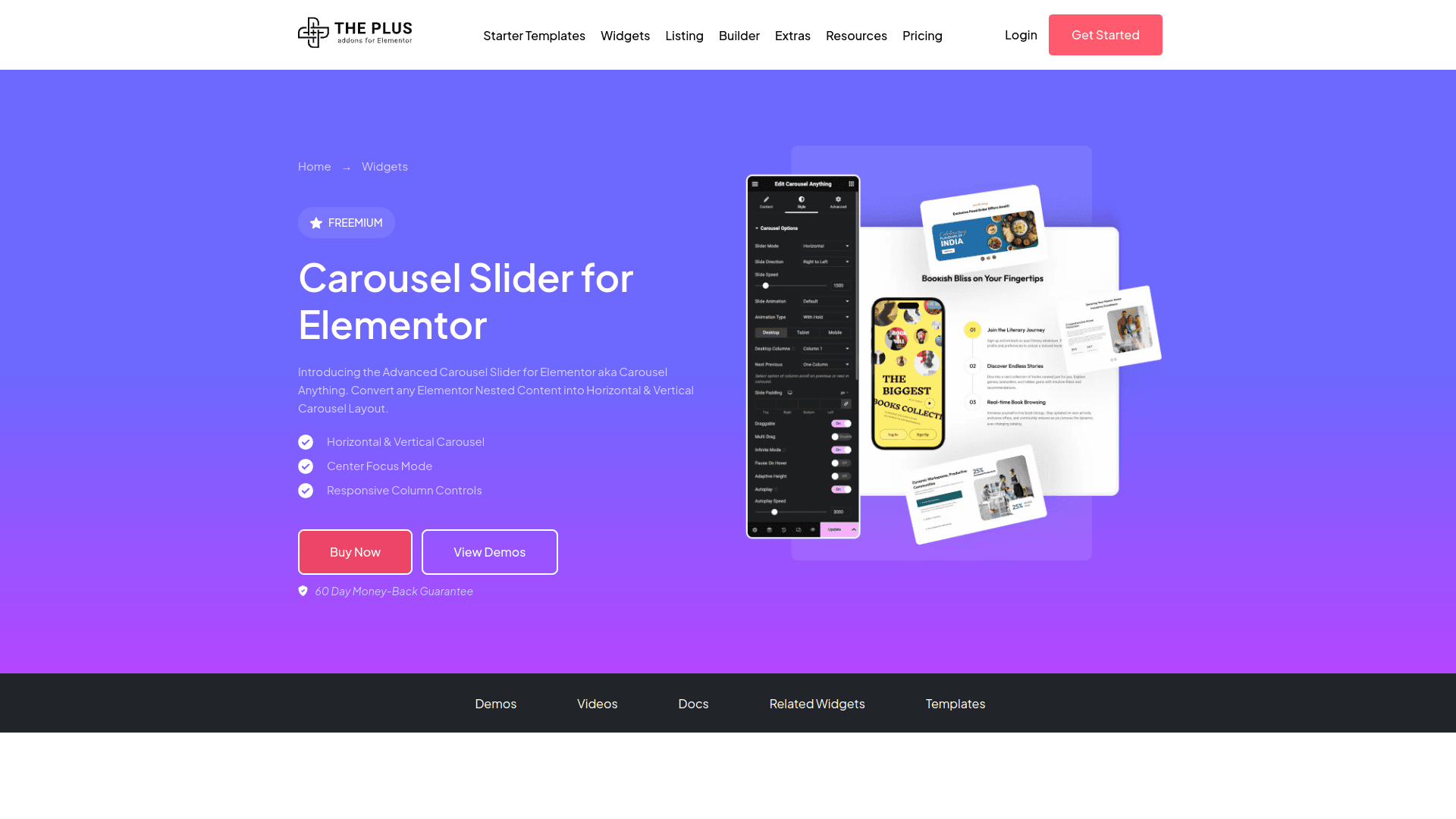
The reason this one is first is narrow and checkable. Most slider plugins ask you to rebuild your content inside their own interface. This widget wraps Elementor content you have already designed and turns it into a horizontal or vertical carousel, so the styling, spacing and responsive settings you set in Elementor carry over.
Best for: Elementor users who want to carousel a row of cards, testimonials or products they have already built, without duplicating that work in a second builder.
Worth knowing: it is an Elementor widget, not a standalone plugin. If your site does not run Elementor, this is not an option for you and one of the four below is the right pick.
Key Features of Carousel Slider by The Plus Addons for Elementor
- Turn any Elementor container into a horizontal or vertical carousel without rebuilding the content inside a separate slider tool.
- Show multiple items such as images, products or posts in one compact block that saves vertical space.
- Control carousel styling and animation from Elementor’s own controls, so it matches the rest of the page.
- Set how many items are visible per breakpoint, which is the setting most often missing from simple image sliders.
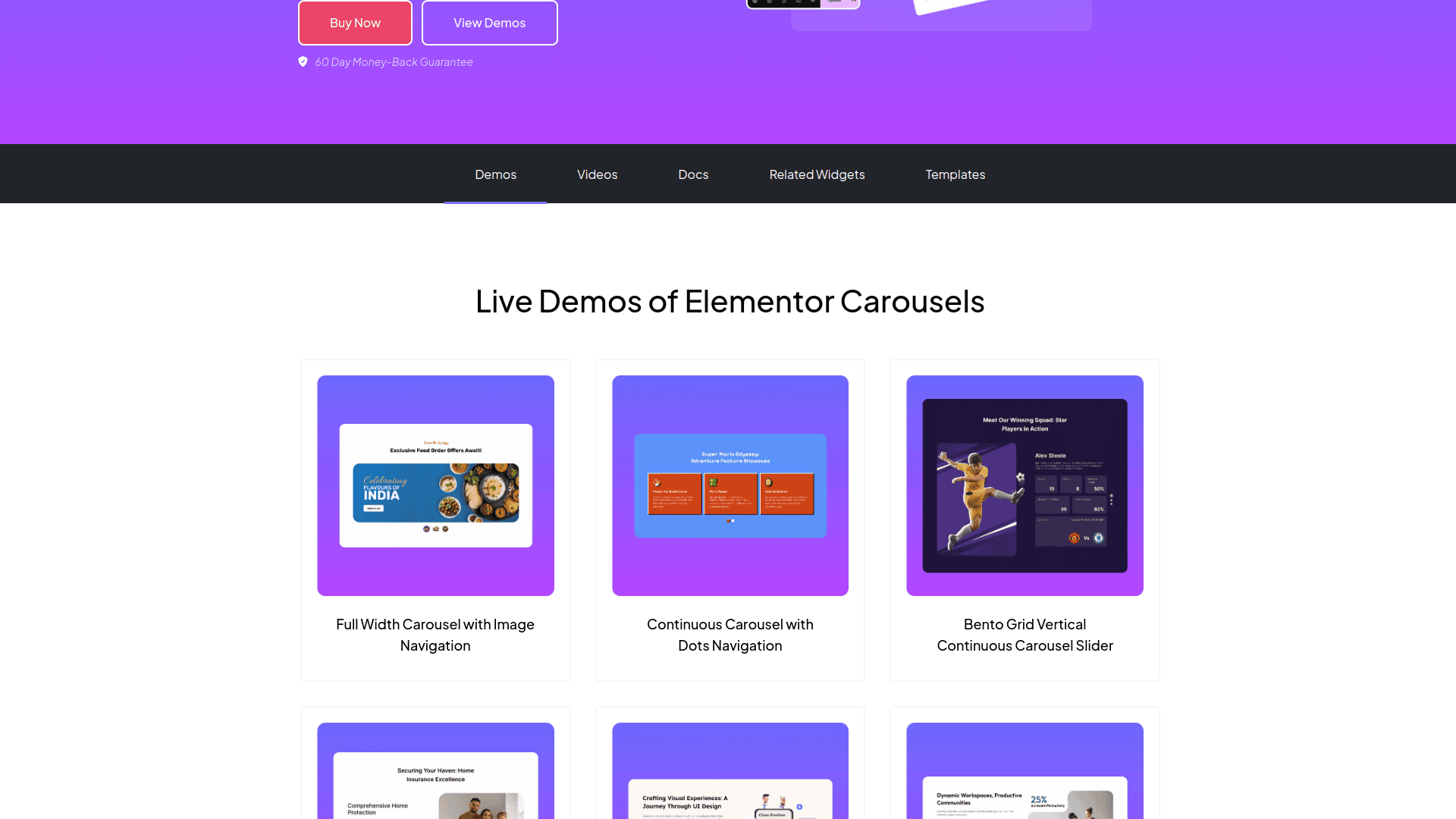
Carousel Slider is one of the 120+ Elementor widgets in The Plus Addons for Elementor, which is priced from $39 per year for a single site. If you are weighing that against adding another single-purpose plugin, our guide to cleaning up a bloated Elementor site covers how much each extra plugin actually costs you in page weight.
2. WP Carousel
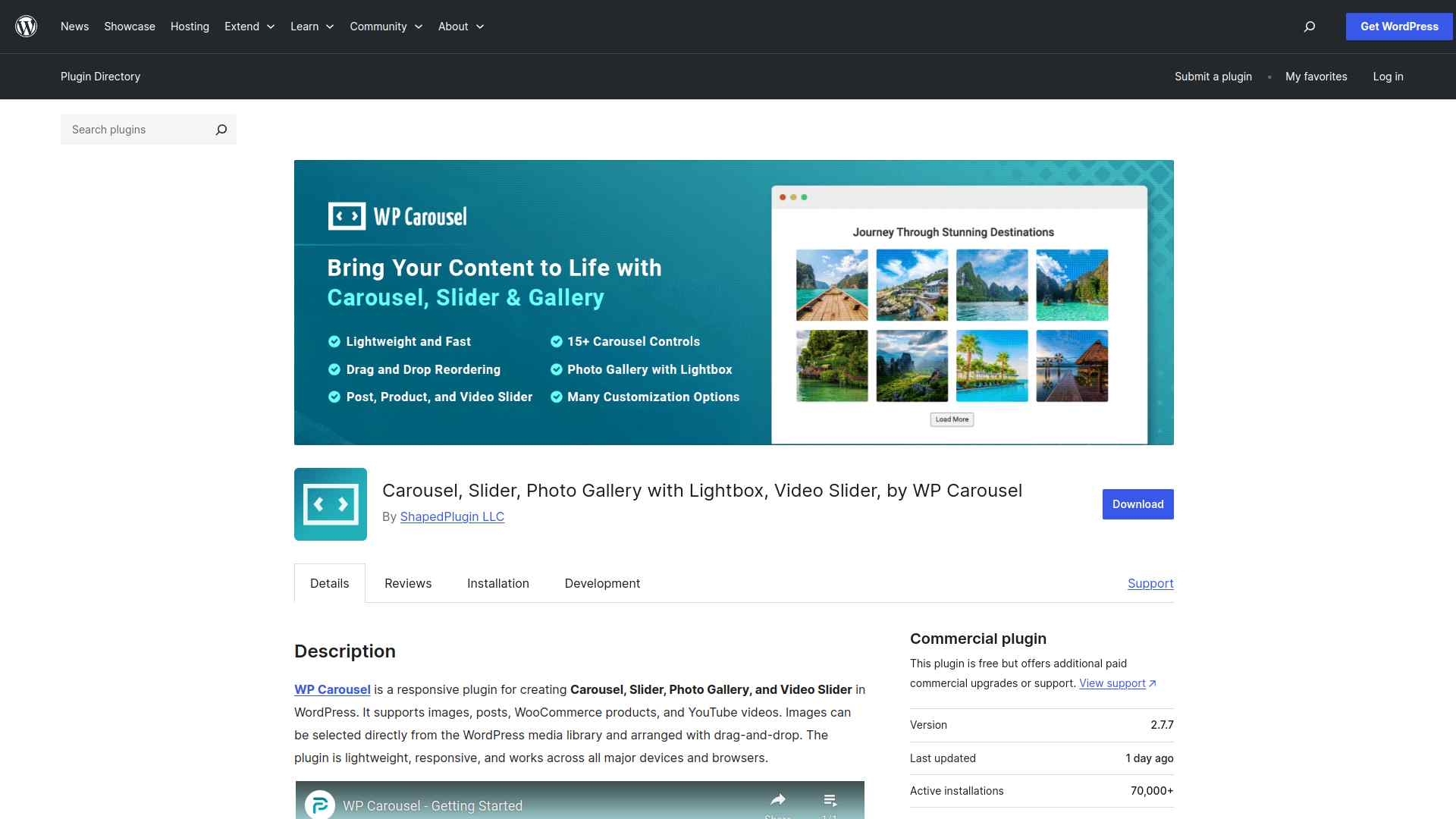
WP Carousel is the most widely installed option here, on 70,000 active sites with a 94 out of 100 rating across 432 reviews, and it was updated on 18 August 2026 and tested against WordPress 7.1. That combination of scale and recency is the strongest reason to start here if you are not on Elementor.
Best for: a general-purpose carousel for images, galleries, posts and YouTube video, on the plugin with the largest install base of the five.
Worth knowing: the listing page advertises WooCommerce product carousels, but the readme is explicit that WooCommerce products, custom post types and additional video sources are Pro features. The free download covers images, galleries with lightbox, posts and YouTube video. Pro starts at $39 per year for one site.
Key Features of WP Carousel
- Build responsive carousels and photo galleries for images, posts and YouTube video in the free version, with no coding.
- Reorder slides by dragging them, which keeps setup quick when a carousel has a dozen items.
- Lightbox support on image galleries is included in the free tier.
- Adjust colours, navigation and layout to match your theme.
- WooCommerce product carousels, custom post types and extra video sources require WP Carousel Pro.
3. Carousel Slider
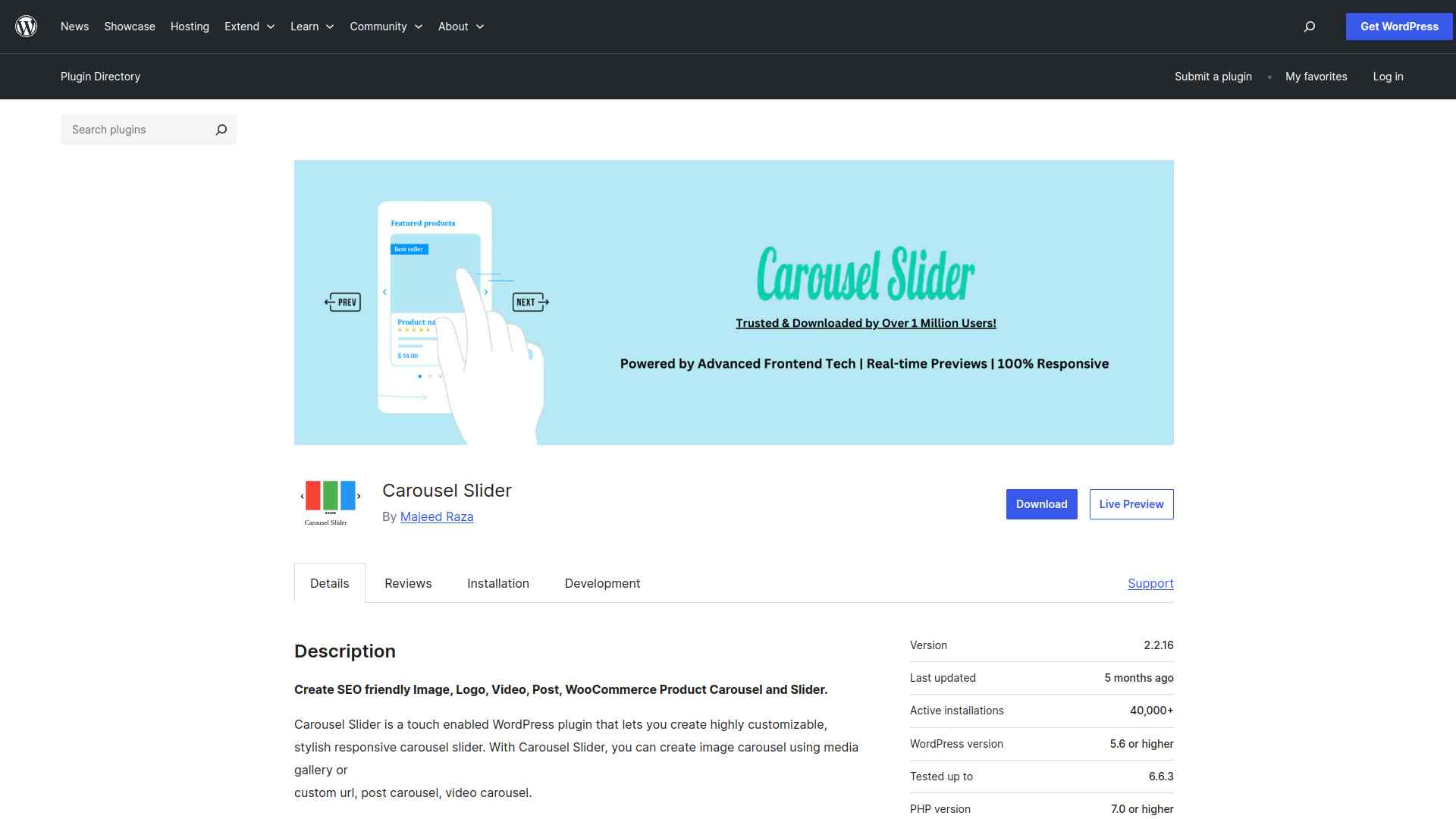
This is the plugin most worth a second look. Carousel Slider has no Pro version and no upsell, and its readme lists image carousels from the media library or a custom URL, video carousels from YouTube and Vimeo, post carousels with category, tag and date-range queries, and WooCommerce product carousels with cart and rating controls. Those are the same content sources that are paid features elsewhere on this list.
Best for: the most capable carousel you can run without paying for anything, especially if you need WooCommerce product carousels on a budget.
Worth knowing: it was last updated on 21 May 2026 and tested up to WordPress 7.0.4, which is the oldest pair of dates in this comparison. It is not stale, but it is the one to re-check before you install it on a site running the newest WordPress release.
Key Features of Carousel Slider
- Image, video, post and WooCommerce product carousels are all in the free plugin, with no paid tier.
- Documented support for Gutenberg, Elementor, Visual Composer, SiteOrigin and Divi Builder.
- Product carousels can show or hide title, rating, price, cart button and sale tag individually.
- Set the number of visible items separately for desktop, small desktop, tablet and mobile.
- Assets load only on pages where a carousel is actually used.
Also Read: How to Add a Logo Slider in WordPress covers the most common carousel job of all, and the settings that keep logos evenly sized.
4. Soliloquy Lite
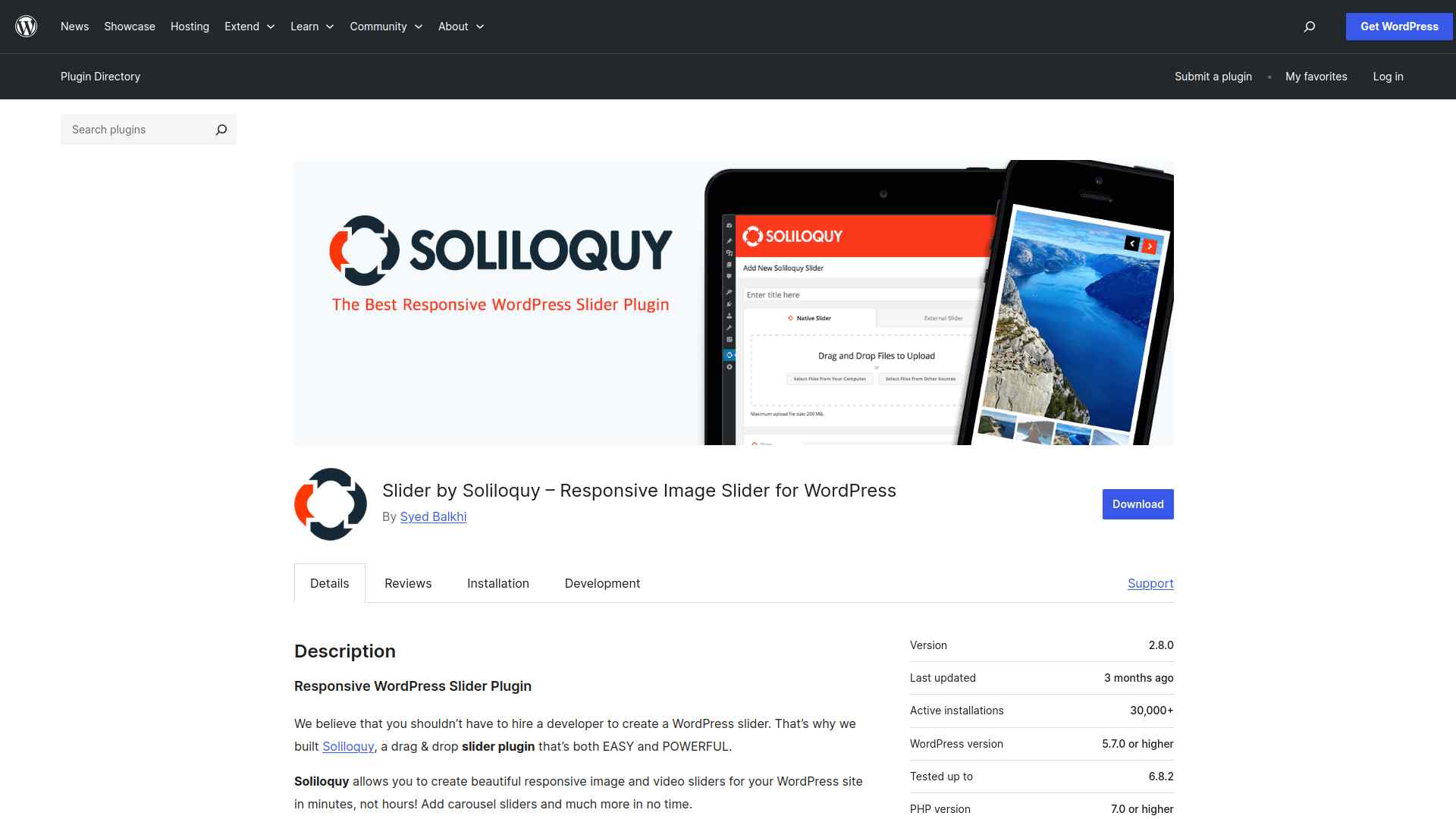
Soliloquy Lite carries 1,026 reviews at 94 out of 100, more than double the review count of any other plugin here, and it was updated on 18 August 2026 and tested against WordPress 7.1. The free version handles image and video sliders, with video from YouTube, Vimeo and Wistia.
Best for: straightforward image and video sliders where you want the reassurance of the longest review history on this list.
Worth knowing: the features most often quoted about Soliloquy are not in Lite. WooCommerce sliders, featured-content sliders built from blog posts, and Instagram imports are all Pro or addon features. Soliloquy pricing starts at $39 per year list price for a single site.
Key Features of Soliloquy Lite
- Responsive image and video sliders, with video sourced from YouTube, Vimeo or Wistia in the free version.
- Drag-and-drop slide builder, so no developer time is needed for a basic slider.
- Slider templates are included in the Lite version.
- WooCommerce, blog-post featured content and Instagram sliders require Soliloquy Pro or an addon.
5. Ultimate Responsive Image Slider
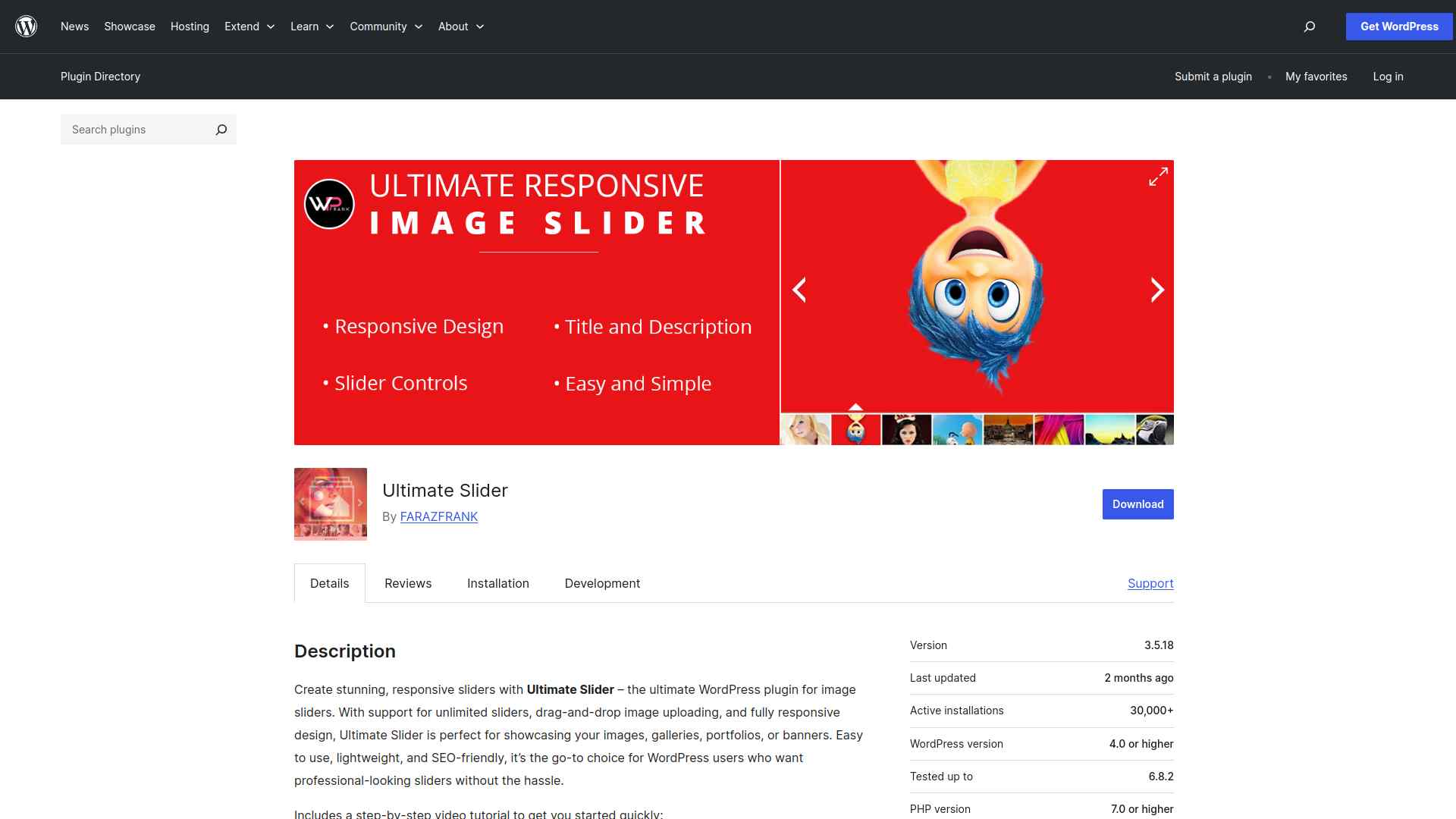
Ultimate Responsive Image Slider is the narrowest plugin in this comparison, and that is the point of it. You build a slider from media-library images, add optional title and description overlays, and drop it into a page with a shortcode. It sits on 30,000 active installs at 90 out of 100 from 247 reviews, and was updated on 10 August 2026.
Best for: a plain image slider or banner rotator where you do not want carousel settings you will never use.
Worth knowing: the free version is images only. Its own FAQ states that video sliders require the Pro version, and the vendor does not publish a Pro price on a page we could reach, so treat the upgrade cost as unknown until you ask them.
Key Features of Ultimate Responsive Image Slider
- Unlimited image sliders built from the WordPress media library, placed with a shortcode.
- Optional title and description text overlays on each slide.
- Drag-and-drop ordering for arranging images.
- Images only in the free version. Extra layouts, transition effects, clickable slides and lightbox styles are Pro features.

Which Carousel Slider Plugin Should You Choose?
Match the plugin to the constraint you actually have rather than to a feature list. If your site runs Elementor, the deciding factor is whether you want to rebuild content inside a slider tool or reuse what you have. If it does not, the deciding factor is which content sources you need and whether you are willing to pay for them.
- On Elementor: Carousel Slider by The Plus Addons for Elementor, because it carousels content you have already built.
- Not on Elementor, want the widest install base: WP Carousel.
- Not on Elementor, want everything free including WooCommerce: Carousel Slider.
- Image and video sliders only: Soliloquy Lite.
- Simplest possible image slider: Ultimate Responsive Image Slider.
If the content you want to rotate is reviews or team profiles rather than images, a purpose-built plugin usually beats a generic carousel. We compared those separately in 5 Best WordPress Testimonial Plugins for Elementor and 5 Best WordPress Before After Slider Plugins for Elementor.
Suggested Reading
- How to Add an Image Carousel in Elementor (No Code, Free)
- How to Create a Before After Image Slider in Elementor
- 5 Best WordPress Flipbox Plugins for Elementor
- 7 Best Free Elementor Addons
- The 2026 WordPress Page Builder Buyer’s Guide
FAQs on Carousel Slider WordPress Plugins
What is a WordPress carousel slider plugin?
It’s a tool that helps you display images, posts, or products in a sliding carousel format, making your site more interactive and visually appealing without needing custom coding.
How do carousel sliders improve my website?
They save space and highlight supporting content by letting visitors browse several items in one block. They are a poor place for your single most important message, because everything after the first slide is hidden until someone interacts.
Are carousel sliders mobile-friendly?
Most modern carousel plugins are fully responsive and adapt to smartphones and tablets. The setting that matters most is how many items show per breakpoint, so check that a plugin exposes it before you install.
Can I customize the look of carousel sliders?
Yes. Many plugins let you adjust colors, sizes, transitions, and navigation styles to match your site’s design and branding.
Which carousel slider plugins are completely free?
Carousel Slider has no paid tier and covers image, video, post and WooCommerce product carousels. WP Carousel, Soliloquy Lite and Ultimate Responsive Image Slider all have free versions with a paid upgrade, and WooCommerce support is a Pro feature in each of them.