Last month a store owner asked me a question I keep hearing: how do I know if ChatGPT or Perplexity is recommending my site?
It is a fair question. Traditional rank trackers tell you where you sit on Google’s blue links, but they say nothing about whether an AI assistant mentions you, cites you, or sends you a visitor. That gap is exactly what AI visibility tools are built to close.
There are a lot of them now, and they are not all doing the same job. Some watch the AI answers from the outside. One free option watches your own site from the inside.
Here is how the category breaks down, the tools worth knowing in 2026, and where a WordPress owner should actually start.
What “AI visibility” actually means
AI visibility is whether AI engines like ChatGPT, Perplexity, Google AI Overviews and AI Mode, Claude, and Copilot mention, cite, or recommend you when someone asks a question in your space.
Measuring it splits into two layers, and most tools only cover one.
- Off-site prompt monitoring. You give the tool a set of prompts, like “best tool for [your category]”, and it queries the AI engines on a schedule, then reports whether your brand showed up, how often, and against which competitors. This is what most paid AI visibility platforms do.
- On-site readiness and signal. This is the other half: which AI crawlers actually fetch your pages, which of your posts are getting pulled as citation candidates, and whether AI assistants are sending you referral traffic. It lives on your own site, not in a third-party prompt.
A complete picture needs both. The catch is that the off-site monitors are mostly paid, while the on-site layer can be measured for free. Most roundups only cover the first layer, so that is where the money goes by default.
For the strategy behind all of this, our guide to answer engine optimization sets the context.
The best AI visibility tracking tools in 2026
These are the off-site prompt-monitoring platforms worth knowing. Pricing and features move quickly in this category, so treat the notes below as a starting point and check each tool’s current plans on its own site before you commit.
| Tool | What it focuses on | Tier |
|---|---|---|
| Profound | Enterprise AI search visibility: large-scale prompt monitoring, how AI represents your brand, and agent analytics for big brands | Paid, enterprise |
| Otterly.AI | Monitors how your brand appears across AI search engines like ChatGPT, Google AI Overviews, and Perplexity; built for marketing teams and agencies | Paid |
| Peec AI | Tracks brand visibility, position, and sentiment across ChatGPT, Perplexity, and Gemini for marketing teams | Paid |
| Semrush AI Visibility Toolkit | Monitors your brand’s visibility and mentions in AI answers; part of the Semrush One platform | Paid (Semrush add-on) |
| RankReady | On-site AI readiness, crawler log, citation candidates, and AI referral traffic (covered below) | Free |
The first four answer the same core question from the outside: when someone asks an AI engine, does your brand come up? They differ mainly in scale and price, from team and agency tools up to enterprise platforms.
If tracking how often AI answers recommend you versus competitors is the job, this is the category you are shopping in.
The free layer most WordPress owners miss
Before you pay for prompt monitoring, there is a free layer you can switch on inside WordPress today, and it answers questions the off-site tools cannot. RankReady, a free plugin from POSIMYTH, measures AI visibility from your own site.
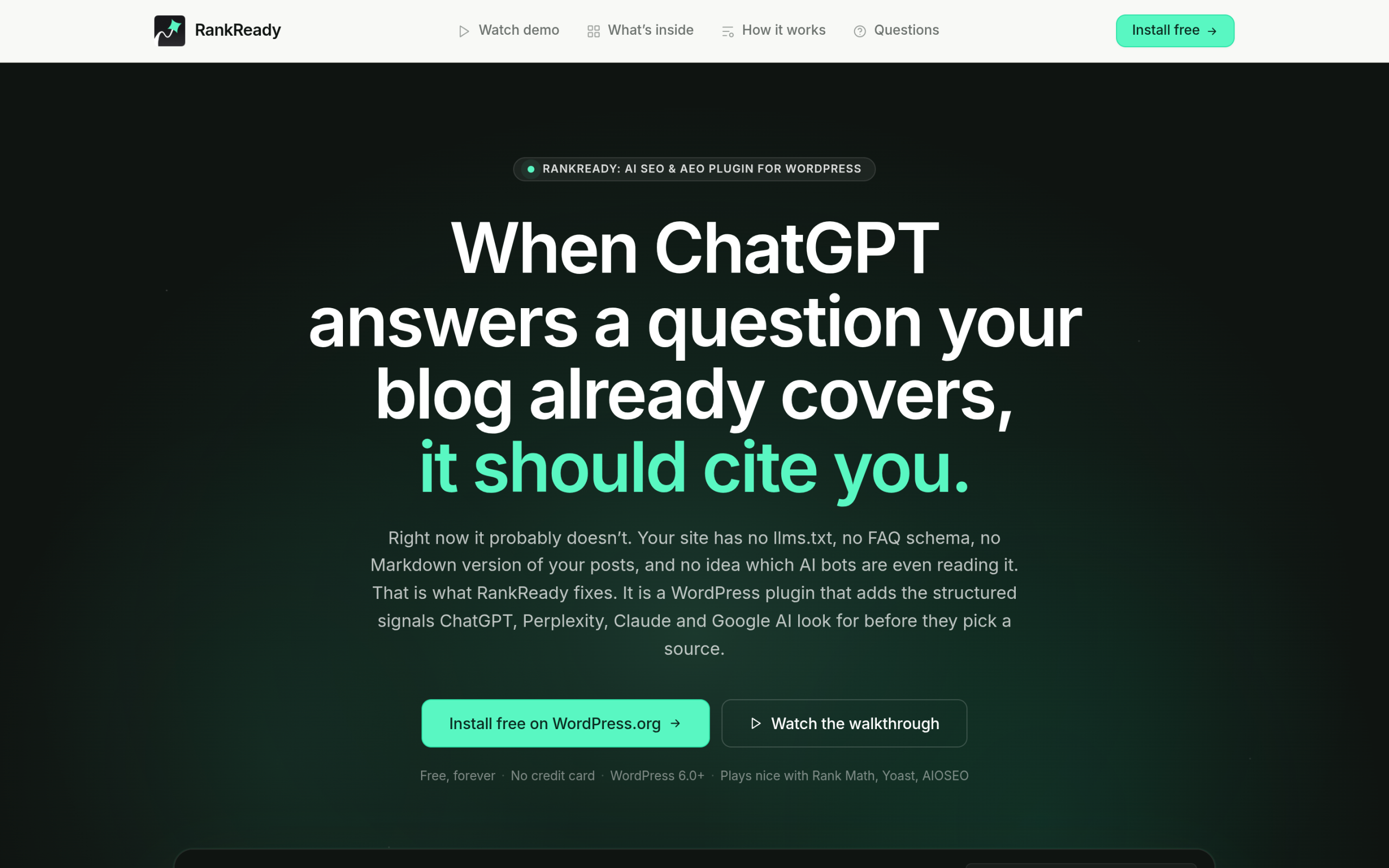
- A live AI crawler log shows every time an AI bot hits your site, with timestamp, page, and bot name, across 31 named crawlers including GPTBot, ClaudeBot, PerplexityBot, and Google-Extended.
- Citation candidates is a leaderboard of your own posts that citation-style bots fetched in the last 30 days, the leading indicator of what an AI engine might cite.
- AI referral tracking shows visits arriving from chatgpt.com, perplexity.ai, claude.ai, gemini.google.com, and copilot.microsoft.com.
- A 0 to 100 readiness score grades each post on schema, freshness, content depth, and author signals, so you know exactly what to fix.
RankReady is free forever, GPL licensed, and runs on WordPress 6.0 and higher with PHP 7.4 and higher. Be clear about what it is and is not: it does not run prompts against AI engines for you the way the off-site monitors do.
It measures the on-site half, the crawler activity, citation candidates, referral traffic, and readiness, which is the half the paid tools leave out.
If you want the manual version of this measurement, our free AI citation tracking playbook walks through it step by step, and how Perplexity decides which sites to cite explains what the citation candidates are competing for.
How to choose: a practical stack
For most WordPress owners the right order is simple.
- Turn on the free on-site layer first. Install RankReady, watch which AI bots crawl you, see which posts are citation candidates, and fix the low readiness scores. This costs nothing and tells you whether AI engines are even reaching your content.
- Fix readiness before you pay to monitor. There is little point paying a prompt monitor to tell you that you are invisible if the cause is that your pages are not crawlable or structured for AI. Sort that on-site first. Publishing an llms.txt file is a sensible early step.
- Add an off-site monitor when brand mentions matter. If you are in a competitive category and need to track how often AI answers recommend you versus rivals, that is when a paid tool like Profound, Otterly, or Peec earns its place.
This order keeps your spending honest. Many sites discover, once the free layer is on, that their real problem is readiness, not monitoring, and readiness is fixable without a subscription.
If you are weighing broader tooling, our roundup of the best AI SEO tools for WordPress covers the content-optimization side.
The bottom line
AI visibility is two jobs, not one. The paid platforms watch the AI answers from the outside. The free on-site layer watches your own site and tells you whether AI engines can reach and understand it.
Start with the free layer so you know where you stand, fix what it surfaces, and add a paid monitor when brand-mention tracking genuinely matters. Either way, the worst position is the one most sites are in right now: not measuring AI visibility at all.